

Plans, Storage, and Billing
Compare the Startup and Scale plans, check your usage, and change your plan or payment details.
Who can do this: Admins.
See Your Plan and Usage
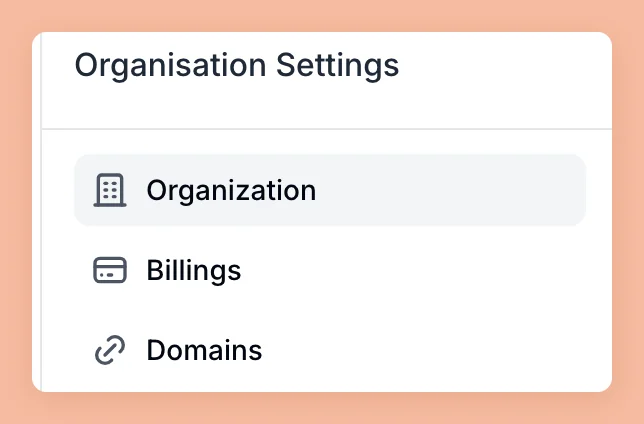
Click Settings at the bottom of the left navigation.
In Organisation Settings, click Billings.
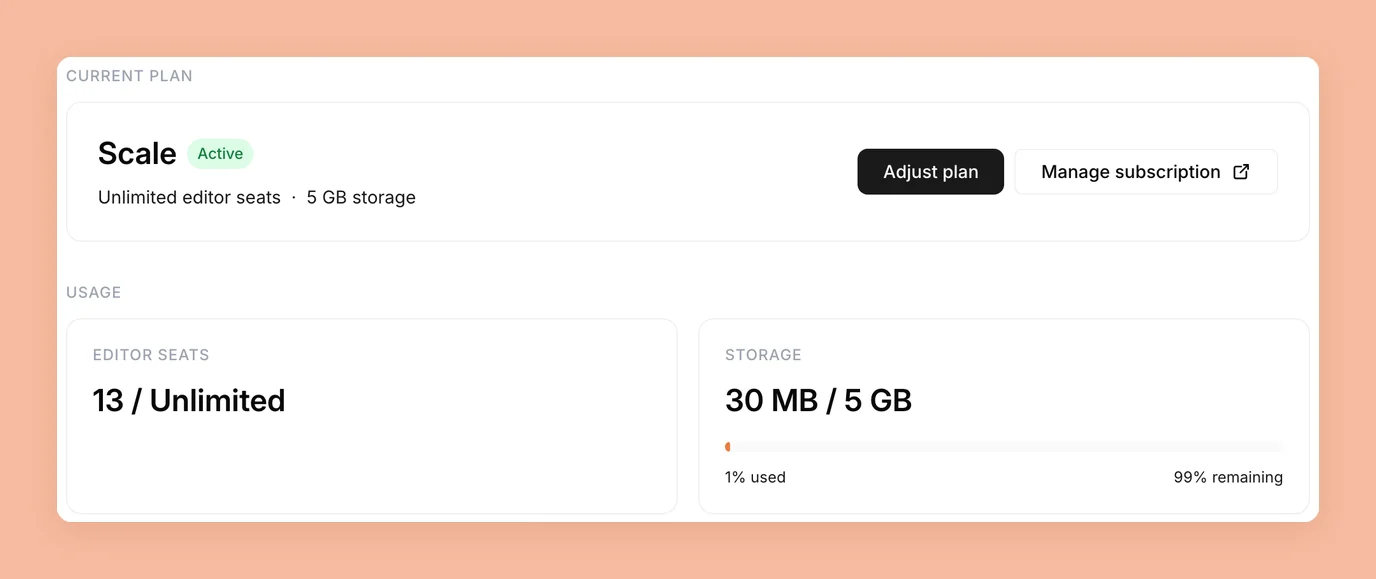
Read your plan under Current Plan. Usage shows your Editor Seats and the Storage you have used.
Compare the Plans
| Startup | Scale | |
|---|---|---|
| Price | $29 a month or $290 a year | $49 a month or $490 a year |
| Editors | Up to 20 | Unlimited |
| Viewers | Unlimited and free | Unlimited and free |
| Storage | 1 GB | 5 GB |
| Extra storage | $10 a month per 10 GB | $10 a month per 10 GB |
| Support | 1 business day | Under 5 hours on monthly, instant chat on yearly |
Admins count toward the 20 Editors on Startup. Scale adds Slack and custom domains, and it can add e-sign signatures in packs of 20 for $20 or 50 for $40. Yearly plans include free migration, usually within a week.
Change Your Plan or Card
Open Settings > Billings.
Click Upgrade to Scale to move from Startup to Scale. On Scale, the button reads Adjust plan.
Follow the steps in Stripe.
To change your card or see invoices, click Manage subscription in step 2 instead. To cancel, email [email protected]. To learn how charges and credits work when you change plan, see Trials, Renewals, and Refunds.
Buy E-Sign Signatures
Open Settings > Billings.
Under E-sign Signatures, click Buy 20 · $20.00 or Buy 50 · $40.00. A secure checkout opens.
Enter your payment details and click Pay.
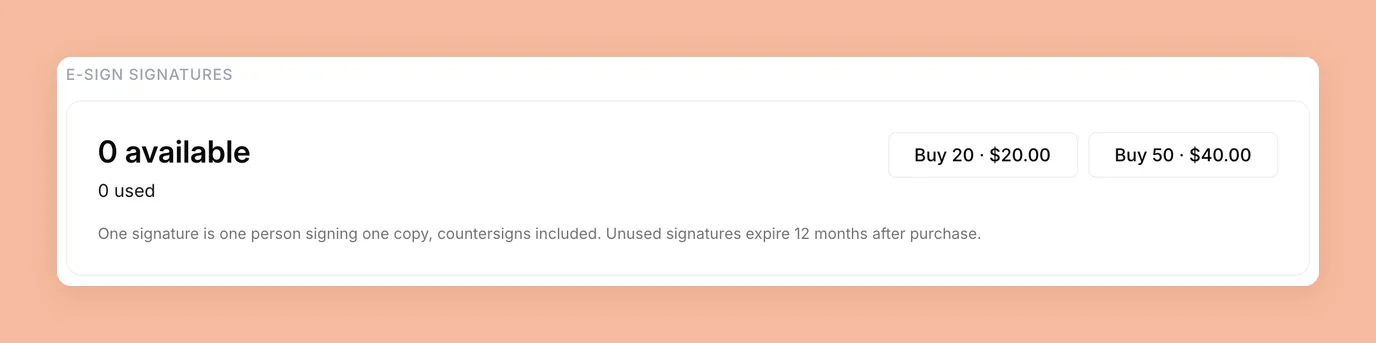

One signature is one person signing one copy, countersigns included. Unused signatures expire 12 months after purchase.
Check That It Worked
Open Settings > Billings again. Current Plan shows your new plan, and E-sign Signatures shows the signatures you have available and used.
Common Questions
Where Do I See How Much Storage We Use?
Under Usage > Storage on Billings. When storage is full, uploads stop with "Storage limit exceeded". To add storage, email AllyMatter support at [email protected]. Extra storage is $10 a month per 10 GB.
Is the Price per Person?
No. The price is for the workspace. Viewers are free on both plans, and an approver is free only as a Viewer.
What Happens When the Trial Ends?
People can open the app and can do nothing in it until an Admin subscribes from Billings.
Next Steps
- Connect Slack: turn on Slack on the Scale plan.
- Set Up a Custom Domain: use your own address on the Scale plan.
- Limits: every limit and time window.
New to AllyMatter? Start a 30-day trial. No credit card required.