

Buy and Track Signature Packs
Buy e-signature packs for your workspace, and see how many signatures you have left.
Who can do this: Admins. Scale plan.
Before You Start
- Your workspace needs the Scale plan. E-sign is an add-on to Scale. On Startup, upgrade to Scale first. See Plans, Storage, and Billing.
- Work out roughly how many signatures you need. One signature is one person signing one copy, and countersigns count too. For example, 10 people each signing their own copy, with one countersigner on each copy, uses 20 signatures.
Buy a Pack
Click Settings at the bottom of the left navigation.
In Organisation Settings, click Billings. Billing opens.
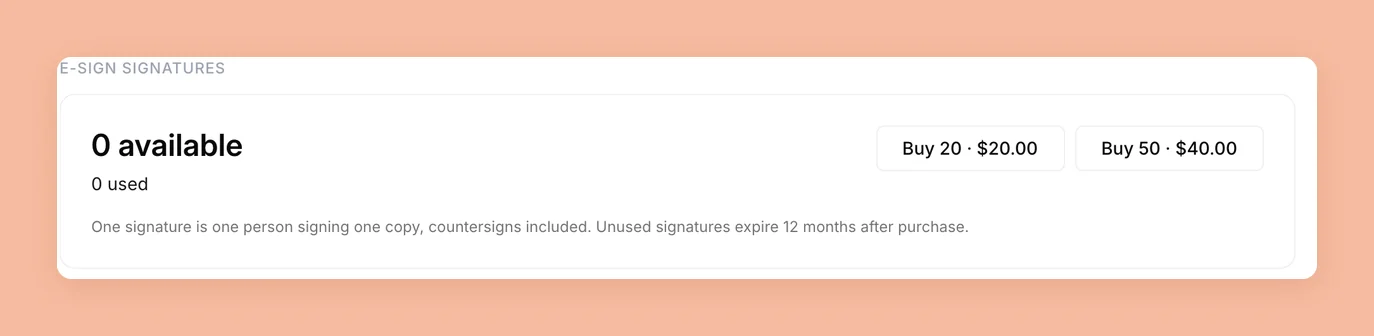
Find the E-sign signatures section.
Click Buy 20 · $20.00 for 20 signatures, or Buy 50 · $40.00 for 50.
A secure checkout page opens, listing the pack, such as E-sign - 20 signatures. Enter your contact and payment details there.
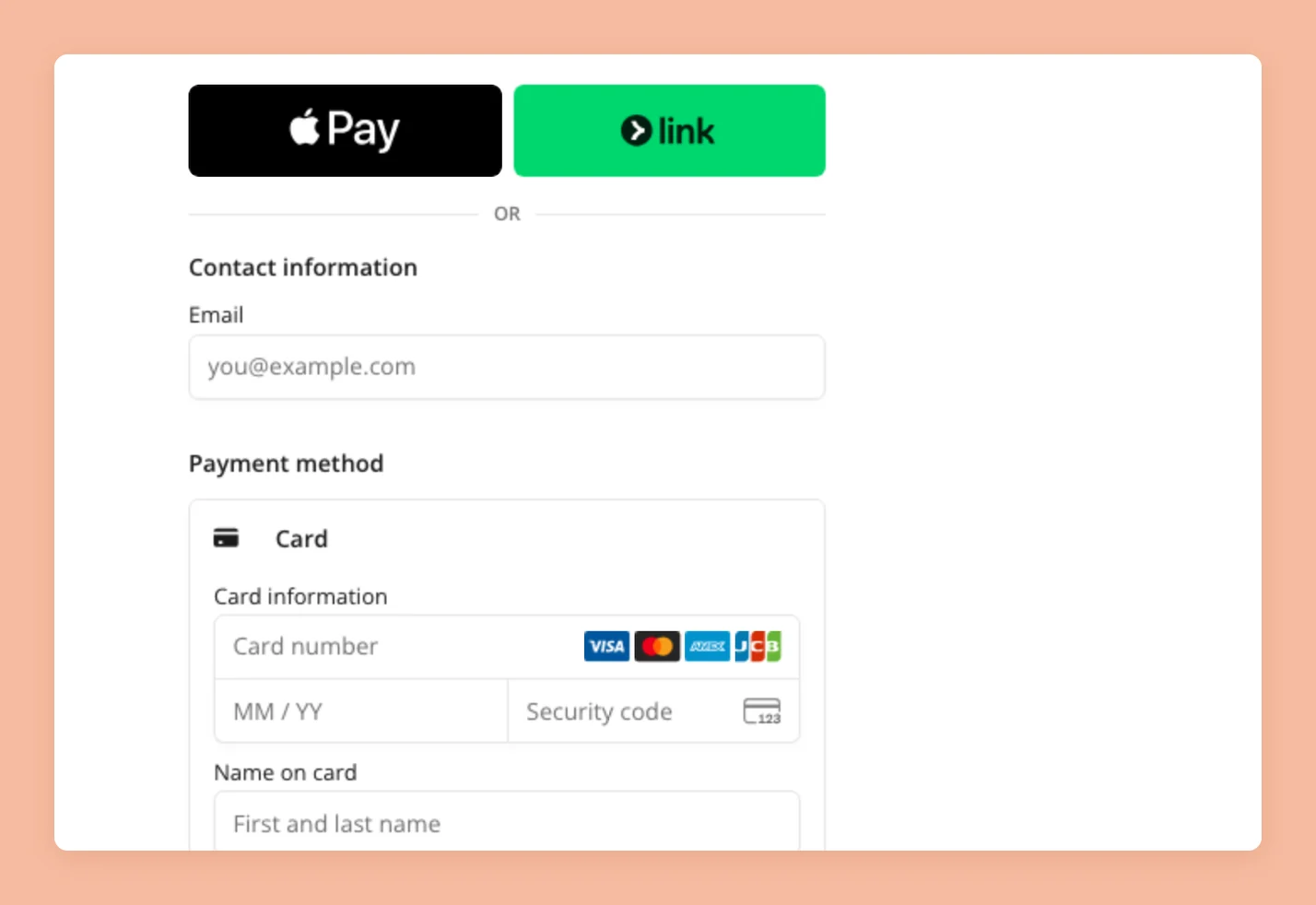
Click Pay.
Check How Many You Have
Go back to Settings > Billings. Under E-sign signatures, the large number shows how many signatures are available, and the line below it shows how many are used.
How Long Signatures Last
Unused signatures expire 12 months after purchase. Unused signatures are refundable: email [email protected] with your workspace name and account email. Approved refunds reach the original payment method within 15 business days. See Trials, Renewals, and Refunds.
Common Questions
We are on Startup. How do we use e-sign?
Move to Scale first, then buy a pack. Until then, Acknowledge records each person's confirmation by name on both plans. See How Policy Distribution Works.
Next Steps
- Send a Document for Signature: use your signatures.
- How e-Sign Works: what you get for each signature.
New to AllyMatter? Start a 30-day trial. No credit card required.