

Create Your Workspace
Start your company's AllyMatter workspace and choose how it handles deleted documents.
Who can do this: anyone. If your company already uses AllyMatter, ask an Admin to invite you instead.
Before You Start
- Use your work email. Google and Microsoft sign-in need a work account. See Choose How People Sign In.
- Have your company name and logo ready. The logo can be a PNG, JPEG or GIF under 10MB.
- Decide whether deleted documents can be removed for good. See Archive, Delete, and Restore.
Sign Up
Open the AllyMatter sign-in page and click Sign up. Welcome to AllyMatter! opens.
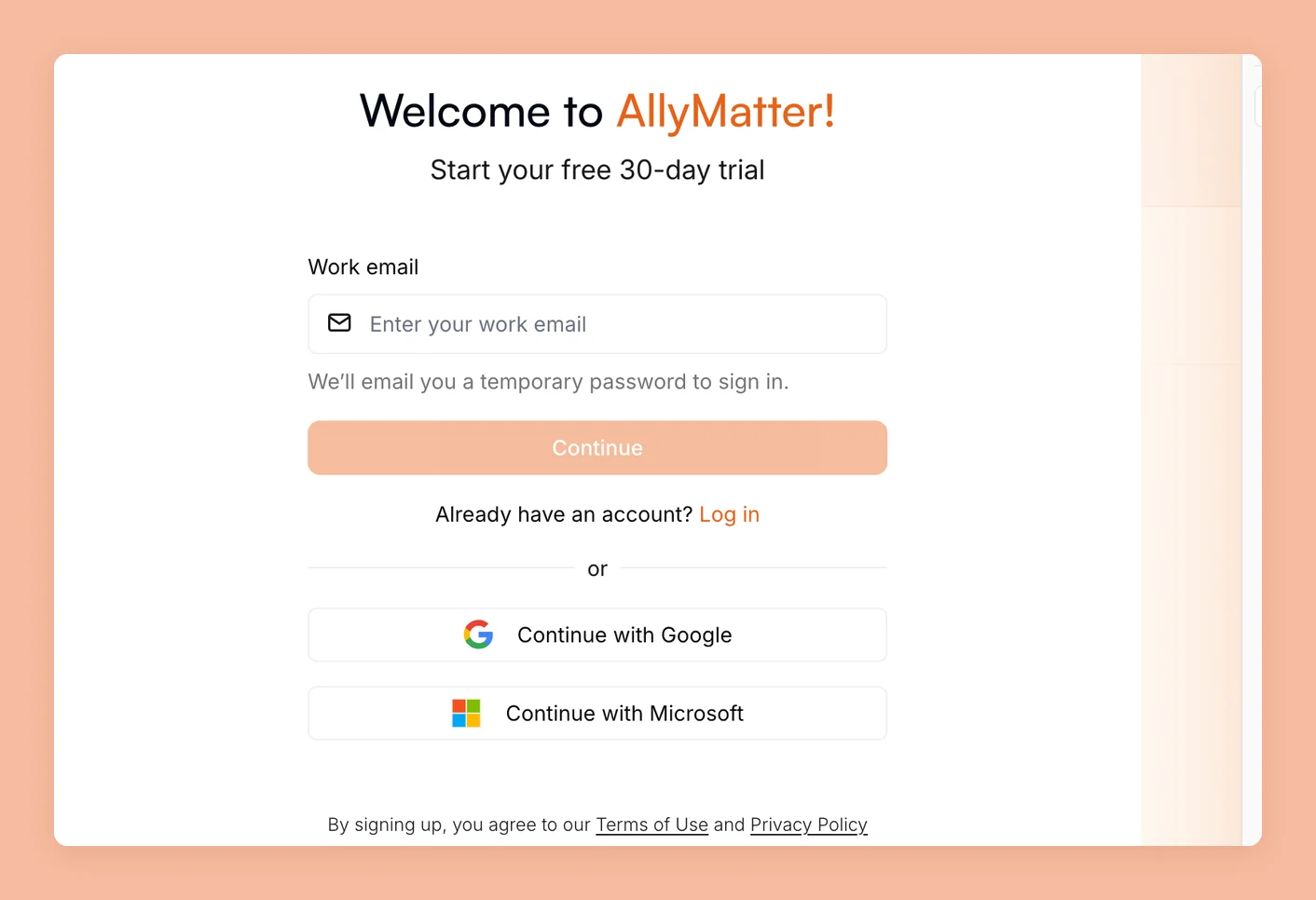
Enter your Work email and click Continue. AllyMatter emails you a temporary password to sign in. To use a work Google or Microsoft account instead, click Continue with Google or Continue with Microsoft.
Enter your First Name, Last Name and Company Name.
Choose the types of documents you will create.
Choose Allow Deletion or Archive Only.
You are the workspace's Admin. Every workspace starts with a 30-day trial with full access and no credit card. See Plans, Storage, and Billing.
Set Your Name, Logo, and Deletion Mode
Click Settings at the bottom of the left navigation.
In Organisation Settings, click Organization.
Under Company logo, click Upload image and pick your logo. If it does not upload, check that it is a PNG, JPEG or GIF under 10MB.
Check your Company Name.
Under Organisation Mode, choose Allow Deletion ("Users can permanently delete documents.") or Archive Only ("Documents will be stored and can be restored later.").
Set Your Workspace Address
Your workspace address is not set from your company name. Set it yourself:
In Organisation Settings, click Domains.
Under Base URL, type the name you want in Subdomain, for example shifttilt. Your address becomes shifttilt.allymatter.app.
Click the check button next to the field.
Public documents use this address. On the Scale plan you can use your own domain instead. See Set Up a Custom Domain.
Check That It Worked
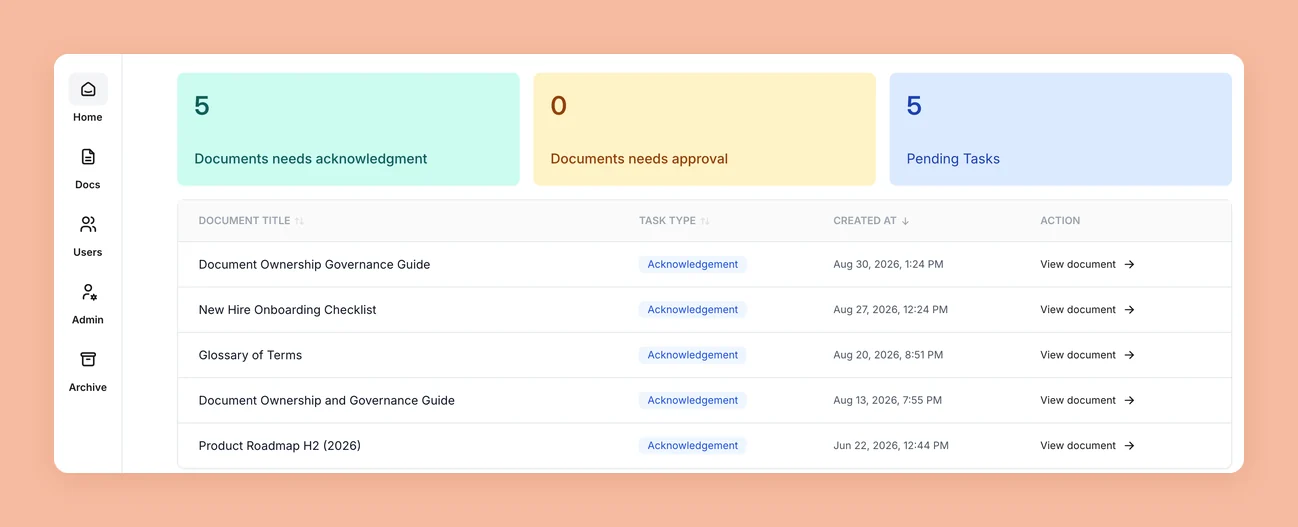
Your logo shows at the top left, and the mode you chose has a filled circle. Home shows your task counts, which start at zero.
Common Questions
Can I Change the Organisation Mode Later?
Yes. An Admin can switch it in Settings under Organization.
Next Steps
- Set Up AllyMatter in 30 Minutes: every setup step in order.
- Plan Your Folders and Tags: decide who sees what.
New to AllyMatter? Start a 30-day trial. No credit card required.