

Policy Software · 18 min read
Best Policy Management Software for Small Business in 2026
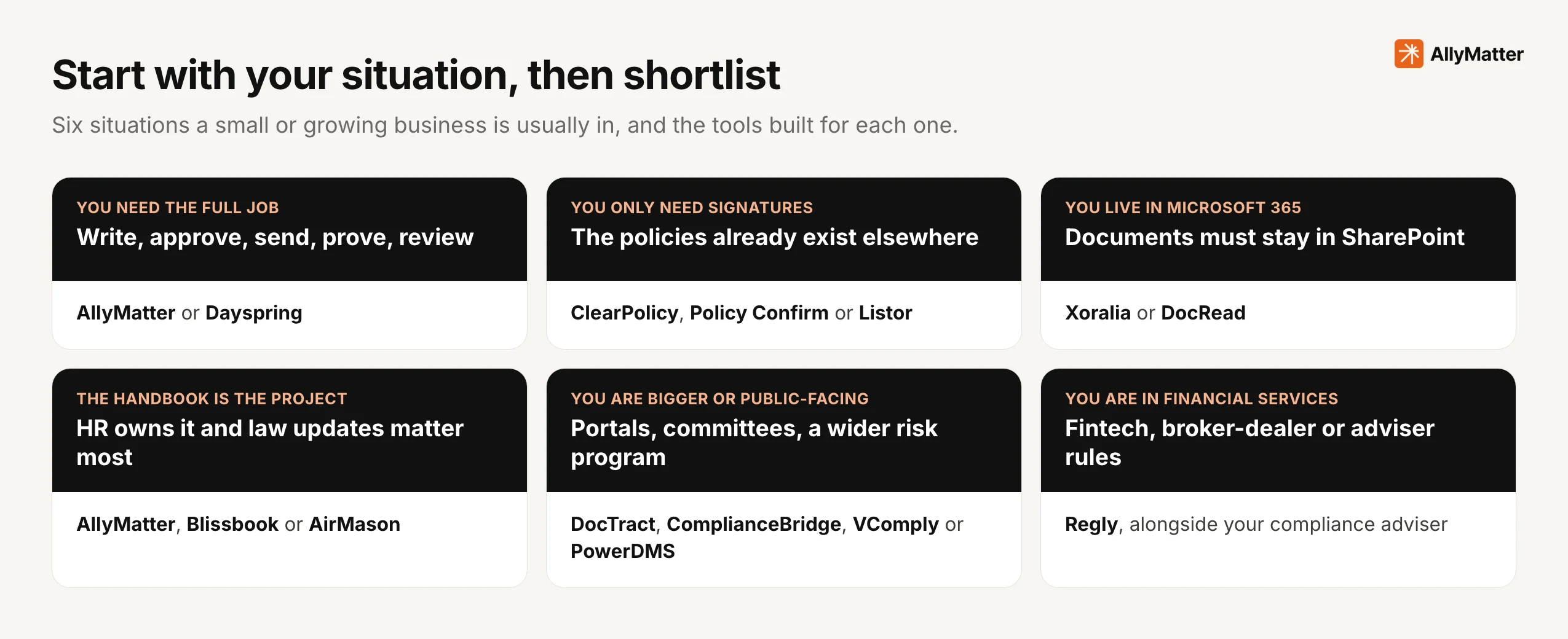
The best policy management software for a small business is the one that does the job you actually have. If you need one place to write, approve, send, prove and review policies, start with AllyMatter or Dayspring. If you only need people to sign what already exists, look at ClearPolicy, Policy Confirm or Listor. If your company runs on Microsoft 365, look at Xoralia or DocRead, and if the handbook is the whole project, look at AllyMatter, Blissbook or AirMason.
I should be plain about one thing before you read further: we built AllyMatter, so it appears on this list and we have an obvious interest in where you land. Every other vendor guide on this subject has the same interest, and the ones I read rank their own product first without saying how they chose. I’ve been through ISO 9001 audits more than ten times, ISO 27001 twice, and SOC 2 and HIPAA reviews, so what follows is the method I would use as a buyer, with each tool’s facts taken from its own website and a clear note on when you should pick something other than ours.
The best policy management software at a glance
Fourteen tools made the list. They are grouped by the job they were built for, because a church with 40 volunteers and a 200-person manufacturer with an ISO certificate are not shopping for the same thing.
| Tool | Best for | What you need to run it | What the price follows | How you can try it |
|---|---|---|---|---|
| AllyMatter | The whole job, handbook included: writing, approval, sending, proof and review | A browser | The people who write; readers are free | 30-day free trial, no card |
| Dayspring | Small firms working toward ISO 9001 or ISO 27001 | A browser | Seats, with cheaper guest seats | 30-day free trial |
| ClearPolicy | Churches, nonprofits and home care signing a short policy list | A browser; signers need no account | A flat price per organization | 30-day free trial, no card |
| Policy Confirm | Collecting acknowledgments from a known group, with quizzes if you want them | A browser | Recipients | Free plan for up to 10 recipients |
| Listor | Startups working toward SOC 2 that keep documents where they are | Your existing documents and a browser | Users | Free for up to 10 people |
| Xoralia | Regulated firms that run on Microsoft 365 | Microsoft 365 | A yearly license plus onboarding | Free trial |
| DocRead | Read-and-confirm on top of SharePoint | Microsoft 365 or SharePoint | People who receive reading tasks | Free trial |
| Blissbook | HR teams whose main document is the handbook | A browser | Audience size | On request |
| AirMason | A designed, branded handbook | A browser | Employee count | On request |
| DocTract | Universities, local government and healthcare groups | A browser | Not published | Demo |
| ComplianceBridge | Policy management inside a wider compliance suite | A browser | Not published on the product page | Demo |
| VComply | Growing firms that also want risk and audit modules | A browser | Modules and admin seats | Demo and product tour |
| PowerDMS | Police, fire and healthcare accreditation | A browser | Not published | Demo |
| Regly | Fintechs and broker-dealers | A browser | Not published | Demo; advertises a 14-day trial |
Source: each vendor's own website, read 18 October and 1 November 2026. Prices change, so check the vendor before you decide
How we chose these tools
We started from the tools that appear when a small business searches for this software, then removed anything that didn’t record acknowledgments by name, since that is the one thing a shared drive can’t do. We kept tools aimed at companies of roughly 10 to 500 people, along with a few larger ones that small companies often get pointed to, so that you can see why they may not fit.
We read each vendor’s own site and left out review sites, and where a vendor didn’t state something we have said so instead of guessing. We didn’t run a paid test of every product, and any page that claims to have put fourteen tools through a controlled trial should make you curious about how. You will learn more in one afternoon with two trials and one real policy than from any list, including this one.
We left out two groups on purpose. Enterprise governance suites such as MetricStream and ServiceNow solve a different problem at a different scale. Security automation tools such as Vanta, Drata and Sprinto are good at collecting technical evidence, but they aren’t built to run the life of a policy, which we cover in the questions at the end.
Which policy management software fits your situation?
Most wrong purchases come from buying for the wrong job, so decide which of these situations you are in before you look at features.
What should a small business look for in policy software?
Feature lists in this category look nearly identical, so test behavior instead. An auditor doesn’t care whether your software has a policy library. They ask to see who approved a document, which version someone confirmed and when it was last reviewed. These six questions separate the tools in about an hour, and our ten-point buying checklist goes further if you are running a formal evaluation. If the record you need is a personal commitment rather than a receipt, read our guide to policy attestation first.
| Question | Why it matters | How to test it in a trial |
|---|---|---|
| Does the record name a person and a version? | An auditor asks who confirmed which version and when, and a count of signatures doesn’t answer that | Acknowledge a policy, change it, and see what the old record still says |
| Does anything check a policy before it goes out? | Without approval, the first reader of a mistake is the whole company | Try to publish a draft without an approver |
| What happens when a policy changes? | People who confirmed the old wording haven’t confirmed the new one | Edit one sentence and see who is asked again, and whether they can see what changed |
| Who chases the people who haven’t read it? | Chasing by hand is where most of the hours go | Leave one test user unconfirmed for a few days |
| Will it tell you a review is due? | An out-of-date policy is a finding even when everyone signed it | Set a review date for tomorrow |
| Can you hand the evidence to someone else? | The auditor and the customer don’t have a login | Export a full history and read it as a stranger would |
Best all-round policy management software for small businesses
These two run the whole life of a policy in one place, without needing Microsoft 365 or a compliance team.
AllyMatter
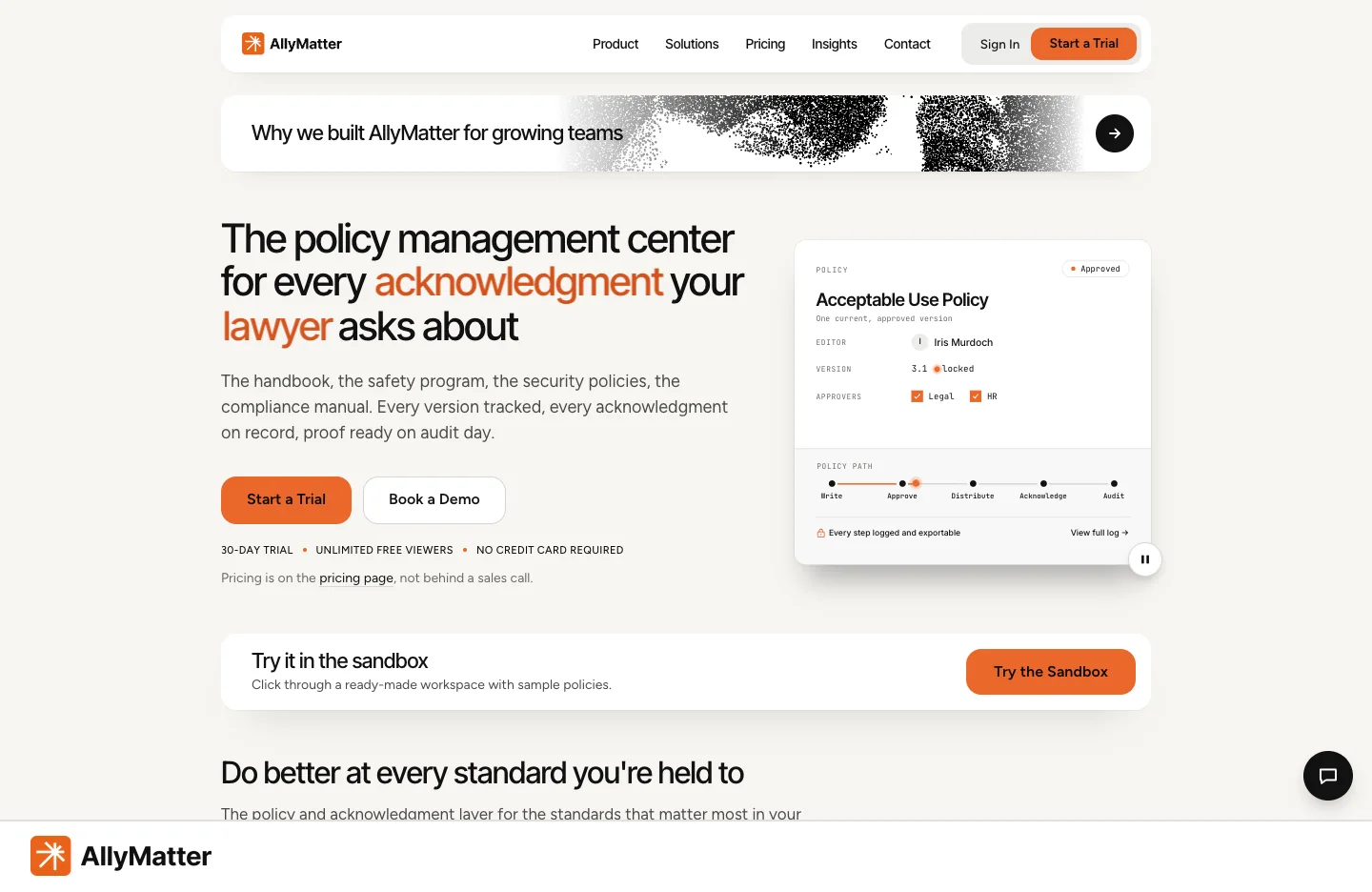
Best for: small and growing companies that want approvals, distribution, acknowledgments, reviews and the audit trail in one place, without paying for every employee.
We built AllyMatter after watching companies run this work across shared drives, inboxes and spreadsheets. Every document goes through an approval flow of up to four steps before anyone sees it. Tags decide who receives each policy, and the people holding those tags are the distribution list, so a new hire with the right tags gets the right policies. Each acknowledgment records the person, the version, the date and the time, reminders go out automatically on a cadence you choose, and when a policy changes people can see every word that was removed and added before they confirm again.
Review dates raise alerts when a policy is due, Document Analytics shows who viewed a policy and for how long, evidence files can be attached to the policy they support, and the log exports as a PDF or CSV for an auditor. You can give an auditor Viewer access limited to what their tags allow. Consultants can run each client’s workspace from one login, while the client owns its own data.
Pricing model: two plans priced by the people who write, with viewers free. See the pricing page. E-signature is an add-on on the Scale plan.
Choose something else if: your documents have to stay inside your own Microsoft 365 tenant, in which case Xoralia or DocRead will suit you better, or if the policy list is short and all you want is signatures at a single flat price, where ClearPolicy is simpler.
Dayspring
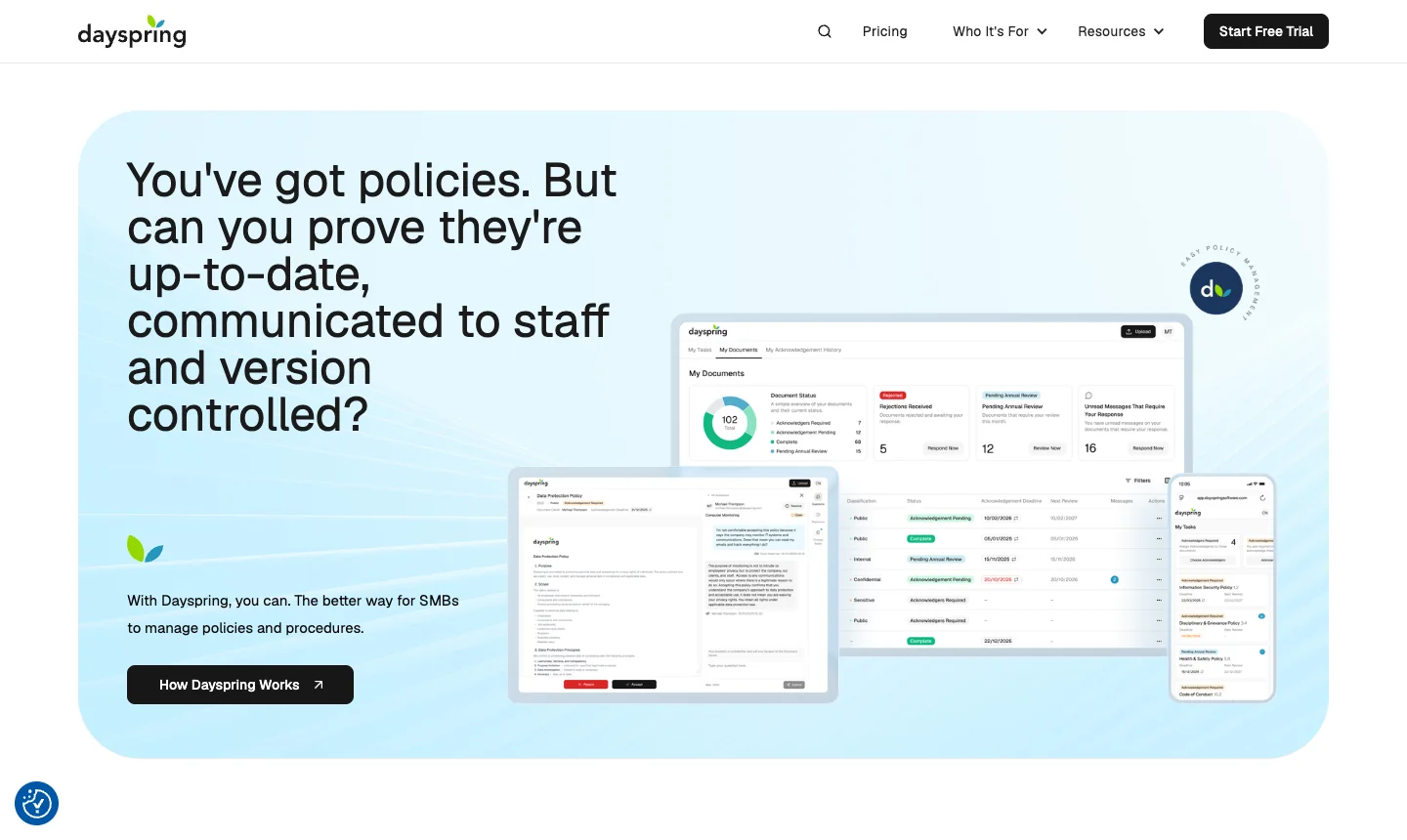
Best for: small firms working toward ISO 9001 or ISO 27001, and professional services firms that have to show policy governance to customers and insurers.
Dayspring describes itself as policy management for small and medium businesses that face regular audits, inspections and vendor questionnaires, and its site speaks to that buyer more directly than most. Full seats suit people who manage documents, while cheaper guest seats let suppliers and outside collaborators review and acknowledge, which is useful if you need to prove that a contractor read something.
Pricing model: per seat with a minimum of three full seats, listed in pounds. There is a 30-day free trial.
Worth checking: it is a UK company, so if you are a US business, confirm hosting and support hours before you commit. Its focus is ISO and UK-style governance, so check that its terms and examples match your own standards.
Best tools if you only need acknowledgments
These are the right choice if your policies are already written and approved somewhere else, and the only missing piece is proof that people read them. Each of them is cheaper and simpler than a full platform, and that is the point of them. If you later need approvals and reviews as well, you will either add steps around them or move.
ClearPolicy
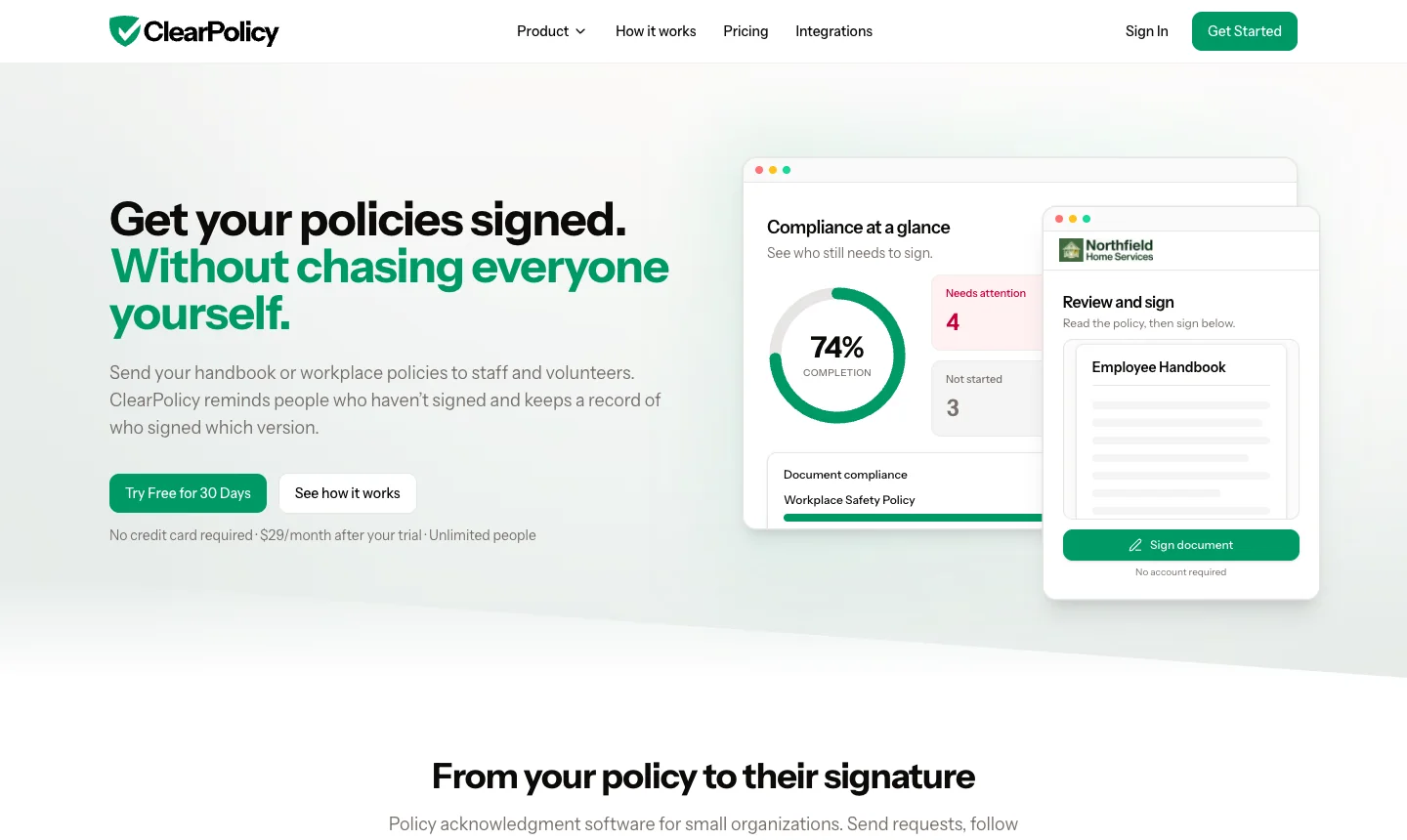
Best for: churches, nonprofits, home care agencies and other small organizations with people who won’t ever have a work login.
ClearPolicy has the simplest offer in this category: one flat price per organization, unlimited people and documents, and no card for the trial. Signers type their name from an email link without an account, which matters when your audience is volunteers. It also offers Planning Center roster sync for churches, a fallback for paper signatures, and ready-made templates for home care, nonprofits and churches. A page for reviewing and approving revisions went up in October, so it is moving toward approvals, and it sells to HR consultants at the same price per client.
Pricing model: flat per organization, billed monthly. Trial: 30 days, no card.
Worth checking: document review dates. At our last check it offered renewal of signatures on an interval, and we didn’t find a review date or owner on the document itself. See our AllyMatter and ClearPolicy comparison.
Policy Confirm
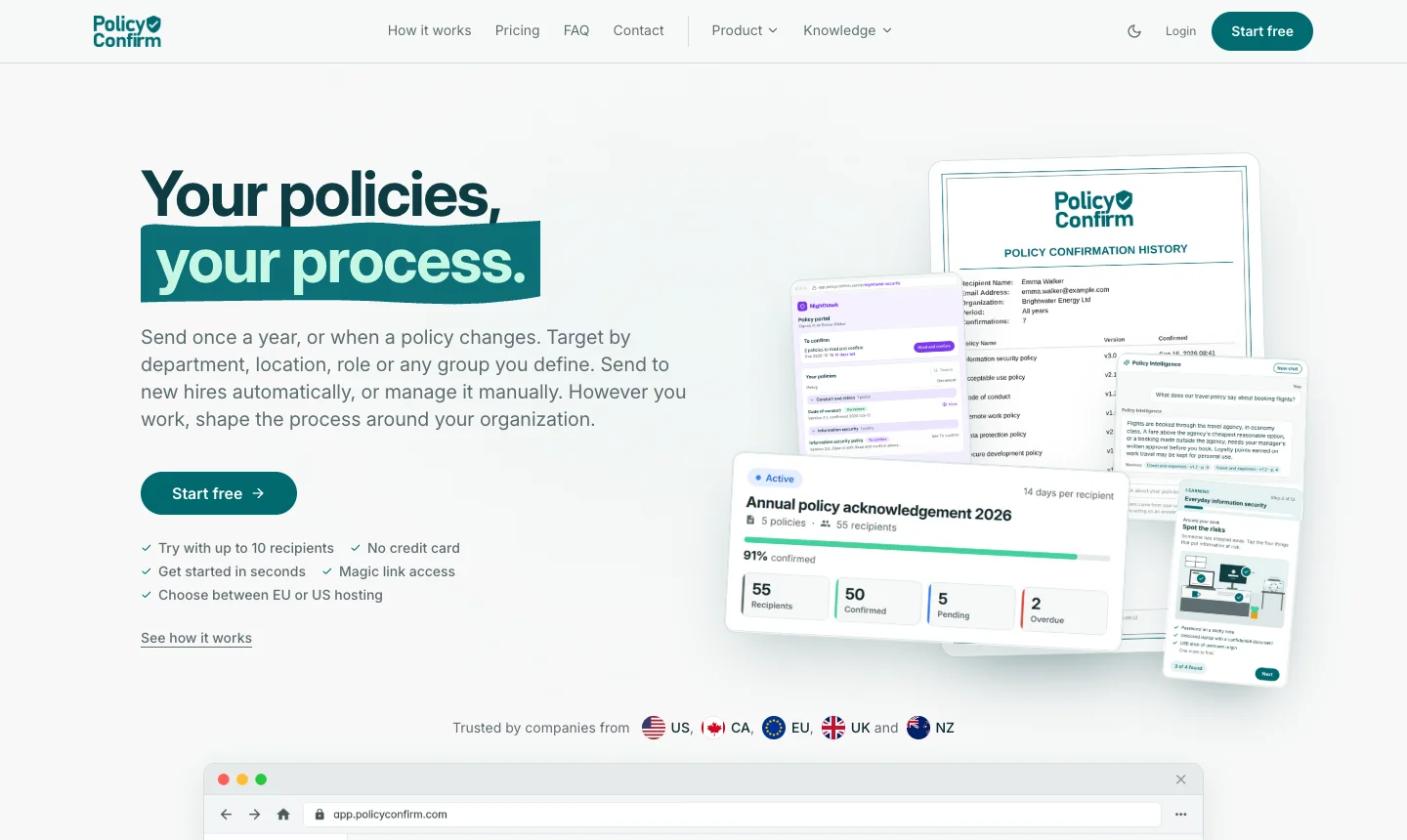
Best for: a compliance, HR or IT lead who wants to send a policy to a defined group and get confirmations back, by click, quiz or signature.
Policy Confirm is a focused tool from a small Norwegian company, Stack Seven, with the clearest content in this niche and a free plan for up to 10 recipients with no time limit. You can choose how each policy is confirmed, including a quiz, and choose EU or US data hosting. It connects to Microsoft sign-in, Entra ID, SharePoint links, Teams and Slack, and it has just opened a partner program for consultants and IT providers.
Pricing model: by recipients, with unlimited policies and admins. Free plan: yes.
Worth checking: approval before publishing, which we didn’t find listed at our last check, and what happens to your bill as headcount grows. See our AllyMatter and Policy Confirm comparison.
Listor
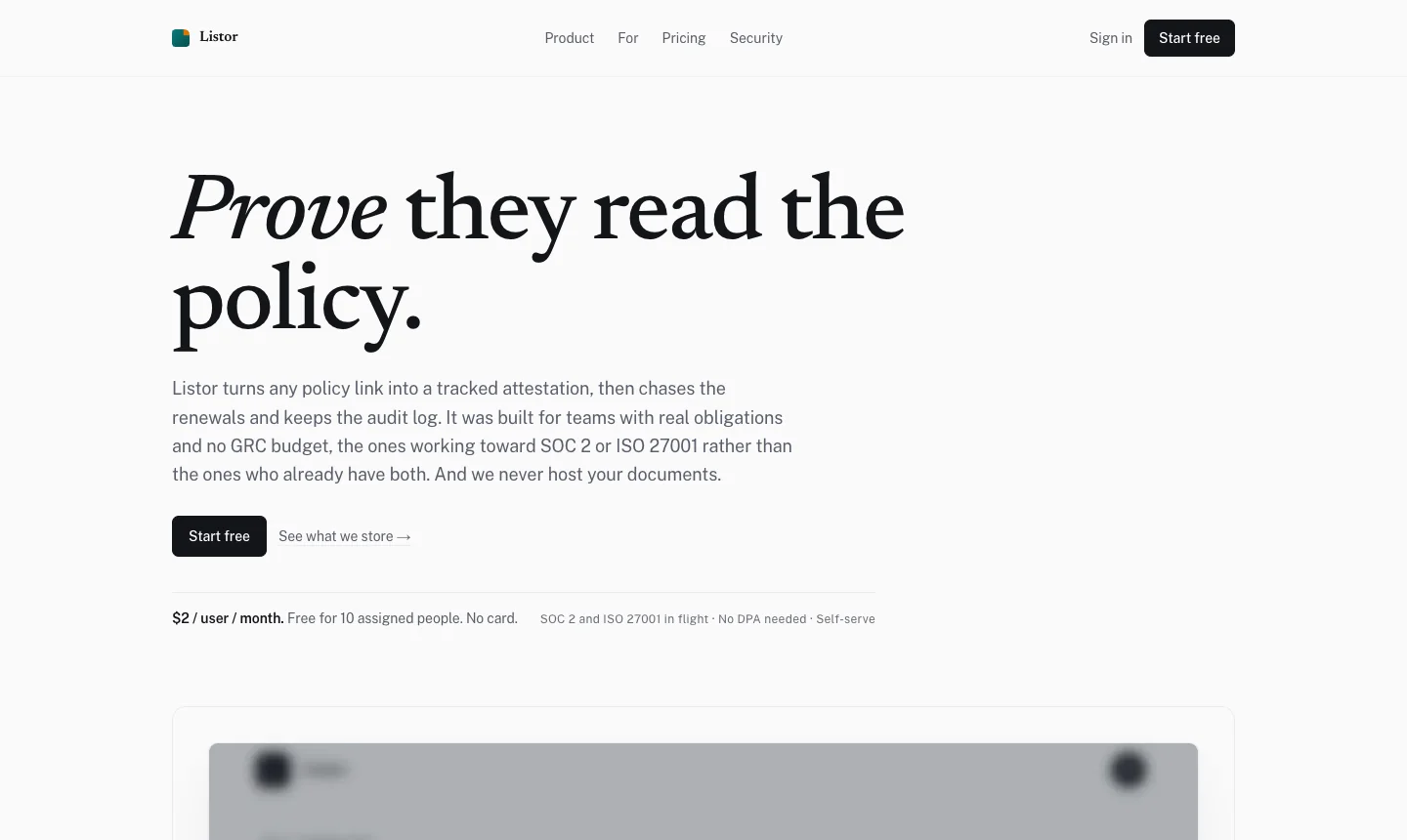
Best for: startups working toward SOC 2 or ISO 27001, with policies already in Notion, Confluence or Google Drive.
Listor takes an unusual approach: it never hosts your documents. You give it a title and a link, it records that a person attested to it, and it chases renewals and keeps the log. That means there is no second copy of a policy to manage, and little for a security reviewer to worry about.
Pricing model: per user, with a free tier for 10 assigned people.
Worth checking: because it stores only a link, confirm how you would prove which wording a person saw if the linked document was edited later. Your version history lives in whichever tool holds the document, so make sure that tool keeps it.
Best policy software for Microsoft 365 companies
If your IT team won’t let policies leave your tenant, this short section may be all you need. Both tools sit on top of SharePoint, and our guide to acknowledgments in SharePoint explains what SharePoint does by itself.
Xoralia
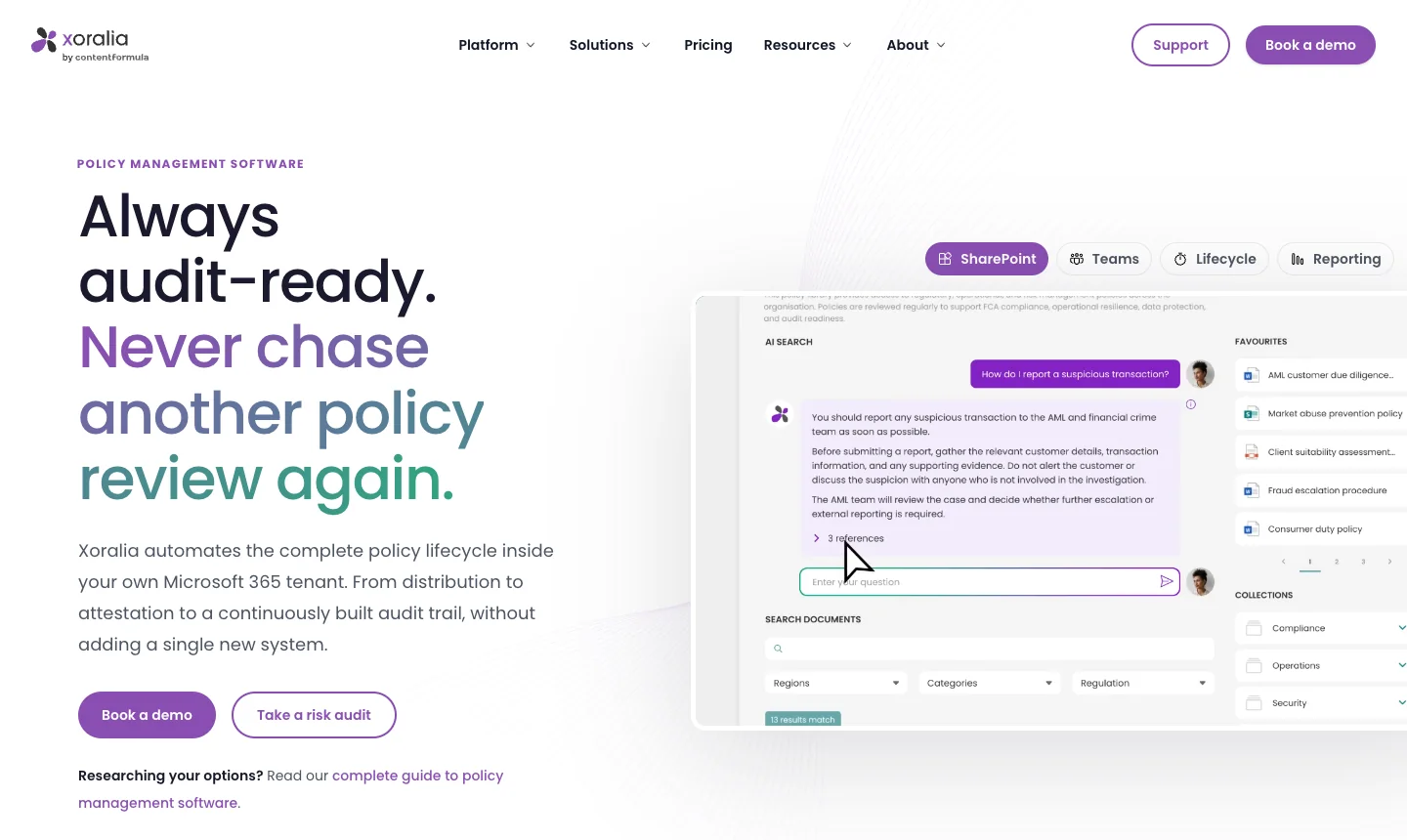
Best for: regulated companies that want the full policy lifecycle inside Microsoft 365.
Xoralia runs in your own tenant, across SharePoint, a Teams app, Viva cards and Entra, and offers read-and-sign, multi-stage workflows and AI quizzes tied to attestation. It comes from Content Formula, a Microsoft consultancy that implements the product, and its recent case study describes a Wisconsin community bank with about 130 employees, so it clearly sells to companies of this size.
Pricing model: a yearly license based on the people who need access, plus a fixed onboarding package in the first year. Trial: yes.
Worth checking: you need Microsoft 365 and someone comfortable with it, and the onboarding fee adds to the first-year cost. See our AllyMatter and Xoralia comparison.
DocRead by Collaboris
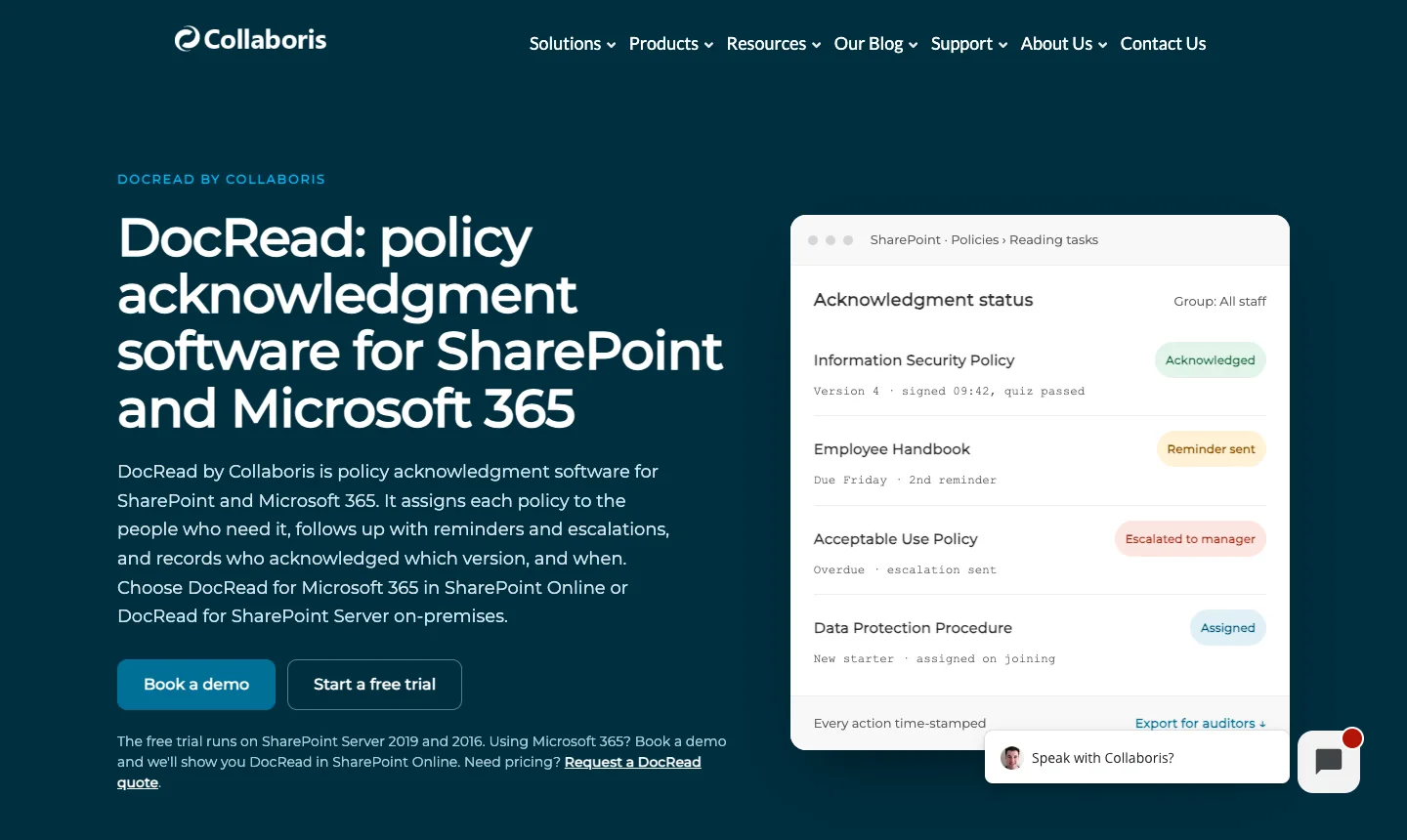
Best for: companies happy with SharePoint that only want read-and-confirm added on top.
DocRead assigns reading to people or Entra groups, records confirmations with the version, escalates overdue reading to managers and reports through a Power BI template. Quizzes with a pass mark come through its DocSurvey add-on. It is a well-established product, and the company publishes steadily on SharePoint policy topics.
Pricing model: per person receiving reading tasks, with publishers unlimited. Trial: yes.
Worth checking: the vendor’s own support notes say it won’t automatically re-issue a changed document to people who have already confirmed it, so check how that works in your setup. See our AllyMatter and DocRead comparison.
Best tools if the handbook is the project
If your main document is the employee handbook and HR owns it, what matters is how it reads, how you prove people confirmed it and what happens when the law moves. Our guide to employee handbooks for small businesses covers what to put in one.
AllyMatter for handbooks
Best for: companies that want the handbook and every other policy in the same place, with one record of who confirmed what.
A handbook in AllyMatter goes through the same approval flow as any policy, reaches people through their tags, and collects an acknowledgment by name for each version. When laws change, we tell you, so you know what to revisit, and when you edit a section people can see exactly which words changed before they confirm again. Our guide to handbook acknowledgment forms covers the wording.
Blissbook
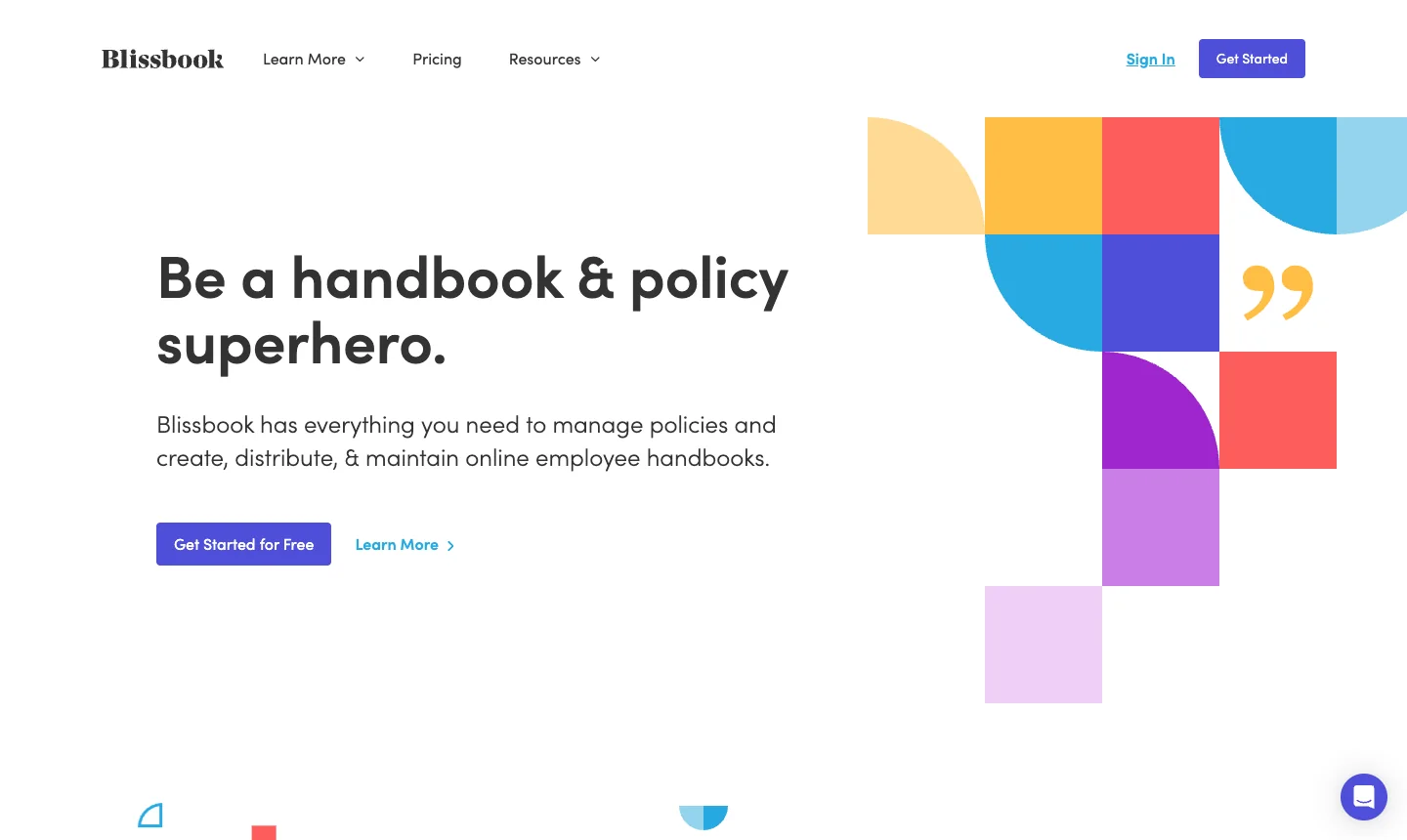
Best for: HR teams that want a readable digital handbook with strong US employment law support.
Blissbook has been around since 2010, and offers more than 300 model policies, law-change updates as an add-on, and more than 80 HR system and directory connections. Kiosk mode and an employee ID login add-on help on shop floors where people don’t have email. It has a very large library of federal and state policy pages, which is a useful free resource in its own right.
Pricing model: by audience size, paid yearly, with admins free. Trial: on request.
Worth checking: multi-stage review and expiration sit on the PRO plan, so compare plans against what you need. See our AllyMatter and Blissbook comparison.
AirMason
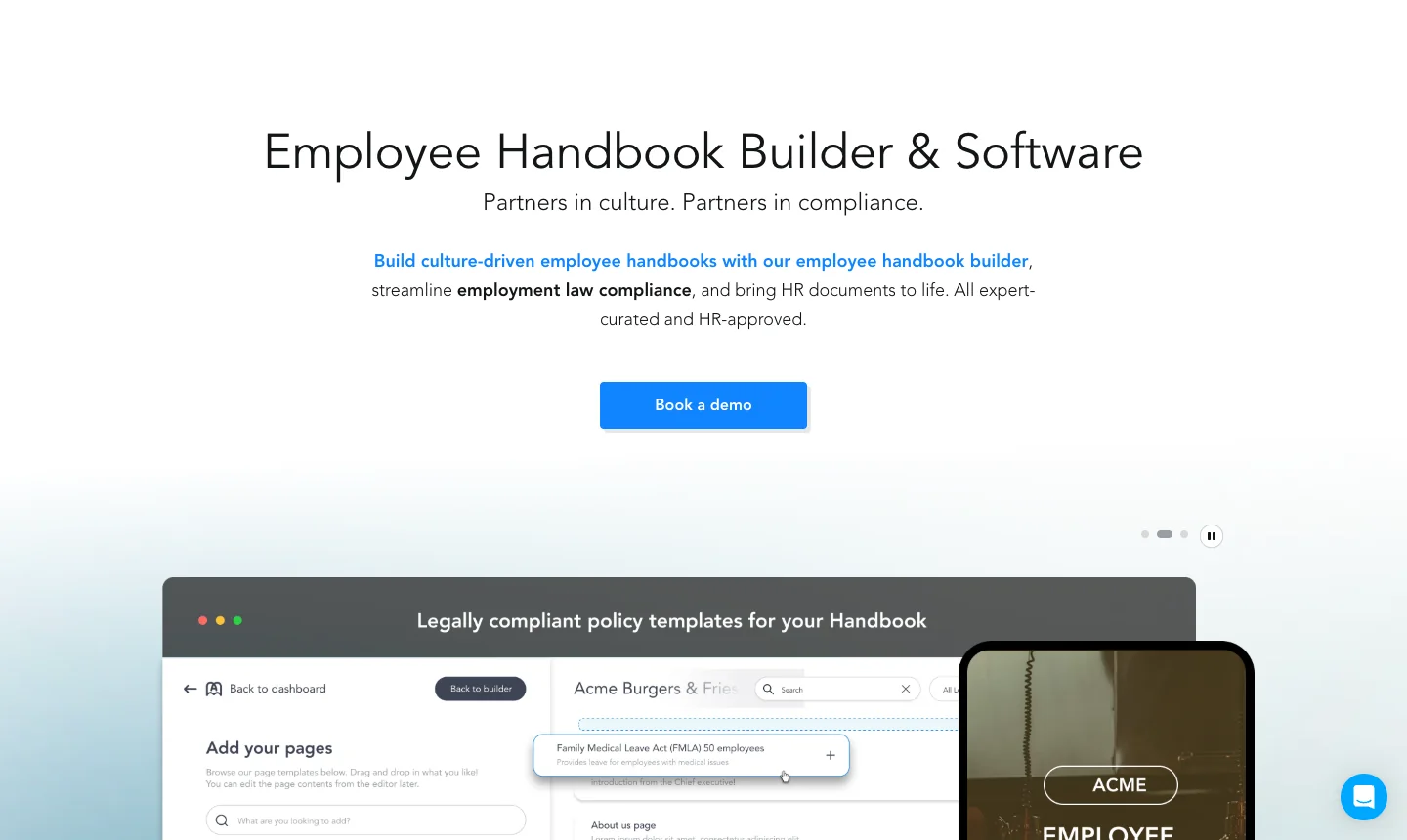
Best for: companies that treat the handbook as a culture document and care how it looks.
AirMason builds designed, branded handbooks, with law-change updates across all 50 states, federal law, Canada and the UK, plus two-way HR system connections and single sign-on on every plan. Its CoLaunch program is built for HR firms and PEOs that serve many clients, and it is advertising to that audience.
Pricing model: by employee count, with higher bands quoted. Trial: on request.
Worth checking: approval is a single sign-off before publishing at our last check, and we didn’t find document review dates listed. See our AllyMatter and AirMason comparison.
Options if you are larger, public-facing or in financial services
A small company often gets pointed to these, and they are good products for the organizations they serve. Each is sold through a demo, so expect a sales process and an onboarding project.
DocTract
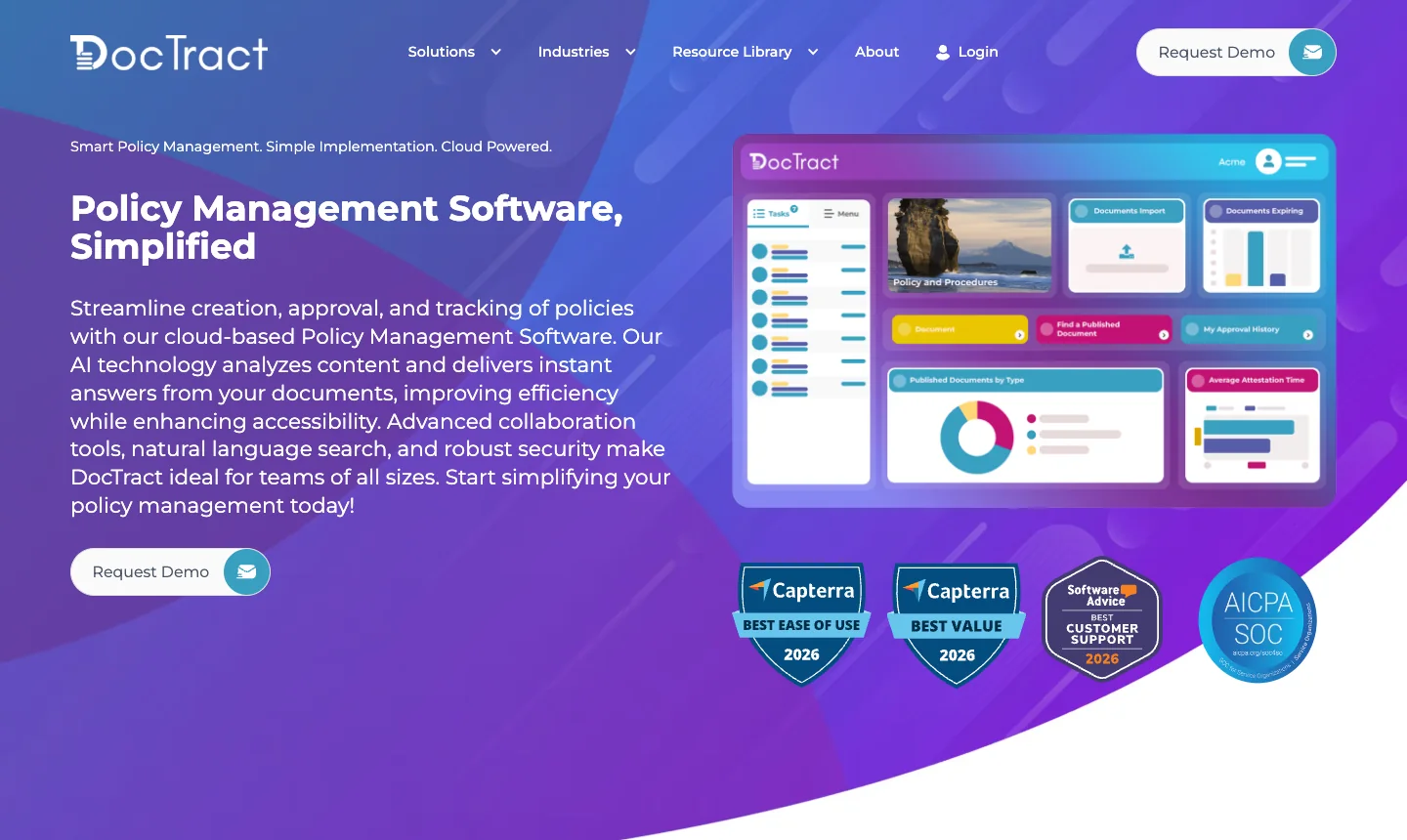
Best for: universities, local governments and healthcare groups that publish policies to a public portal.
DocTract offers multi-step approvals with AI summaries for approvers, periodic reviews, audit binders, public portals and enterprise provisioning. Its customer portals are in public use at universities, which is a good sign of its fit for that sector. See our AllyMatter and DocTract comparison.
ComplianceBridge
Best for: organizations that want policy management as one part of a suite covering risk, audit, conflicts of interest and incidents.
It is a mature product with read receipts, acknowledgments, attestations and multi-stage approvals, used by large universities and public bodies. If you only need policy management, check that you aren’t paying for a suite. See our AllyMatter and ComplianceBridge comparison.
VComply
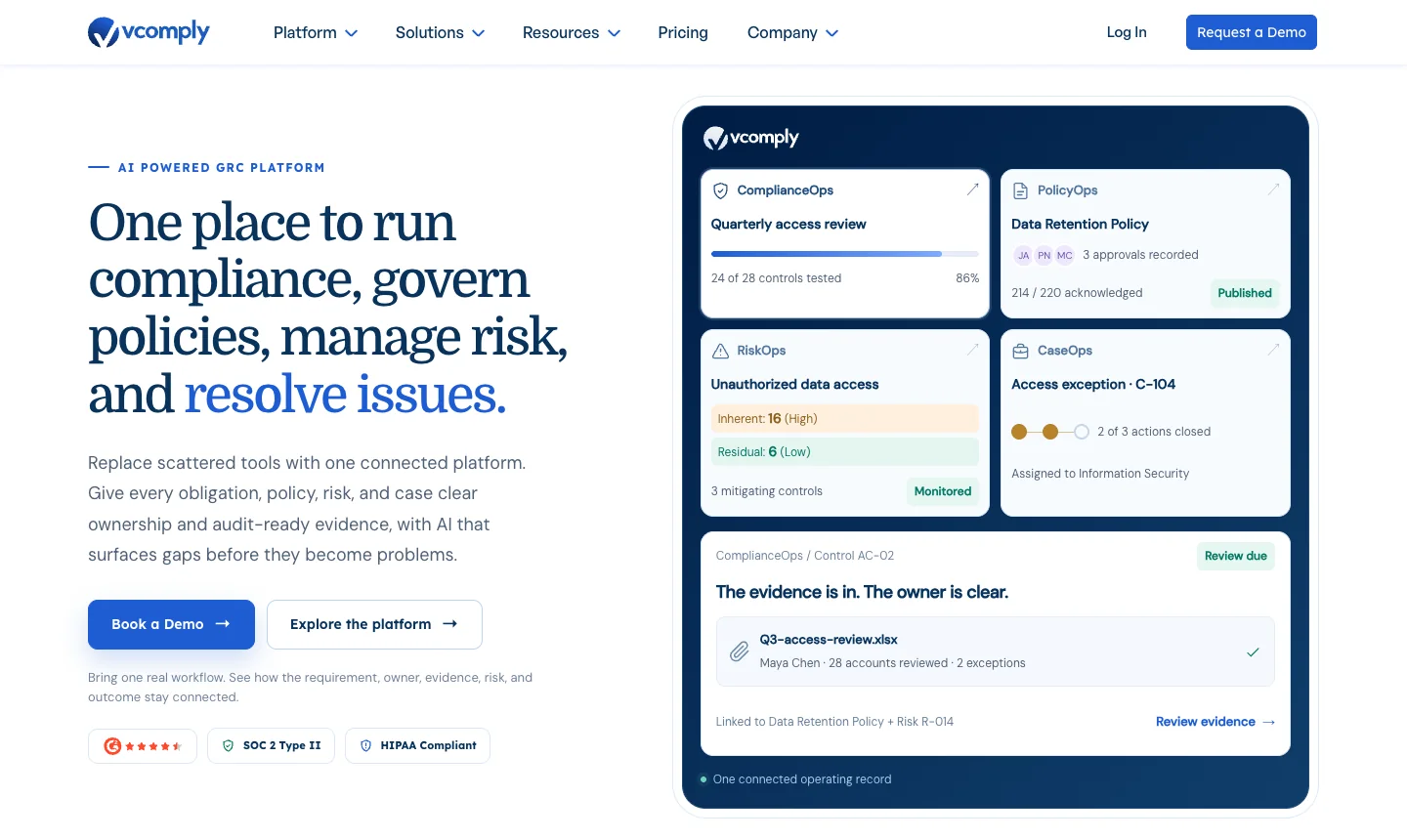
Best for: growing companies that want policy, risk, compliance and audit in one modular platform.
VComply sells each area as a module, so you can start with policy management and add the rest. It offers knowledge checks with acknowledgment, and it has special pricing for startups and nonprofits, on request. It is priced for a company with a budget for governance software, so compare it with the simpler tools above if you only need one module.
PowerDMS
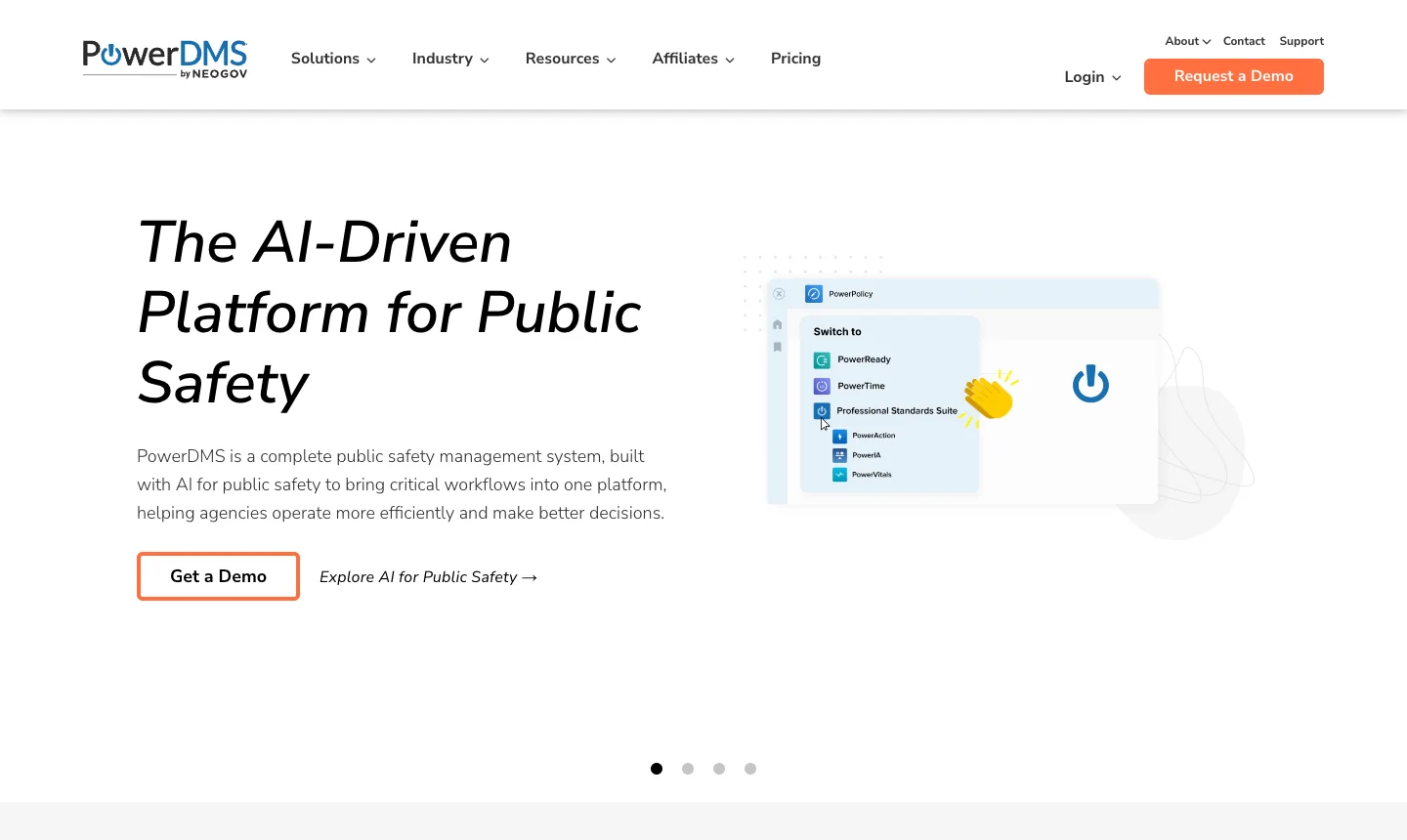
Best for: police, fire and healthcare organizations managing accreditation standards.
PowerDMS, from NEOGOV, describes itself as a public safety platform with policy and accreditation management for public safety and healthcare. It is strong in that world and much less relevant to a typical private small business. Our pricing guide shows what public agencies have paid for it.
Regly
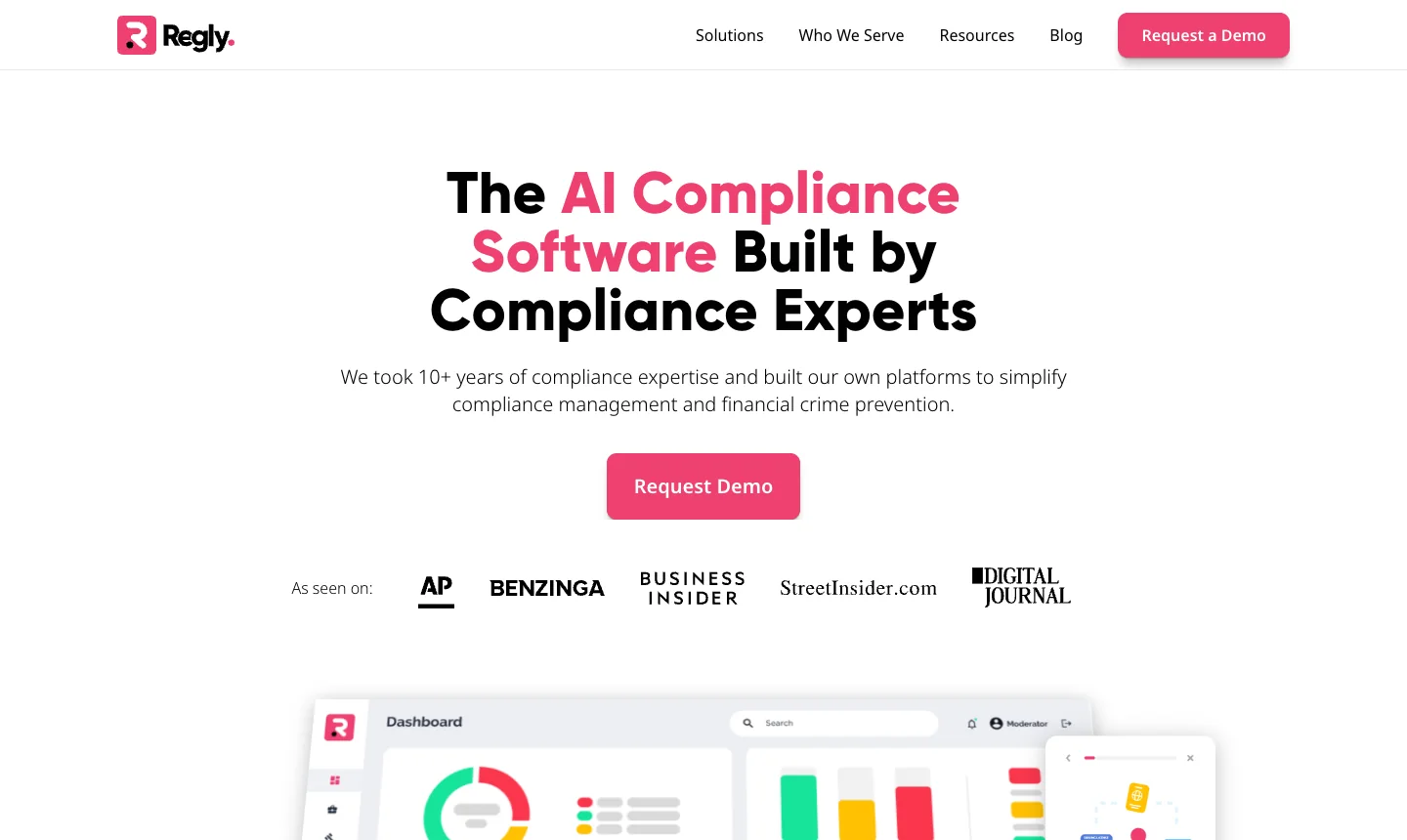
Best for: fintechs, broker-dealers and other financial firms.
Regly was built inside InnReg, a compliance consulting and outsourcing firm, and it combines policies, attestations, vendor management, marketing review and financial crime tools. It writes some of the most thorough guides in this category, and if your compliance program is built around FINRA, AML or marketing review, it may be a closer fit than anything else here.
How to choose in one afternoon
- Name the job. Write down whether you need the whole lifecycle, signatures only or a handbook. That removes most of this list.
- Count three numbers. The people who write policies, the people who read them, and how many you expect to hire this year. Then price each shortlisted tool on those numbers, since a per-employee price and a per-writer price can look similar today and very different in two years.
- Pick two tools with a trial. You learn little from a third.
- Use one real policy. Pick one with a real approver and a real audience, even if the audience is five colleagues.
- Run the six tests. Change a sentence after people have confirmed, and see what the record says.
- Export the history and read it as an auditor. If a stranger can’t tell who approved and confirmed what, keep looking.
Common mistakes when buying policy software
Buying the biggest tool. A governance suite bought for a 60-person company usually becomes a project nobody finishes. Our guide to policy management software for small and growing businesses explains what actually changes as a company grows.
Paying per employee without doing the math. If only three people write policies, you shouldn’t need a price that rises with every warehouse hire.
Forgetting who reads. Shop-floor staff, contractors and volunteers often don’t have a work email, so check how each tool reaches them before you buy.
Treating migration as an afterthought. The work is rarely the upload. It is deciding which of three versions is current, and giving each policy an owner. Our guide to policy owners helps with that part.
Buying before you have a process. Software will not decide who approves a policy or how often it is reviewed. Writing a short policy on policies first makes any tool here work better.
Questions about policy management software for small businesses
What is the best policy management software for a small business?
It depends on the job. If you want one place to write, approve, distribute, prove and review policies, start with AllyMatter or Dayspring. If you only need signatures on policies you already have, look at ClearPolicy, Policy Confirm or Listor. If your company runs on SharePoint, look at Xoralia or DocRead. We make AllyMatter, so test any of these yourself against the six questions in this guide.
How much does policy management software cost for a small business?
The range is wide, from free plans for a handful of people to yearly contracts for larger suites, and what matters most is what the price follows: writers, every employee, recipients or modules. A per-employee price grows with every hire, while a price based on writers does not. Our pricing guide has public contract figures for the larger tools.
Do small businesses need policy management software?
Not always. A company under about ten people with a short policy list, no auditor and no customer asking for proof can run on a shared folder and a simple tracker. It usually stops working when an auditor or a large customer asks who confirmed which version, or when the list passes what one person can chase by hand.
Can we just use SharePoint or Google Drive?
You can store policies there, and many companies do. What storage alone doesn’t give you is a record of who approved a policy, who confirmed which version and when each review is due, so that work moves into spreadsheets and email. If your documents must stay in SharePoint, a read-and-confirm add-on such as DocRead or Xoralia fills that gap.
What is the difference between policy management software and a compliance platform?
Policy management software runs the life of a document: writing, approval, distribution, acknowledgment and review. Compliance platforms such as Vanta and Drata mainly collect technical evidence from your IT systems for security audits. Many companies going through SOC 2 use both, because neither one does the other’s job.
Is an e-signature tool enough for policies?
It proves that a person signed a file. It doesn’t keep the policy current, tell you who still hasn’t read the new version or remind you that a review is due, and it gets expensive to send a policy to everyone each time a sentence changes. Our guide to acknowledgment and notification explains which one a policy usually needs.
How long does it take to set up?
For most small-business tools, setup takes a day or less and the time goes into moving and cleaning up your policies. AllyMatter takes about half an hour to set up, and moving your documents in yourself takes about a day. Suites sold by demo usually take longer, because a contract and onboarding come first.
Start your 30-day free trial of AllyMatter. No credit card to start, and a 30-day money-back guarantee if you subscribe and change your mind. Free migration.