

Comparisons · 10 min read
HR Excellence: Top 8 Knowledge Base Solutions
An HR team is only as effective as the way it manages what it knows, and once a company grows past about 50 people, shared drives, email threads and scattered files stop being good enough. This guide compares eight HR knowledge base solutions, explains how we chose them, and shows where each one fits, so you can pick the right home for your policies, onboarding and employee answers.
HR teams without a proper knowledge base tend to hit the same three problems: policies applied inconsistently, hours lost answering the same questions, and knowledge walking out the door when people leave. Those problems grow over time into compliance gaps, which is why a good HR knowledge base centralises documentation, standardises processes and keeps a clear audit trail of policy approvals and acknowledgments.
Key takeaways
- HR knowledge base tools split into two kinds: answer engines for everyday questions, and policy tools that also handle approval and acknowledgment.
- Confluence, Guru, Slite, Document360 and Tettra are strong at finding answers, and each suits a different setup.
- Policies need more than answers: approval before they go live, a named acknowledgment for each version, and a record an auditor will accept.
- Choose a tool HR can run without IT, or the content will go stale.
How AllyMatter transforms HR knowledge management
We built AllyMatter for the HR documents that carry obligations, such as policies, handbooks and procedures that people have to follow and that you may one day have to prove they read. It works as an HR knowledge base people can search, and it also runs the approval, acknowledgment and audit records that those policies need, without IT having to set anything up.
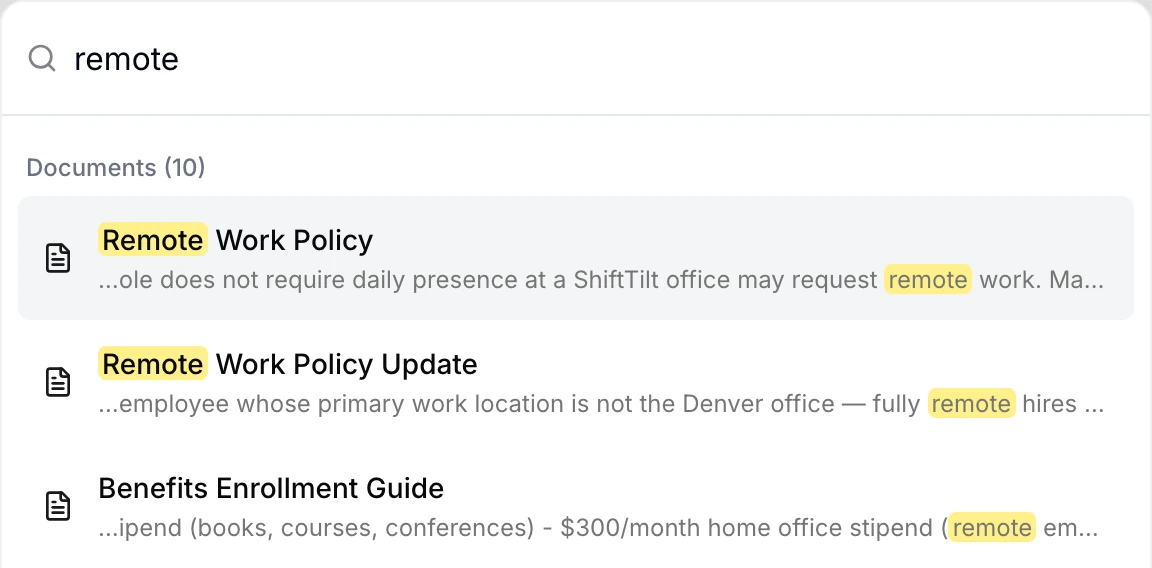
Answers people can find. Search reads the text of every document, so an employee typing “remote” finds the remote work policy and every other document that mentions it, and tags decide who sees each document, so sensitive HR information reaches only the people it applies to.
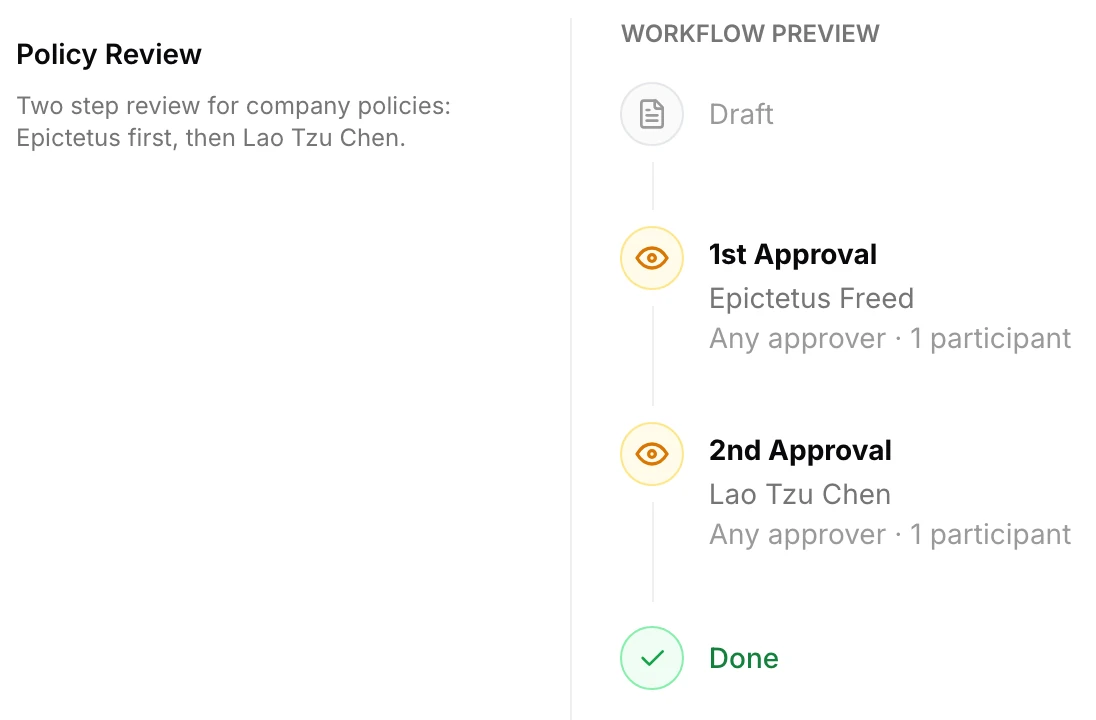
Policies that are approved before anyone sees them. Approval workflows route each policy through up to four ordered steps, the policy is locked while it’s under review, and only an approved version can be sent out.
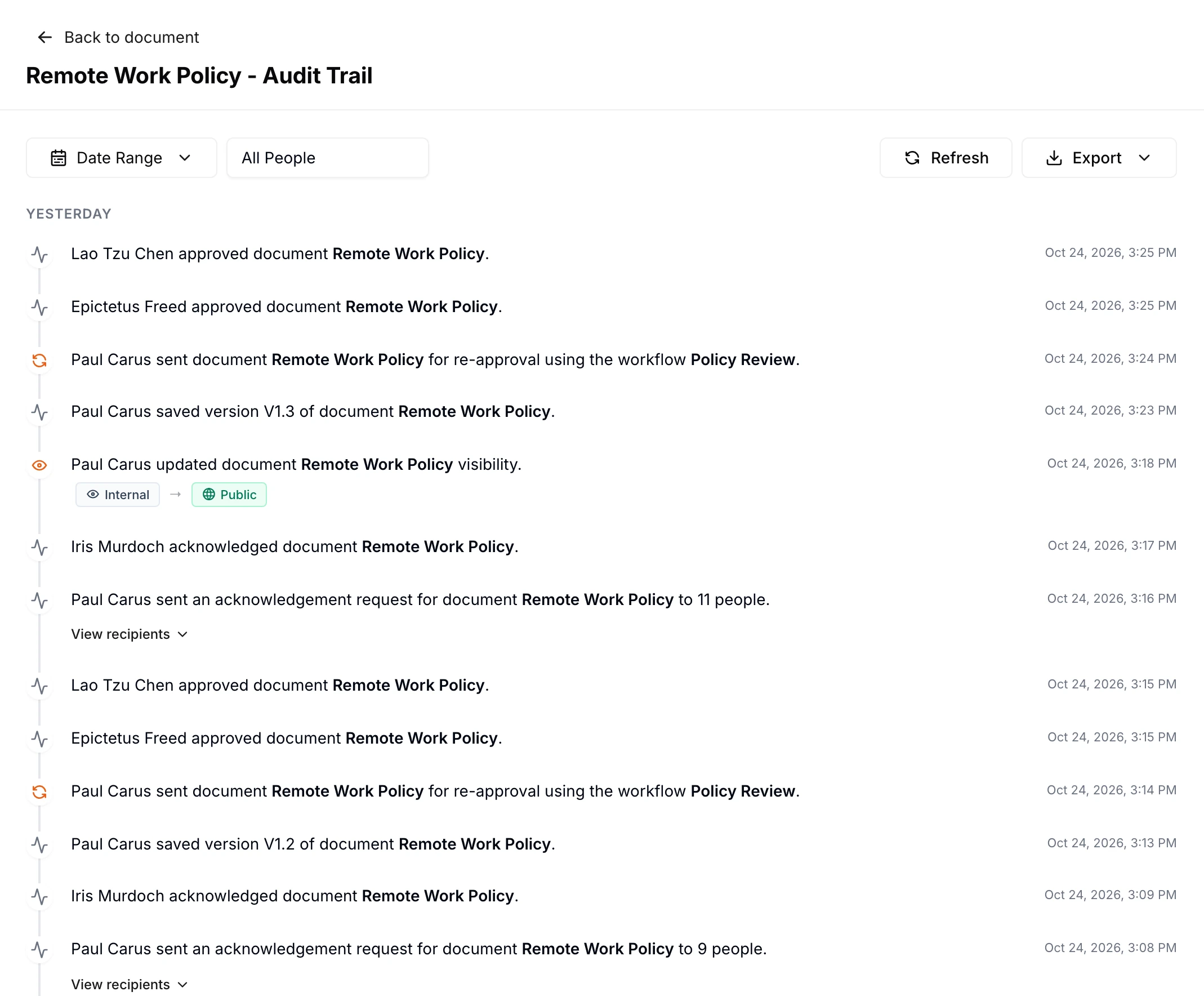
Proof that people read them. When a policy goes out for acknowledgment, each person confirms it while signed in, and the record shows their name and the version they confirmed, while automatic reminders follow up with anyone who hasn’t, and the audit trail exports as a PDF or CSV when an auditor asks.
The verdict: AllyMatter is the right pick if your HR content includes policies you need approved, acknowledged and provable, at a company where HR runs the tool without IT. It’s the wrong pick if all you need is a chatbot for everyday questions, where the answer engines below are a better match.
Start your 30-day free trial of AllyMatter. No credit card to start, and a 30-day money-back guarantee if you subscribe and change your mind. Free migration.
For comparison, here is how we chose the eight knowledge base platforms HR teams most often consider, followed by the tools themselves.
Analysis framework: Our selection criteria
We judged every platform against six criteria that matter for HR teams in particular.
HR-dedicated focus
Generic knowledge base tools often lack what HR needs most, such as policy acknowledgment tracking, version control for compliance documents, and permissions that respect how sensitive HR information is. We looked for platforms with real HR use cases and features, because tools without that focus usually need heavy customisation before HR can use them.
Purpose-built for HR workflows
HR documents have their own lifecycle: policies need approval in order, the right audience and acknowledgments you can track, while employee information has to stay confidential but reachable for the people who need it. We looked at how well each platform handles that lifecycle without workarounds or a separate spreadsheet.
Technical accessibility
HR teams rarely have dedicated technical help, and when updating a knowledge base needs IT, the content goes stale because nobody wants the hassle. We favoured platforms HR people can set up and maintain themselves, with simple editing, straightforward permissions and easy organisation.
Standalone functionality
Depending on another system such as SharePoint or WordPress brings extra licences, a split experience and more to maintain, which is often why knowledge bases get abandoned. Every tool here works on its own without needing another platform for its core features.
Specialized over all-purpose
Platforms that try to serve every department equally tend to lack depth where HR needs it, such as acknowledgment tracking, compliance records and confidentiality controls. We leaned towards tools that treat HR as a real use case rather than one more department with generic documents.
User-friendly content creation
When a tool needs technical skills such as markup languages to write content, writing ends up with a few people and everyone else waits. Each platform here lets anyone on the HR team contribute without technical barriers, which keeps the documentation current.
Applying those criteria gave us the eight tools below, each of which does something useful for HR without needing a large technical investment.
8 knowledge base solutions designed for HR teams
Atlassian Confluence
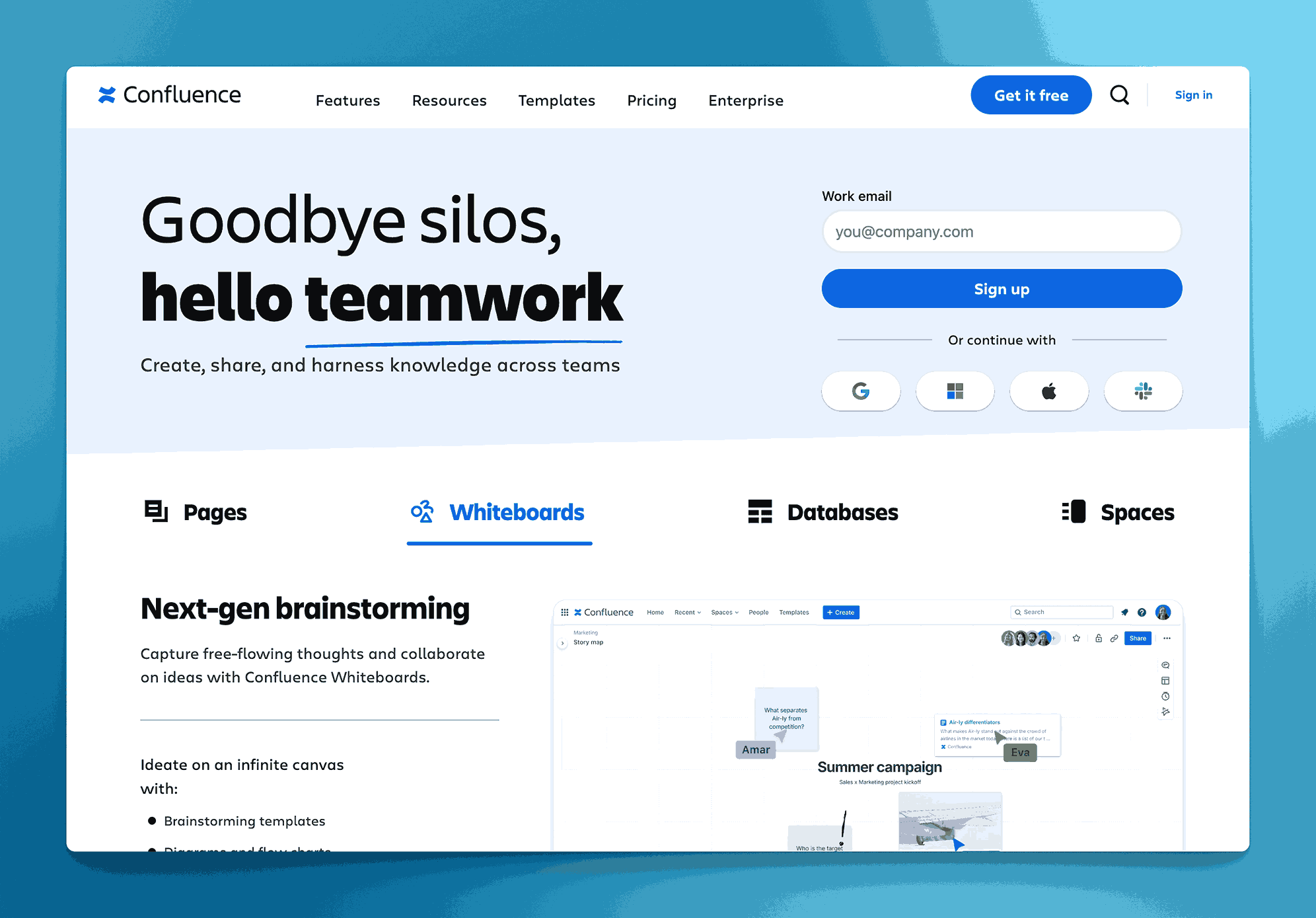
Confluence lets HR build a searchable library of policies, onboarding guides and FAQs using page trees and labels, and its HR templates make it quicker to start job descriptions, hiring plans, performance plans and handbooks in a consistent format.
Co-editing, version history and permissions help keep content accurate and keep sensitive pages restricted, which is why companies that already run Jira often give HR a Confluence space of its own.
Verdict: The right pick if your company already lives in Atlassian and HR is happy working in a technical tool. The wrong pick if HR needs policies approved and acknowledged by name, because Confluence pages carry neither record without add-ons.
Guru
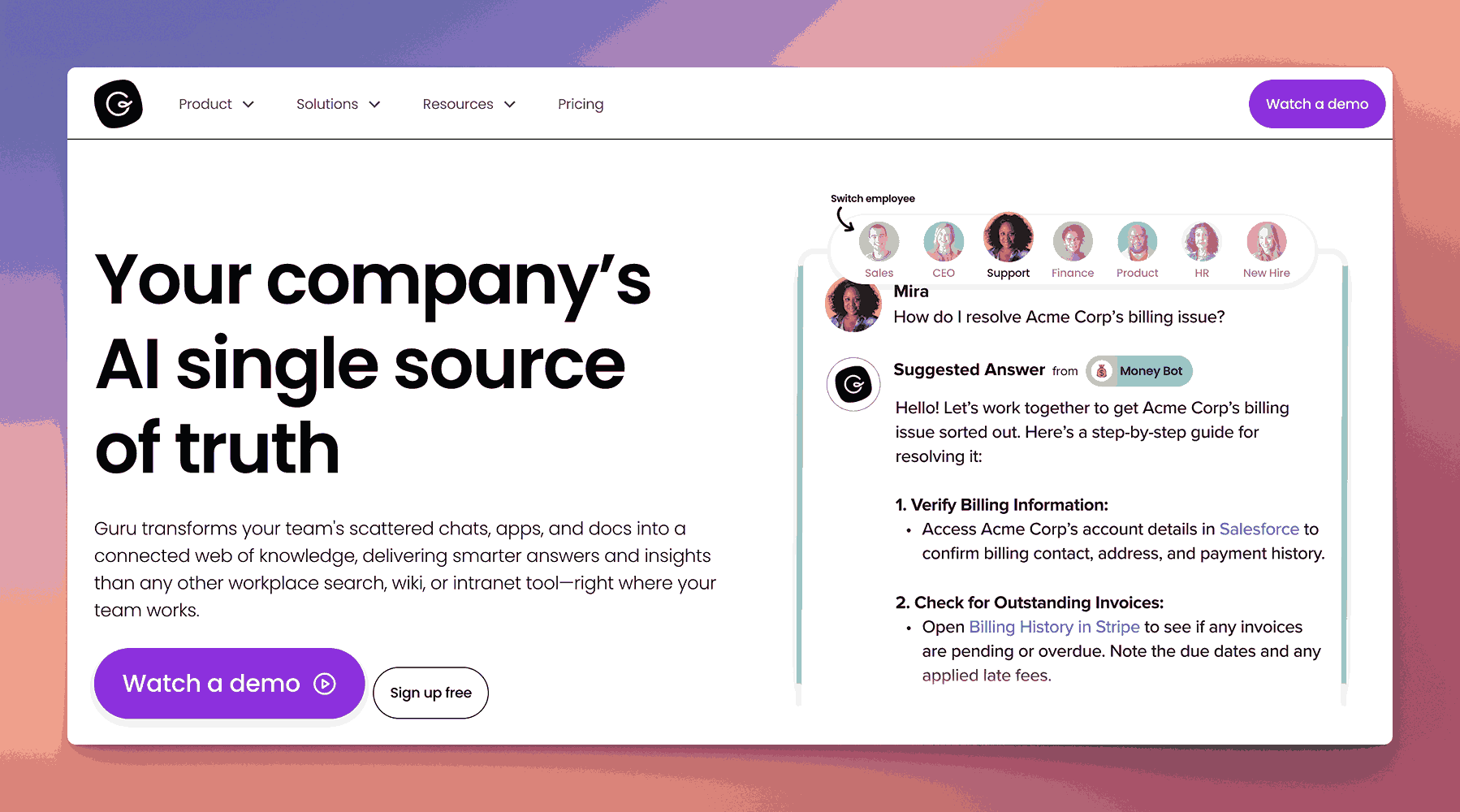
Guru gathers policies, onboarding guides and FAQs in one place and asks experts to verify content on a schedule, which helps keep answers trustworthy, while its AI search answers employee questions in context.
It works inside tools like Slack and the browser, so people can get an answer without leaving what they’re doing, and its announcements let HR push important updates and see who has read them.
Verdict: The right pick if your main goal is fast answers to everyday questions inside the tools people already use. The wrong pick if you need formal policy approvals and acknowledgment records tied to each version, which is a different job from verified answers.
Slite
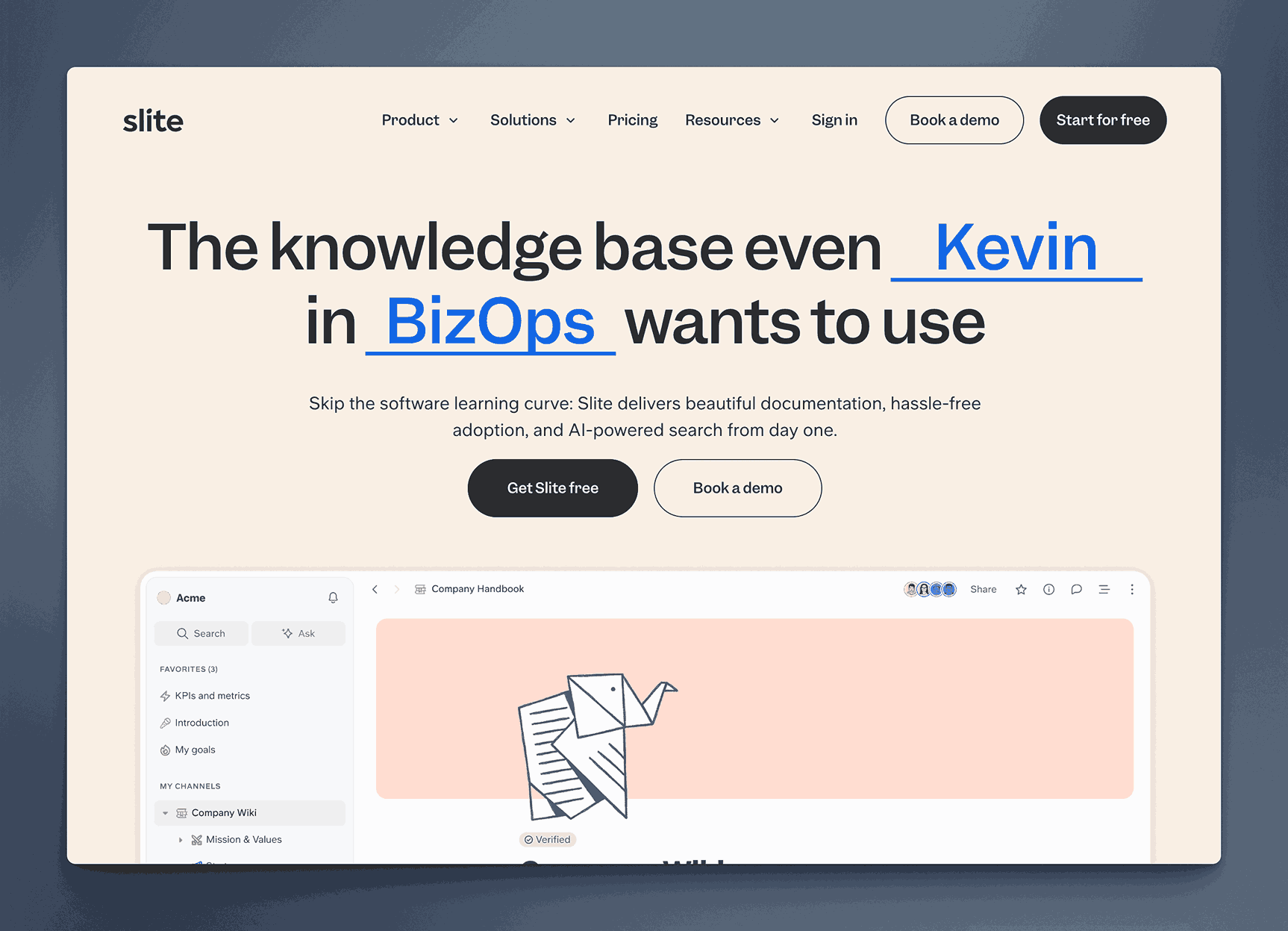
Slite gives HR a clean, simple knowledge base for policies, onboarding and procedures, with AI search and an Ask feature that answers questions from your own documents, and verified content ranked higher in results.
Reminders to review stale pages help keep information current, and its integrations and analytics show which content people use and where the gaps are.
Verdict: The right pick if you want a simple, pleasant knowledge base that people will actually open. The wrong pick for policies that need a recorded sign-off and a named acknowledgment for each version.
ScribeHow
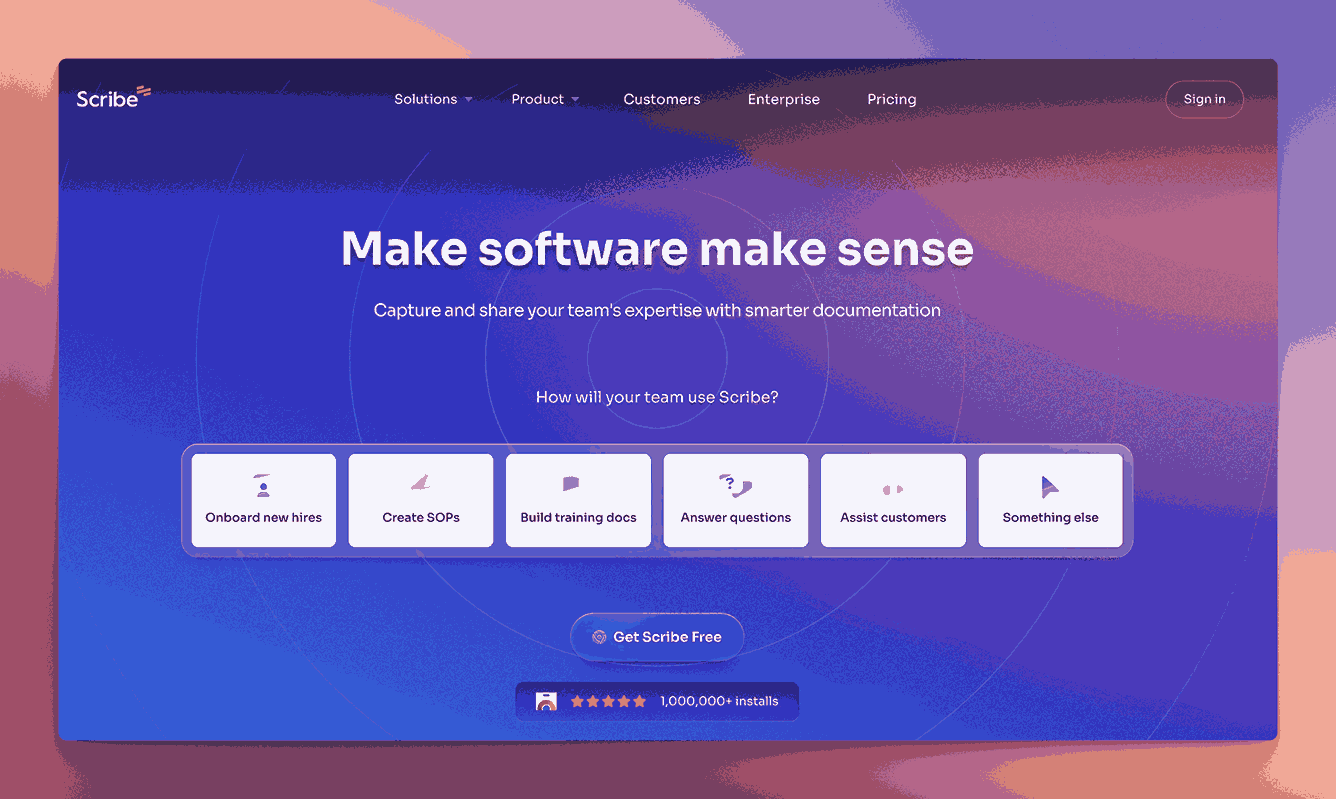
Scribe records a process as someone does it and turns it into a step-by-step guide with annotated screenshots, which makes it very quick to document HR software tasks for onboarding and training.
Guides can be embedded in a wiki or shared directly, sensitive data can be blurred out of screenshots, and branding options keep the guides looking consistent.
Verdict: The right pick if HR’s biggest need is quick how-to guides for software processes. The wrong pick as the home for policies, because Scribe creates guides rather than managing approval, acknowledgment and review.
Document360
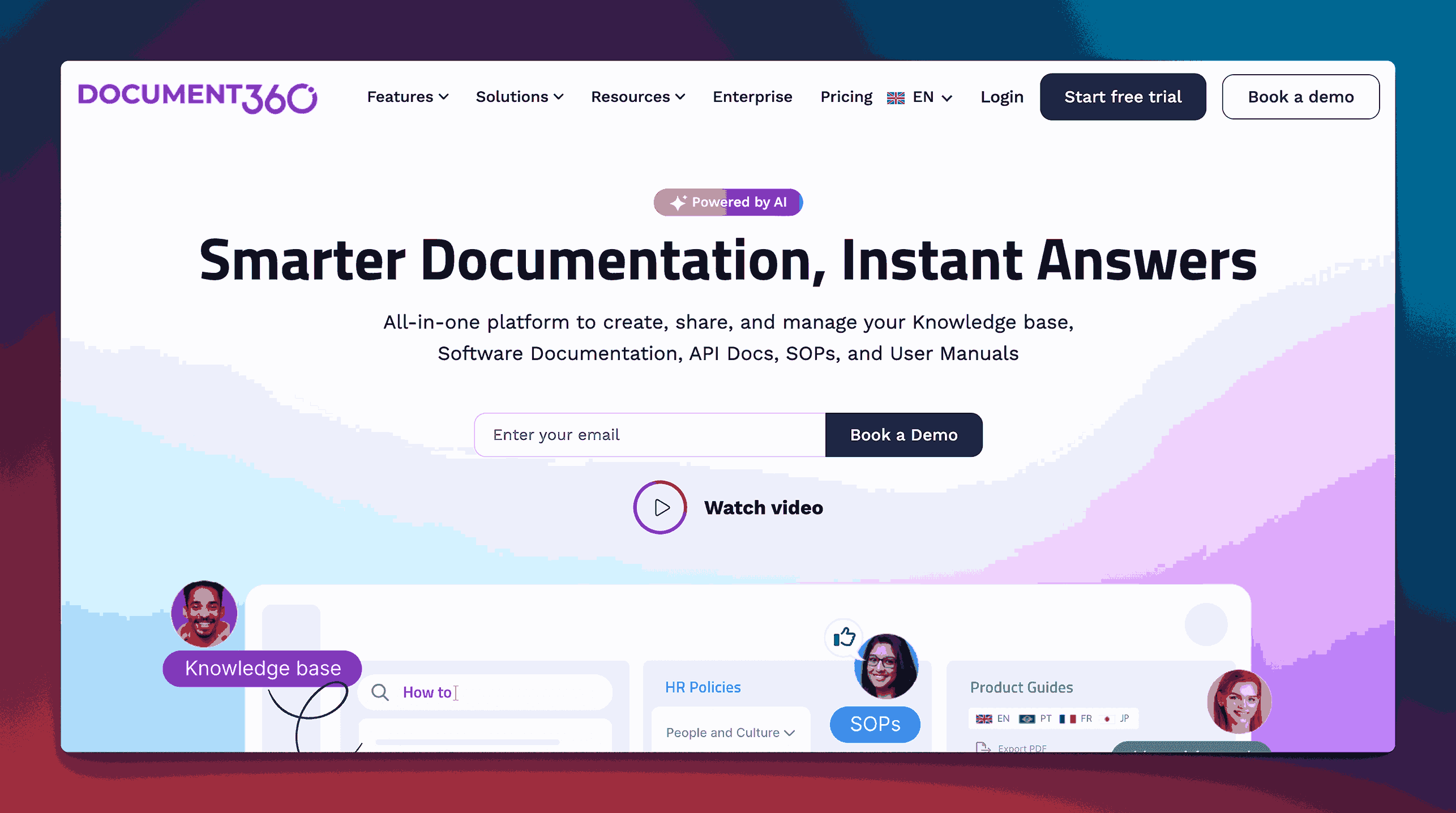
Document360 is a full knowledge base platform for policies, onboarding material and SOPs, with an AI assistant that answers questions from your content and access controls for private or public documentation.
Analytics show which articles people read and where they get stuck, and its editor and integrations suit teams that maintain a large library.
Verdict: The right pick if you run a large knowledge base, especially one that also serves customers. The wrong pick if HR wants policy approval and named acknowledgment at the centre, rather than article publishing.
Tettra
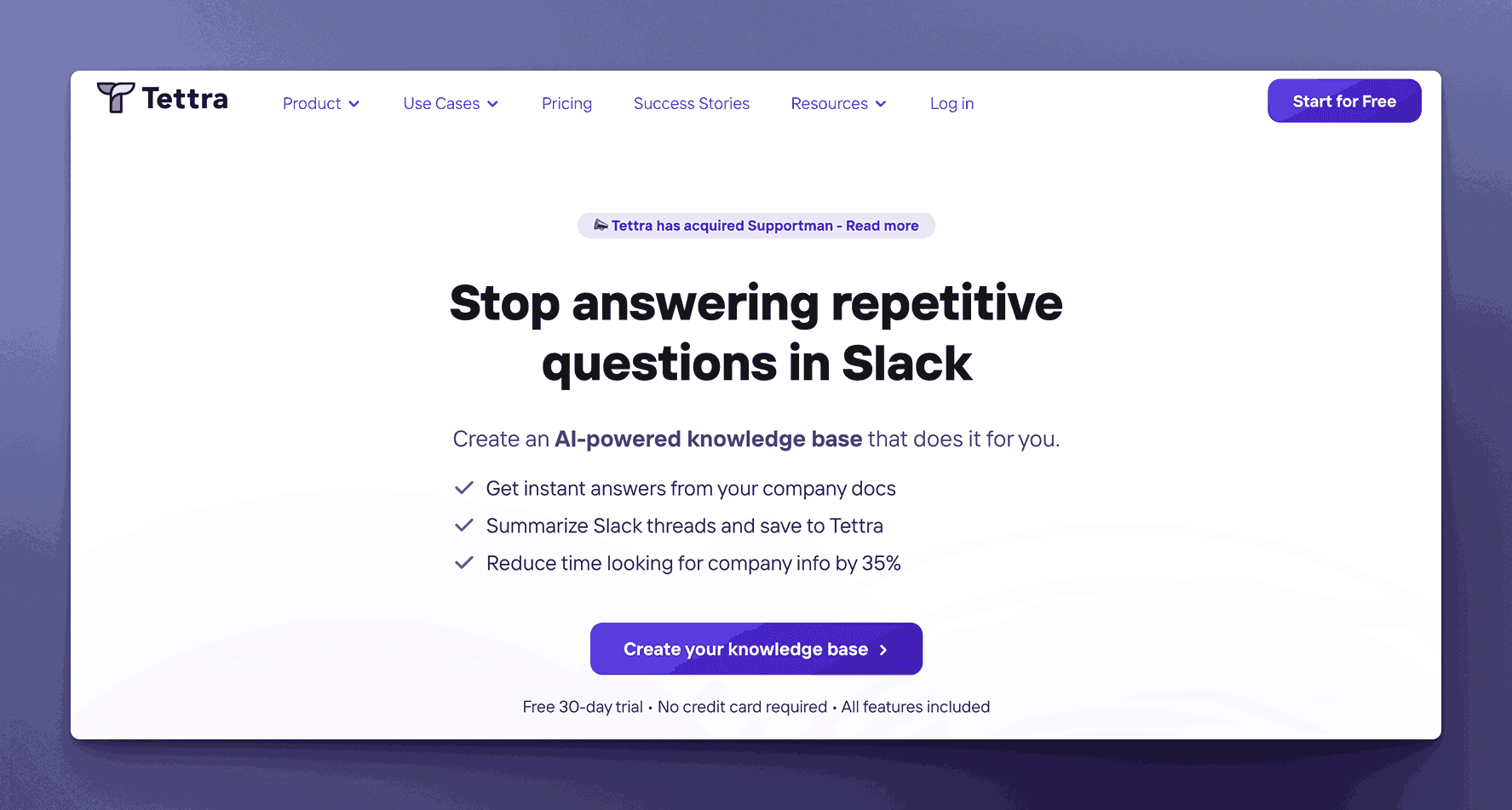
Tettra gives HR a knowledge base built around Slack, where its AI assistant answers employee questions from your documentation, and content verification prompts owners to keep pages current.
Integrations with tools like Google Drive and Slack keep knowledge close to where people work, and comments and suggestions let the whole company help improve the content.
Verdict: The right pick if most of your HR questions arrive in Slack and you want them answered automatically. The wrong pick for policies that need sign-off and a record of who acknowledged which version.
Nuclino
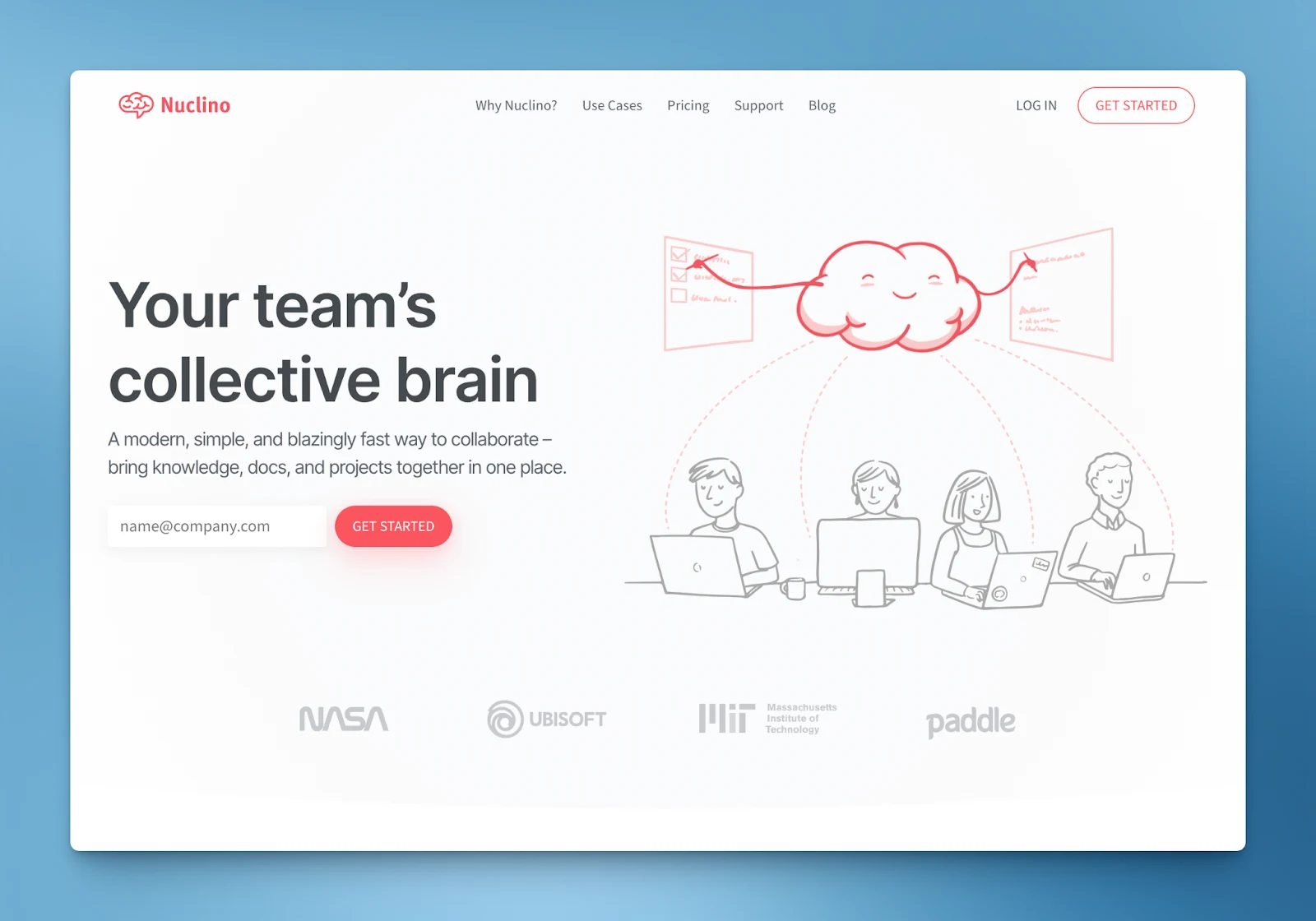
Nuclino is a fast, lightweight workspace where HR can keep policies, onboarding guides and employee documentation, with real-time editing, version history and a simple structure of collections.
Checklists and internal links help with onboarding, an AI assistant helps draft documents, and a graph view shows how related documents connect.
Verdict: The right pick for a small team that wants a quick, uncluttered shared workspace. The wrong pick once policies need formal approval and acknowledgment records an auditor will accept.
Bit.AI
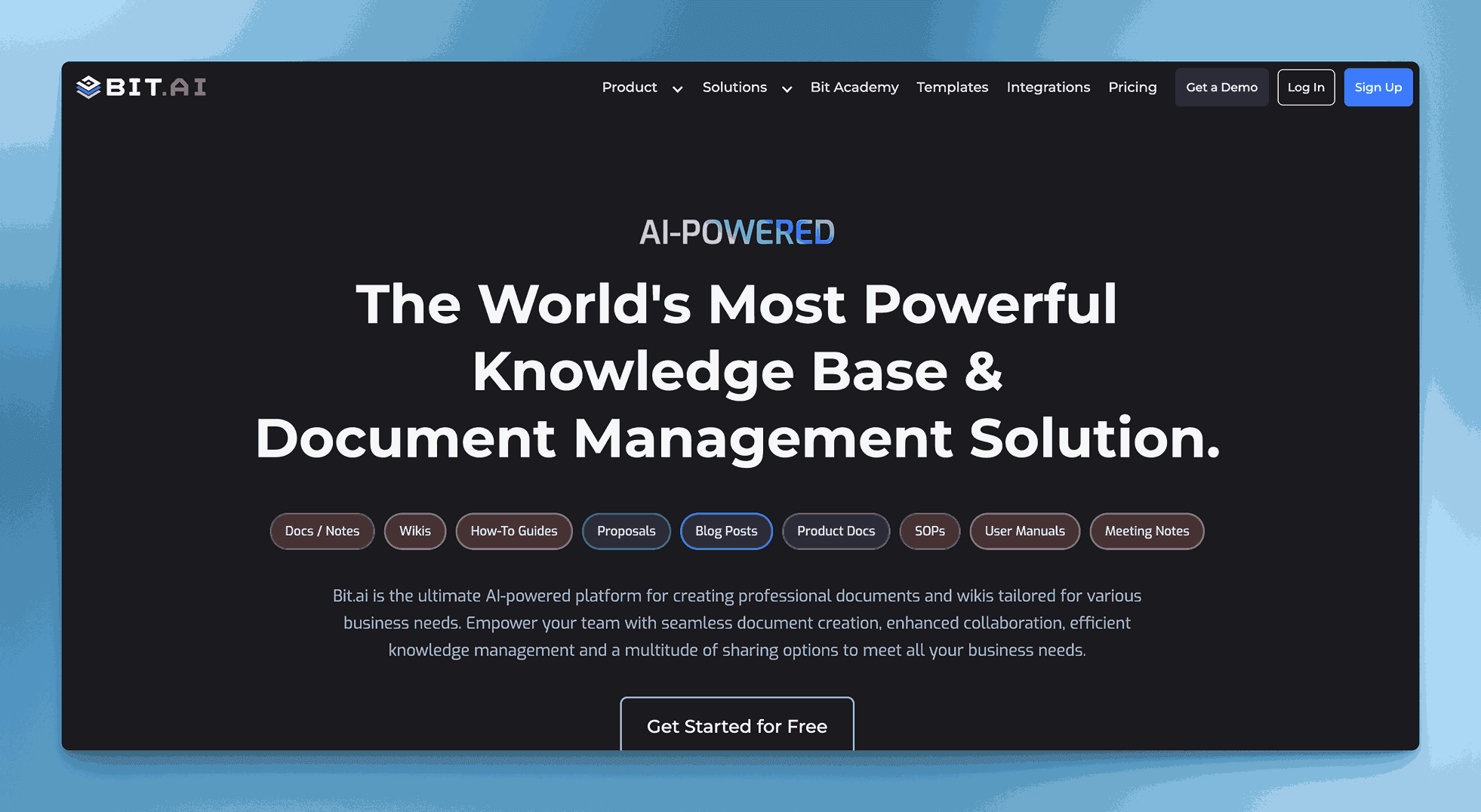
Bit.ai gives HR smart documents and wikis for policies, onboarding and training, with rich media, templates and real-time collaboration, plus an AI writer that helps draft content.
Document tracking, workspace analytics and many integrations help HR see how content is used and keep it flowing between tools.
Verdict: The right pick if you want interactive, media-rich HR documents and engagement data. The wrong pick if you need each policy approved and acknowledged by name, version by version.
Selecting the right knowledge base
The right choice depends on what HR’s documentation is mostly for. If your biggest problem is answering everyday questions quickly, an answer engine such as Guru, Slite or Tettra will take the load off HR, and if you need quick how-to guides, Scribe is hard to beat. If your HR content is mostly policies that people have to follow, and someone may ask you to prove they read them, you need approval, acknowledgment and an audit trail as well as search, which is the job AllyMatter is built for.
Whichever you choose, pick a tool HR can run on its own, start with the content that generates the most questions, and give every document an owner and a review date, because a knowledge base nobody maintains loses people’s trust faster than having none at all.
Three scenarios
An honest read on what you need:
If you’re under 30 people and HR mostly answers informal questions, a simple knowledge base or even a tidy shared folder will hold for now.
If you’re 30 to 200 people and policies are piling up, with new versions to approve and acknowledgments to chase, this is the moment, and AllyMatter is what we built for this stage.
If you’re regulated, work across several sites or face audits, you need policy records you can prove, and we’d start with AllyMatter.
Frequently asked questions
What makes an HR knowledge base different from general document management?
An HR knowledge base adds what HR content needs on top of storage: access that follows teams and roles, approval before a policy goes live, acknowledgment tracking so you know who read each version, and an audit trail you can show an auditor, where general document systems treat every file the same.
How do you get employees to use the HR knowledge base instead of asking HR?
Make finding the answer quicker than asking, which means search that reads the text of every document, content organised around what employees need at each stage, and the habit of replying to questions with a link, so people learn where answers live.
What’s the best way to move existing HR documents into a knowledge base?
Start with an audit of what you have, move the most-requested items first, such as the handbook, leave policies and the benefits overview, and update each document as you move it rather than copying old problems across. AllyMatter’s migration service on yearly plans usually finishes within a week.
How do you keep HR content current without extra work?
Give every document an owner and a review date, so reviews arrive on a schedule instead of depending on memory, and route each change through approval, so the current version is always the approved one.
Which metrics show the knowledge base is reducing HR’s workload?
Look at fewer repeat questions to HR, how quickly people find answers, faster onboarding, and how much of HR’s week goes on information requests compared with strategic work.
Not ready for a trial? On yearly plans, migration is on us, and we’ll move your HR documents over from Confluence, Notion, SharePoint or Google Drive, usually within a week and often sooner.
Start your 30-day free trial of AllyMatter. No credit card to start, and a 30-day money-back guarantee if you subscribe and change your mind. Free migration.