
Knowledge Base · 15 min read
Internal Knowledge Base Guide: Keep What Your Team Knows
An internal knowledge base is a centralized place where a company stores the information its employees need to do their jobs: policies, procedures, and the institutional knowledge that usually lives in people’s heads. Unlike a customer-facing help center, it is built for your own team.
For a small team, informal knowledge sharing works fine. As a company grows, it stops working. Information ends up scattered across drives, chat threads, and individual memory, and people lose time hunting for answers that already exist somewhere. An internal knowledge base solves that by turning scattered information into a single, trusted source.
Done right, it becomes the operational foundation for consistent processes, faster onboarding, and expertise that stays with the company even when people move on.
Key takeaways
- An internal knowledge base is a centralized, employee-facing source of truth for policies, procedures, and institutional knowledge.
- It is different from an external (customer-facing) knowledge base, which prioritizes public help content over governance and access control.
- The right time to adopt one is usually between 30 and 200 employees, when informal knowledge sharing starts breaking down.
- When choosing software, weigh search quality, access control, governance, integrations, total cost of ownership, and ease of use for non-technical people.
What is an internal knowledge base
Put simply, an internal knowledge base is the single source of truth your team turns to for how the company actually works. It holds the policies, procedures, and institutional knowledge employees rely on, organized and searchable in one place instead of scattered across drives and chat.
A good one does three jobs. It is the single source of truth for policies and procedures, so everyone works from the same information. It captures operational knowledge that otherwise exists only in someone’s memory. And it supports compliance and audits by giving you documented evidence of how things are actually done.
For growing companies this gets critical fast. Informal knowledge sharing works at ten people, gets messy at fifty, and breaks completely past two hundred.
Signs your current setup is failing:
- New hires keep asking where to find basic company information.
- Teams recreate documents that already exist.
- Critical knowledge lives in one person’s head.
- Audit prep turns into a search-and-rescue mission.
If you are currently running this on SharePoint or Google Docs, it is worth understanding why those tools fall short before you decide what you actually need. (We cover SharePoint in detail further down.)
Internal vs external knowledge base
The difference comes down to who it is for. An internal knowledge base is for employees and holds private information: policies, SOPs, onboarding, and institutional knowledge. An external knowledge base is for customers and holds public help content like product FAQs and troubleshooting guides.
The reason it matters for buying: a tool built for external help centers optimizes for public search and ticket deflection. A tool built for internal operations optimizes for access control, approvals, and governance, because the content is sensitive and has to stay current and trusted. If you pick the wrong category, you end up fighting the tool. We built AllyMatter for the internal side, the place finished docs live, get found, and stay current.
What are the benefits of an internal knowledge base?
Operational consistency at scale
When processes are documented and easy to reach, teams stop reinventing work and start delivering the same result every time. Fewer errors, better quality, outcomes customers can count on.
Take a customer success team running enterprise implementations. Without documented processes, every manager invents their own approach, and customers get an inconsistent experience. With standard procedures, everyone delivers the same quality and learns from shared expertise instead of personal trial and error.
Knowledge preservation and continuity
According to Panopto research, 42% of institutional knowledge is unique to individual employees and is not documented anywhere else. When those people leave, that context leaves with them.
A finance director at a growing SaaS company learned this when their senior accountant left mid-quarter. Entire month-end processes existed only in her head, and routine work became a week of detective work through old emails. This gets worse during high turnover, which is why we wrote a separate playbook on preserving institutional knowledge amid workforce shortages.
A knowledge base turns that fragile tacit knowledge into something explicit and preserved. The value compounds as early team members move on.
Accelerated employee productivity
New employees take roughly 8 to 12 months to reach full productivity according to SHRM. Good documentation shortens that by giving new hires immediate access to what they need.
It also kills daily friction. McKinsey found employees spend nearly 20% of the workweek searching for internal information or chasing colleagues, and a 2022 Gartner survey found 47% of digital workers struggle to find what they need to do their jobs. A knowledge base attacks that drain directly.
Enhanced compliance and risk management
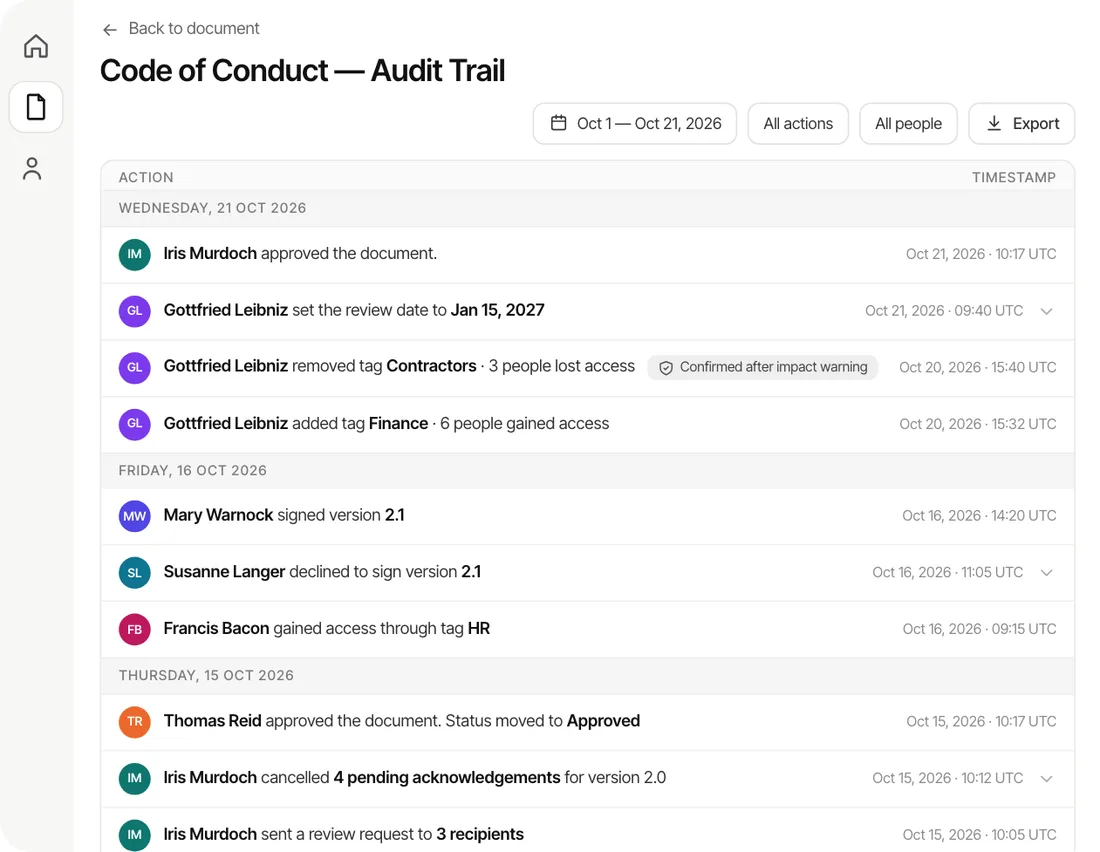
For regulated industries, a knowledge base creates the audit trail that often decides the scope and outcome of a review. Beyond formal compliance, documented procedures reduce operational risk by keeping everyone on the same validated process, so you improve things systematically instead of reactively.
What are the key components of an effective internal knowledge base?
Structured information architecture
The foundation is a structure that mirrors how people actually search.
Hierarchy, no more than three levels deep. Follow a pattern like Department, then Process Category, then Specific Process. For example: Accounting, Accounts Payable, Vendor Setup.
Organize by function, not just department, when processes span teams. One Expense Management section beats separate HR and Finance versions of the same policy.
Tag for multiple paths. A refund-process doc tagged customer service, finance, policy, and procedure is findable by every team that needs it.
For the full breakdown, see how to structure an internal knowledge base.
Quality content standards
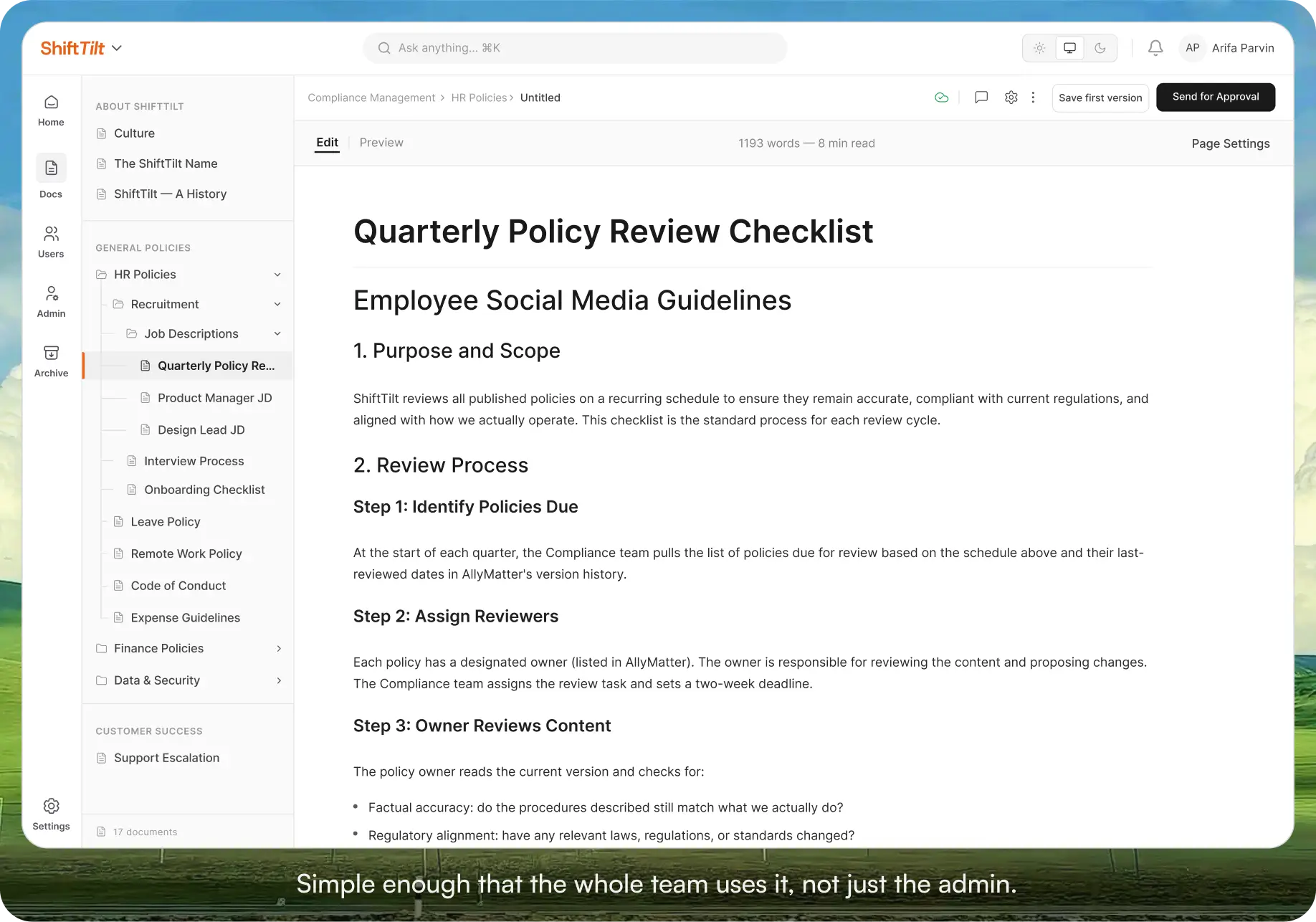
Consistency makes a knowledge base usable. Every document should follow a template with owner, last-updated date, review schedule, and approval status. Use plain language and active voice, break processes into clear steps, and keep version history that shows who changed what, when, and why. That history is also your compliance trail.
Access control and security
Growing teams need permissions that balance access with security. Role-based controls let people find what they need while sensitive material stays protected. Customer-facing staff get product and service procedures, not financial policy or strategic plans. Access should adjust automatically as people change roles, and you should be able to see who viewed what and when.
How to build an internal knowledge base
Phase 1: Foundation and planning
Audit what you already have, where it lives, and how good it is. That reveals gaps and tells you what to build first. Talk to stakeholders in each department, since HR cares about policy and onboarding while IT cares about system procedures. Pick a platform that fits today and has room to grow, with real search, version control, and approval workflows. Budget-conscious? Look at open source knowledge base options. Then start with high-impact, frequently used processes, especially the ones that currently live in one person’s head.
Phase 2: Content creation and migration
Set clear creation guidelines and approval workflows so quality stays consistent while people contribute. Pull in subject matter experts but keep central oversight. When you migrate, improve the content instead of copying stale material over, and consolidate duplicates. Test procedures with real users before you call them done.
Phase 3: Adoption and optimization
This is where most rollouts live or die. Make the knowledge base part of daily work, not a second system to remember. Train people on both finding and contributing content. Watch usage analytics to see what people search for and where they get stuck, and give them a simple way to flag outdated content. Respond to that feedback quickly, because that is what builds trust.
Related implementation guides:
- How to Structure an Internal Knowledge Base
- How to Structure an Internal Knowledge Base
- 10 Knowledge Base Solutions for Startups Under 100 Employees
Best practices for different organizational functions
Human resources documentation
HR needs tiered access. Universal items like the handbook and vacation policy go to everyone, while investigation protocols stay restricted. Cover onboarding workflows, policies with clear effective dates, compliance procedures with audit trails, and benefits. The best setups integrate with HR systems so information stays current. More in our guides on building a knowledge base for HR, HR department use cases, and the complete 2026 HR guide.
Operations and finance procedures
These demand precision and tight access control, usually with compliance and audit trails attached. Include step-by-step procedures with role-based permissions, approval decision trees, real examples with sensitive data redacted, and clear escalation paths. Related reading: the value of documentation in operations.
Sales and marketing processes
Sales and marketing need fast access while they are in front of prospects, organized by customer journey rather than internal org chart. Cover scenario guides, competitive positioning, pricing and product docs with version control, and escalation paths. Mobile access matters for field teams. See building a sales messaging library and a knowledge base for marketing teams.
Technical and IT documentation
Different audiences need different depth. Admins want detailed technical procedures, end users want simple task guides. Cover architecture docs with security notes, troubleshooting guides, user guides with screenshots, and integration procedures. Update constantly as systems change.
How to choose internal knowledge base software
Before you compare tools, get clear on what you are buying for. These six criteria predict whether a tool still works a year in. Each is easier to show than to describe, so here is what to look for, with a visual of how it should actually behave.
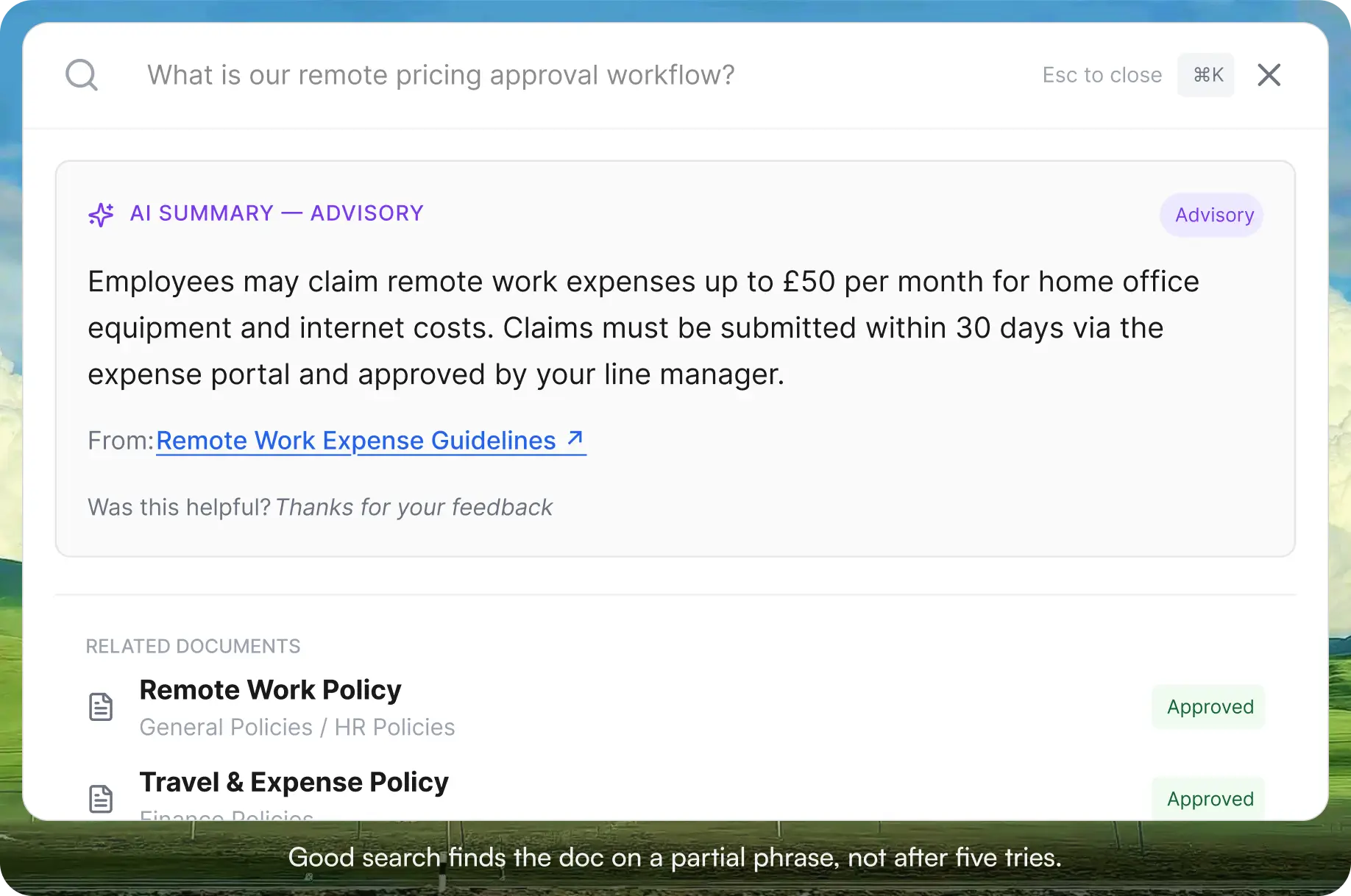
Search that holds up at scale. This is the number one pain point. If search is weak, adoption dies.
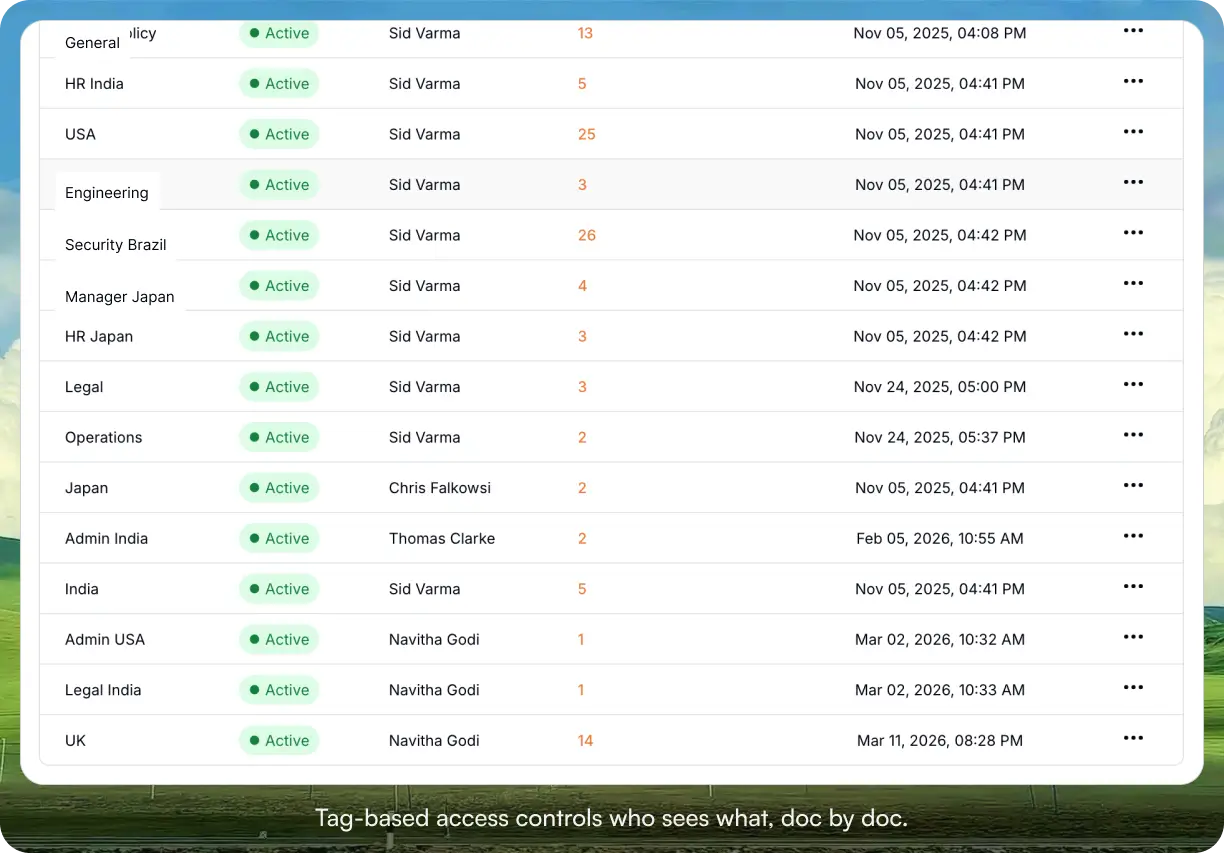
Access control and permissions. Role and tag-based, so the right people see the right docs.
Governance: approvals, version control, acknowledgment tracking. Non-negotiable in regulated industries.
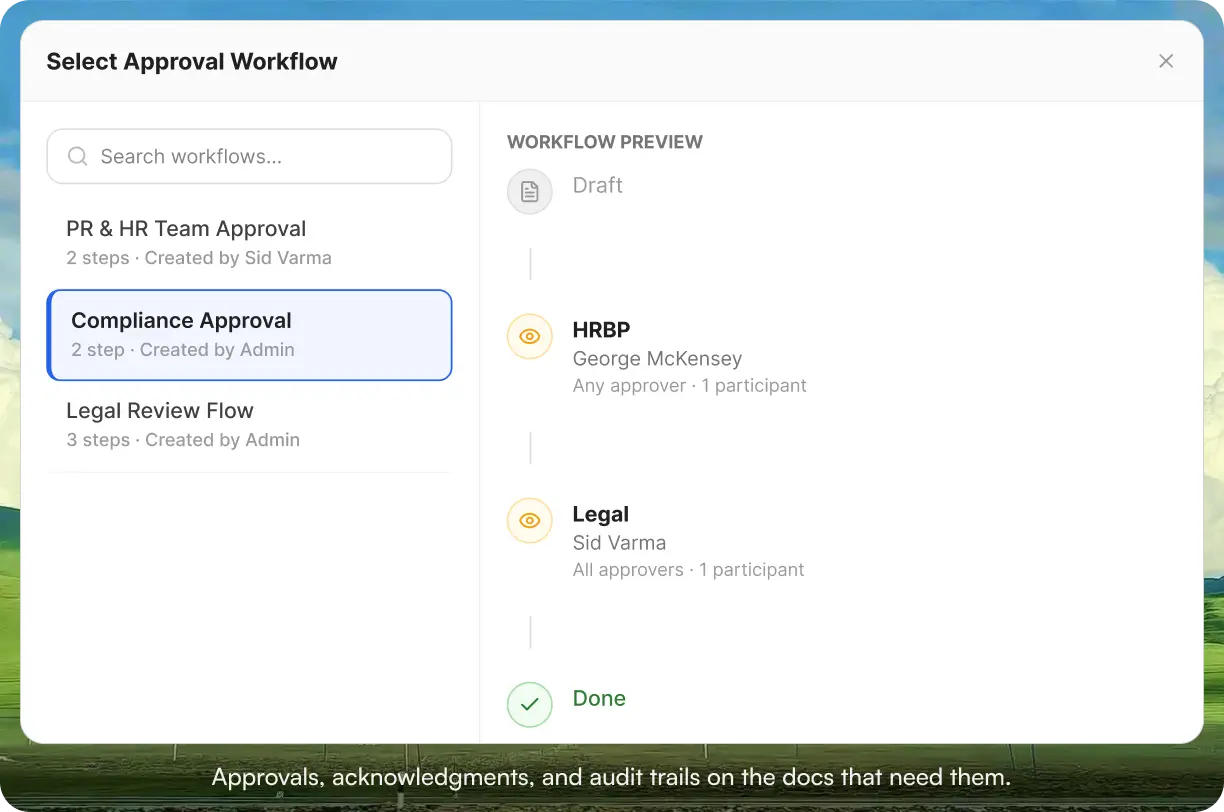
Integrations with the tools your team already lives in.
Total cost of ownership, including setup, admin, and training, not just the sticker price.
Ease of use for non-technical people, because the best tool is the one your team will actually use.
Top 6 internal knowledge base tools
One honest recommendation before the list. If your team is mostly non-technical, your docs are HR, ops, internal policies, onboarding, or process documentation, and you need them findable and trusted a year from now, AllyMatter is what we built for exactly this, and we would start there. It is the place finished docs live, get found, and stay current, with search, tag-based access control, approvals, and acknowledgment tracking built in.
Here are the six tools teams most often compare against it, in rough order of popularity, and the situation each one is actually right for.
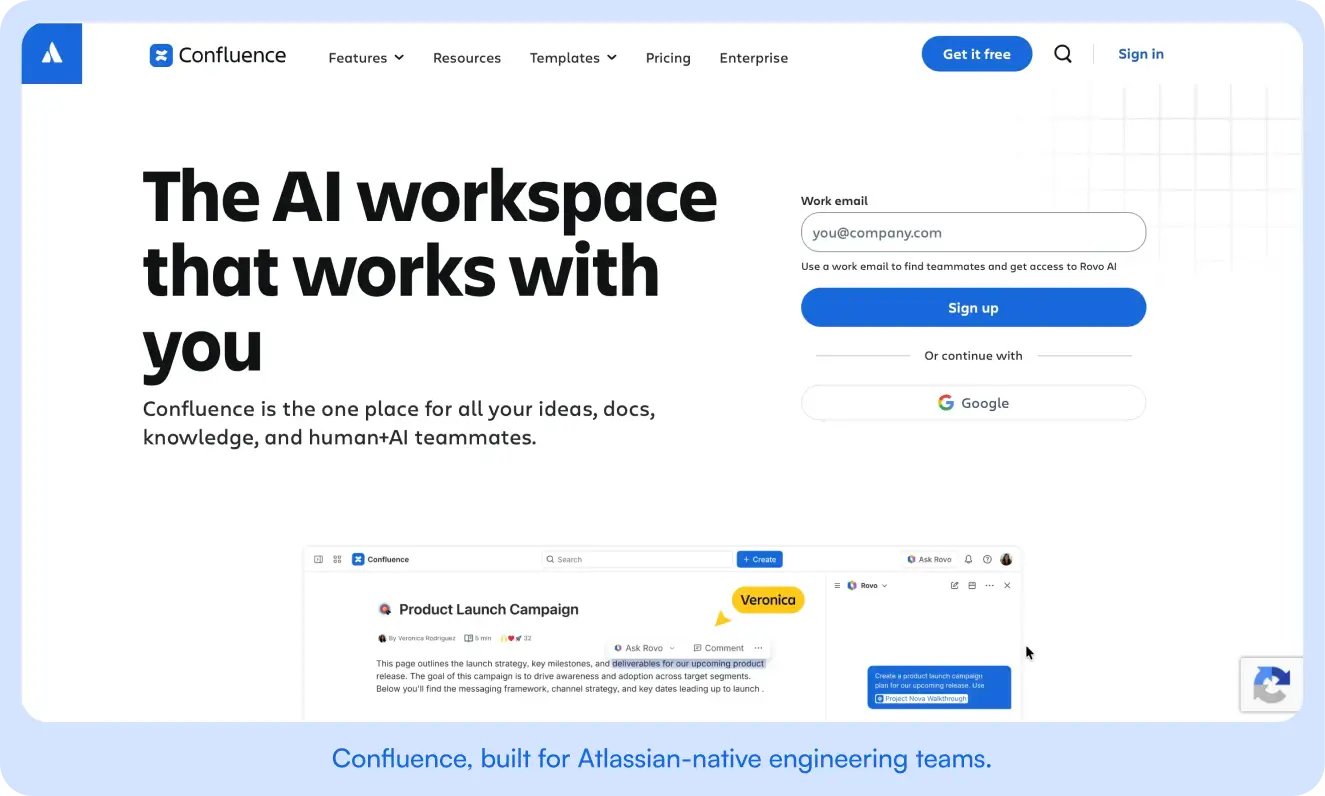
1. Confluence
Atlassian’s team workspace, and the default for companies already living in Jira. The right pick if your team is engineering-heavy and most of your docs are technical specs sitting next to your code and tickets. Wrong pick if your team is non-technical, because adoption stalls fast for people who do not work in the Atlassian stack. More in our Confluence comparison for HR operations.
2. Notion
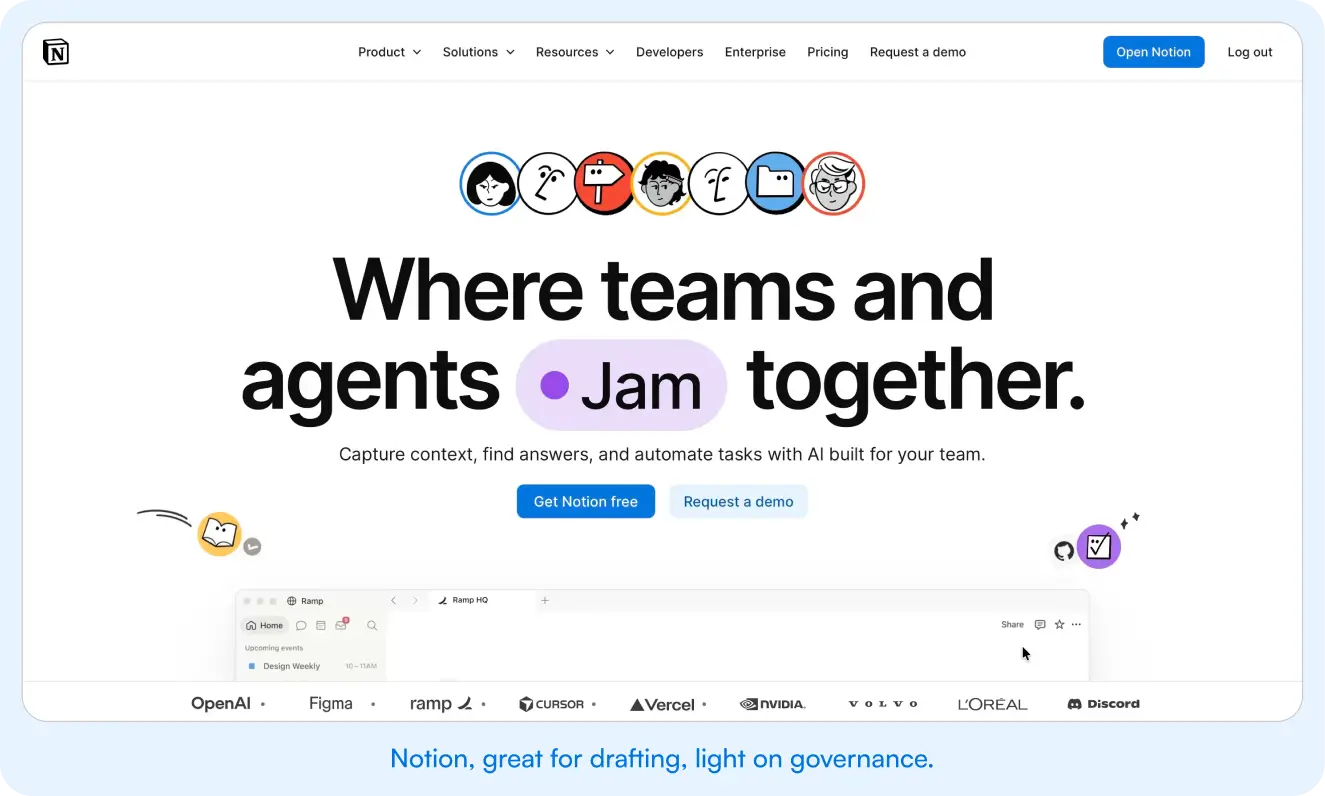
A flexible all-in-one workspace for notes, docs, and light project tracking. The right pick if you are small and your docs are loose and collaborative. Wrong pick once you have HR policies that need formal approval or compliance docs that need acknowledgment tracking, because Notion is built for creating content, not governing it.
3. Microsoft SharePoint
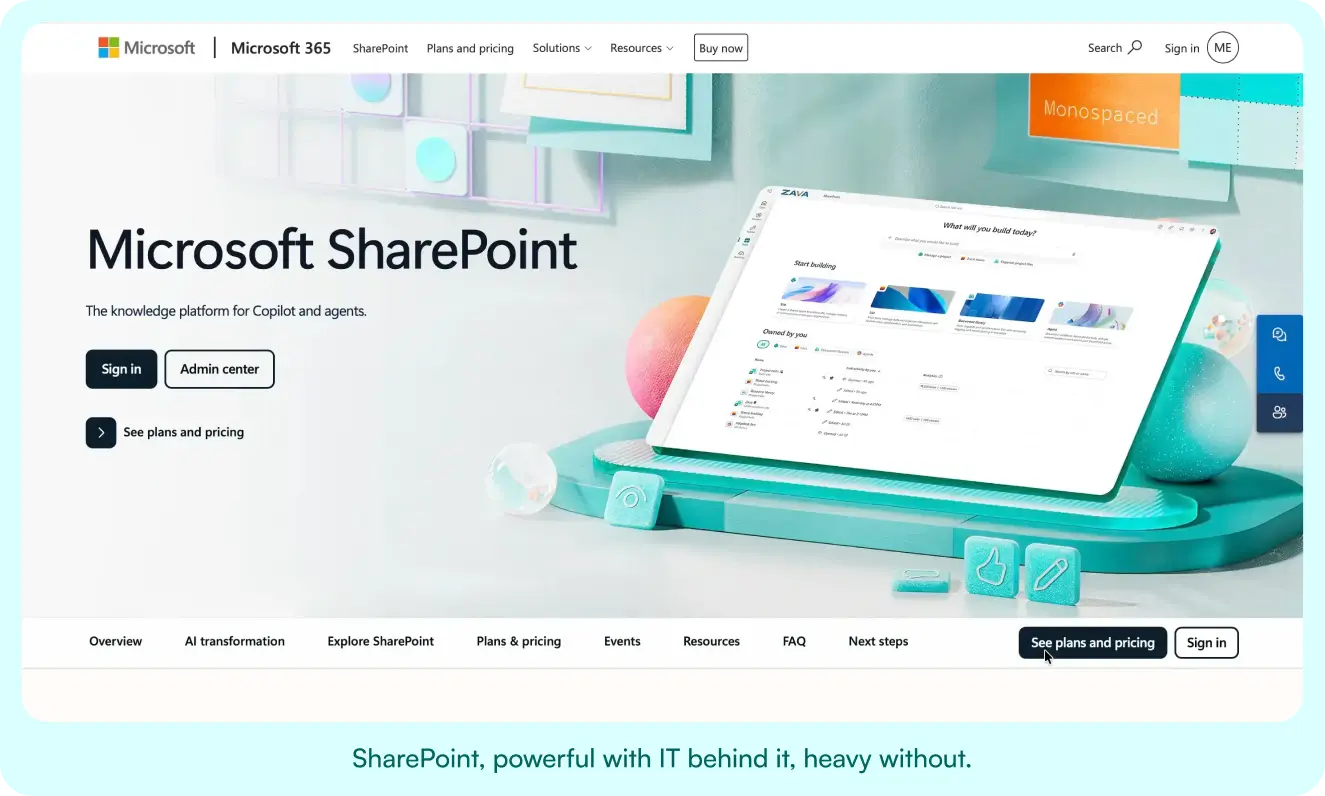
Document storage bundled with Microsoft 365. The right pick if you are all-in on Microsoft and have IT to configure and maintain it. Wrong pick if you want something people actually search and trust without a dedicated admin, which is the most common reason teams leave it.
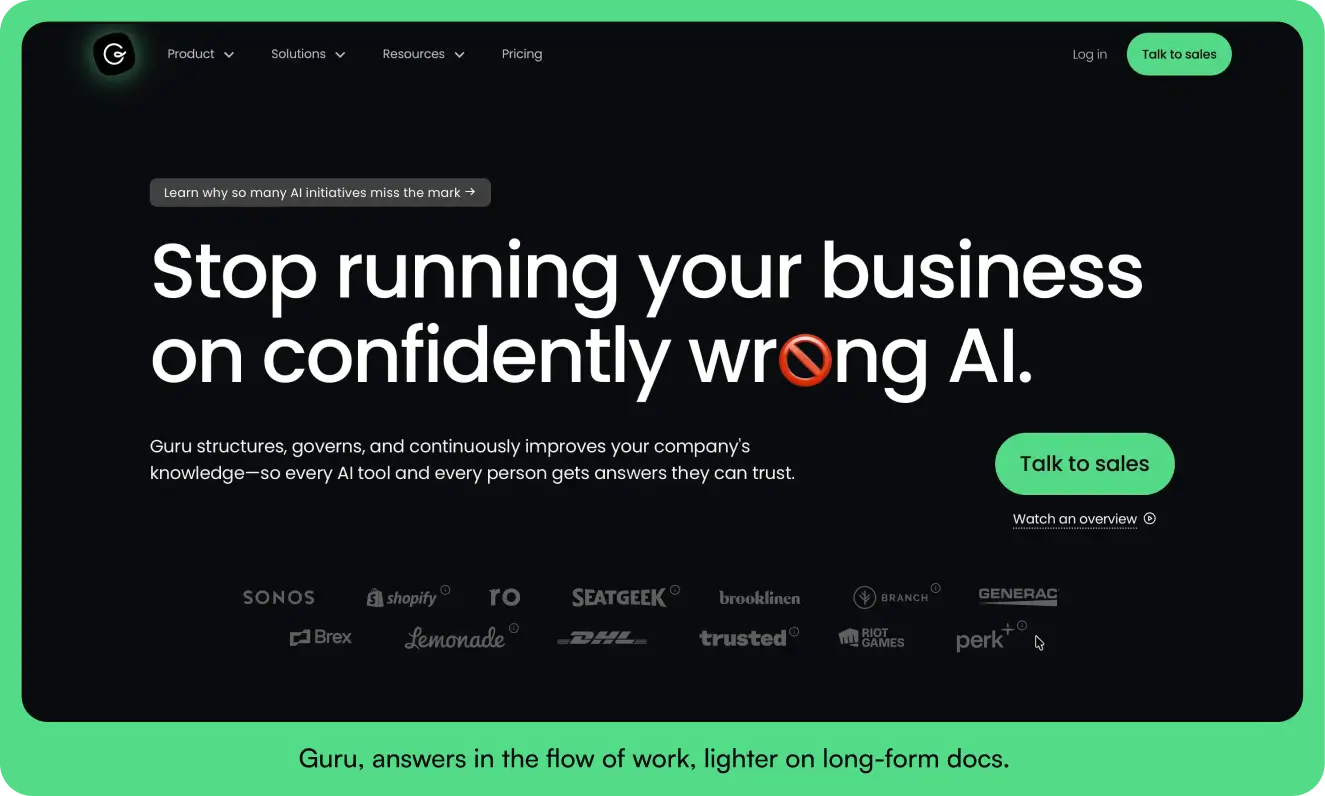
4. Guru
A knowledge tool that surfaces answers inside Slack and the browser. The right pick if your support or sales team wants quick verified answers in the flow of work. Wrong pick if you need a structured long-form repository with formal approval workflows rather than card-style snippets.
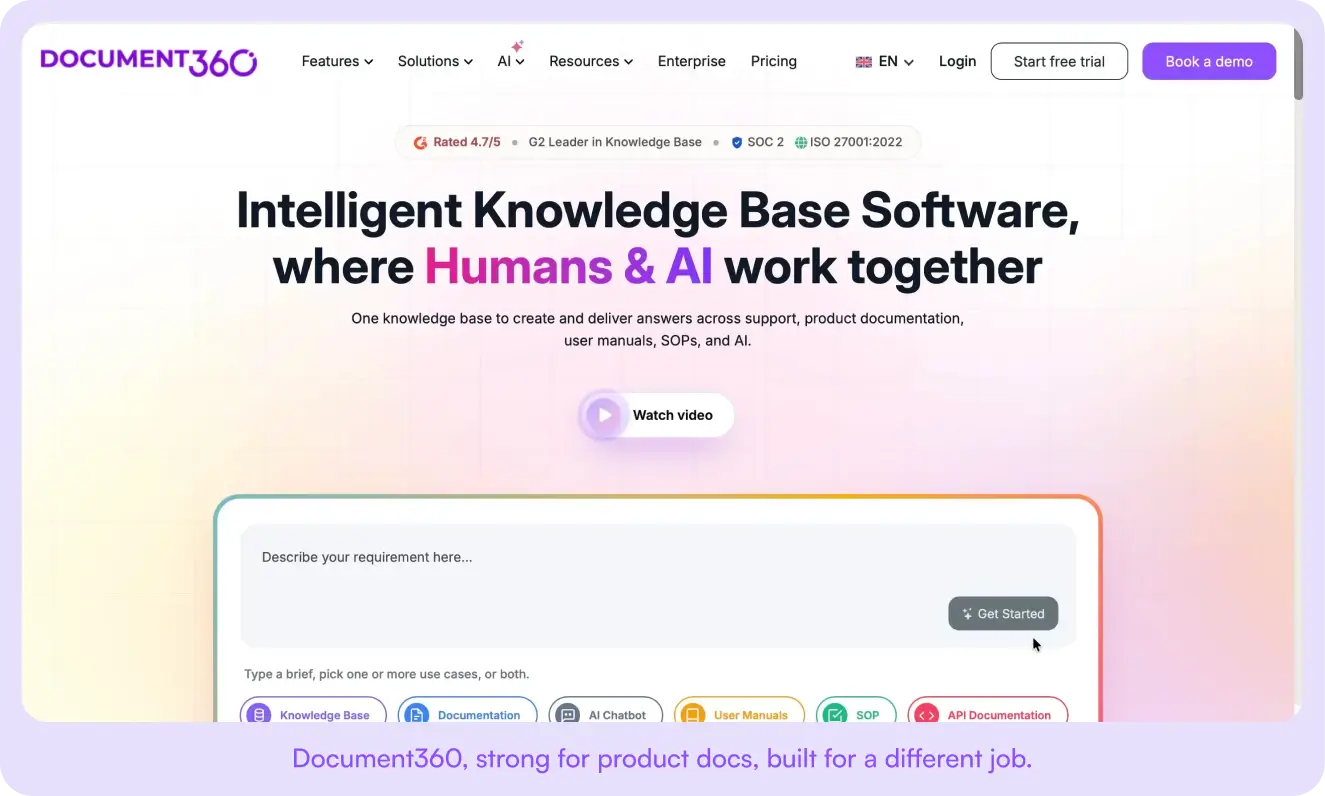
5. Document360
A platform built for publishing technical and product documentation. The right pick if your main job is product docs, user manuals, or an external help center. Wrong pick if your docs are internal HR, ops, and policy rather than product documentation.
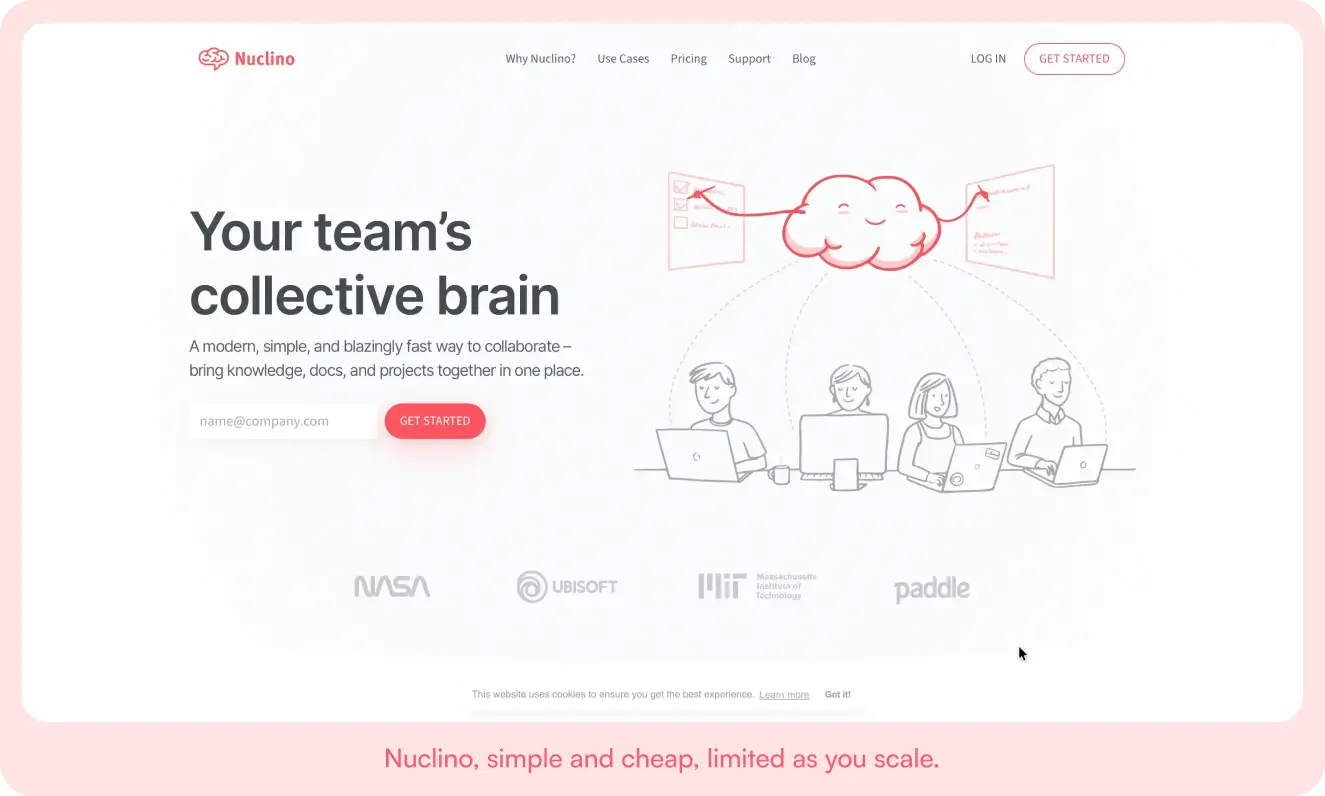
6. Nuclino
A lightweight wiki for small teams that want something simple and cheap. The right pick if you need a fast, no-frills shared wiki. Wrong pick if you need enterprise governance, audit trails, or granular access control as you grow.
The short version: most of these are built for the drafting stage, where two people write a doc together. The hard part for a growing company is what comes next, making sure that doc is findable, governed, and trusted a year later. That is the gap AllyMatter fills.
How to measure internal knowledge base success and ROI
Operational efficiency metrics
Track time spent searching for information, repeat questions to experts, and process consistency across teams. On the people side, measure onboarding time, error rates in documented processes, and how satisfied employees are with finding what they need.
Knowledge retention indicators
Track coverage of critical processes, how often knowledge gets updated, and continuity during transitions. Search success rates and content usage tell you where the value is and where the gaps are.
Business impact
Connect the knowledge base to real outcomes: better audit results, higher customer satisfaction, more standardized operations. Reduced errors and faster project completion trace back to better documentation, even when the link is indirect.
Advanced strategies for scaling organizations
Modern work fragments fast. Workers toggle between apps nearly 1,200 times a day and lose about four hours a week just reorienting, per Harvard Business Review.
Automation and workflow integration. As you grow, manual upkeep breaks down. Automated workflows can trigger updates when processes change, route content through approvals, and notify the right people. Integration with your existing systems keeps information current without manual effort. See creating an automated knowledge base system.
Analytics and prediction. Search patterns and usage data reveal emerging gaps before they become problems, so you can use analytics to predict information needs ahead of product launches or seasonal spikes.
Global and remote teams. Distributed teams need more comprehensive docs, because informal sharing happens less. Build core templates with room for documented regional variation. See knowledge sharing for remote and async teams.
Common internal knowledge base challenges (and how to fix them)
Adoption. Teams default to asking a colleague instead of searching. Fix it by making the knowledge base part of existing workflows so finding an answer is easier than asking for one, and recognize people who document and contribute.
Content quality. Outdated information destroys trust faster than no information. Assign clear ownership for each area, set automated review reminders based on how critical the content is, and define standards for style and approval.
Technology friction. Hard-to-use tools become roadblocks. Keep it simple early, prioritize user experience over feature count, and use single sign-on and mobile access to remove friction that kills adoption.
How AllyMatter supports internal knowledge base success
AllyMatter is built for the growing, non-technical team whose docs are HR, ops, policies, onboarding, and process. Start simple, scale sophistication as you grow.
Structured organization. Intelligent categorization and tag-based metadata make content discoverable through multiple paths without drowning you in complexity.
Tag-based access control. Role and tag-based permissions give everyone the right access without exposing sensitive material.
Approvals and version control. Built-in approval workflows keep content quality high, and full change tracking gives you the audit trail compliance requires.
Search and discovery. Natural-language search surfaces the right content even when people do not know the exact term, and related suggestions help them find what they did not think to look for.
Start your 30-day free trial. No credit card to start, and a 30-day money-back guarantee if you convert and change your mind.
Building your knowledge foundation
An internal knowledge base is infrastructure. The payoff compounds as your team grows and your processes mature, but only if you commit to both the build and the upkeep.
Start with clear objectives and a realistic scope. Document your most critical processes first, set quality standards, and grow adoption gradually. As the value shows, expand coverage. If you are just starting, read a short guide to internal wikis for startups.
Here is how I would think about the decision:
- Under 30 people with mostly informal docs? Stay where you are for now. Get one tool working before you complicate your stack.
- 30 to 200 people and your docs are going stale? This is the moment a dedicated knowledge base pays off. Try AllyMatter.
- In a regulated industry like healthcare, finance, or legal? You need governance and audit trails from day one, so a dedicated tool is not optional.
Tools alone do not fix knowledge problems. Good tools plus clear processes plus organizational commitment turn scattered information into a real asset. If you are ready to stop losing knowledge when people leave and start scaling with confidence:
Start your 30-day free trial. No credit card to start, and a 30-day money-back guarantee if you convert and change your mind.
Not ready for a trial? Migration from Confluence or Notion is on us when you decide. On yearly plans, we will move your existing docs over, usually within a week and often sooner.
Frequently asked questions
What is the difference between an internal and external knowledge base?
An internal knowledge base is for employees and holds private information like policies, SOPs, and onboarding. An external knowledge base is for customers and holds public help content. The internal kind prioritizes access control, approvals, and governance because the content is sensitive and has to stay trusted.
Can a knowledge base be both internal and external (a hybrid)?
Yes. A hybrid knowledge base keeps internal and external content in one platform but separates them with permissions, so employees see private SOPs and policies while customers only see public help articles. It works when the same team maintains both and the access controls are strict. The risk is leakage, so if most of your content is sensitive internal material, lead with an internal-first tool and publish a public subset, rather than bolting internal docs onto a customer help center.
Can I just use Notion or Google Docs and skip a dedicated knowledge base?
Yes, for a while. If you are under 30 people and your docs are mostly informal team notes, Notion or Google Docs is enough. You start running into trouble once you have HR policies that need formal approval, compliance docs that need acknowledgment tracking, or institutional knowledge that has to survive turnover. That is when a dedicated tool earns its place.
What is the biggest mistake companies make with their first knowledge base?
Trying to document everything at once. Teams burn out chasing perfect documentation for every process. Start with the knowledge that walks out the door when people leave. That is the highest-value content.
How do we know if we are ready for a dedicated platform?
When teams spend more time searching Google Drive than working, you are ready. If new hires take weeks to find basics, or the same questions get asked over and over in Slack, scattered docs are already costing you real productivity.
Should we hire someone to manage it full-time?
Not initially. Give ownership to someone who already understands the processes, usually an ops manager or senior lead. Full-time knowledge managers make sense around 200-plus employees. Most growing companies do fine with part-time ownership and clear contributor guidelines.
How do we handle teams that do not want to document their processes?
Start with the teams already feeling the pain, usually support, HR, or ops. Once they see the productivity gain, other teams come asking how to get involved.
What if our processes change too often to document?
That is exactly when documentation matters most. The alternative to documented processes is not flexibility, it is chaos. Document the framework and the decision criteria rather than every possible variation.
How long before we see results?
Most teams feel relief from repetitive questions within the first month. Real gains like faster onboarding and fewer errors show up in months two and three. The compound effect hits around month six.