

Knowledge Base · 85 min read
Global Guide to Knowledge Bases (2026): 111 Tools Compared
Knowledge bases fail more often due to poor implementation than poor tooling. Having worked on knowledge management systems across dozens of growing companies, we’ve observed that success depends on striking the right balance between structure and flexibility during periods of rapid change.
This is particularly critical for organizations experiencing rapid growth, where tribal knowledge leaves as people depart and new processes emerge faster than they can be documented. The challenge isn’t just choosing a tool; it’s building a system that can evolve alongside your company without creating friction. Teams often struggle with systems that start off well but become bottlenecks when they’re too rigid, or devolve into information chaos when they’re too loose.
The key is understanding how various knowledge base architectures manage the natural evolution of a company’s information – from early, informal documentation to mature, structured processes. In this exploration of knowledge base tools, we’ll look at solutions suited for early-stage implementation and for rapid scaling. By comparing how each platform handles documentation, team collaboration, and information organization, we’ll help you choose a system that not only meets your current needs but also adapts to your company’s growth.
Our analysis scope
We cast a wide net when surveying knowledge base solutions, including dedicated documentation platforms and broader tools that offer knowledge base functionality. This article is part 1 of our four-part series analyzing global knowledge bases. Our core filter was straightforward: does the tool allow teams to create, organize, and share internal documentation?
This inclusive approach covered:
- Standalone knowledge base platforms
- Wiki-style tools
- Documentation features embedded in larger workplace solutions
We included specialized documentation tools as well as broader collaboration platforms, tracking everything from simple document repositories to advanced systems with workflow automation and AI capabilities. This broad perspective provides context about where each tool fits in the wider knowledge management landscape.
The resulting analysis covers everything from focused documentation tools like Slab and Outline to more comprehensive platforms like Confluence and ClickUp, which include knowledge base features as part of their broader offerings. Rather than making assumptions about what you need, we lay out what each platform offers so that you can match capabilities to your requirements.
Understanding our analysis
For each platform, we gathered key information across several dimensions to help guide your decisions:
Feature alignment
We assess the feature set of each platform to see how closely it matches core knowledge base needs. Some tools focus primarily on documentation, while others bundle knowledge base capabilities into a broader toolkit. Recognizing this helps you avoid paying for unneeded features or ending up with an overly complex solution.
Content quality support
We evaluate how each platform supports content creation and maintenance, including its editing interface, template systems, and tools for keeping documentation up to date. We also examine how well each platform organizes content, an essential factor when your documentation expands beyond basic needs.
Pricing structure
We look at base costs, per-user fees, and any significant pricing tier jumps. We pay close attention to how pricing scales and whether features like Single Sign-On (SSO) require premium tiers, often a hidden cost in many solutions.
Technical implementation
We review:
- Whether the solution is open source
- Available integrations
- Browser extension availability
- AI capabilities
- Design quality and user interface
- Sharing and collaboration features
We also provide general notes on unique features, limitations, and specific use cases where each tool shines or might fall short. Rather than making direct recommendations, we present this information so you can determine which features align with your needs and growth trajectory.
Knowledge base tools: Global list
Here’s the full list of tools that can serve as the backbone of a knowledge base in your organization.
Atlassian Confluence
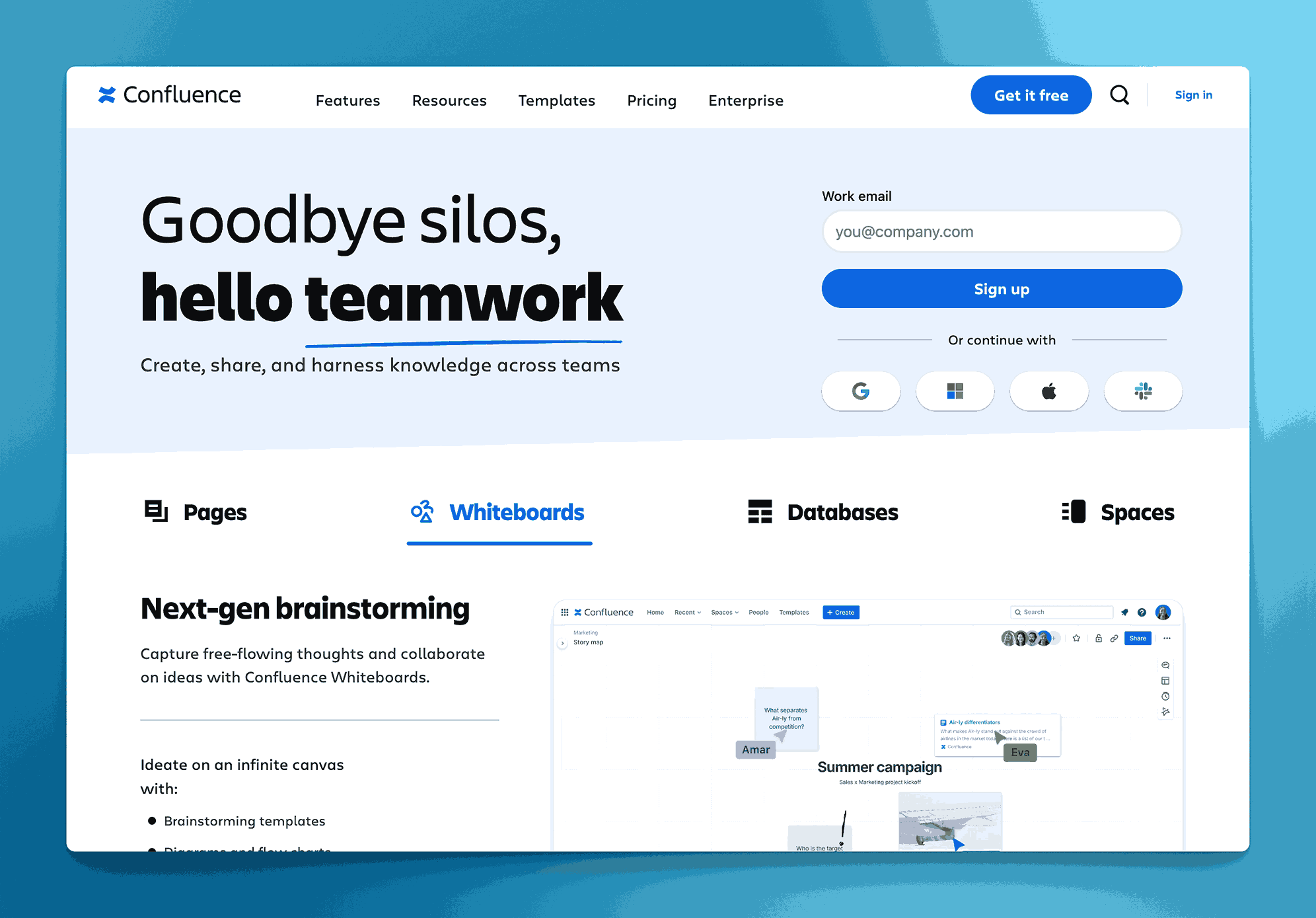
Confluence by Atlassian is a collaborative workspace that can function as a standalone knowledge base, helping teams create, share, and organize knowledge efficiently. It features dynamic pages, whiteboards, databases, and AI tools for automating tasks and summarizing documents. Confluence integrates smoothly with other Atlassian products (like Jira) and many third-party tools, offering a robust library of templates for diverse team needs.
Key information
- Open Source: No, Confluence is not open source.
- Standalone KB Tool: Yes, it can serve as a standalone knowledge base, though it also includes broader project collaboration features.
Why you might like it
- Centralized knowledge repository
- Suitable for multiple teams (marketing, project planning, software development, etc.)
- Robust security with user-level permissions
- Rich integration ecosystem with Atlassian suite and other tools. You will like this if you are already using Atlassian’s other tools like Jira and have large dev and product teams who are already working on Jira.
Potential considerations
- Complexity: Might be overkill for very small teams or simple documentation needs.
- Pricing Tiers: Free tier for up to 10 users, then $5.16, $9.73 per user. Enterprise plan available.
Slab
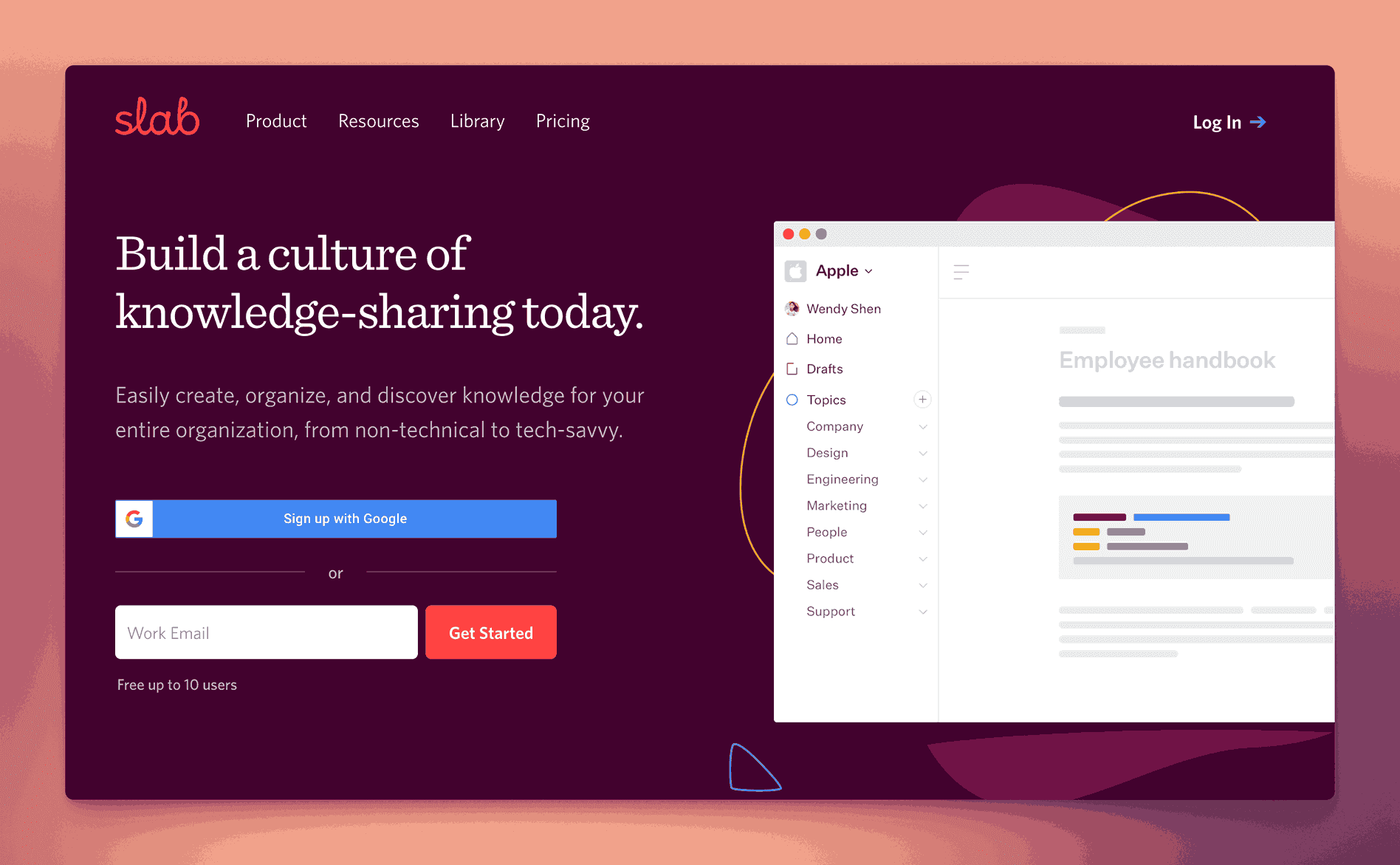
Slab is a dedicated knowledge base platform that emphasizes a clean, intuitive interface for team documentation. It offers powerful editing tools, version history, and an advanced search function, making it easy to create, update, and find information. Slab integrates with popular apps (e.g., Slack, GitHub) to keep your documentation workflow streamlined.
It is built for both technical and non-technical teams and their needs.
Key information
- Open Source? No, Slab is not open source.
- Standalone KB Tool? Yes, Slab can be used entirely as a standalone knowledge base.
Why you might like it
- Minimal, user-friendly interface that lowers adoption barriers
- Powerful search to quickly locate relevant content
- Version history for transparent tracking of content edits
- Integrations with popular tools (e.g., Slack, GitHub), centralizing knowledge.
Potential considerations
- Pricing can scale up depending on team size and feature needs. Free for up to 10 users. $6.67, $12.50 and Enterprise pricing for organizations with more than 10 users.
- Advanced administrative features (such as SSO) may require higher-tier plans
Outline
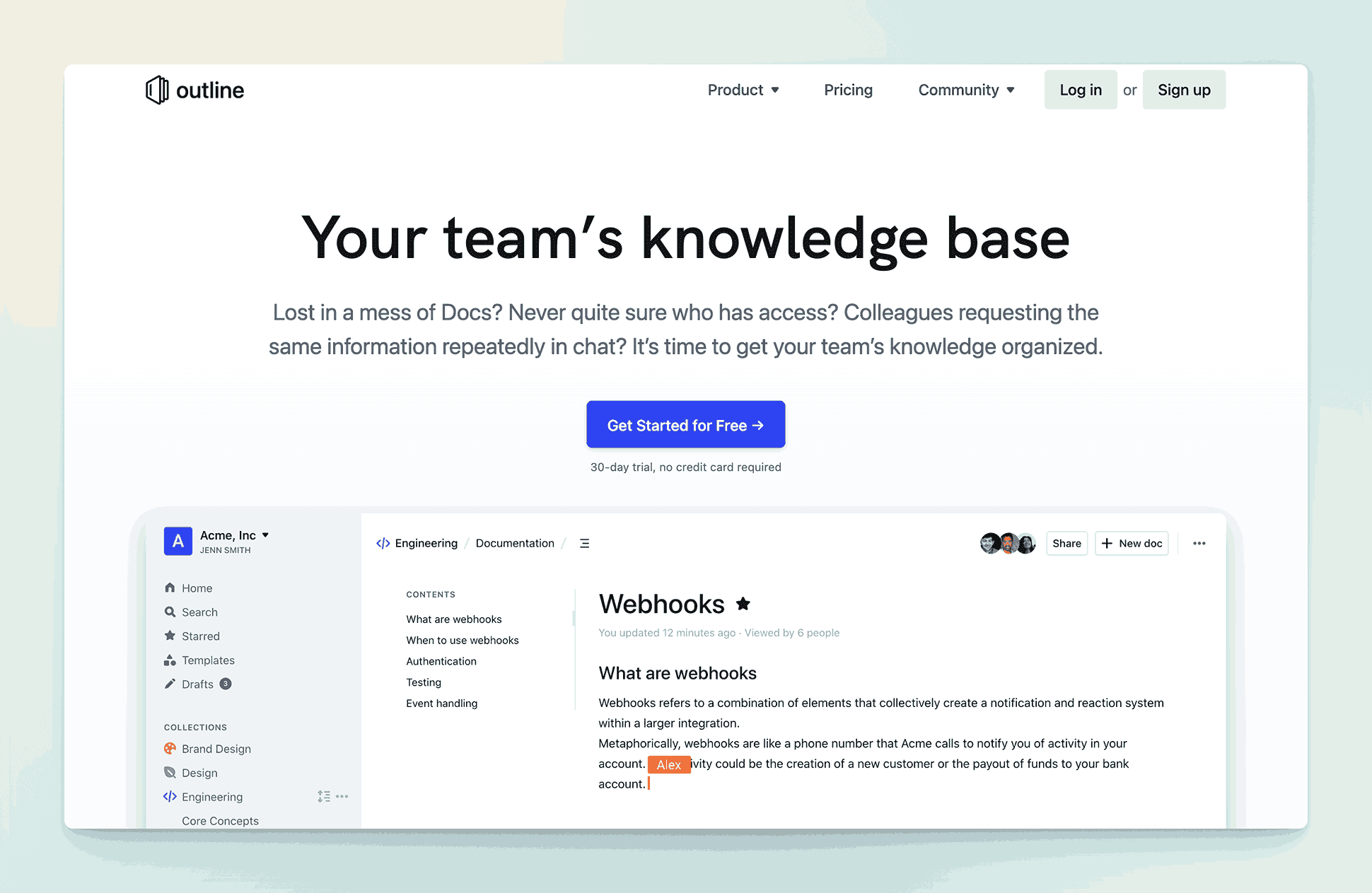
Outline is an open-source knowledge base tool designed for collaborative team documentation. It offers a clean, intuitive interface, hierarchical content organization, and robust search capabilities, making it easy to create, share, and maintain information. With built-in integrations (e.g., Slack, Zapier) and a focus on simplicity, Outline can serve as a seamless hub for storing and accessing your team’s knowledge.
Key information
- Open Source? Yes, Outline is open source. It uses a Business Source License 1.1.
- Standalone KB Tool? Yes, Outline can function as a fully standalone knowledge base.
Why you might like it
- Hierarchical organization for structuring documentation into nested collections
- Powerful search to quickly locate relevant pages
- Clean, user-friendly interface that requires minimal onboarding
- Slack and Zapier integrations for streamlined workflows
Potential considerations
- Self-hosting requires your own server resources and technical setup if you opt for on-premise
- License – $10 per month for up to 10 users, $79 for 11 to 100 users, $249 for 101-200 users on the Cloud. Self-managed instances are free for an unknown number of users, Business and Enterprise editions are $4 and $5 per user per month.
- Limited advanced features compared to more comprehensive project management or collaboration platforms
- Community-driven support model, which may affect response times for troubleshooting.
Notion

Notion is a versatile collaboration platform that combines documents, databases, and wikis in one place. Its flexibility allows teams to build a fully customized knowledge base with pages and subpages, while also supporting task management and other workflow needs. Users can embed various media types, create relational databases, and organize content in a highly visual, drag-and-drop interface.
Requires third-party plugins for approval workflows, compliance and many other essential features which are needed for many organizations.
Key information
- Open Source? No, Notion is not open source.
- Standalone KB Tool? Not purely standalone, it’s a multipurpose platform, but it can effectively serve as a knowledge base.
Why you might like it
- Flexible page structure: Easily create and rearrange pages, subpages, and databases
- Rich content embedding: Insert images, videos, code snippets, and more
- Powerful templates: Pre-built layouts and customizable templates help standardize documentation
- Collaboration features: Real-time editing, comments, and @mentions for quick feedback
Potential considerations
- Broad feature set: Might be more complex than necessary if you only want a simple knowledge base
- Pricing tiers: Free for personal use, $10 and $15 per seat per month for Plus and Business plans. Enterprise plans on request. Advanced permissions and admin controls may require higher-tier plans
- Learning curve: Navigating databases, relations, and templates can be challenging for first-time users
Slite
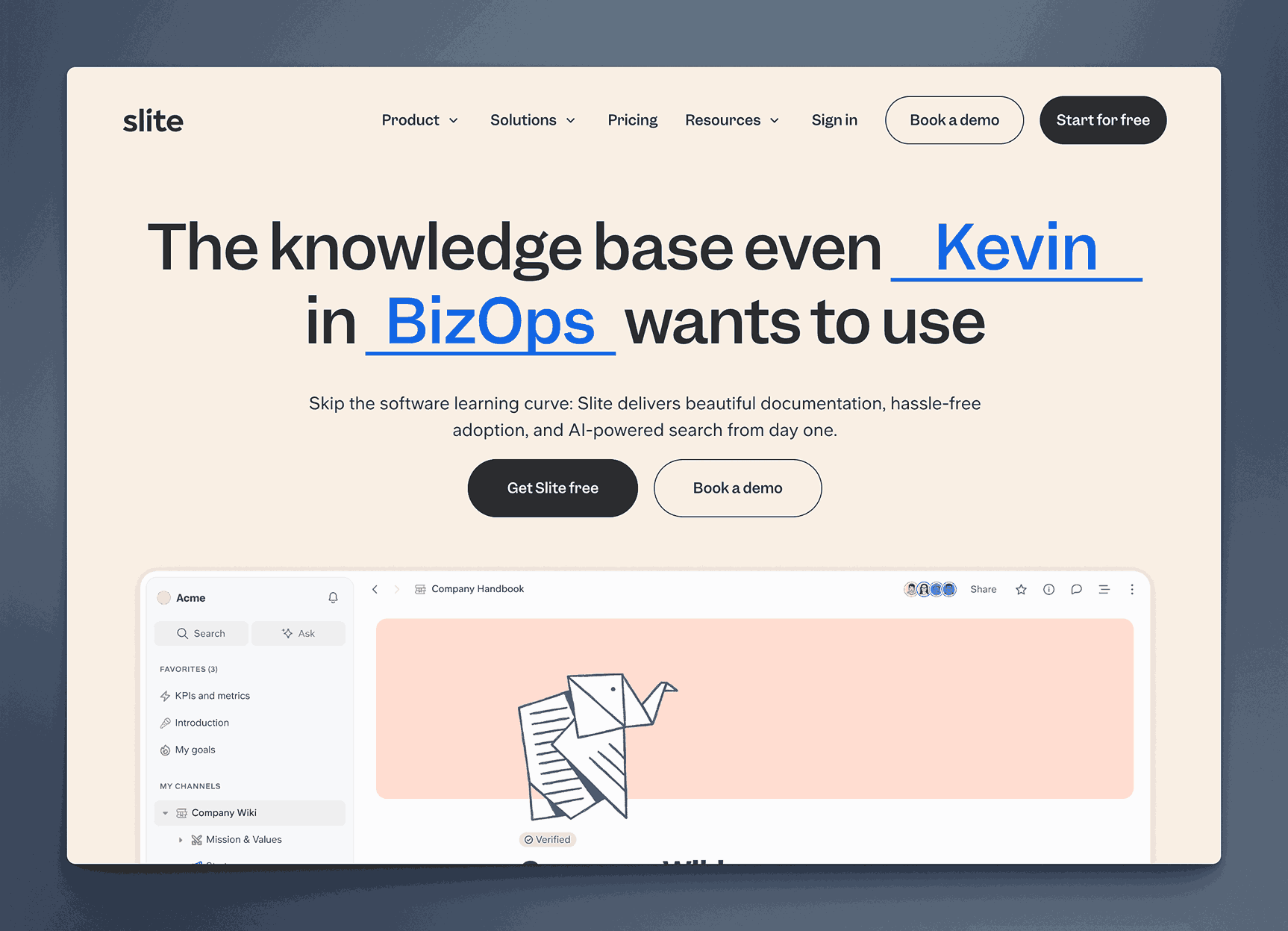
Slite is a collaborative documentation platform with a Slack-inspired interface, making it particularly user-friendly for teams already familiar with chat-based tools. It offers real-time editing, threaded comments, and simple content organization through channels and folders. Slite focuses on ease of use, helping teams rapidly create and share knowledge without steep learning curves.
Key information
- Open Source? No, Slite is not open source.
- Standalone KB Tool? Yes, Slite can function as a standalone knowledge base.
Why you might like it
- Simple organization: Channels, folders, and tags help keep documentation tidy
- Integrations: Connects with tools like Slack and GitHub to streamline workflows
- Desktop App: Use the desktop app for easy access to all documents on your desktop
Potential considerations
- Limited advanced features: May not offer the same feature depth as broader project management suites
- Pricing – $8 and $10 for Standard and Premium plans, Enterprise plans available. Scales based on team size and feature requirements
- Fewer built-in automation capabilities compared to larger, more established platforms
Guru
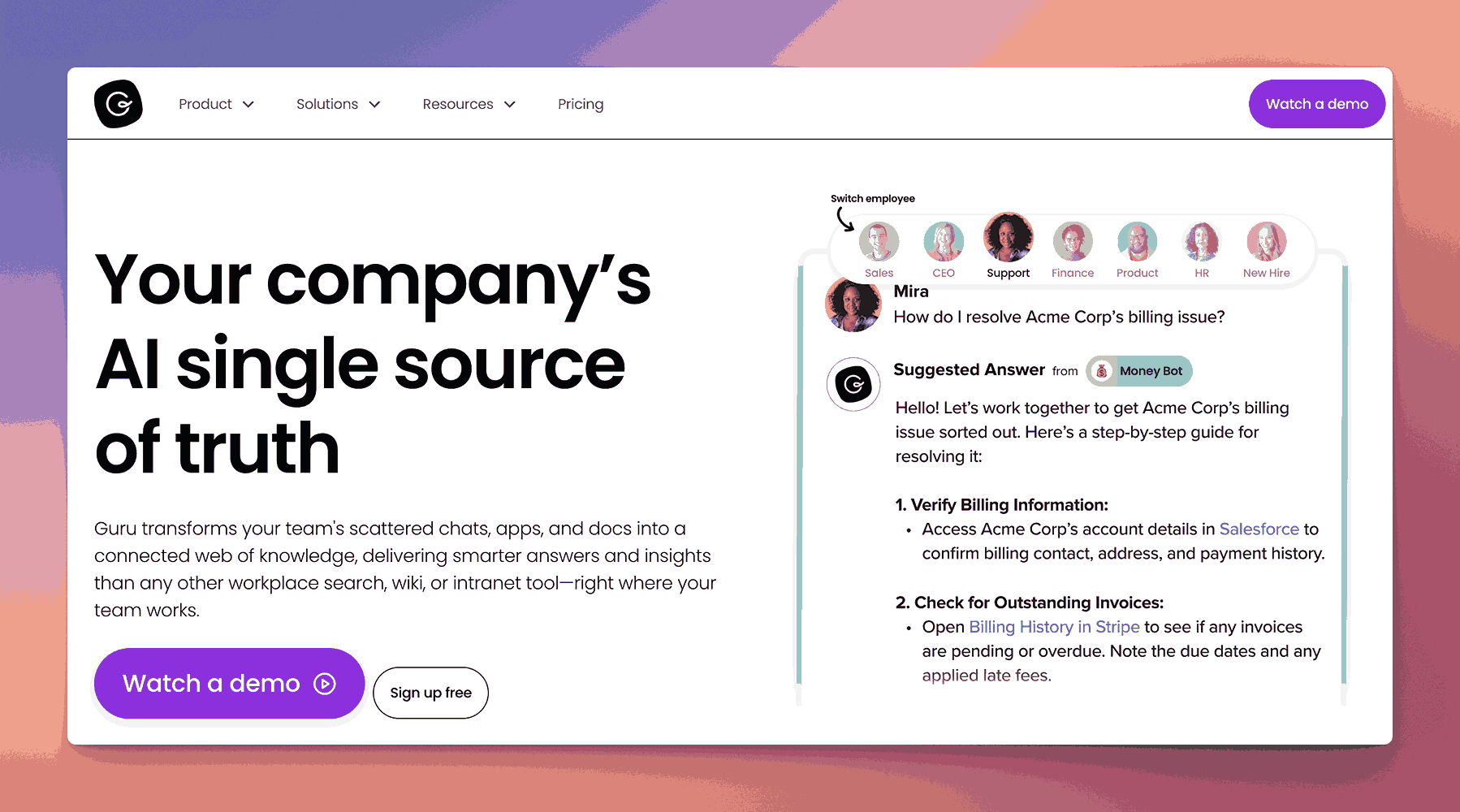
Guru is a knowledge management platform designed to provide real-time information to teams through a browser extension, Slack integration, and other communication tools. It uses “Cards” for quick access to bite-sized knowledge and includes verification workflows to ensure information stays accurate and up to date.
It provides a verifier system which helps users understand the accuracy of information in the knowledge base.
Key information
- Open Source? No, Guru is not open source.
- Standalone KB Tool? Yes, Guru can be used solely as a knowledge base solution.
Why you might like it
- Real-time accessibility: Browser extension and Slack integration allow quick retrieval of information
- Verification workflow: Ensures content remains accurate through regular checks and approvals
- Card-based format: Breaks down information into smaller, easily digestible pieces
- Contextual insights: Automatically surfaces relevant knowledge within your workflow
Potential considerations
- Pricing may increase based on team size or advanced feature needs. Starts at $18 per user per month. Enterprise plans available.
- Limited long-form documentation features compared to more document-centric platforms
- Learning curve for teams unfamiliar with card-based content organization
Nuclino
Nuclino is a lightweight, real-time collaboration tool designed to help teams build and maintain knowledge bases and wikis. Its intuitive interface uses a card-based, visual workspace where you can create and link pages (or “items”) to organize information. Nuclino also supports real-time editing and commenting, making it easy for teams to collaboratively update and refine documentation.
Key information
- Open Source? No, Nuclino is not open source.
- Standalone KB Tool? Yes, Nuclino can serve as a standalone knowledge base.
Why you might like it
- Simple, visual organization: Create interlinked pages and visually map out relationships
- Real-time collaboration: Edit simultaneously and leave in-line comments for quick feedback
- Minimalistic interface: Easy for new users to adopt without a steep learning curve
- Search and linking: Quickly locate content and cross-reference related pages
Potential considerations
- Limited advanced features: May not offer the depth of larger, more comprehensive platforms
- Pricing tiers: Basic version is free, $6 and $10 for Starter and Business plans
- Lacks extensive integrations compared to some other knowledge management tools
Tettra
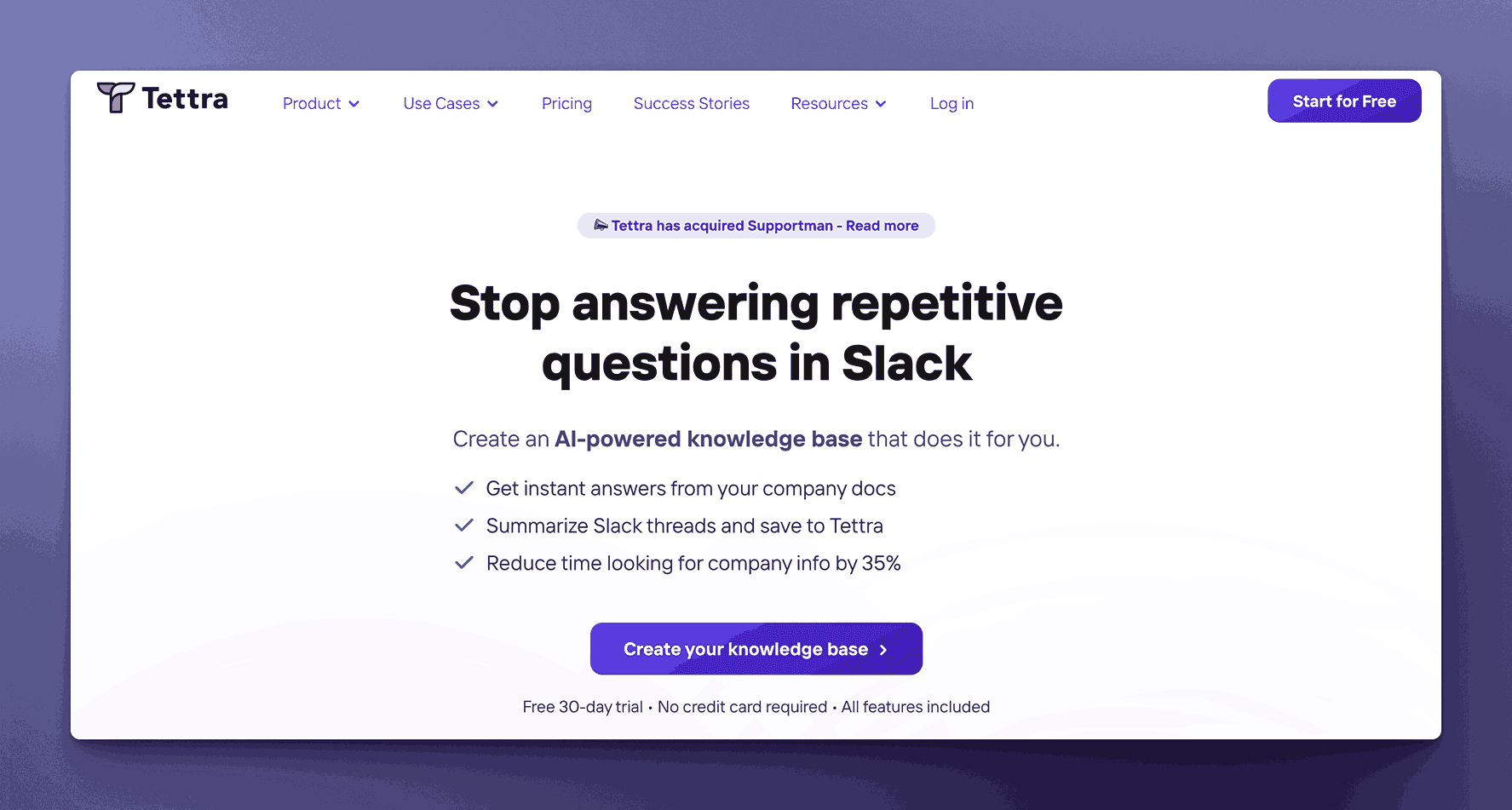
Tettra is a knowledge management platform that integrates tightly with Slack and Microsoft Teams, focusing on a Q&A-driven approach to sharing and organizing information. It allows teams to create and maintain internal documentation in a user-friendly environment, with a strong emphasis on capturing and surfacing knowledge in real time.
Key information
- Open Source? No, Tettra is not open source.
- Standalone KB Tool? Yes, Tettra can be used as a standalone knowledge base.
Why you might like it
- Q&A-driven workflow: Encourages users to ask questions and get quick, documented responses
- Slack/MS Teams integration: Allows easy knowledge sharing within familiar communication tools
- Simple content structure: Provides straightforward templates and categories for organizing documentation
- Verification reminders: Helps keep documentation accurate and up to date
Potential considerations
- Limited advanced features: Focuses on Q&A and basic documentation, which may not meet complex needs
- Pricing: $5 per user per month for Basic with a minimum of 10 users, $10 per user per month for Scaling with a minimum of 10 users, $7200 per year for Professional with 50 users included.
- Narrower integration ecosystem: Strong focus on Slack and Teams, but fewer other native integrations
Zendesk Guide
Zendesk Guide is the knowledge base component of the larger Zendesk Suite, designed to help businesses create, organize, and deliver customer-facing or internal documentation. It offers customizable themes, AI-powered answer suggestions, and a self-service portal to quickly surface relevant content. Although it’s best known for customer support, it can also function as an internal knowledge repository.
Not really designed or built for internal teams’ usage. It is built to let internal teams serve external customers. Help desk features dominate the knowledge base platform.
Key information
- Open Source? No, Zendesk Guide is not open source.
- Standalone KB Tool? Not purely standalone; it’s part of Zendesk, but can be used primarily as a knowledge base solution within the suite.
Why you might like it
- Easy self-service: Enables customers or team members to quickly find answers on their own
- AI-powered suggestions: Suggests relevant articles based on inquiries or ticket context
- Customizable design: Offers theming options to match branding or internal style preferences
- Robust analytics: Tracks search queries, article views, and engagement for continuous improvement
Potential considerations
- Focus on customer support: May have more features than needed if you only want internal documentation
- Pricing: Part of the broader Zendesk ecosystem, which might be costlier for smaller teams. Starts at $25 per agent per month, and goes up to $149 per agent per month. Enterprise plans available.
- Integration limits: Works best alongside Zendesk products; third-party integrations may be more limited
Document360
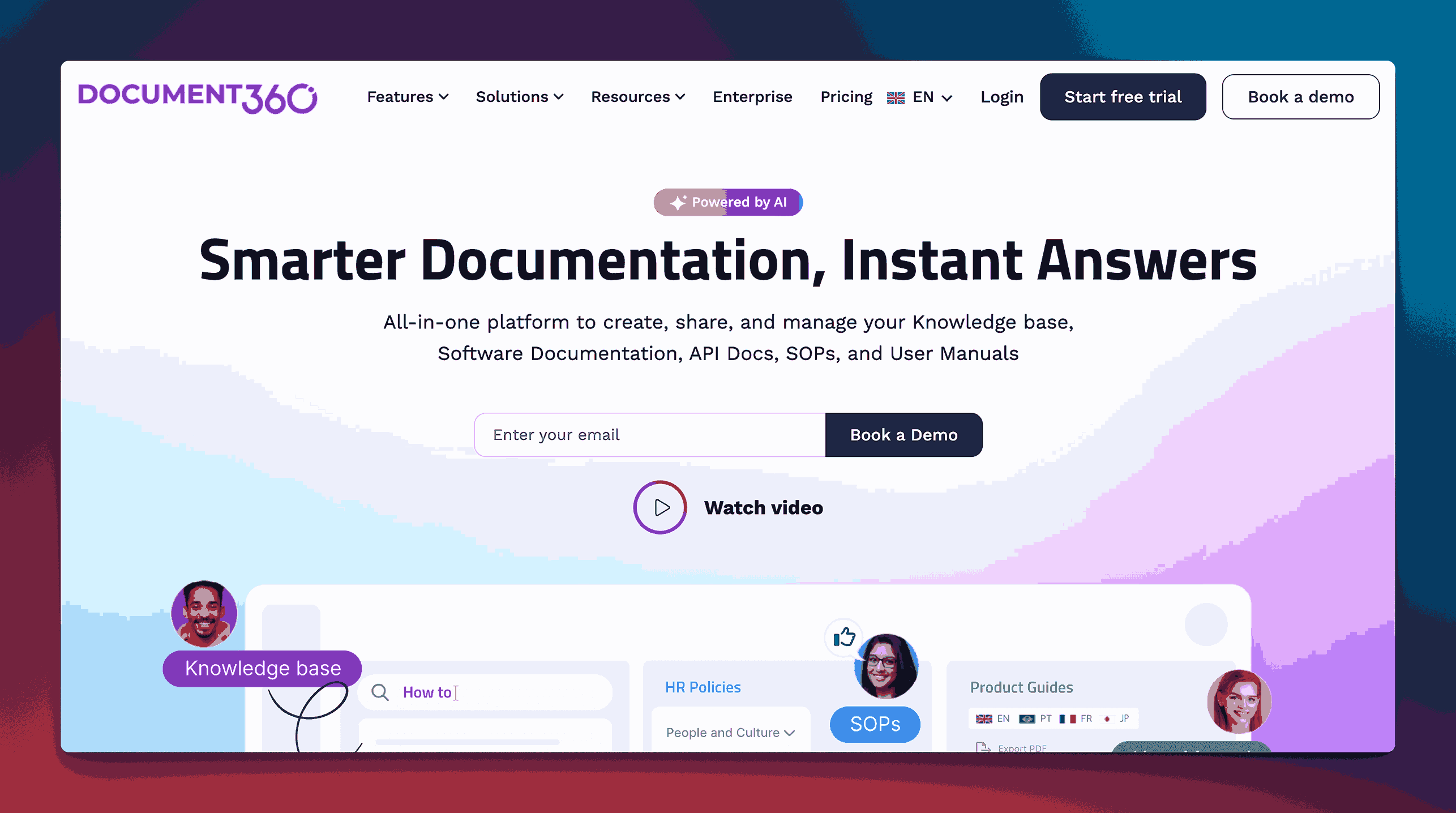
Document360 is a dedicated knowledge base software that allows you to create, manage, and publish documentation for both internal teams and external customers. It features a markdown-based editor, category-based organization, and robust versioning capabilities. It also offers advanced analytics and customizable branding options, making it suitable for businesses looking for a professional, standalone KB solution.
Key information
- Open Source? No, Document360 is not open source.
- Standalone KB Tool? Yes, Document360 is specifically designed as a standalone knowledge base.
Why you might like it
- Markdown-based editor for quick and easy content creation
- Category and subcategory structure for organized documentation
- Versioning and rollback to track and revert to previous document states
- Custom branding and domain support to keep your KB on-brand and professional-looking
- Analytics and reporting to monitor article performance and user engagement
Potential considerations
- Pricing is not public but may be higher than generic documentation tools, especially for larger teams
- Limited broader collaboration features, as it focuses on KB functionality rather than project management
- Learning curve for those unfamiliar with markdown-based editing
Helpjuice
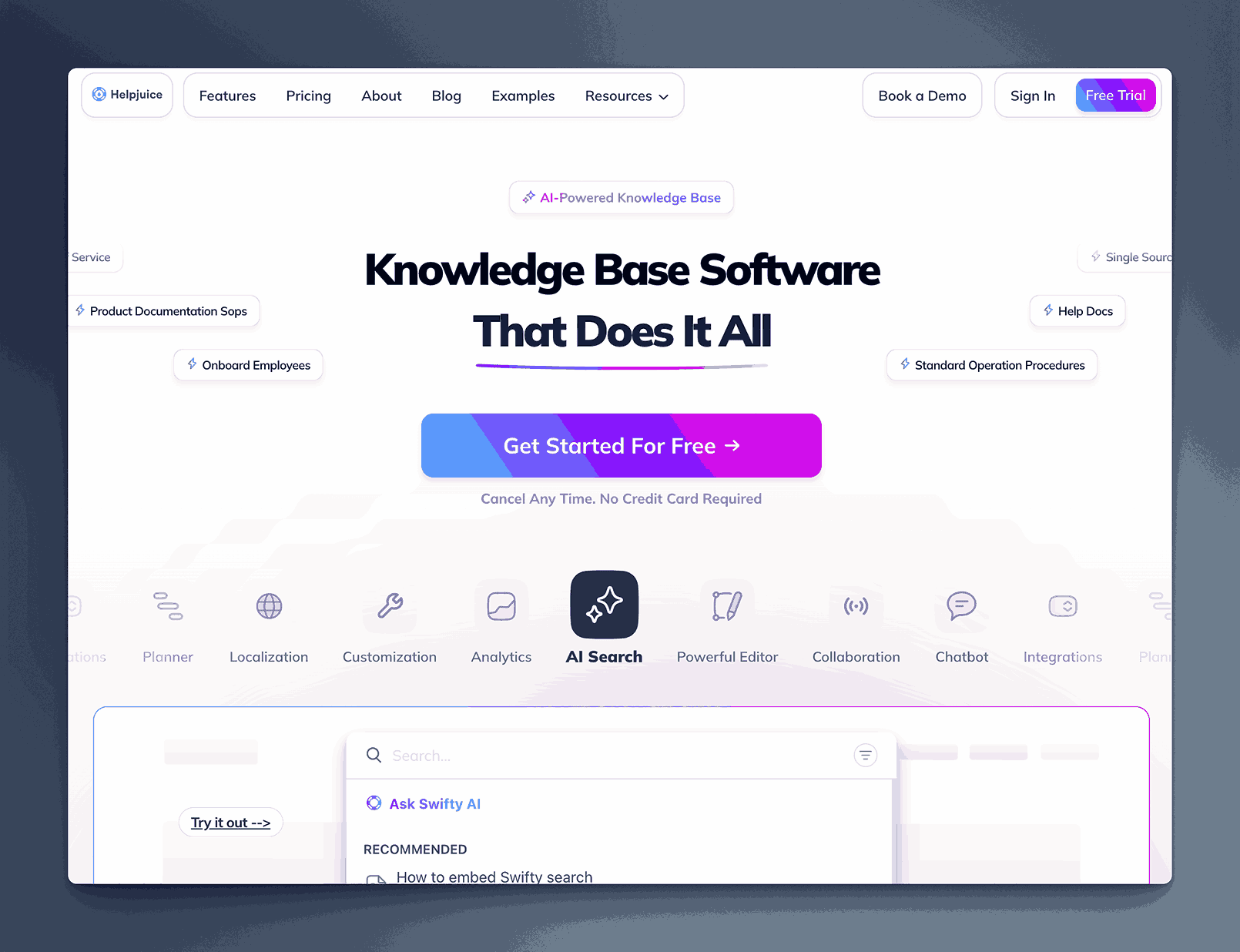
Helpjuice is a standalone knowledge base platform aimed at helping businesses create and organize their documentation for both internal teams and external customers. It offers customizable templates, a powerful search function, and detailed analytics to help understand how users engage with content. With a focus on ease of setup and usability, Helpjuice can be quickly deployed to support self-service support and internal knowledge sharing.
Key information
- Open Source? No, Helpjuice is not open source.
- Standalone KB Tool? Yes, Helpjuice operates primarily as a standalone knowledge base solution.
Why you might like it
- Customizable templates to match branding and design preferences
- Powerful search functionality to help users quickly find the right content
- Analytics and reporting that reveal gaps in documentation and measure performance
- Easy setup allows teams to get started without lengthy onboarding
Potential considerations
- Pricing starts at $120 per month for 4 users, $200 for 16 users, $289 for 60 users and $659 for unlimited users.
- Feature depth is focused on KB functionality, so broader collaboration or project management features are limited
- Integration options may not be as extensive as some larger, multi-tool platforms
Freshdesk Knowledge Base
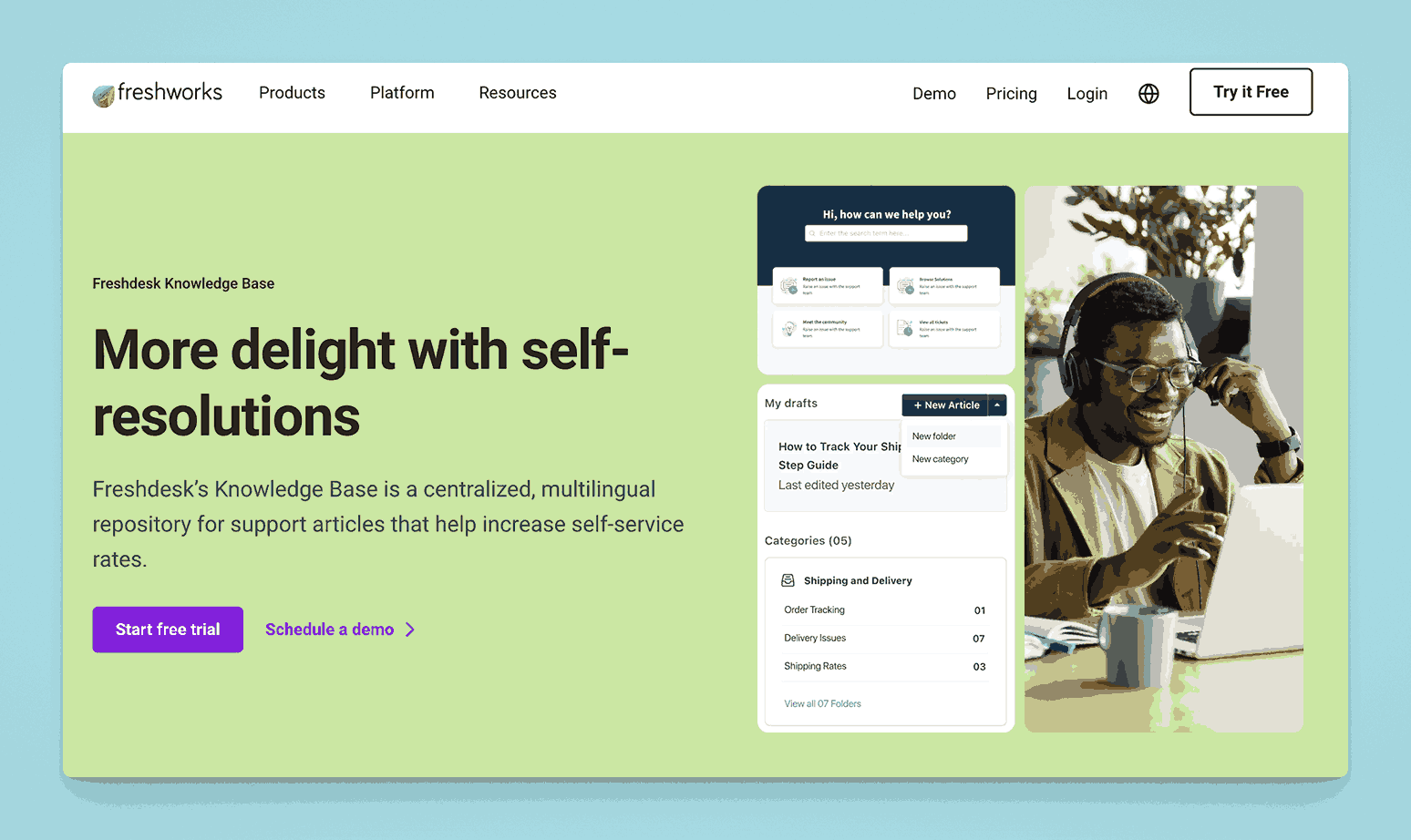
Freshdesk Knowledge Base is part of Freshdesk’s customer support suite, enabling teams to create and manage public or private documentation. It offers a simple editor, SEO settings for public content, and a portal for end users to search articles.
Built for serving external users first. Might not be a good fit for internal documentation needs, especially for HR, Operations and Finance teams, or for writing internal SOPs.
Key information
- Open Source? No, it is not open source.
- Standalone KB Tool? Not purely standalone; part of the Freshdesk suite, though it can function independently as a knowledge base module.
Why you might like it
- Integrated with Freshdesk Support for ticket deflection and unified customer support
- SEO-friendly features for public knowledge bases
- Analytics to monitor popular articles and identify content gaps
- Multiple language support for global audiences
Potential considerations
- Costs – Free for up to 2 agents, $15 and $49 per agent per month for Growth and Pro plans. Enterprise plans available. Will increase if you need to add additional FreshWorks tools.
- Focus on customer-facing documentation rather than purely internal KB needs
- Limited advanced collaboration features compared to all-in-one documentation tools
Crisp Helpdesk Knowledge Base
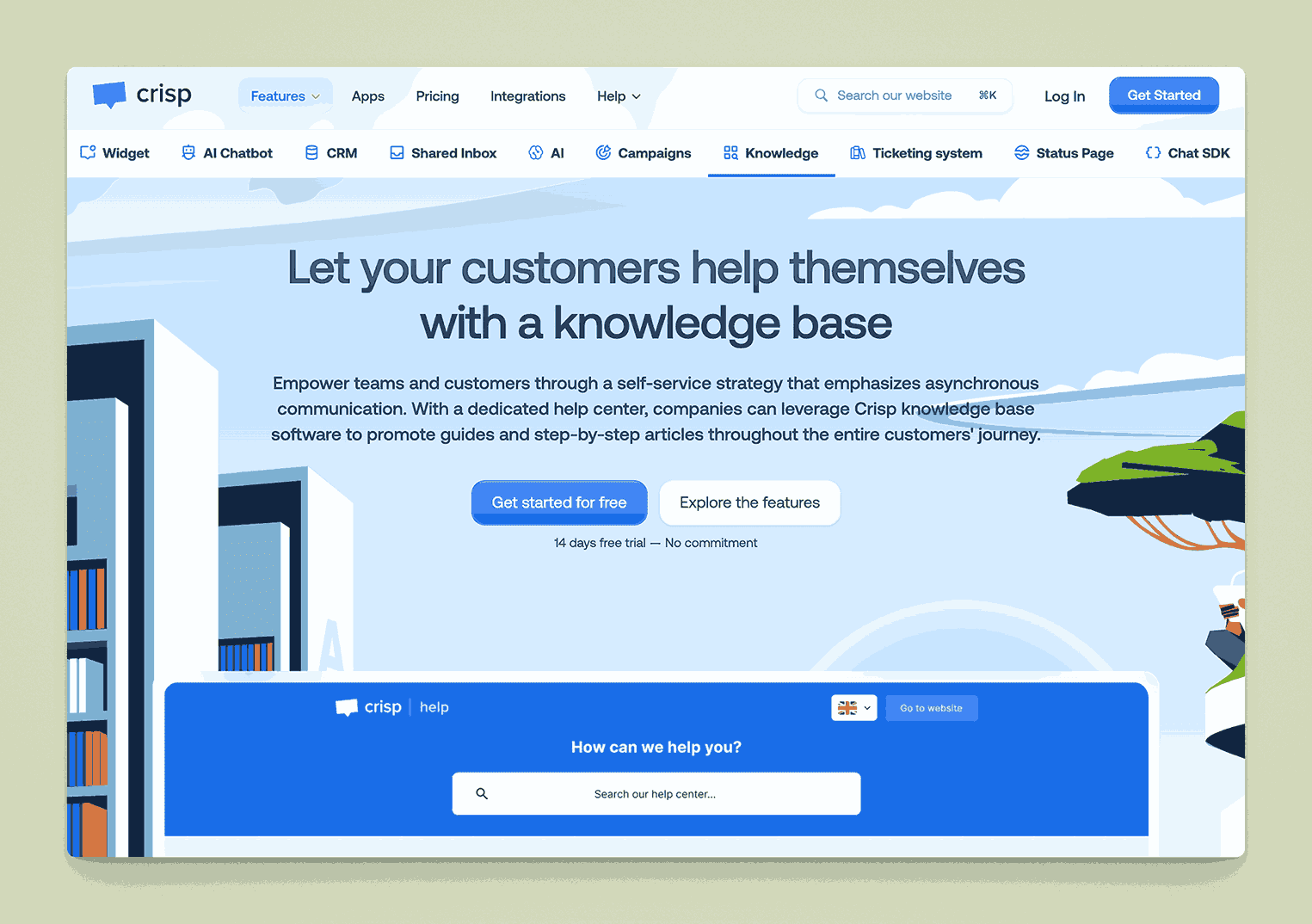
Crisp is a customer messaging platform that also includes a Helpdesk Knowledge Base feature. It lets you publish help articles for customers, embed media, and customize the look and feel of your help center. Articles can be linked to Crisp’s live chat for context-based support.
Key information
- Open Source? No, Crisp is not open source.
- Standalone KB Tool? Not purely standalone; it’s part of Crisp’s broader customer communication suite, though you can use only the Knowledge Base function if desired.
Why you might like it
- Live chat integration for context-driven article suggestions
- Simple article editor for quick content creation
- Customizable design to match your brand
- Multilingual support for customer-facing content
Potential considerations
- Feature set is primarily oriented toward external (customer) help centers
- Pricing can escalate when combining multiple Crisp features (chat, campaigns, knowledge base)
- Less suitable for purely internal documentation if you need deeper collaboration or versioning
BookStack
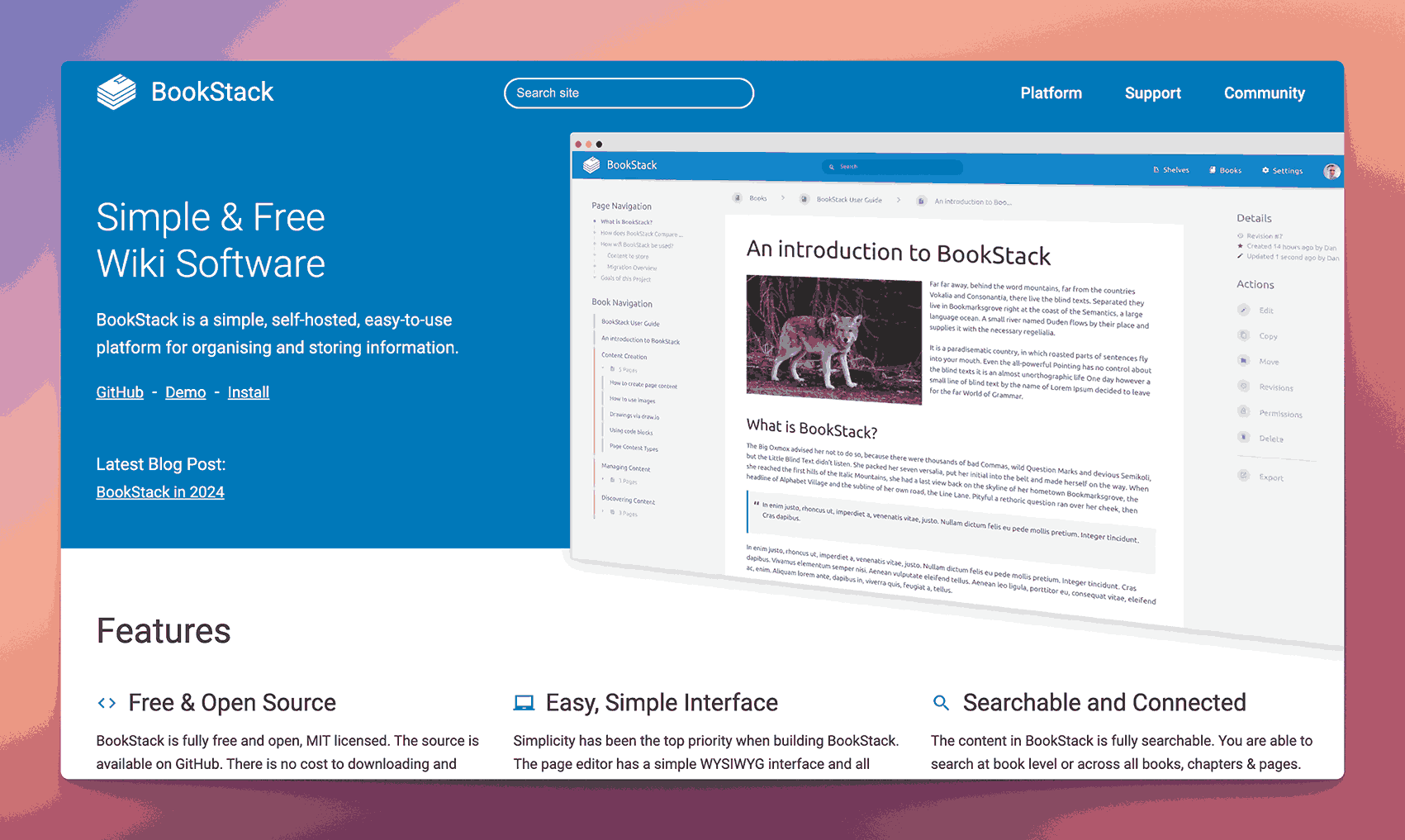
BookStack is an open-source platform designed specifically for creating and organizing documentation in a book-like structure. It uses a hierarchical system of “Books,” “Chapters,” and “Pages,” making it easy to navigate and maintain.
Key information
- Open Source? Yes, BookStack is open source.
- Standalone KB Tool? Yes, it’s designed as a standalone knowledge base/documentation tool.
Why you might like it
- Simple, intuitive hierarchy (Books → Chapters → Pages) for clarity
- Self-hosting gives you full control and data ownership
- WYSIWYG editor or Markdown support for flexible content creation
- Active community providing updates and support
Potential considerations
- Requires hosting and maintenance for self-hosted setup. No cloud options available.
- Limited built-in integrations compared to commercial, cloud-based options
- Fewer advanced features (e.g., AI or advanced analytics) out of the box
- License – Available with an MIT License
DokuWiki
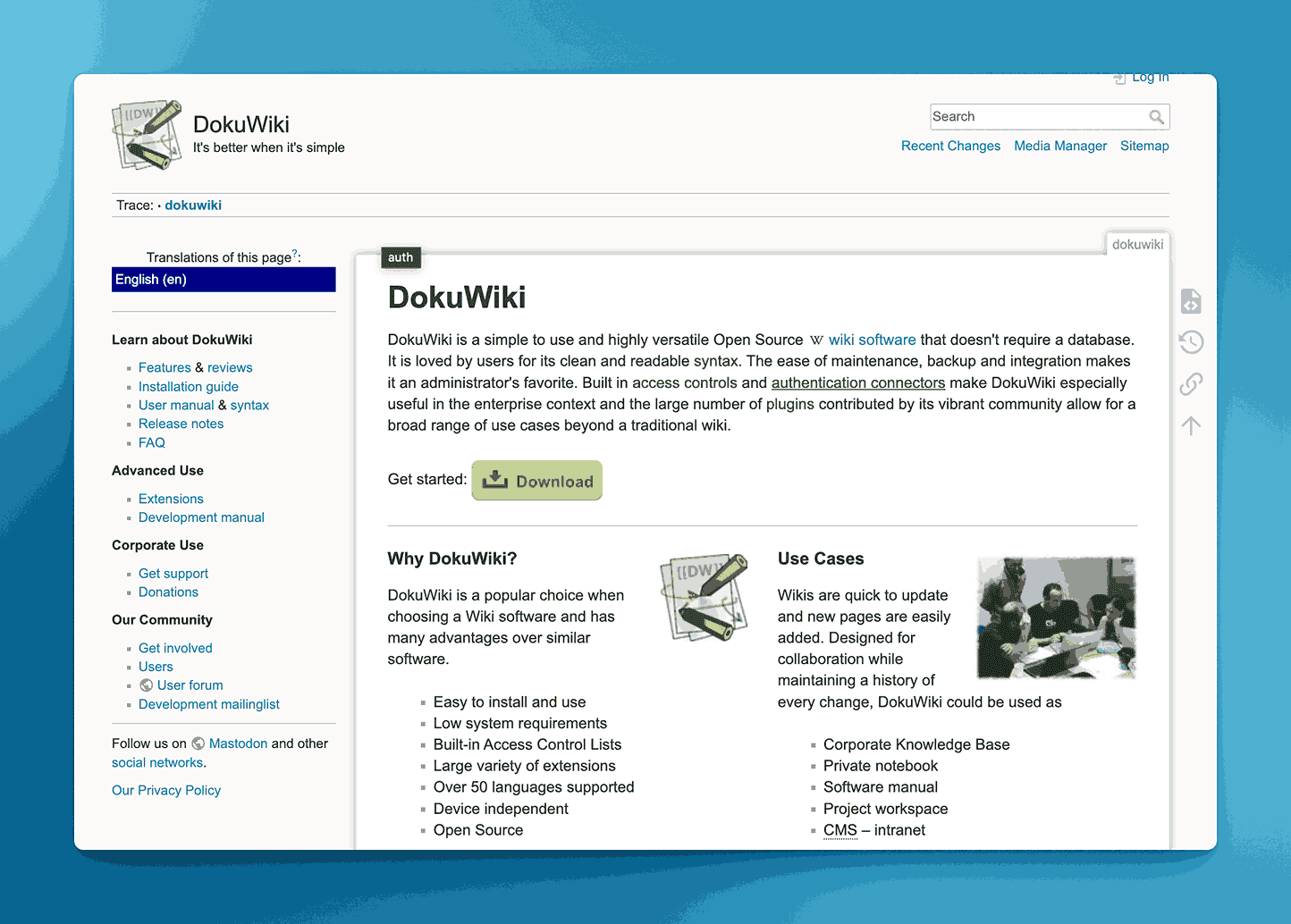
DokuWiki is a lightweight, open-source wiki platform that stores data in plain text. It’s popular for its simplicity, ease of maintenance, and ability to run on basic hosting packages. DokuWiki supports version control on pages without the need for databases.
There are hosting providers who provide you the ability to host it on the cloud. Requires handholding though.
Key information
- Open Source? Yes, DokuWiki is open source.
- Standalone KB Tool? Yes, it functions independently as a knowledge base/wiki tool.
Why you might like it
- No database required, runs on plain text files
- Easy to install and maintain with minimal technical overhead
- Strong plugin ecosystem to extend functionality
- ACL (Access Control Lists) for granular user permissions
Potential considerations
- UI design can be more basic and less modern than commercial solutions
- Setup might require technical know-how for customization or plugin management
- Limited built-in collaboration features (e.g., real-time editing) without extensions
- License – Available under the GNU General Public License
MediaWiki
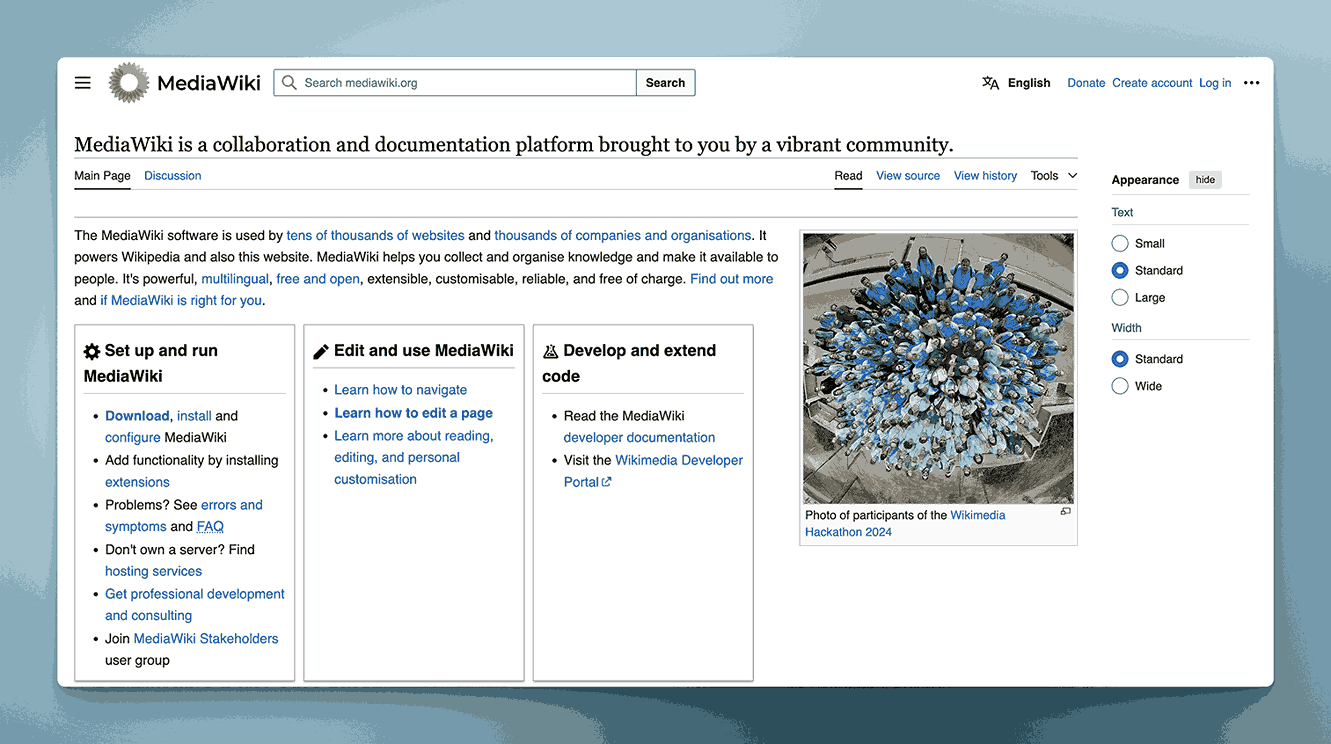
MediaWiki is the open-source software powering Wikipedia, known for handling large-scale, collaborative documentation. It’s highly configurable but can require significant setup for features like themes, advanced permissions, and extensions.
Key information
- Open Source? Yes, MediaWiki is open source.
- Standalone KB Tool? Yes, it’s a robust, standalone wiki solution.
Why you might like it
- Extremely scalable, proven to handle massive amounts of content
- Active community and plugin ecosystem for customizing functionality
- Version history and robust revision control built-in
- Ideal for large, collaborative projects needing wiki-style editing
Potential considerations
- Complex setup: Configuration can be time-consuming, especially for non-technical users
- UI is wiki-focused and might feel outdated or less intuitive for some teams
- Requires plugins for features like WYSIWYG editing, advanced permissions, or SSO
- License – Available under the GNU General Public License
GitBook
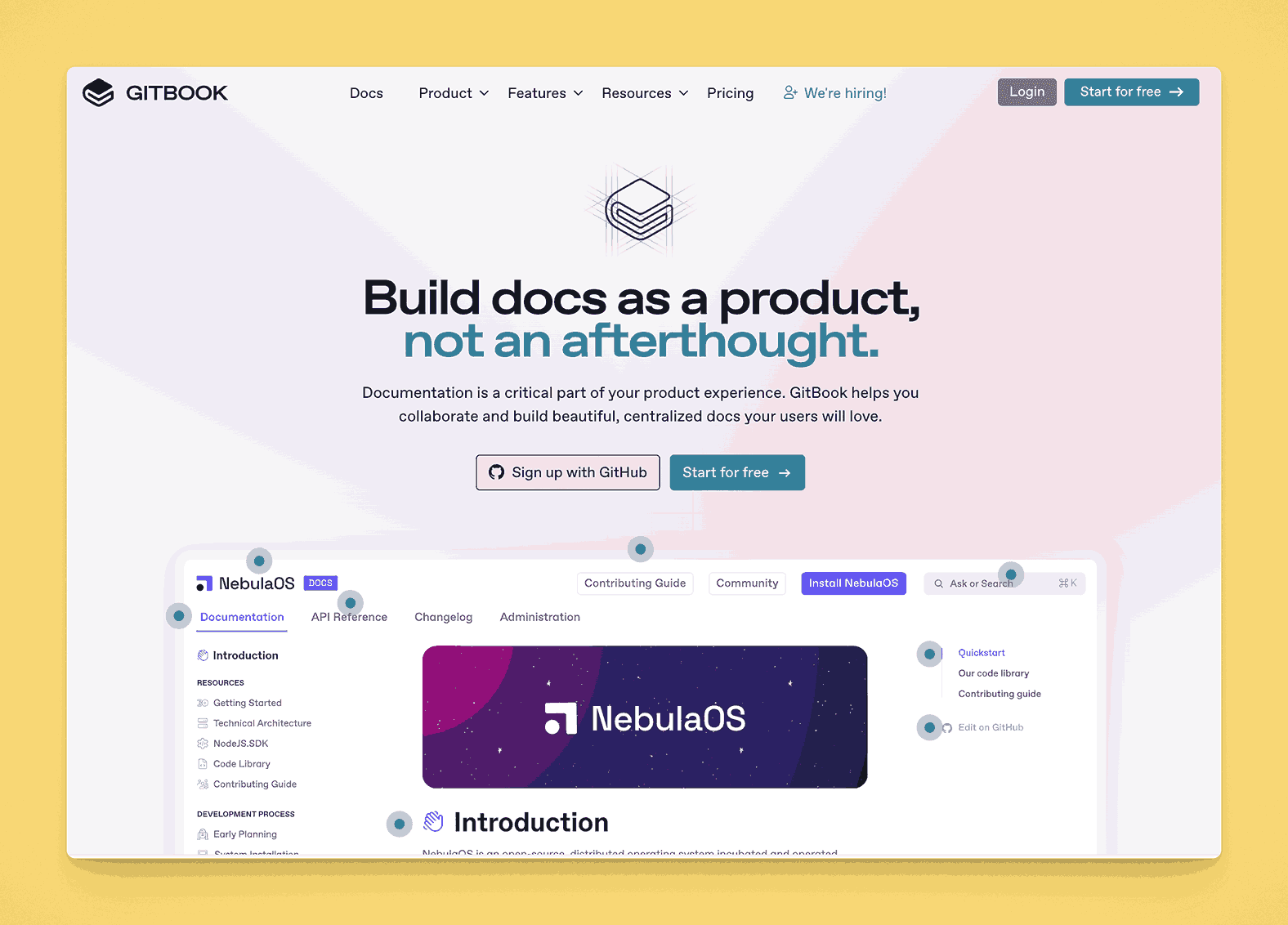
GitBook started as a tool for publishing Git-based documentation but has evolved into a polished platform for writing and hosting content. It provides a clean, modern interface for docs, supports live previews, and can integrate with GitHub for version control.
Key information
- Open Source? The original GitBook CLI was open source, but the hosted GitBook service is not fully open source.
- Standalone KB Tool? Yes, it can serve as a standalone documentation/knowledge base solution.
Why you might like it
- GitHub integration for version control and collaborative writing
- Modern design with a clean, minimal interface
- Live previews and Markdown-based editing
- Custom domains and branding for professional presentation
Potential considerations
- Free vs. paid: Offers a free plan. Paid plans start at $65 and $249 per site per month. Adding additional collaborators starts at $12 per collaborator per month.
- Less “wiki-like” collaboration model, more aligned with docs or developer-oriented content
- Advanced features (e.g., SSO, advanced roles) may be locked behind premium tiers
Docsify
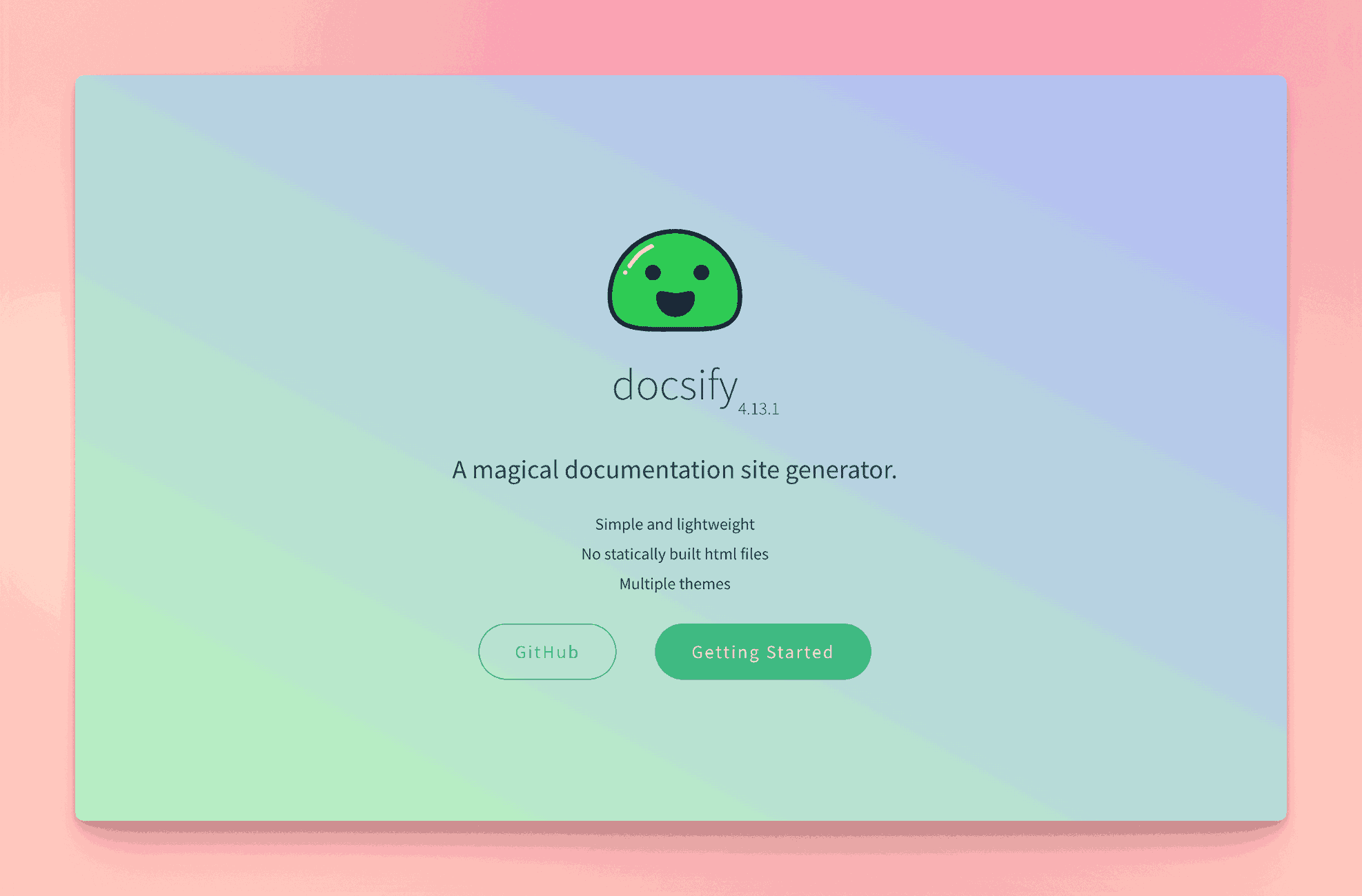
Docsify is an open-source solution for quickly generating single-page documentation sites from Markdown files. Geared primarily toward developers, it runs client-side, making it easy to host on services like GitHub Pages.
Key information
- Open Source? Yes, Docsify is open source.
- Standalone KB Tool? Yes, it can function as a lightweight knowledge base solution if you prefer Markdown and static hosting.
Why you might like it
- No build process required; content is rendered on the fly from Markdown
- Extremely lightweight and easy to host anywhere
- Plugin ecosystem for expanding functionality (search, sidebar, etc.)
- Ideal for developer-focused documentation or quick static sites
Potential considerations
- Limited feature set compared to full-fledged KB platforms (no built-in user management, analytics, etc.)
- Manual configuration can be required for theming, navigation, or advanced features
- Not suited for non-technical users who want a turnkey solution
- Available under a MIT License
Wiki.js
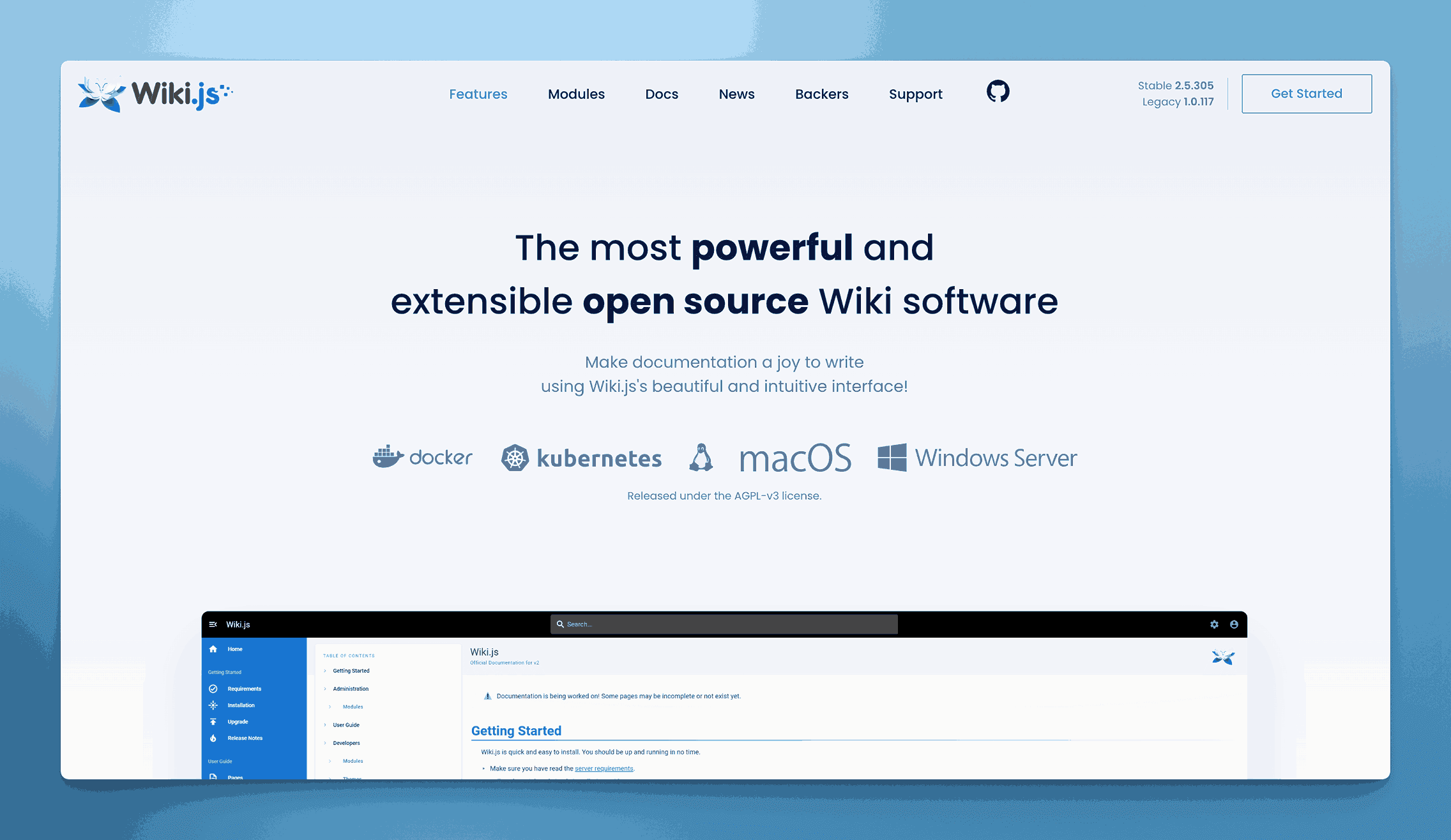
Wiki.js is a modern, open-source wiki engine powered by Node.js. It offers a visually appealing interface, Git-based version control, and a modular design with extension support. Installation can be done on various hosting platforms, giving teams flexibility in deployment.
Key information
- Open Source? Yes, Wiki.js is open source.
- Standalone KB Tool? Yes, it operates as a standalone wiki/knowledge base.
Why you might like it
- Attractive, modern UI that feels more current than many wiki platforms
- Multiple editors including Markdown, WYSIWYG, and more
- Version control via Git integrations for trackable changes
- Extensible with modules for authentication, search, and other enhancements
Potential considerations
- Node.js requirement means you need a server environment capable of running Node
- Setup and configuration can be more involved than a pre-hosted solution
- Limited official documentation; you may rely on community support for advanced customizations
- Licensed under the GNU Affero General Public License
Coda
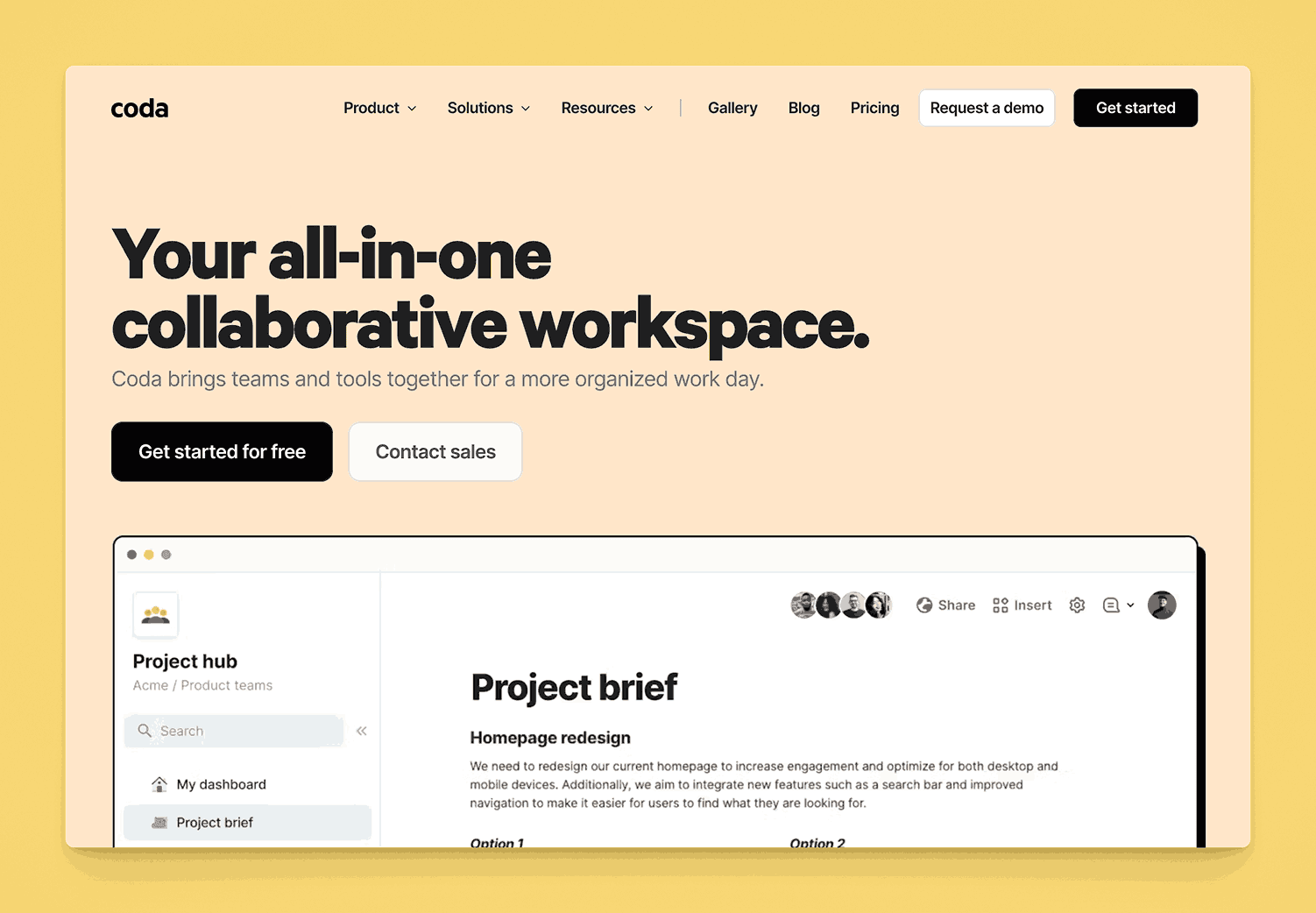
Coda is a flexible document and spreadsheet hybrid that allows teams to create interactive docs, tables, and workflows. While not a traditional knowledge base platform, it can be configured to function as one, thanks to rich text creation, relational tables, and embedded collaboration features.
Key information
- Open Source? No, Coda is not open source.
- Standalone KB Tool? Not purely standalone; primarily a multi-purpose doc tool, but can be used as a KB.
Why you might like it
- Highly flexible structure for building custom documentation setups
- Embedded tables and views for dynamic, database-like functionality
- Real-time collaboration with comments, revision history, and user permissions
- Automation features (Coda Packs) for linking docs to other tools
Potential considerations
- Complexity: Setting it up as a KB may require more manual structure and design
- Pricing can scale quickly if you need advanced features or many “Doc Makers”. Starts as low as $36 for 1 Doc Maker and a 5 member team paid monthly. Pro and Team plans charge $12 and $36 per month per doc maker.
- Not specialized for knowledge bases (no dedicated knowledge management workflows out of the box)
Archbee
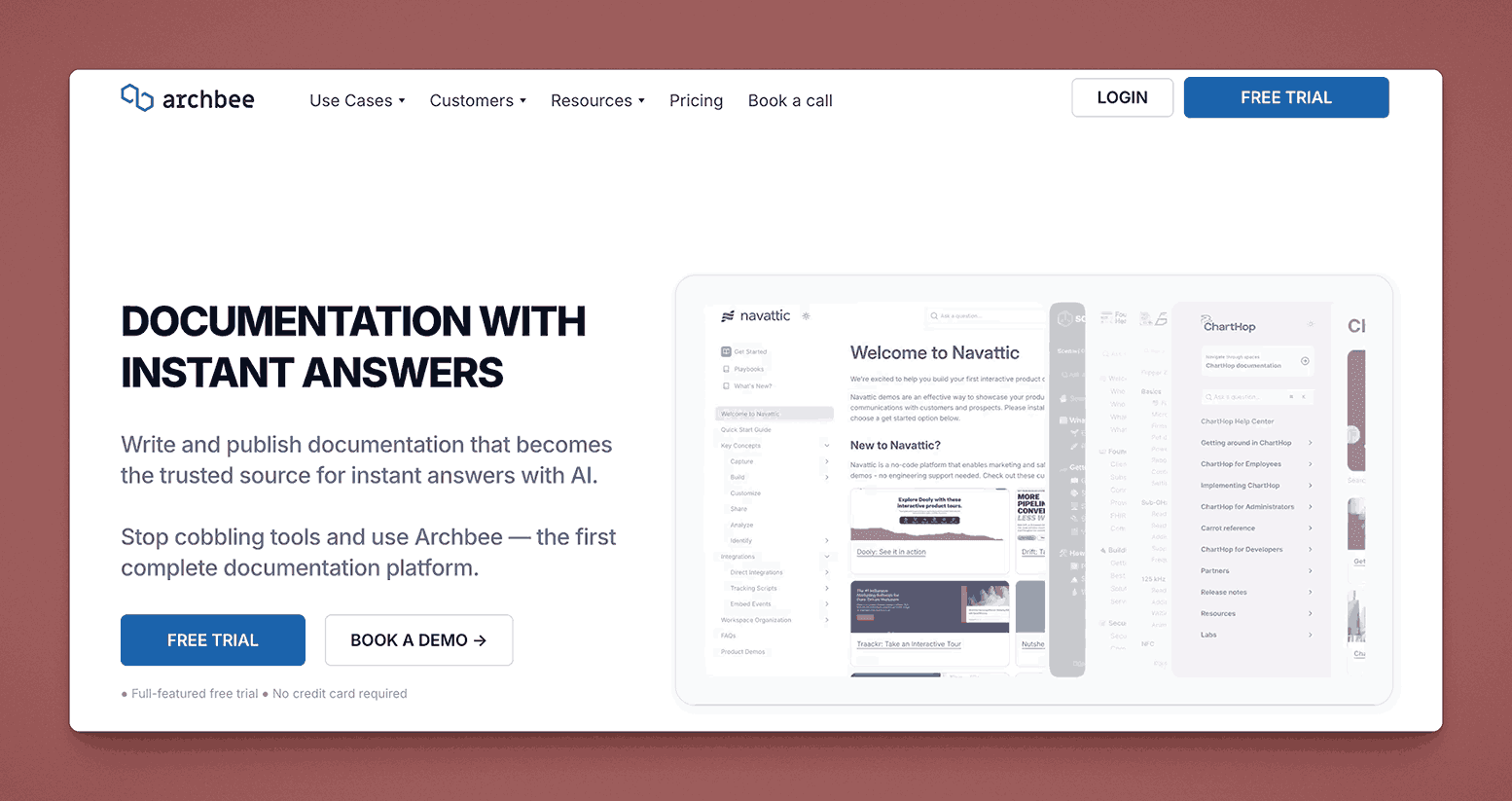
Archbee is a documentation tool targeting tech teams and startups, offering features like API docs, diagrams, markdown editing, and a knowledge base structure. It supports integrations with GitHub and Slack, and focuses on developer-friendly content such as code blocks and API reference organization.
Key information
- Open Source? No, Archbee is not open source.
- Standalone KB Tool? Yes, it can serve as a standalone knowledge base solution, especially for technical documentation.
Why you might like it
- Developer-centric features (API docs, code blocks, diagrams)
- Clean interface with Markdown editing and drag-and-drop organization
- Real-time collaboration for simultaneous editing and feedback
- Integrations with Slack, GitHub, and other developer tools
Potential considerations
- Targeted at technical teams, may be overkill if you only need simple text docs
- Pricing escalates with additional collaborators and advanced features. Starts at $50 per month for the “Growing” plan and $200 per month for “Scaling Plan”. Additional team members beyond the initial included 3 users is between $4 and $10 per team member per month.
- Less focus on traditional “wiki” use cases or non-technical document structures
Bloomfire

Bloomfire is a knowledge sharing and engagement platform designed to help teams easily upload, categorize, and share content. Its focus on social features (likes, comments, Q&A) aims to foster collaboration and continuous learning within organizations.
Key information
- Open Source? No, Bloomfire is not open source.
- Standalone KB Tool? Yes, Bloomfire functions as a dedicated knowledge management platform.
Why you might like it
- Social learning features (Q&A, likes, comments) encourage team interaction
- Powerful search with automatic transcription for video content
- Analytics to track engagement and identify top contributors or content gaps
- Flexible content types (documents, videos, images) for diverse knowledge sharing
Potential considerations
- Pricing may be higher than simpler KB-only tools. Pricing not publicly available.
- Primarily cloud-based, so no self-hosted option
- Focus on social features might be unnecessary if you only need basic documentation
KnowledgeOwl
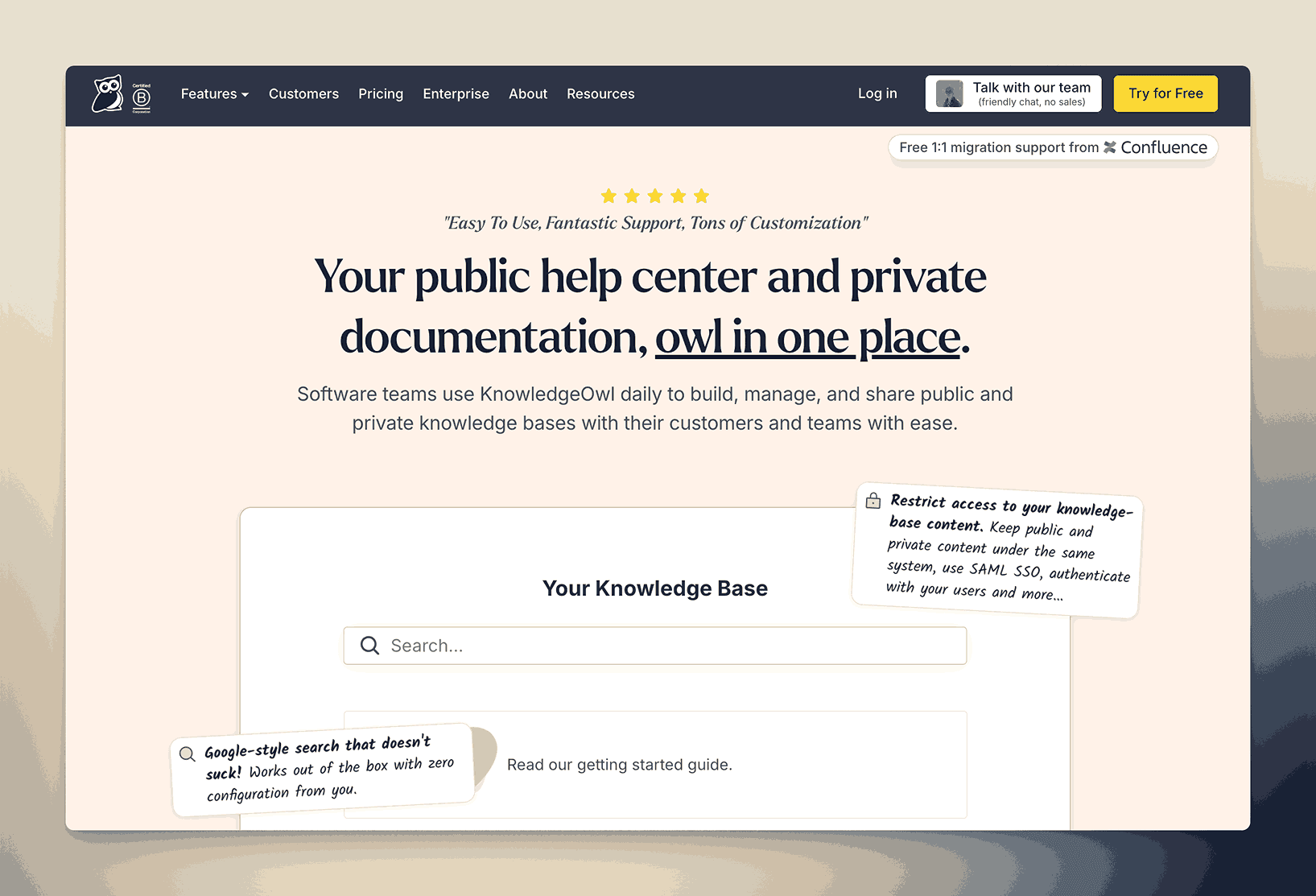
KnowledgeOwl is a standalone knowledge base solution offering a user-friendly editor, customizable themes, and article organization via categories and subcategories. It’s designed to help companies publish internal or external documentation, FAQs, and user guides with minimal technical overhead.
It has high touch service and provides migration services to move you from your existing documentation to KnowledgeOwl.
Key information
- Open Source? No, KnowledgeOwl is not open source.
- Standalone KB Tool? Yes, it’s a dedicated knowledge base platform.
Why you might like it
- Easy setup and straightforward interface for quick adoption
- Customization of KB layout, branding, and domains
- Built-in analytics to see which topics users search for the most
- Templates and versioning to streamline creating and updating articles
Potential considerations
- Limited integrations compared to larger or more established platforms
- Pricing can get high with add-ons or extra seat requirements. Starts at $100 per month for their all inclusive knowledge base tool with all features included. Charges an additional $25 per extra author.
- Less suitable if you need project management or extensive collaboration features
ProProfs Knowledge Base
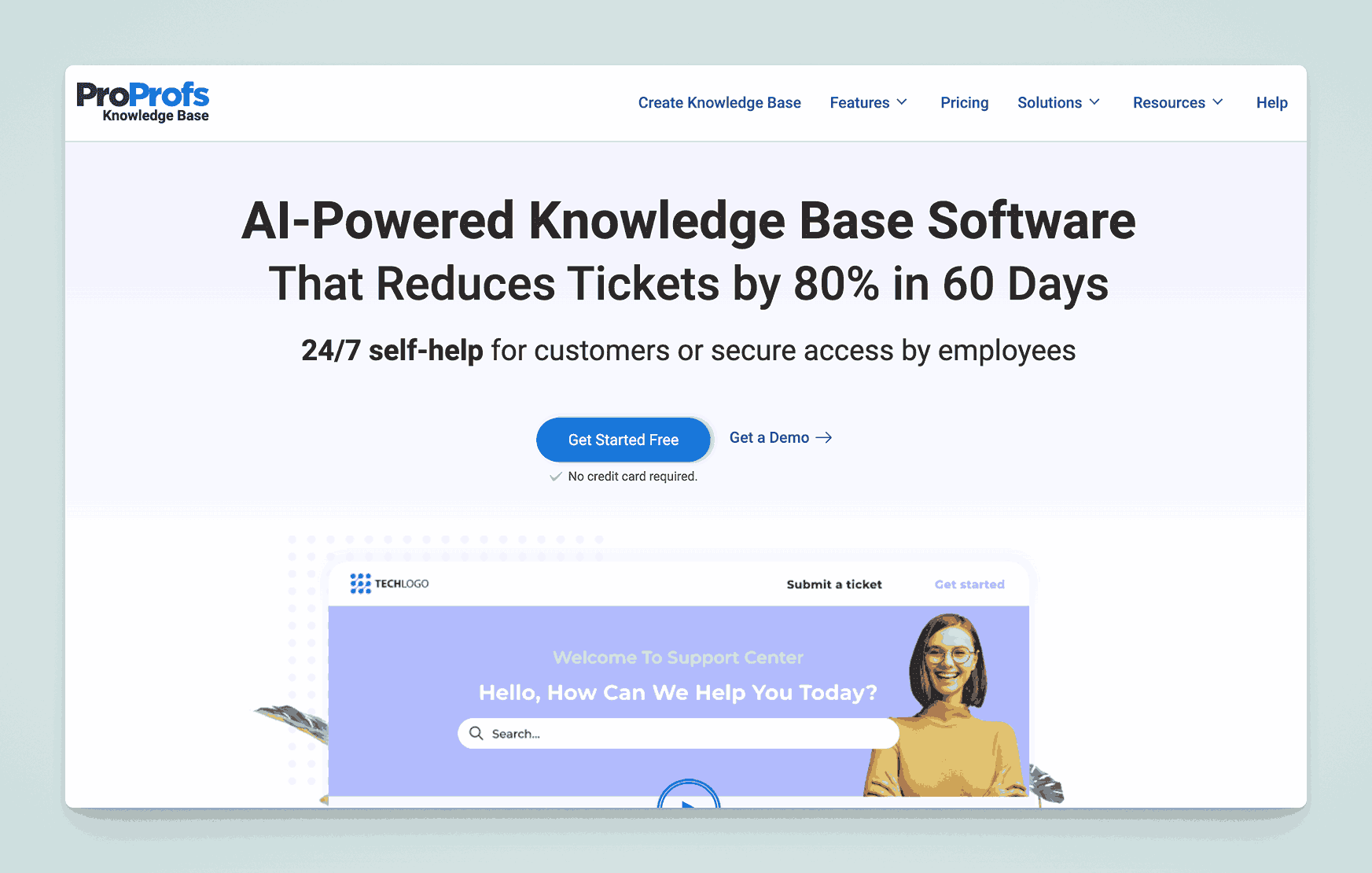
ProProfs Knowledge Base is a solution aimed at both internal team documentation and external help centers. It provides a simple, WYSIWYG editor, multiple templates, and options for customization. It also integrates with other ProProfs products, like their help desk and survey tools.
Key information
- Open Source? No, ProProfs Knowledge Base is not open source.
- Standalone KB Tool? Yes, it can function independently as a knowledge base.
Why you might like it
- Beginner-friendly editor and article templates
- Multilingual support for global teams or customer bases
- Analytics dashboard to track article performance and user feedback
- Integration with ProProfs Help Desk, Quiz Maker, and Chat for a broader solution
Potential considerations
- Pricing depends on users and advanced features. Free for 1 author and 25 pages, Business plan starts at $79 per author per month. Custom domain and removing ProProfs branding requires an additional $30 per month.
- Less robust for technical teams needing version control or code-specific documentation
- Limited advanced workflow or project management capabilities
Zoho Desk (Knowledge Base Module)
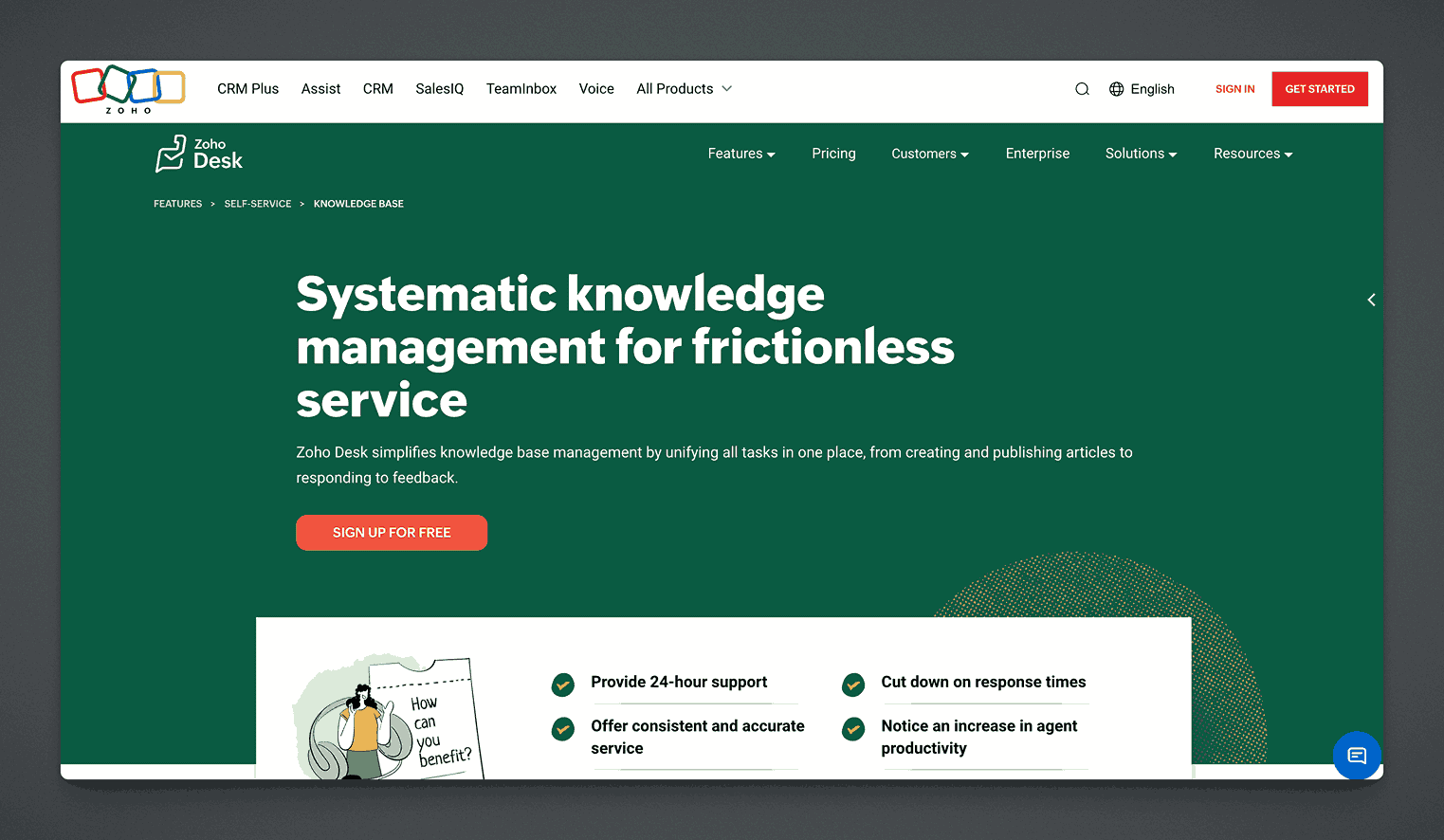
Zoho Desk is a customer service platform that includes a Knowledge Base Module for creating and managing help articles. While it’s aimed at external support, it can be adapted for internal documentation. It integrates with other Zoho products, offering a seamless experience for existing Zoho users.
Key information
- Open Source? No, Zoho Desk is not open source.
- Standalone KB Tool? Not purely standalone; part of Zoho Desk, but can function as a KB within that suite.
Why you might like it
- Built-in workflows for creating, reviewing, and publishing articles
- AI tools (“Zia”) that suggest relevant articles to agents and users
- Integration with the larger Zoho ecosystem (CRM, Projects, etc.)
- Multi-brand portals if you run multiple products or services
Potential considerations
- Primarily customer-focused, so purely internal KB features may be limited
- Costs can rise if you add more Zoho apps or premium features. Between $7 and $40 per user per month.
- Less flexible than a dedicated or open-source KB if you need specific customizations
Papyrs

Papyrs is a drag-and-drop intranet and knowledge base platform aimed at small to midsize businesses. It offers page-building tools, form creation, and a user-friendly interface to quickly create internal wikis or documentation portals.
Key information
- Open Source? No, Papyrs is not open source.
- Standalone KB Tool? Yes, Papyrs can serve as a standalone intranet/knowledge base.
Why you might like it
- Drag-and-drop page building with widgets for text, images, forms, etc.
- Simple permission controls to manage who sees or edits certain pages
- Built-in search for quick content discovery
- Minimal learning curve thanks to intuitive design
Potential considerations
- Limited advanced integrations beyond common tools (e.g., Slack, Google Workspace)
- Less suitable for large enterprises with complex documentation hierarchies
- Pricing can grow if you need more users or extra storage. Ranges from $99 to $999 per month depending on the plan chosen when paid monthly.
Stack Overflow for Teams
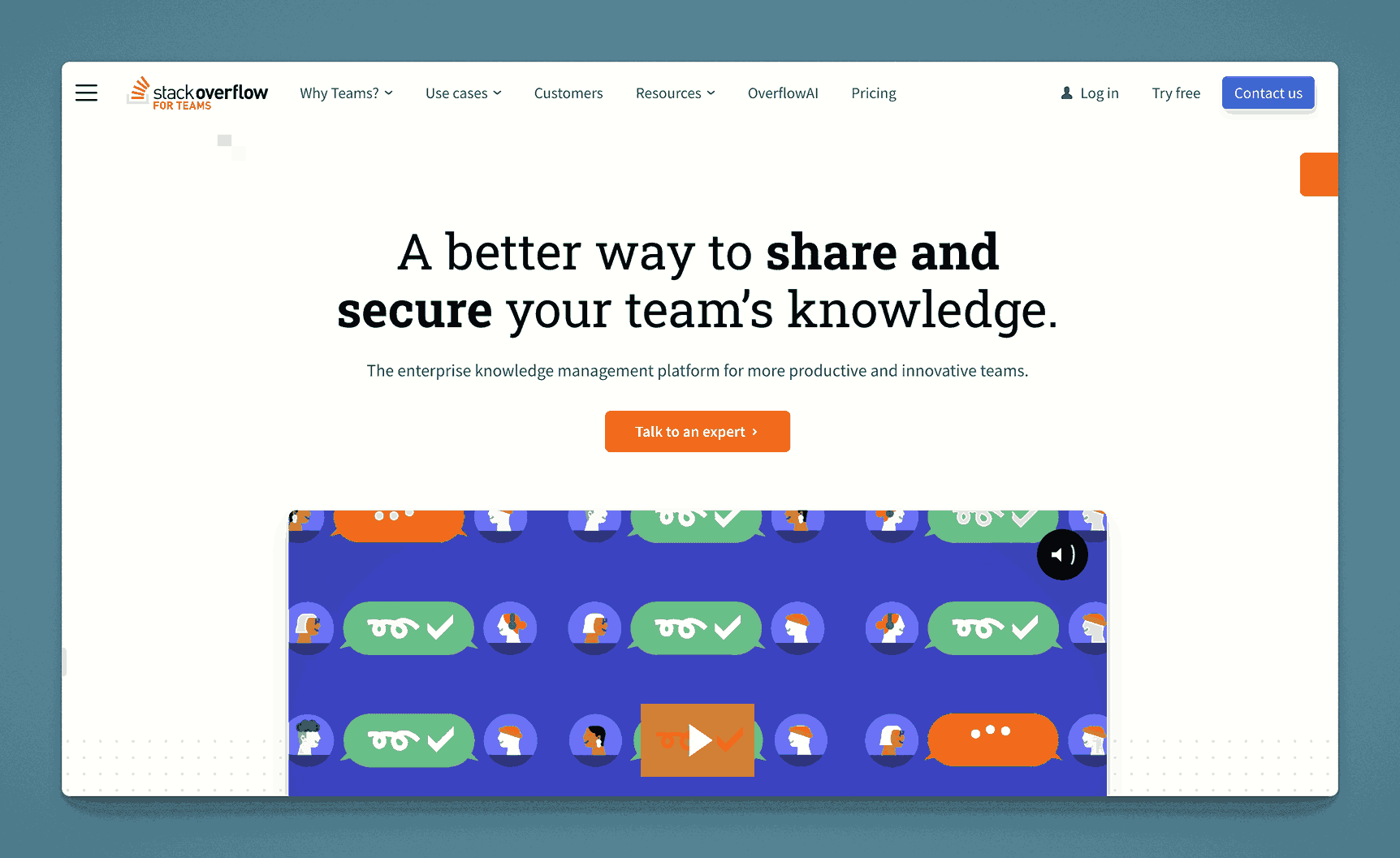
Stack Overflow for Teams adapts the popular Q&A format for internal organizational use. It focuses on capturing and retaining knowledge through questions and answers, with tagging and search functionality that helps employees find solutions quickly.
Key information
- Open Source? No, Stack Overflow for Teams is not open source.
- Standalone KB Tool? Yes, though it centers on Q&A rather than traditional article-based documentation.
Why you might like it
- Familiar Q&A format for tech-savvy teams
- Powerful search and tagging to quickly surface relevant answers
- Gamification (reputation points, badges) can encourage participation
- Integrations with Slack, Microsoft Teams, and Jira
Potential considerations
- Less traditional knowledge base structure, focused on Q&A rather than articles
- Pricing scales with the number of active users or advanced features (SSO, analytics). Free plan available. Paid plans start at $7.70 per user per month and higher. Enterprise plans available.
- Might require cultural buy-in to keep questions and answers organized
Microsoft SharePoint
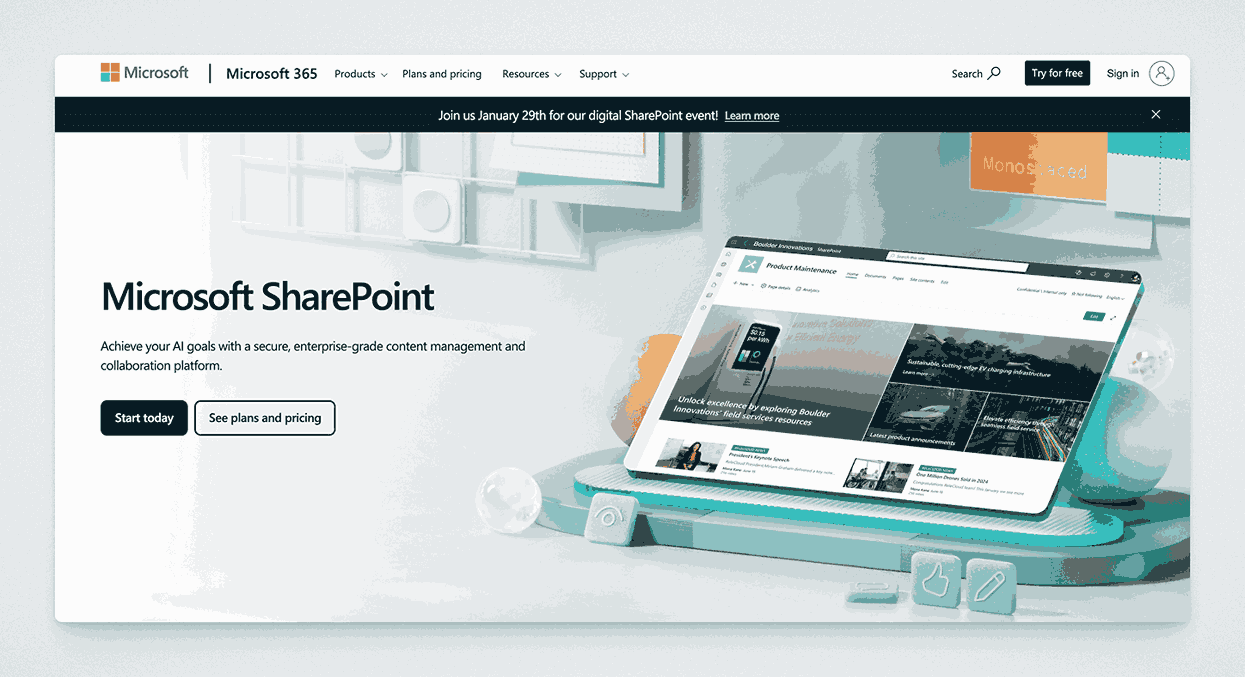
Microsoft SharePoint is a comprehensive platform often used for intranets, document management, and collaboration. While it’s not a traditional knowledge base tool, teams commonly use SharePoint sites and document libraries to organize and share internal documentation.
Key information
- Open Source? No, SharePoint is a Microsoft product and not open source.
- Standalone KB Tool? Not purely standalone; part of Microsoft 365 ecosystem, but can be set up as a KB.
Why you might like it
- Deep integration with Microsoft 365 (Office apps, Teams, OneDrive)
- Flexible site creation with custom web parts for document libraries, lists, etc.
- Robust security and permissions for enterprise-grade access control
- Scalable for large organizations with complex needs
Potential considerations
- Complex setup if you’re unfamiliar with SharePoint administration
- UI can be less intuitive for non-technical users
- Cost can grow quickly for certain licensing tiers or advanced features
eXo Platform
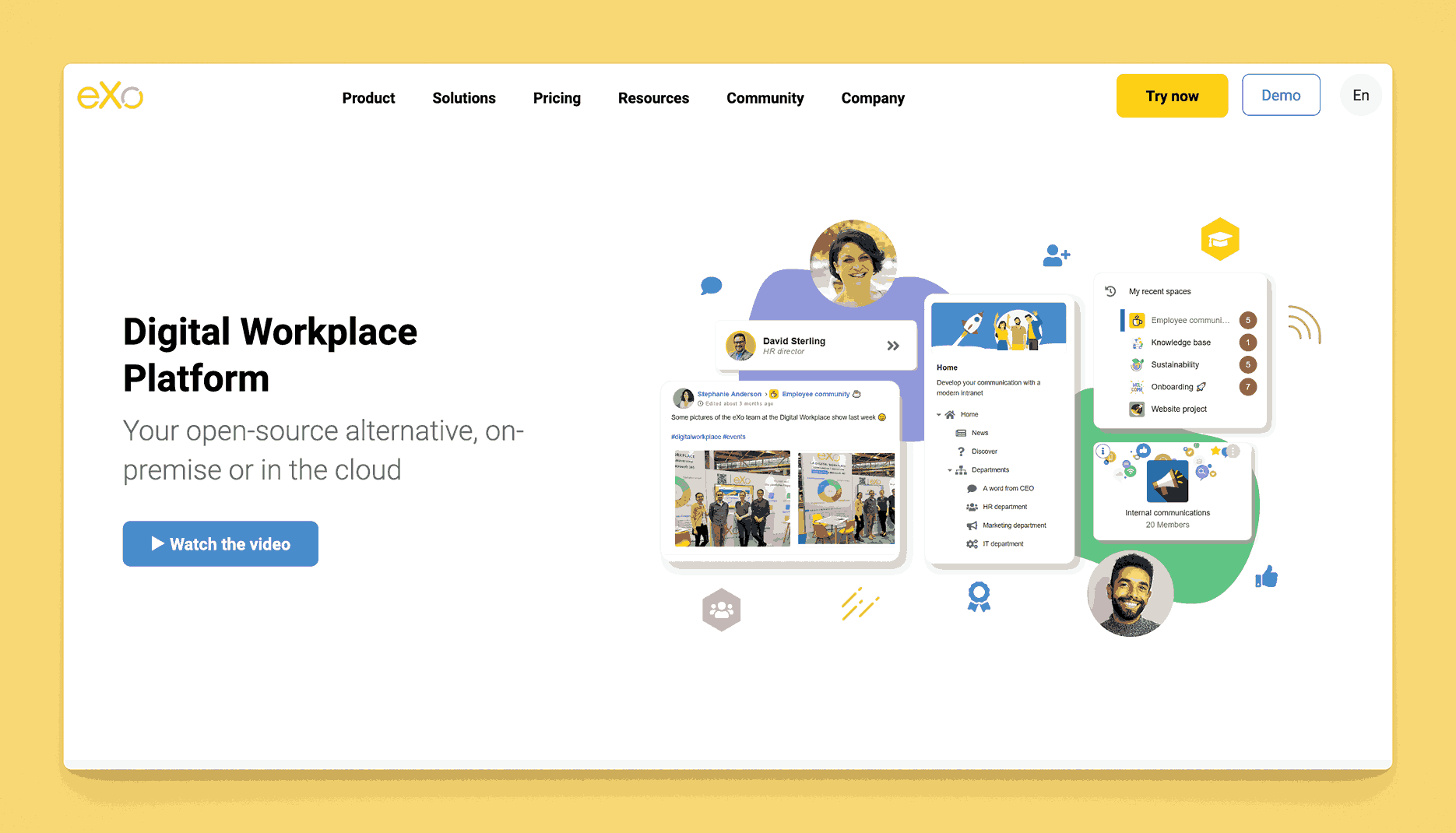
eXo Platform is an open-source digital workplace solution that includes intranet, collaboration, and knowledge management features. It offers document sharing, wikis, forums, and a social layer to help employees engage with content and each other.
Key information
- Open Source? Yes, eXo Platform offers an open-source version. This is however complex between eXo Platform CE (community edition) and Enterprise Edition.
- Standalone KB Tool? Not purely standalone; it’s a broader digital workplace product, but includes a wiki/KB component.
Why you might like it
- All-in-one collaboration (intranet, wiki, chat, tasks) in one platform
- Social features like activity streams and user profiles
- Customizable with extensions and themes
- Self-hosted or cloud options give flexibility
Potential considerations
- Complex deployment if you want to self-host and customize extensively
- Might be more than needed if you only want a simple documentation tool
- Support for open-source version can be community-driven, potentially slower
- Pricing is between $3 per user per month and $5 or more
Basecamp
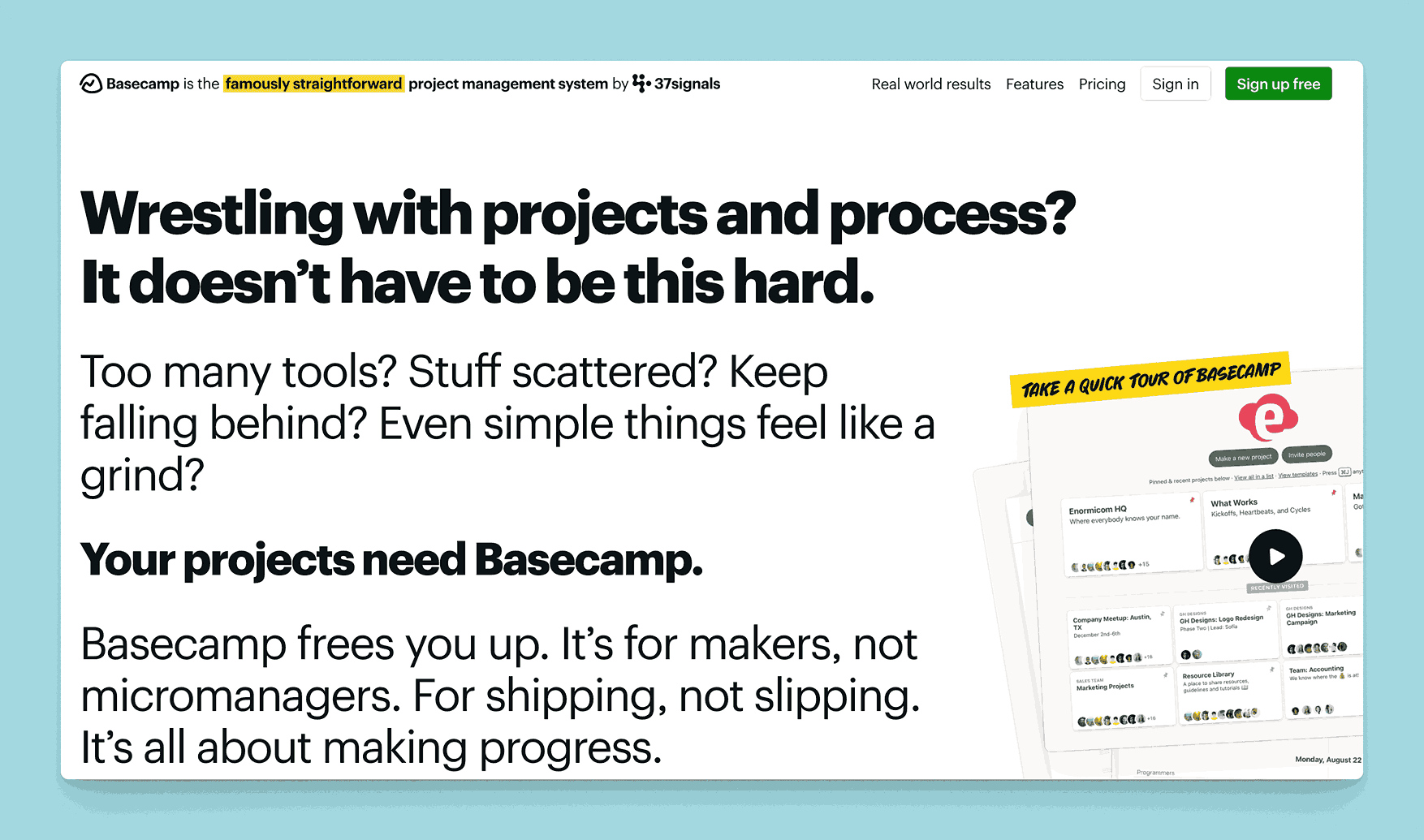
Basecamp is known primarily as a project management and team communication tool, but it includes an internal “Docs & Files” feature. While not a dedicated KB solution, it can be repurposed to store and organize important team knowledge.
Key information
- Open Source? No, Basecamp is not open source.
- Standalone KB Tool? Not purely; it’s a project management suite, though docs can serve as a lightweight KB.
Why you might like it
- Unified platform for tasks, chat, and basic documentation
- Simple file and doc organization to keep resources in one place
- Easy onboarding with a user-friendly, minimalistic interface
- Notifications keep everyone updated on new or edited docs
Potential considerations
- Limited doc features (no advanced formatting, version control, or deep structure)
- Pricing is project-oriented and might be too high if you only need KB functionality. Starts at $15 per user per month, or better $299 per month ($349 paid monthly) for the entire organization without any limits on users. Free for one project though.
- Less robust for large documentation sets or complex knowledge hierarchies
KMS Lighthouse
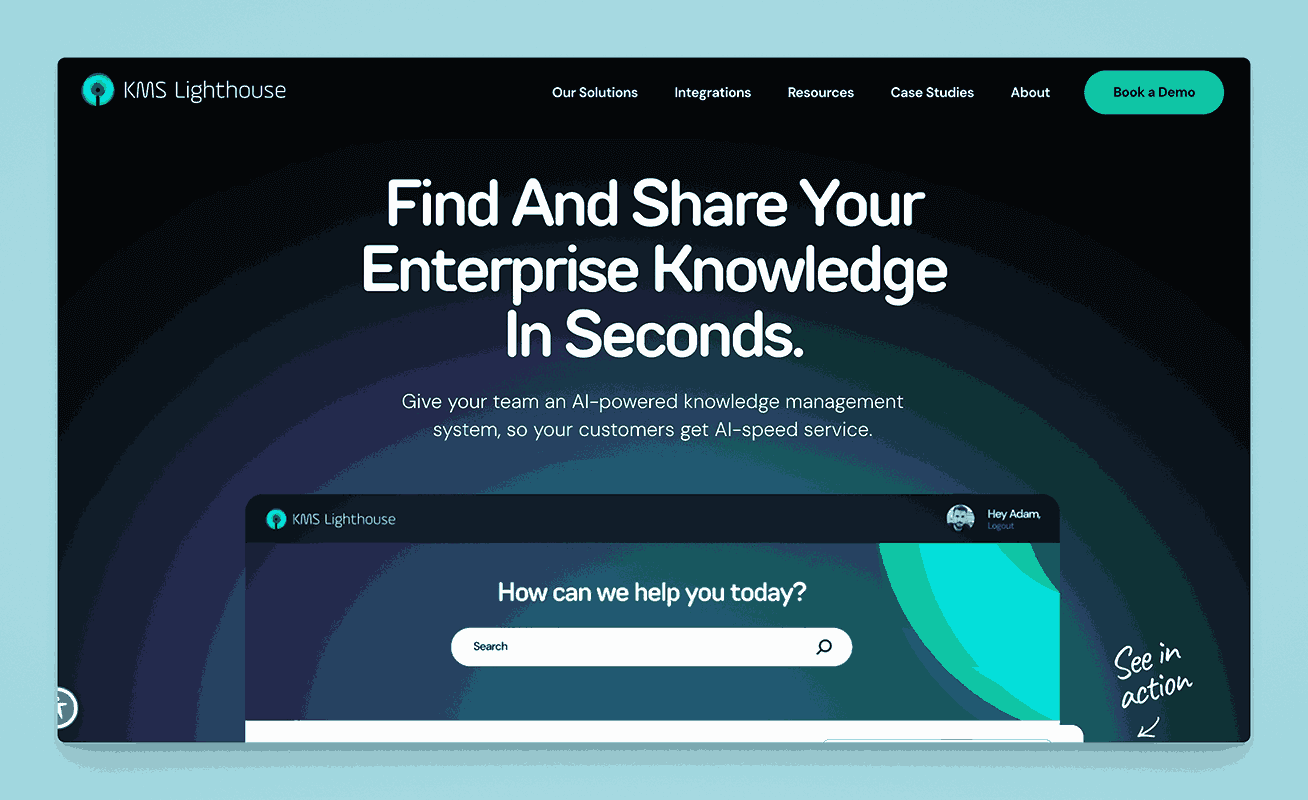
KMS Lighthouse is a knowledge management solution tailored for contact centers and customer service teams. It delivers fast access to verified information through a structured, centralized knowledge base, with features like decision trees and real-time updates.
Key information
- Open Source? No, KMS Lighthouse is not open source.
- Standalone KB Tool? Yes, although it’s specialized for contact center knowledge.
Why you might like it
- Decision trees and guided workflows for consistent customer responses
- Real-time updates to ensure agents always have the latest information
- Analytics to measure agent performance and content usefulness
- Integration with CRM and ticketing systems (Salesforce, Zendesk, etc.)
Potential considerations
- Industry focus on call centers; less relevant for general or internal documentation
- Pricing is typically enterprise-level, which can be cost-prohibitive for smaller teams
- Limited broad collaboration features beyond the Q&A or agent context
Helprace
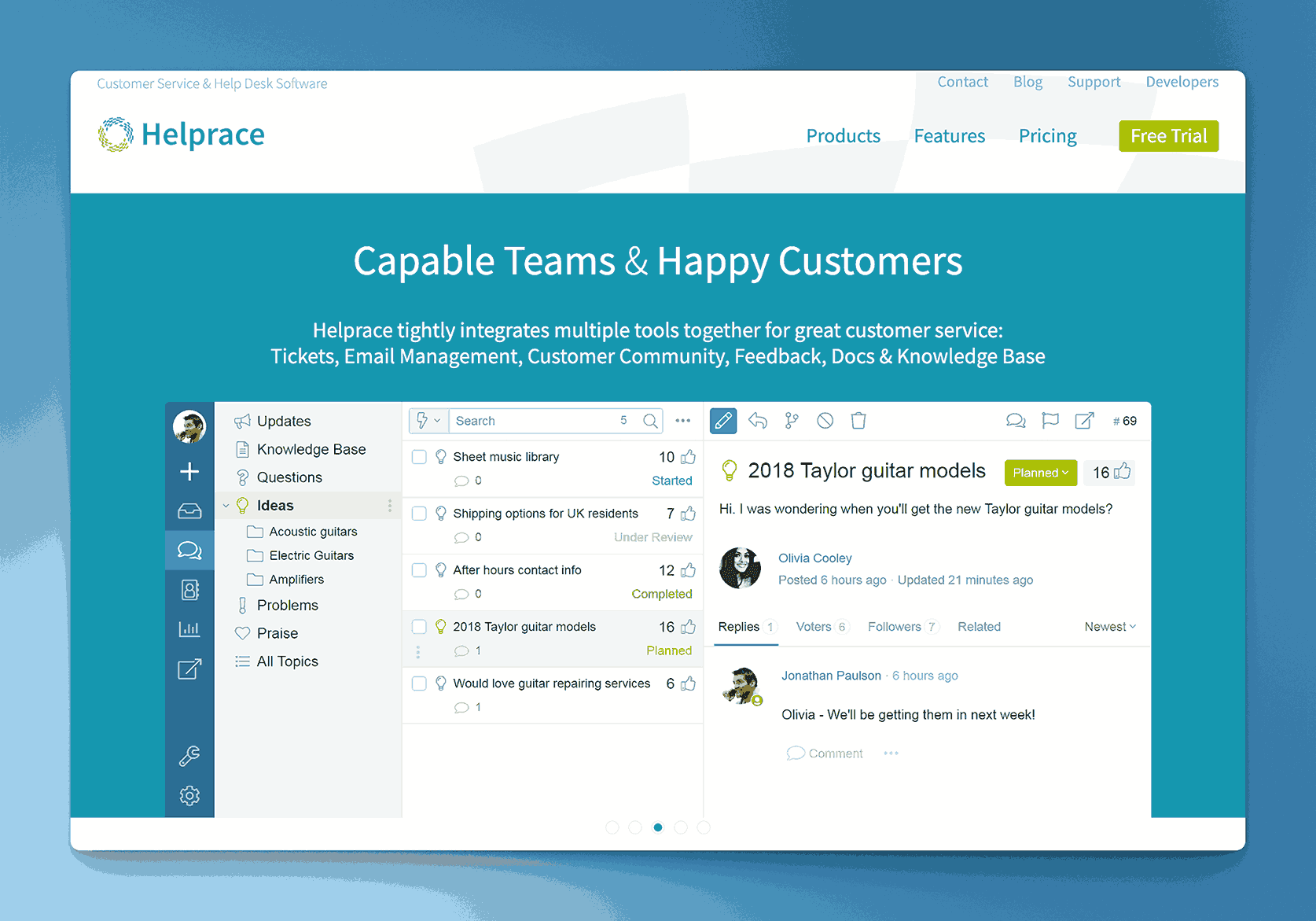
Helprace is a help desk and customer service platform that includes a community forum, feedback system, and a knowledge base module. It’s designed for both internal use and public self-service, helping reduce repetitive inquiries by making documentation easily accessible.
Key information
- Open Source? No, Helprace is not open source.
- Standalone KB Tool? Not purely; part of a customer service suite, but its KB module can run independently.
Why you might like it
- Unified support: tickets, community, and KB all in one platform
- User feedback loops: customers can comment on articles, suggest improvements
- Categories and tagging for organizing articles
- Moderation tools to keep content accurate and appropriate
Potential considerations
- Less specialized for purely internal documentation if you don’t need a help desk
- Pricing scales with seat count and advanced features
- Limited advanced KB capabilities compared to dedicated documentation platforms
Documentor (WordPress Plugin)
Documentor is a WordPress plugin designed to create documentation or knowledge base sections within a WordPress site. It supports multiple documentation guides, drag-and-drop sorting, and customizable templates for easy user navigation.
Key information
- Open Source? Partially; WordPress itself is open source, but Documentor may have premium features.
- Standalone KB Tool? Not independently; it runs on WordPress, but can function as a dedicated doc portal within that environment.
Why you might like it
- Easy setup if you already have a WordPress site
- Drag-and-drop reordering of articles or sections
- Customizable design using WordPress themes and plugins
- Search for quick article discovery
Potential considerations
- Requires WordPress hosting and maintenance
- Limited advanced features compared to full KB platforms (e.g., built-in analytics, AI)
- Premium version needed for some advanced functions like password protection
Heroic Knowledge Base (WordPress Plugin)
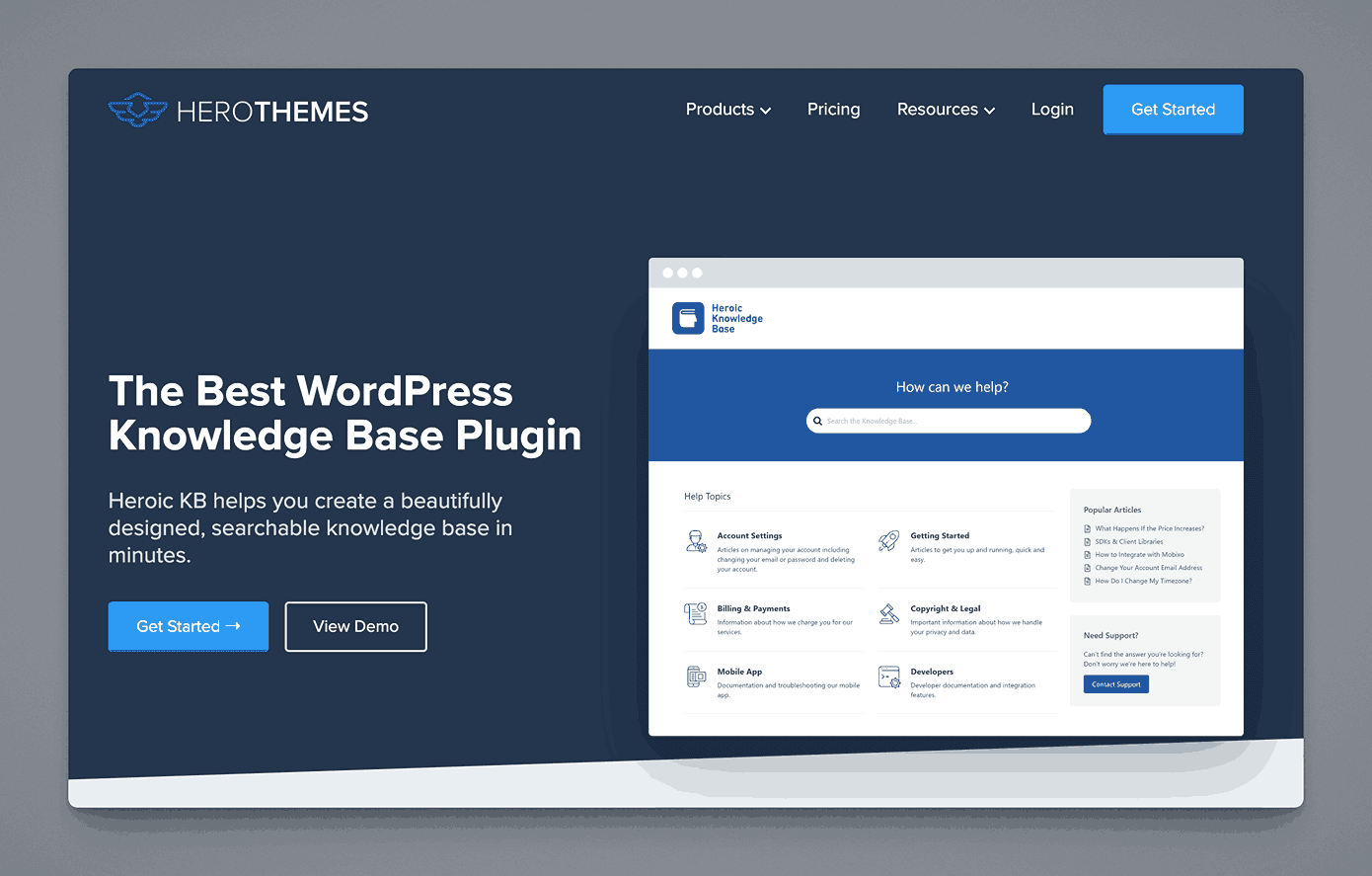
Heroic Knowledge Base is another WordPress plugin that transforms a WordPress site into a structured knowledge base. It features article attachments, built-in analytics, and a drag-and-drop article reorder system to keep content organized.
Key information
- Open Source? WordPress is open source, but Heroic KB is a premium plugin.
- Standalone KB Tool? Requires WordPress; not standalone in a traditional sense.
Why you might like it
- Seamless WordPress integration with custom shortcodes and widgets
- Article feedback and rating to gauge helpfulness
- Built-in search and analytics for improved user experience and insights
- Easy theming to match your existing WordPress site design
Potential considerations
- Limited to WordPress, not ideal if you don’t use it already
- Paywall for advanced features or support
- Less robust for enterprise-level knowledge management needs
TallyFox Tallium
TallyFox Tallium is a knowledge management and collaboration platform designed to connect people, content, and data intelligently. It uses a semantic search engine and smart tagging to surface relevant information across teams.
Key information
- Open Source? No, TallyFox Tallium is not open source.
- Standalone KB Tool? Yes, though it also includes broader collaboration features.
Why you might like it
- Semantic search that learns from user interactions to improve results
- Smart tagging for more precise organization and retrieval
- Collaboration features like content sharing, discussion, and notifications
- Knowledge clusters to group related content automatically
Potential considerations
- More advanced than a simple KB; might be unnecessary complexity for small teams
- Pricing could be high for robust features like AI-driven search
- Implementation may require training or consulting to leverage semantic capabilities
Twine
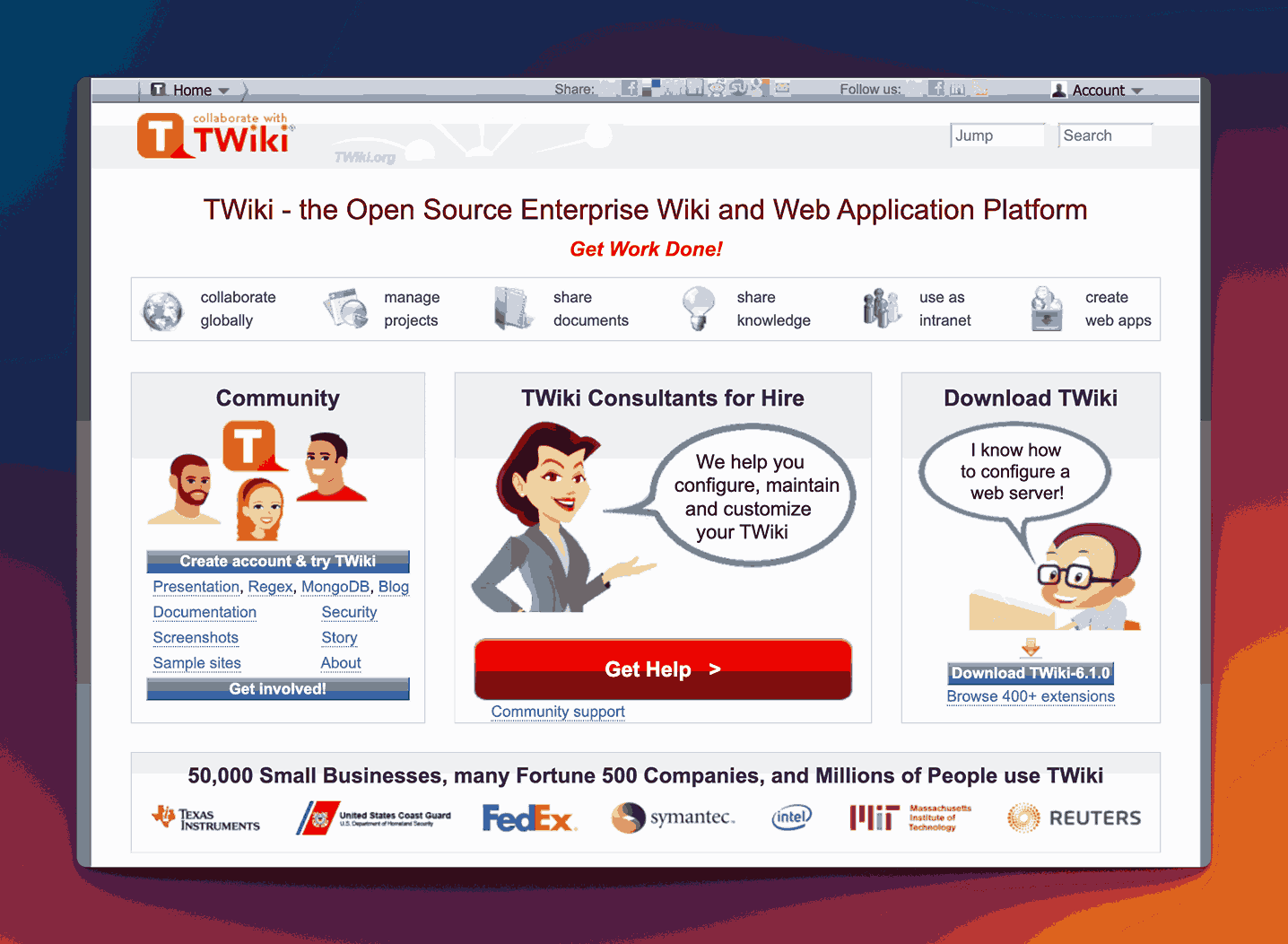
Twine is an intranet and knowledge management tool designed to improve internal communications and make company information easy to find. It offers drag-and-drop page building, employee profiles, and a central place for policies, FAQs, and other documentation.
Key information
- Open Source? No, Twine is not open source.
- Standalone KB Tool? Not purely; it’s more of an intranet solution, but can be set up as a KB.
Why you might like it
- Visually engaging design with a simple page builder
- User profiles and org charts foster better team visibility
- Sections and tags keep documents organized for quick discovery
- Social features (likes, comments) to encourage collaboration
Potential considerations
- Primarily an intranet; may be too broad if you only want documentation
- Costs can rise for advanced intranet features or large user counts
- Less focus on developer-friendly features or advanced workflow automation
MyHub Intranet
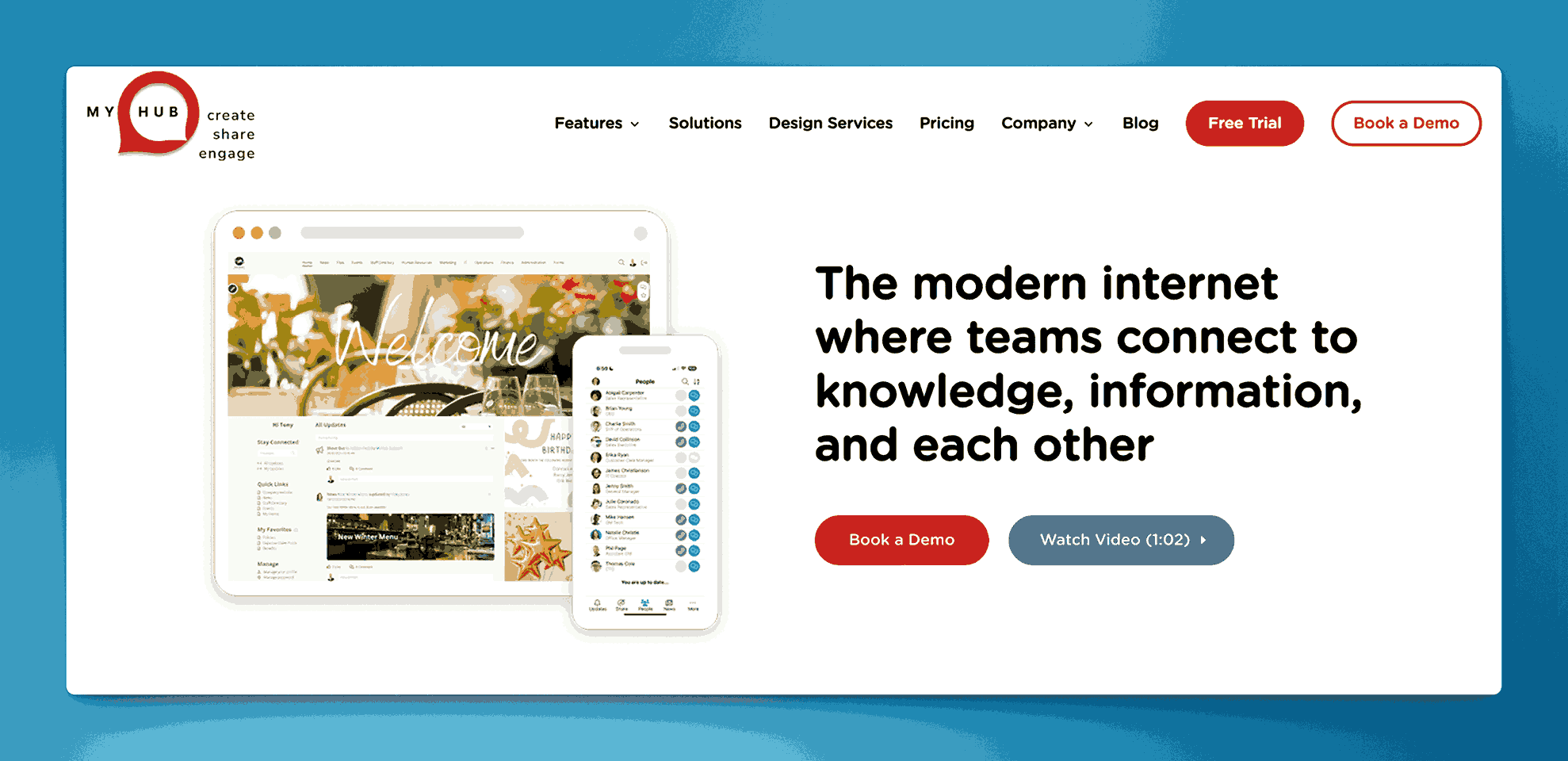
MyHub Intranet is a cloud-based intranet platform providing communication, collaboration, and knowledge sharing tools. It offers a drag-and-drop site builder, file sharing, forums, blogs, and wikis that can function as a central knowledge base for employees.
Key information
- Open Source? No, MyHub Intranet is not open source.
- Standalone KB Tool? Not purely; it’s a broader intranet solution but includes wiki/KB elements.
Why you might like it
- Comprehensive intranet solution with multiple modules (document storage, forums, wikis)
- Quick deployment with pre-built templates for different use cases
- User-friendly admin interface for easy customization and branding
- Collaboration tools help teams share information in one secure location
Potential considerations
- Could be overkill if you only need a basic knowledge base
- Pricing information is not publicly available
- Less specialized for purely technical or developer-focused documentation
Freedcamp

Freedcamp is a project management platform that includes file organization and Wiki capabilities. While it’s mostly used for task tracking and collaboration, the Wiki module can serve as a lightweight knowledge base for internal documentation.
Key information
- Open Source? No, Freedcamp is not open source.
- Standalone KB Tool? Not purely; it’s part of Freedcamp’s project management environment.
Why you might like it
- Integrated Wiki for centralizing project documentation
- Free basic plan for small teams or personal use
- Collaboration tools (tasks, discussions, calendars) all in one place
- Cloud-based with minimal setup required
Potential considerations
- Limited advanced KB features compared to dedicated solutions
- Focus on project/task management may add unnecessary complexity if you only want a KB
- Scaling to larger teams or more storage may require paid plans
- Pricing is as low as $1.49 per user per month and goes up to $19.99. Free plan available.
Quip (Salesforce)
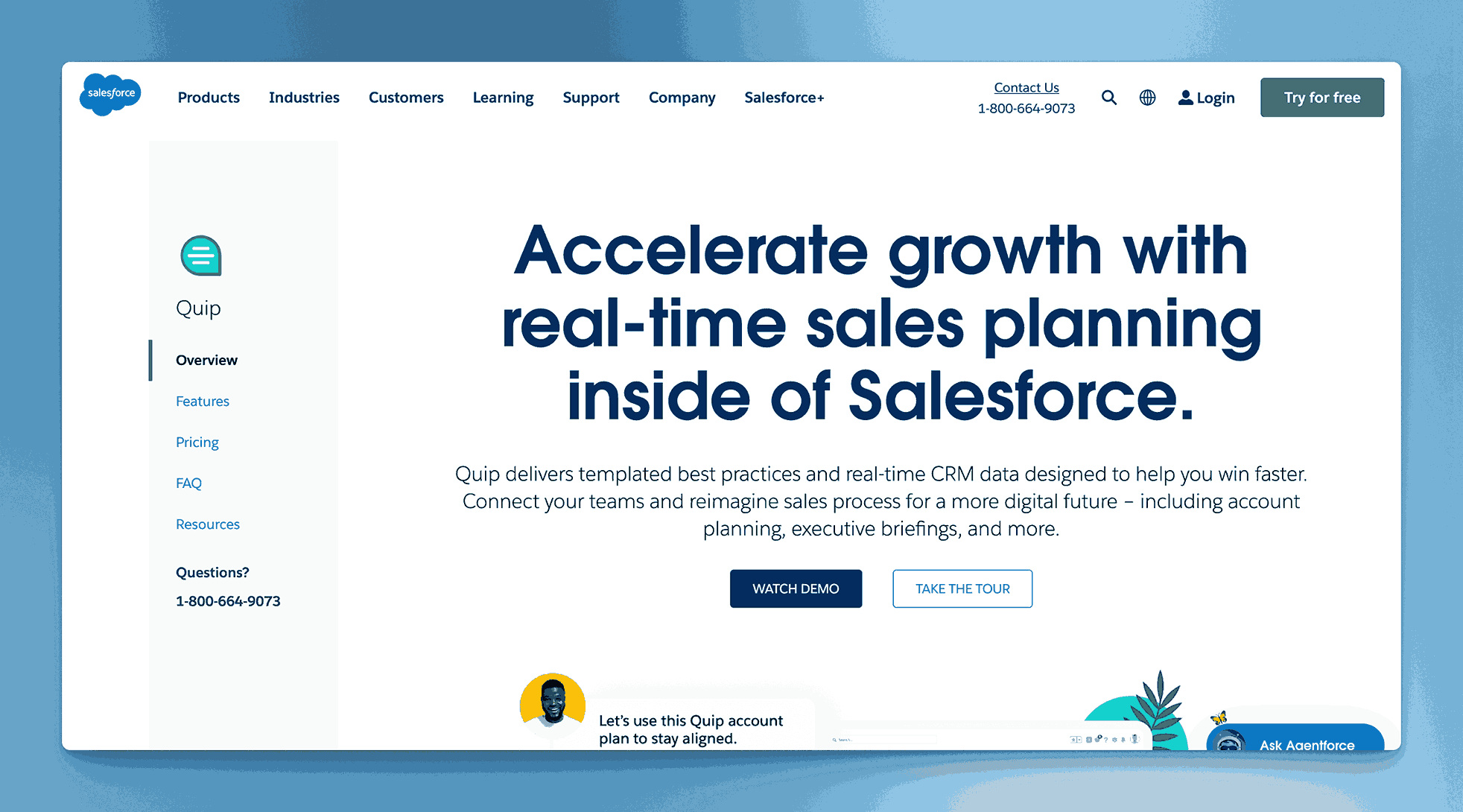
Quip is a team collaboration tool from Salesforce that combines documents, spreadsheets, and chat in a single interface. While it doesn’t market itself strictly as a knowledge base solution, you can use Quip’s shared folders, live docs, and permissions to store and manage team knowledge.
Key information
- Open Source? No, Quip is not open source.
- Standalone KB Tool? Not purely; it’s part of the Salesforce ecosystem, though you can use it independently.
Why you might like it
- Real-time collaboration with inline chat and comments
- Spreadsheets embedded into documents for multi-functional content
- Salesforce integration for teams already using Salesforce CRM
- User-friendly interface that’s easy to adopt
Potential considerations
- Less structured knowledge base approach, more freeform docs
- Costs can add up for larger teams or those needing advanced Salesforce features. Starts at $100 per user per month
- Limited advanced doc management features like version history or hierarchical organization
XWiki
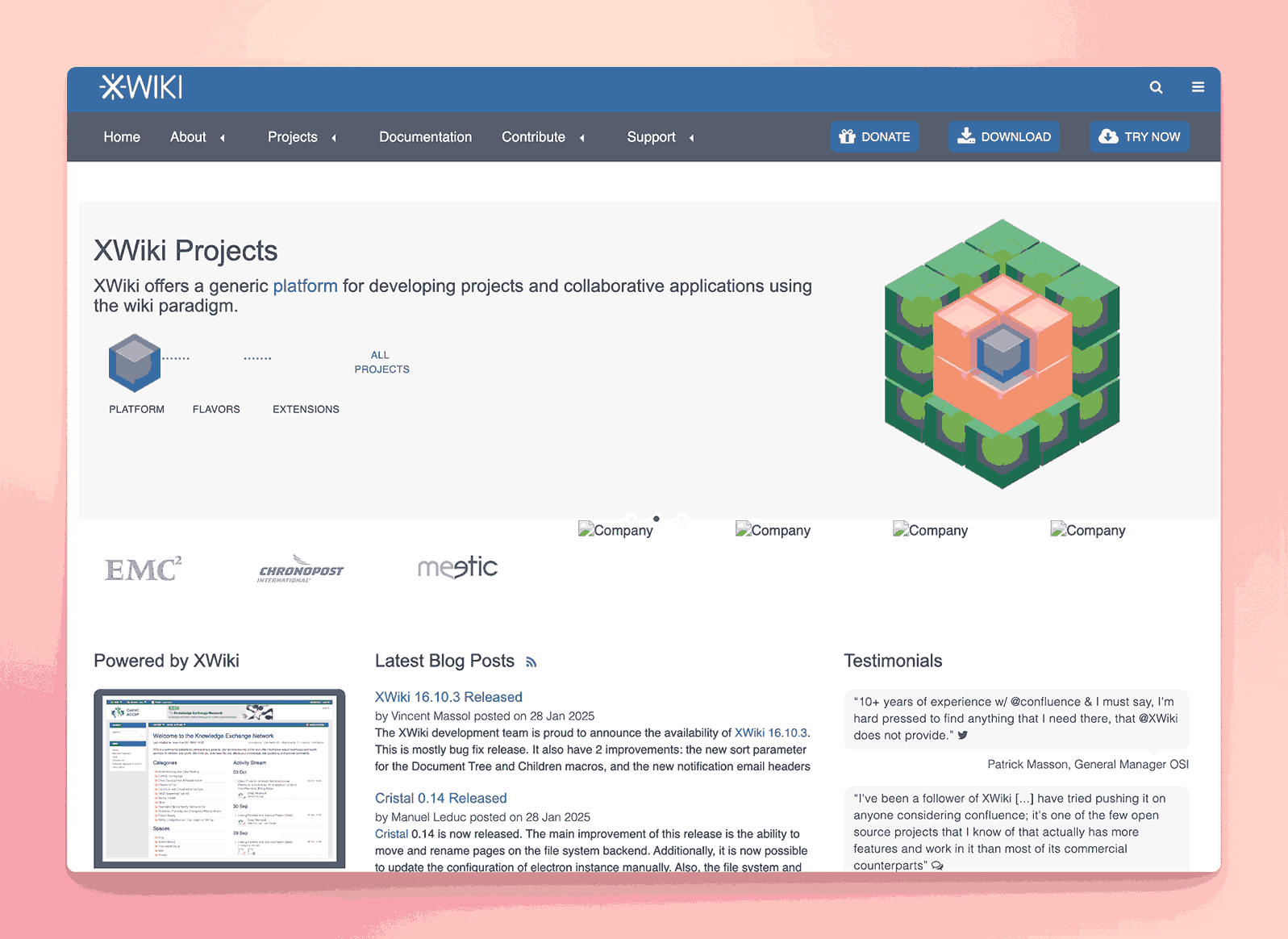
XWiki is an open-source wiki platform designed for building collaborative knowledge base solutions and even custom web applications. It features powerful version control, access rights management, and a modular extension system, making it highly customizable for varied documentation needs.
Key information
- Open Source? Yes, XWiki is open source. Uses a GNU General Public License
- Standalone KB Tool? Yes, it can be used entirely as a standalone knowledge base.
Why you might like it
- Extensive customization through plugins and extensions
- Robust permission system for fine-grained access control
- Version history and rollback built into each page
- Active open-source community for support and frequent updates
Potential considerations
- Requires hosting and setup, which can be technical for non-IT teams
- More complex than simpler wiki solutions if you just need a basic KB
- Customization may demand time and technical know-how
Documize
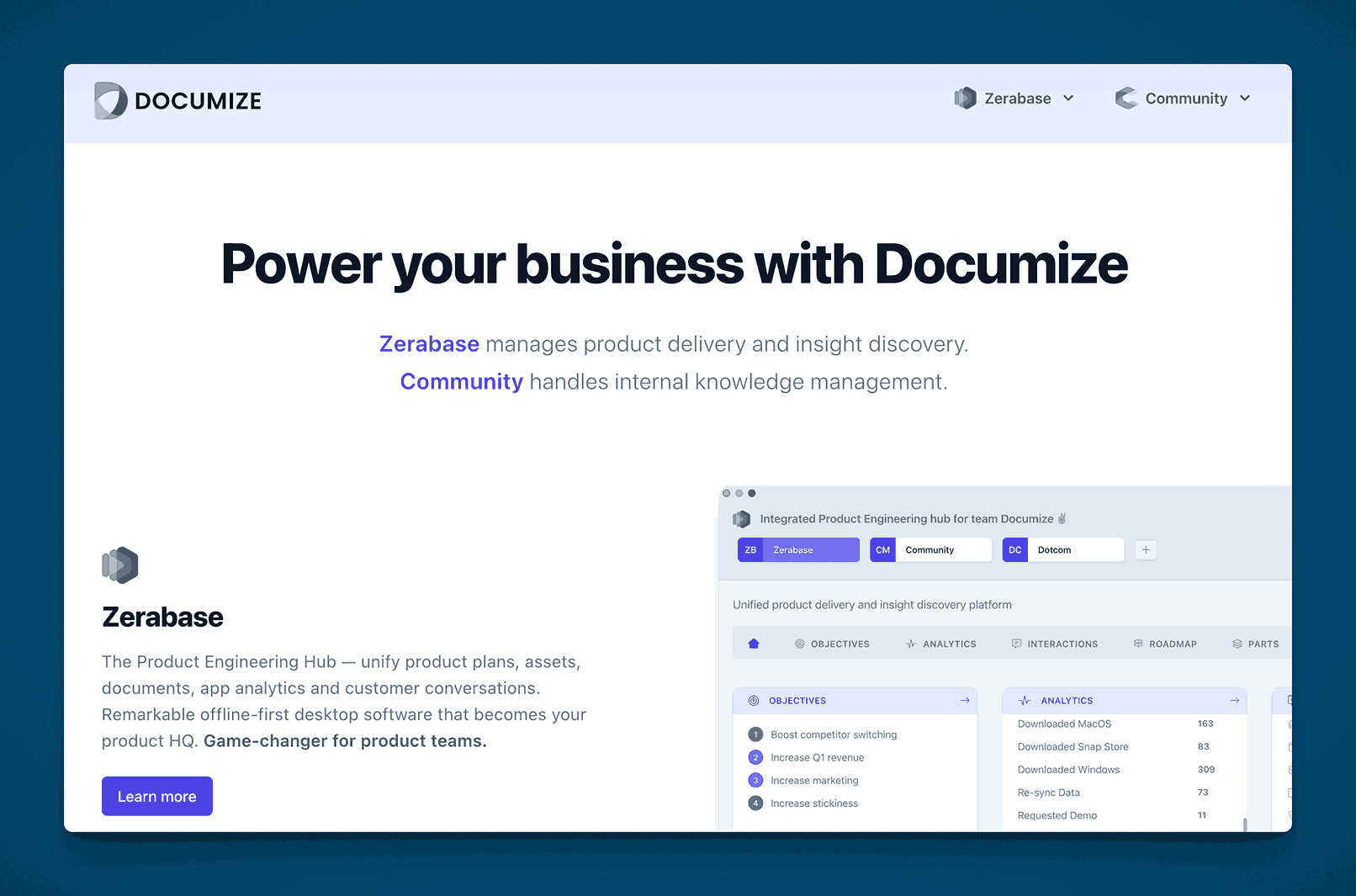
Documize is a documentation and knowledge management platform that blends wiki-style pages with structured data. Its interface allows both technical and non-technical teams to collaborate, organize, and search content efficiently.
Key information
- Open Source? Documize offers both open-source (Community) and paid Enterprise editions.
- Standalone KB Tool? Yes, it can function as a standalone, self-hosted or cloud-based knowledge base.
Why you might like it
- Hybrid approach: Combines wiki pages with structured documentation
- Powerful search that indexes all content, including attachments
- Role-based permissions to control who can view, edit, or share docs
- Integration with tools like Slack and GitHub for streamlined workflows
Potential considerations
- Setup can vary based on self-hosted vs. cloud versions
- Learning curve for advanced features like templating and structured fields
- Enterprise features (e.g., SSO, auditing) may require paid tiers. Zerbase is $20 per editor per month, Community edition starts at $900 per year for 100 users and Enterprise edition is $1800 per year for unlimited users.
openKM
openKM is an open-source document management system (DMS) that can also serve as a knowledge repository. It provides version control, workflow automation, and metadata tagging, making it useful for organizing large volumes of documentation.
Key information
- Open Source? Yes and No, openKM has an open-source Community Edition alongside a commercial version. Licensing is not very clear though.
- Standalone KB Tool? Yes, though it’s more of an enterprise DMS with robust KB capabilities.
Why you might like it
- Document-centric approach with comprehensive version management
- Metadata and taxonomy features for advanced organization
- Workflow engine for document approvals and reviews
- Full-text search across multiple file types
Potential considerations
- Primarily a DMS; could be overkill if you only need a simple wiki
- Requires technical setup and maintenance for self-hosting
- Interface is less streamlined than newer SaaS KB tools
BlueSpice
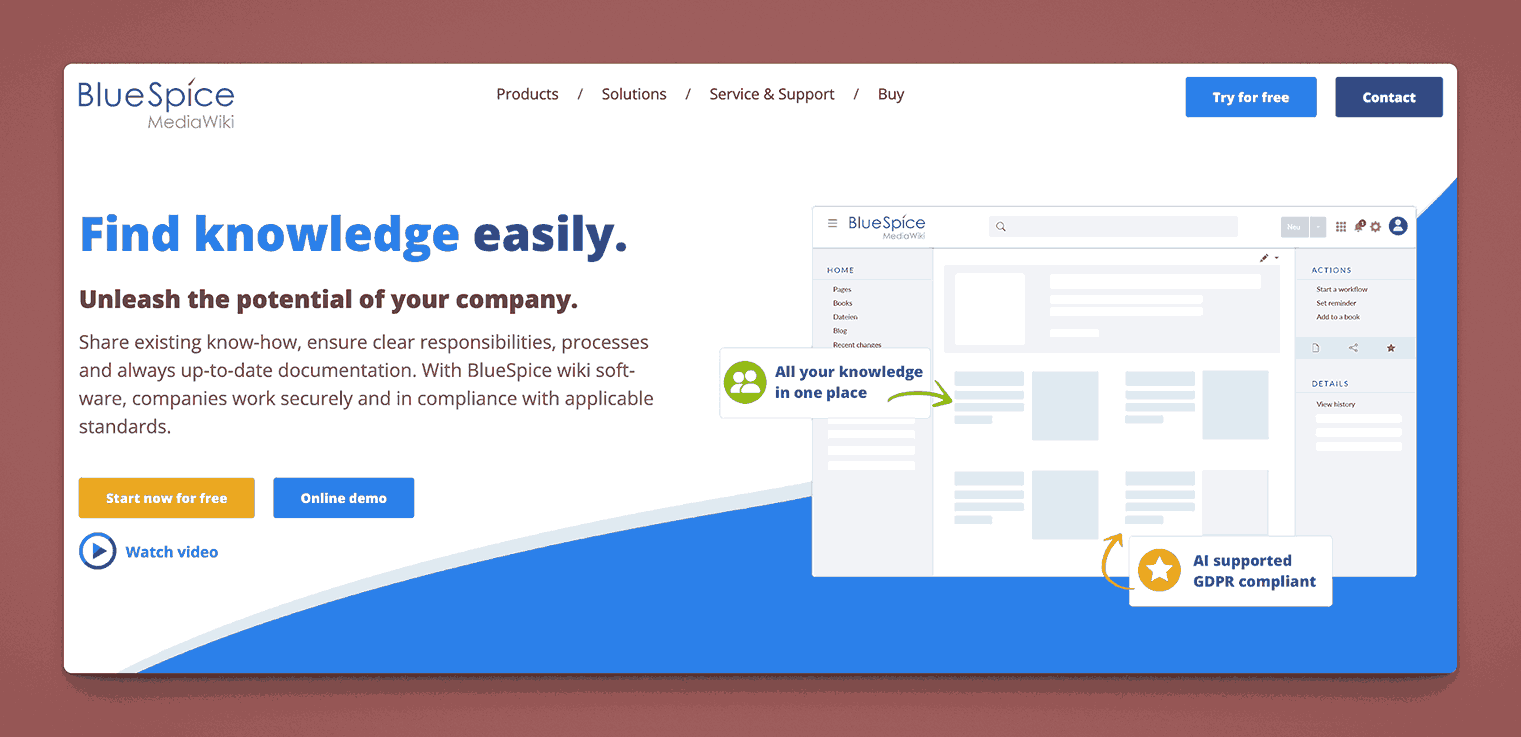
BlueSpice is a professional, enterprise-grade distribution of MediaWiki (the software behind Wikipedia). It adds an improved user interface, WYSIWYG editing, role-based permissions, and additional extensions for a more polished, corporate-friendly wiki experience.
Key information
- Open Source? No, based on MediaWiki with open-source extensions. BlueSpice itself is not open source but is built on an open source tool.
- Standalone KB Tool? Yes, it’s a dedicated wiki/KB platform.
Why you might like it
- Familiar MediaWiki foundation with enterprise enhancements
- Extended features such as quality management, PDF export, and workflow tools
- WYSIWYG editor removes the need for wiki markup expertise
- Active community plus commercial support options
Potential considerations
- Still a wiki model, might feel too “Wikipedia-like” for some teams
- Server hosting and configuration can be time-consuming
- Extension management requires attention to updates and compatibility
- Pricing is complex but starts at 2700 Euros or so per year.
Google Sites
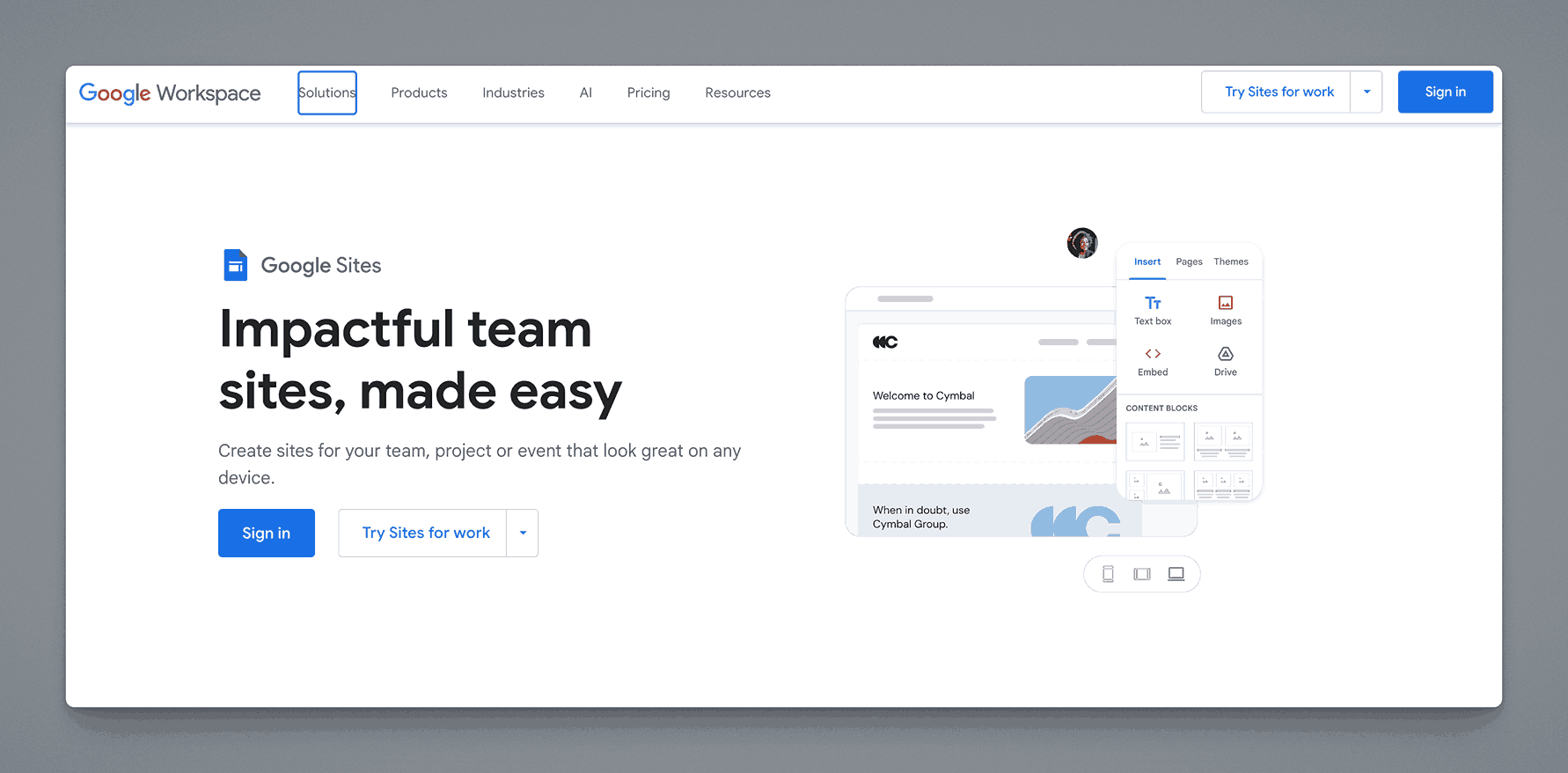
Google Sites is a free website-building tool within Google Workspace. While not a traditional KB platform, many organizations use it to create simple internal documentation sites due to its easy integration with Google Docs, Sheets, and Drive.
Key information
- Open Source? No, Google Sites is proprietary.
- Standalone KB Tool? Not purely; it’s part of Google Workspace, but can serve as a lightweight KB.
Why you might like it
- Seamless integration with Google Drive, Docs, Sheets, and Slides
- Drag-and-drop site creation; no coding required
- Real-time collaboration with built-in Google account management
- Free for Google Workspace users (depending on plan)
Potential considerations
- Limited customization compared to full-fledged KB systems
- No advanced features like version control or workflow automation
- Requires Google account; could be an issue if you need external sharing at scale
ServiceNow Knowledge Management
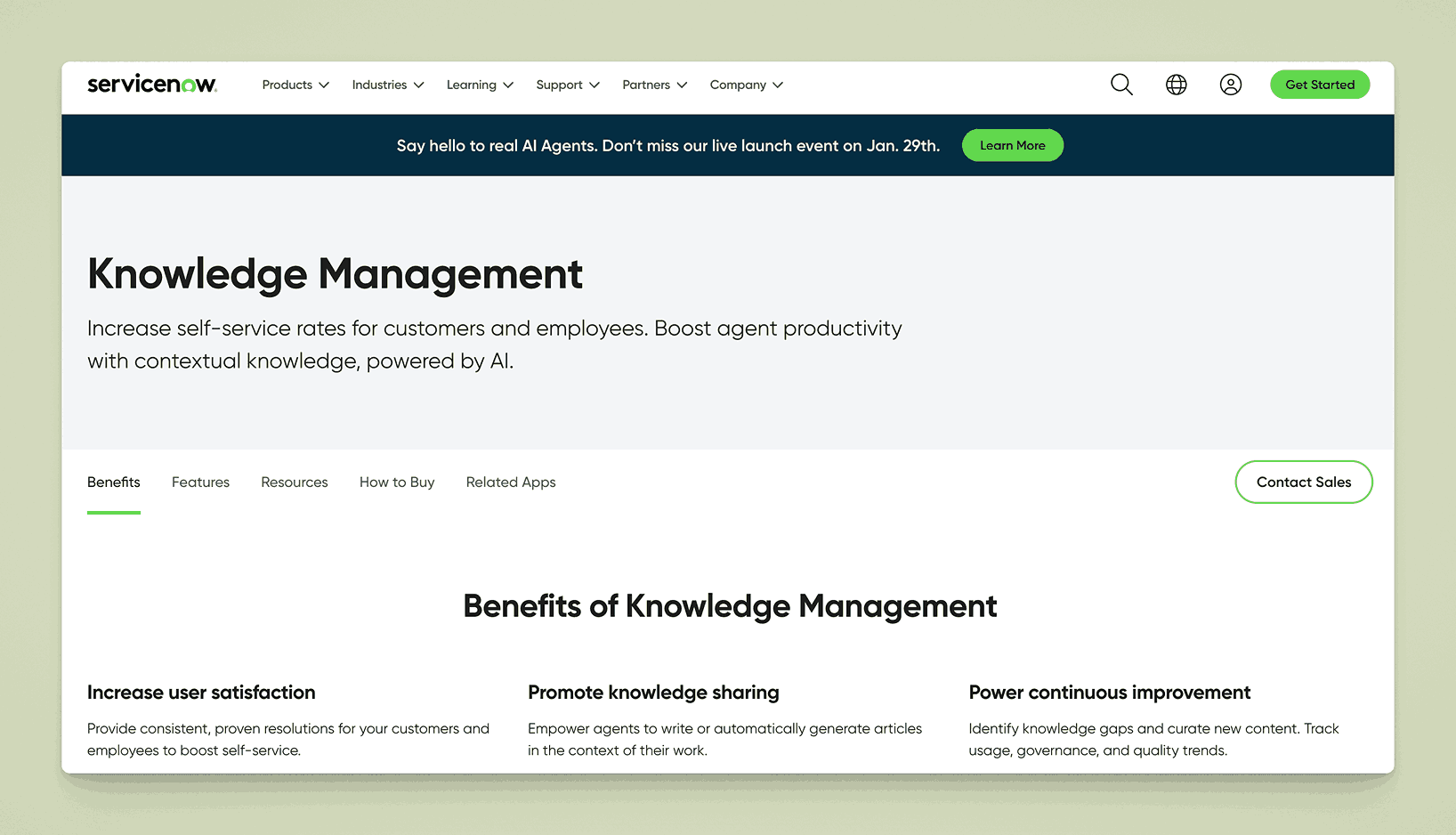
ServiceNow Knowledge Management is a module within the ServiceNow platform, widely used for IT service management (ITSM). It lets teams create and manage a knowledge base for internal support, customer self-service, or both, complete with workflows and approvals.
Key information
- Open Source? No, ServiceNow is proprietary.
- Standalone KB Tool? It’s part of the ServiceNow suite, but can be used primarily for knowledge management.
Why you might like it
- ITSM integration: Ties directly into incident, problem, and change management
- Workflow engine for content review, approval, and publishing
- Advanced analytics to see how content is used and identify gaps
- Role-based access for precise control of knowledge visibility
Potential considerations
- High cost typically aimed at enterprise IT departments
- Complex implementation; setup and customization can require consultants
- Less relevant if you’re not using ServiceNow for broader IT or customer support
Trainual
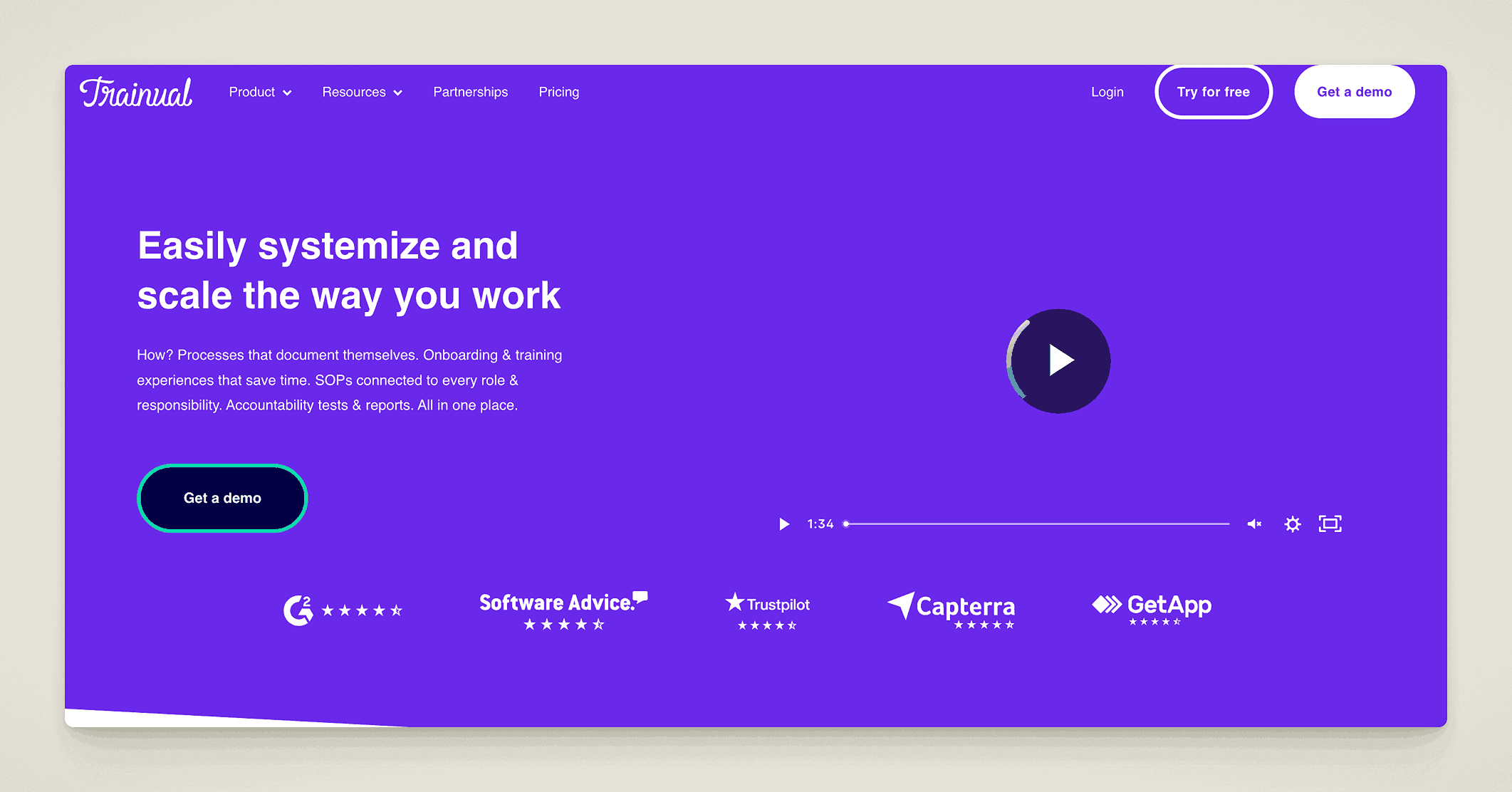
Trainual is a platform designed primarily for onboarding and process documentation. Businesses can store SOPs, training modules, and reference guides, creating a centralized knowledge base for new hires and ongoing training.
Key information
- Open Source? No, Trainual is proprietary.
- Standalone KB Tool? Yes, it’s specifically focused on process documentation and training.
Why you might like it
- Structured “playbook” approach for consistent onboarding
- Quizzes and tests to verify understanding of content
- Templates for common workflows and SOPs
- Integrations with apps like Zapier, Slack, and Gusto
Potential considerations
- Primarily training-oriented features outside of training and SOP contexts
Scribe
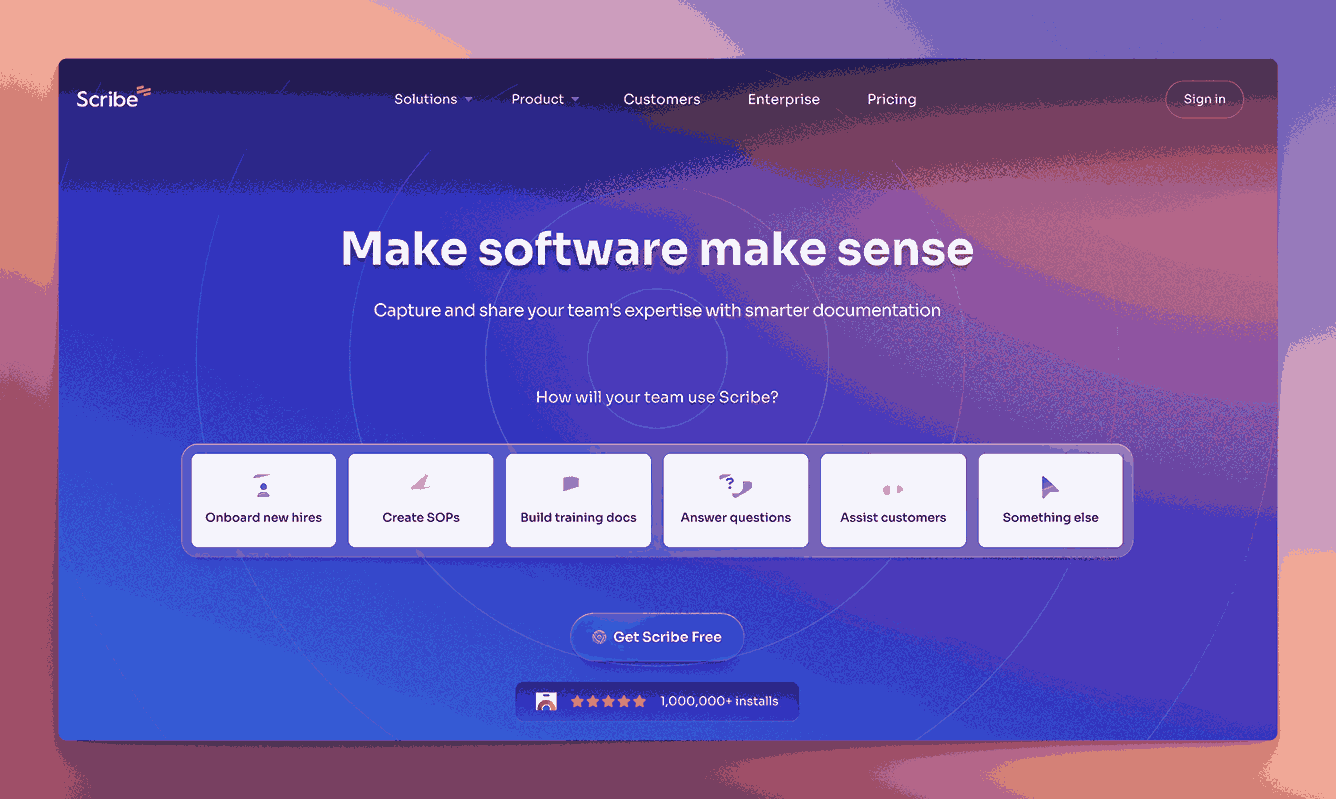
Scribe automates documentation by recording user actions in real time, then generating step-by-step guides or tutorials. It’s useful for quickly capturing processes without manually writing everything out, though it can also serve as a lightweight internal knowledge tool.
Key information
- Open Source? No, Scribe is proprietary.
- Standalone KB Tool? It functions best as a process documentation add-on; can be used alongside or as a simple KB.
Why you might like it
- Automated capture of procedures into step-by-step instructions
- Browser extension for easy process recording
- Quick editing to annotate or highlight important steps
- Sharing options (URL links, PDFs, or embed in other docs)
Potential considerations
- Niche focus on process docs rather than broad knowledge management
- Limited content structure (mostly sequential tutorials)
- Subscription pricing that can add up if many users need to record processes. The basic version is free. Paid plans start at $12 per seat per month and Pro Personal is $23 per seat per month.
Whale
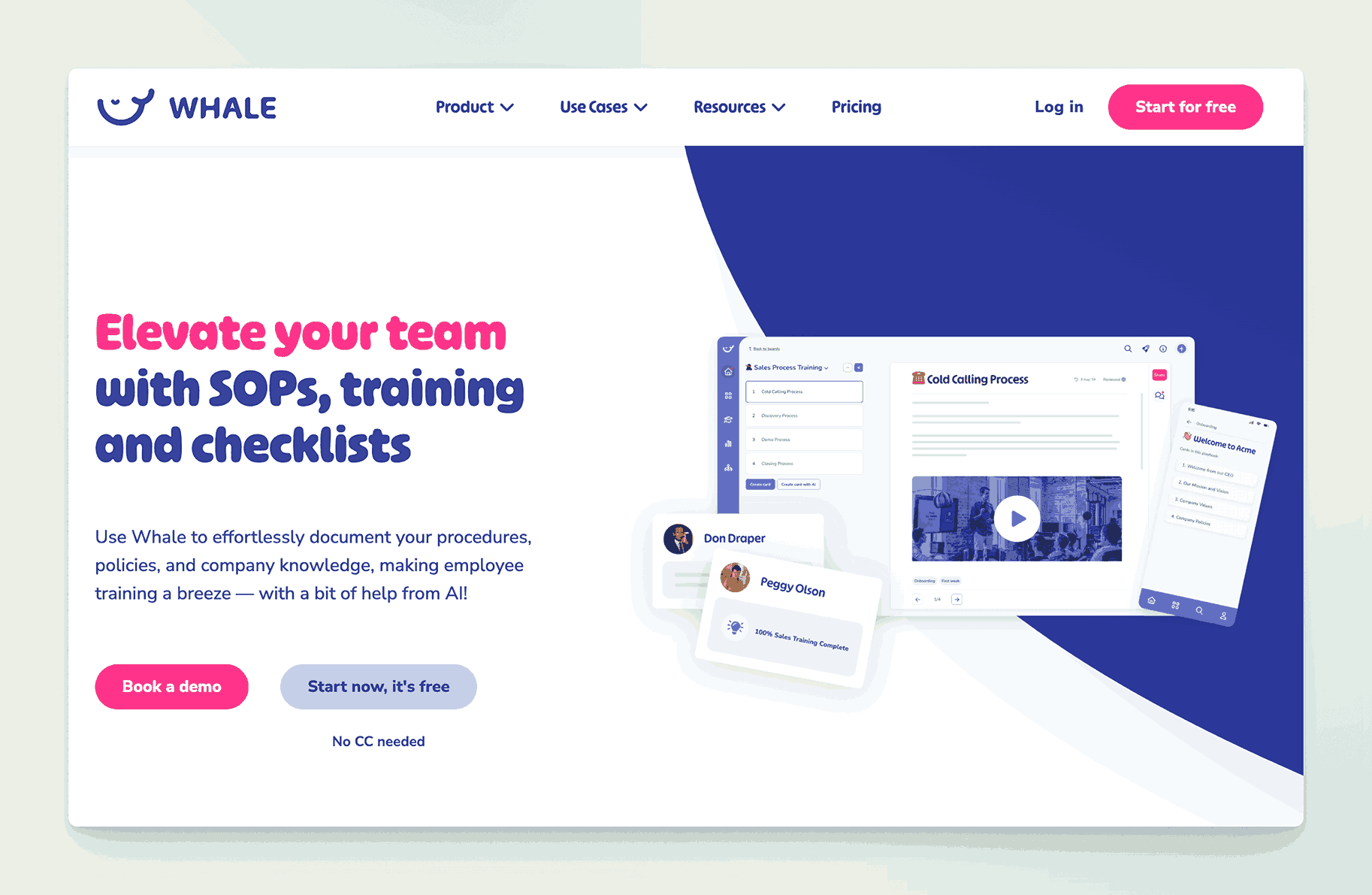
Whale is a process and knowledge management platform aimed at small to medium-sized businesses. It specializes in creating step-by-step SOPs, checklists, and how-to guides, then distributing them to team members for consistent execution.
Key information
- Open Source? No, Whale is proprietary.
- Standalone KB Tool? Yes, though heavily focused on SOPs and process documentation.
Why you might like it
- Centralized processes and SOPs for uniform training
- Interactive guides with images, videos, and embedded elements
- Analytics to see who has read or acknowledged certain procedures
- Integrations with apps like Slack and Microsoft Teams
Potential considerations
- Not a traditional wiki; it’s best for process-oriented documentation
- Pricing can scale with additional features or user seats
- Less suited if you need a deep hierarchy of general knowledge articles
- Pricing – Free for up to 5 users, Scale plan is $149 per month for 10 users, additional users are $15 per month. Enterprise plans available
TiddlyWiki
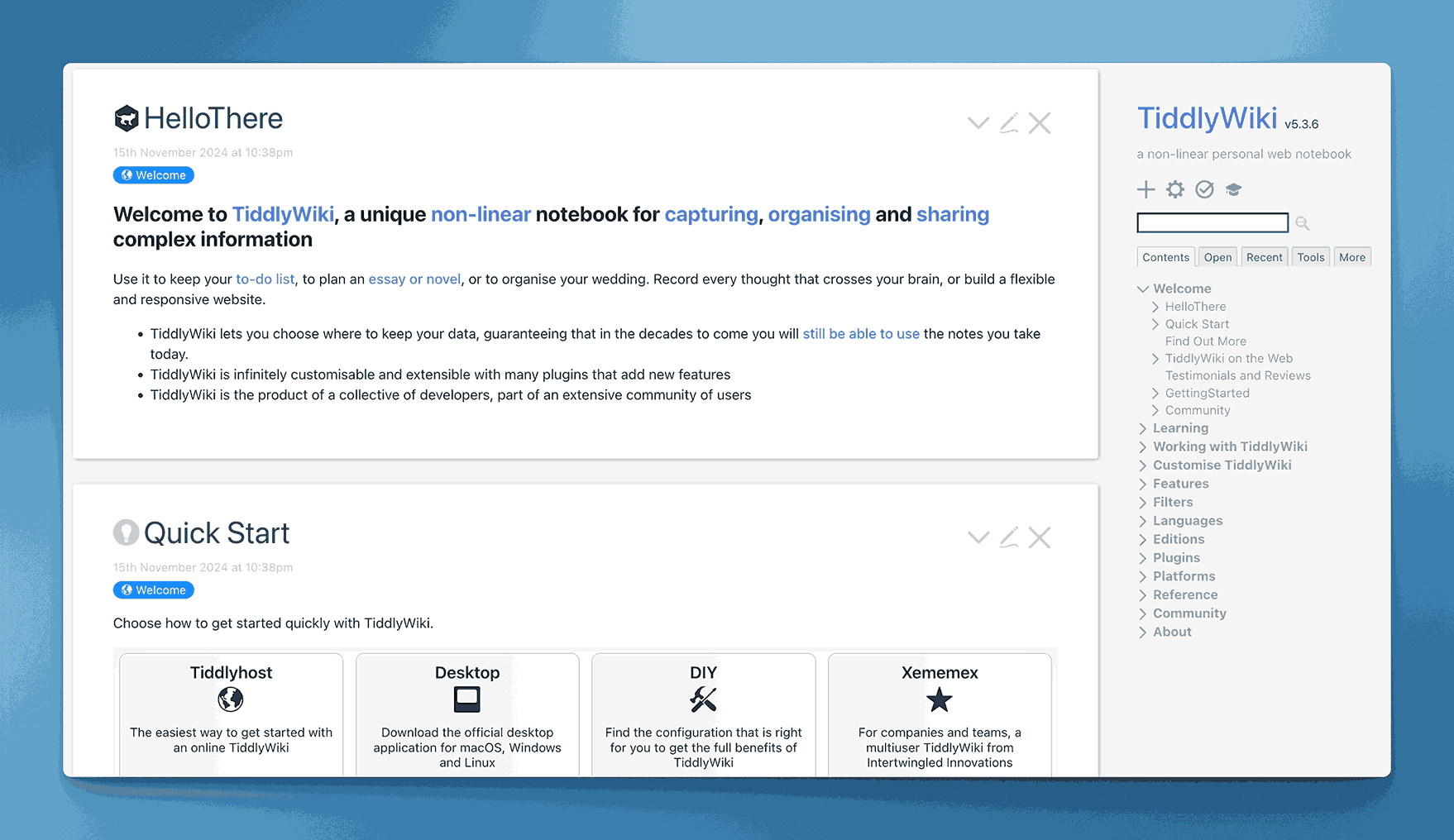
TiddlyWiki is a unique, open-source wiki tool contained in a single HTML file. It allows users to create a self-contained knowledge base or note-taking system that can be run locally or hosted, making it extremely portable.
Key information
- Open Source? Yes, TiddlyWiki is open source. Uses the BSD 3 Clause License
- Standalone KB Tool? Yes, fully contained in one file, though it can be hosted on a server if desired.
Why you might like it
- Portable “single file” approach, easy to move or share
- Highly customizable with plugins, macros, and custom themes
- Lightweight and can run in a browser without a database
- Version control possible by saving multiple iterations or using Git
Potential considerations
- Less intuitive for teams used to multi-user online wikis
- Collaboration is limited without additional setup (e.g., TiddlyWeb, Git)
- Not designed for large enterprises with hundreds of users
eGain Knowledge
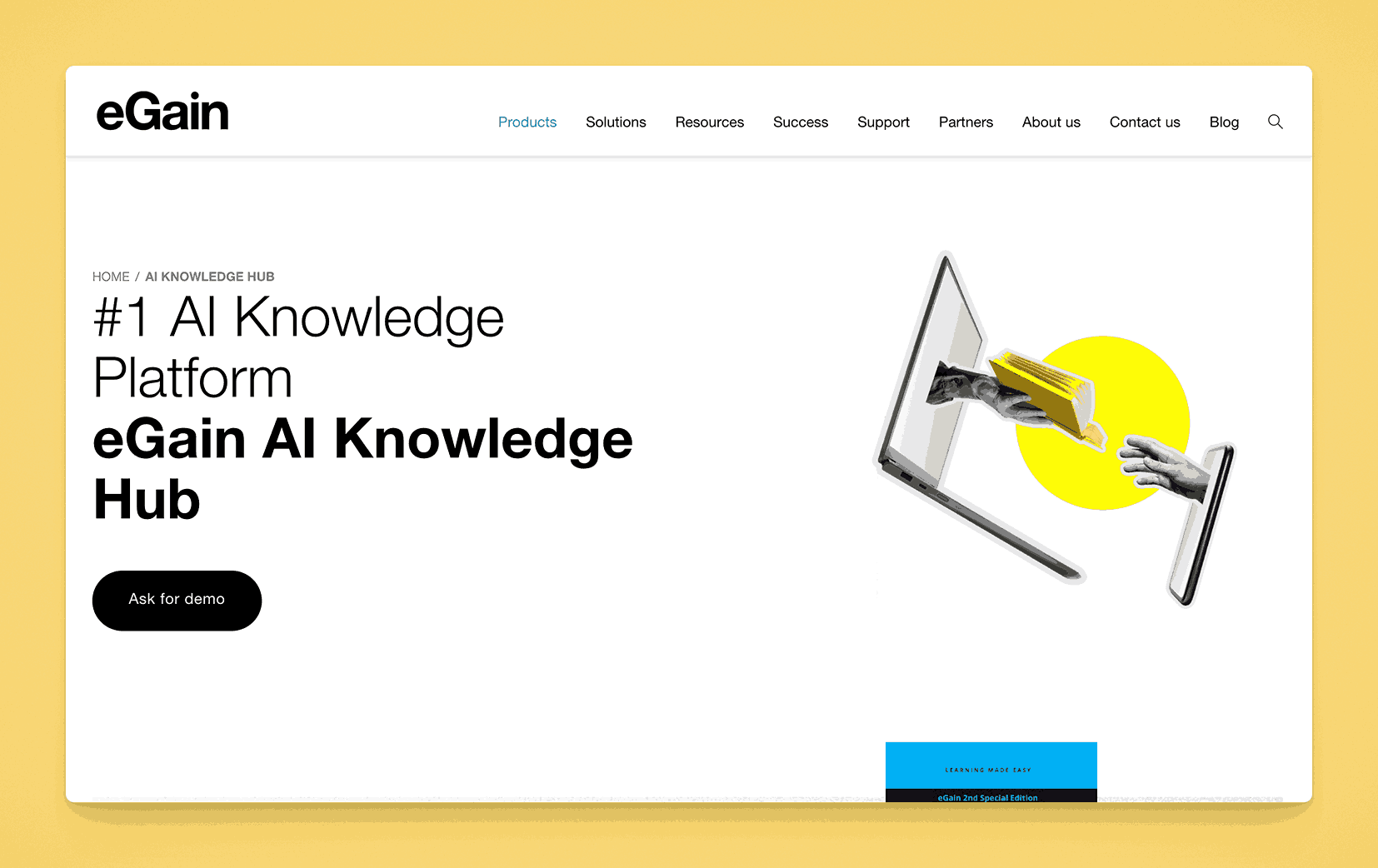
eGain Knowledge is a solution tailored for customer service and contact centers, offering a robust knowledge base with AI-driven search and guided help. It integrates with CRM systems and provides content usage analytics to continuously refine documentation.
Key information
- Open Source? No, eGain is proprietary.
- Standalone KB Tool? Yes, but it’s specialized for contact center and support use cases.
Why you might like it
- AI-driven search to quickly find relevant articles or solutions
- Guided process flows for troubleshooting or customer interactions
- Content analytics to see how often articles are used and their effectiveness
- Multi-channel support (chat, email, phone) so agents can access the same KB
Potential considerations
- Enterprise focus can lead to higher costs
- Overkill if you just need a simple internal wiki or doc library
- Implementation might require consulting if integrating with multiple CRMs
Flowlu
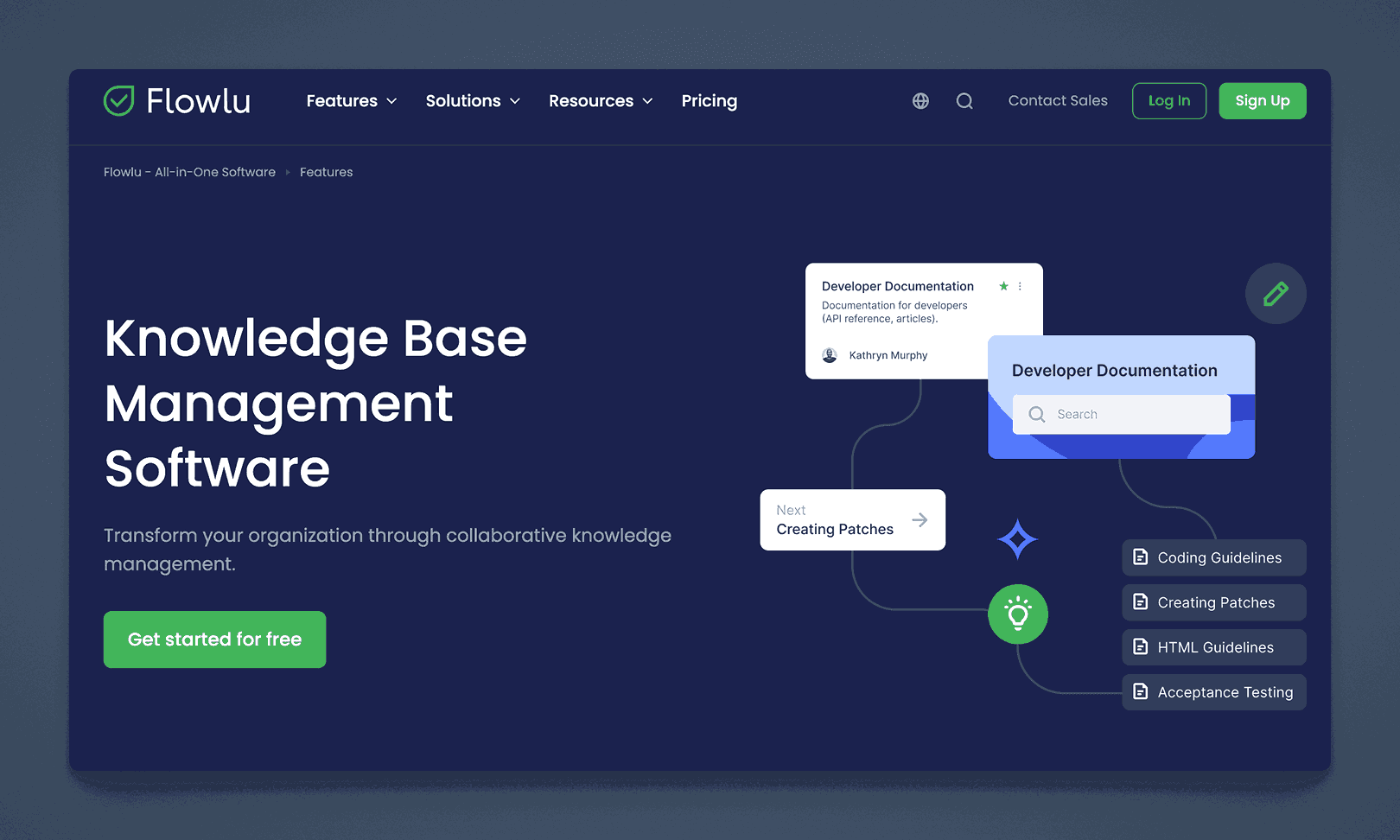
Flowlu is a business management suite offering project management, CRM, and knowledge base modules. The built-in knowledge base allows you to create and categorize documentation, enabling team members to reference information within the same platform they use for daily tasks.
Key information
- Open Source? No, Flowlu is proprietary.
- Standalone KB Tool? Not purely; it’s part of a larger suite, but the KB module can be used on its own.
Why you might like it
- Unified workspace with projects, CRM, and knowledge base in one
- Category-based organization of articles for easy navigation
- Collaborative editing for team-based content creation
- Free tier available (with user and feature limitations)
Potential considerations
- Broader toolset might be more than you need if you only want a KB
- Pricing scales with user count and advanced features. Free version available. Paid plans range from $49, $99, $199 and $329 per team per month. Teams are either 8, 16, 25 or more respectively.
- Less specialized than dedicated documentation platforms
ServiceWare Knowledge (prev. Sabio)
Sabio is a knowledge management platform built for service teams, offering AI-assisted search and a clean, modern interface. It focuses on quickly surfacing the most relevant information to agents and employees, aiming to reduce response times and improve customer satisfaction.
Key information
- Open Source? No, Sabio is proprietary.
- Standalone KB Tool? Yes, Sabio primarily provides a knowledge base system.
Why you might like it
- AI-driven search that prioritizes relevant articles
- Simple, modern UI that teams can adapt to quickly
- Role-based permissions to segment and secure sensitive content
- Reporting on usage trends and article effectiveness
Potential considerations
- Geared toward service environments; might have extra features you don’t need for internal-only docs
- Pricing typically targets mid-to-large companies
- Less robust for non-service workflows (e.g., developer documentation)
Upland RightAnswers
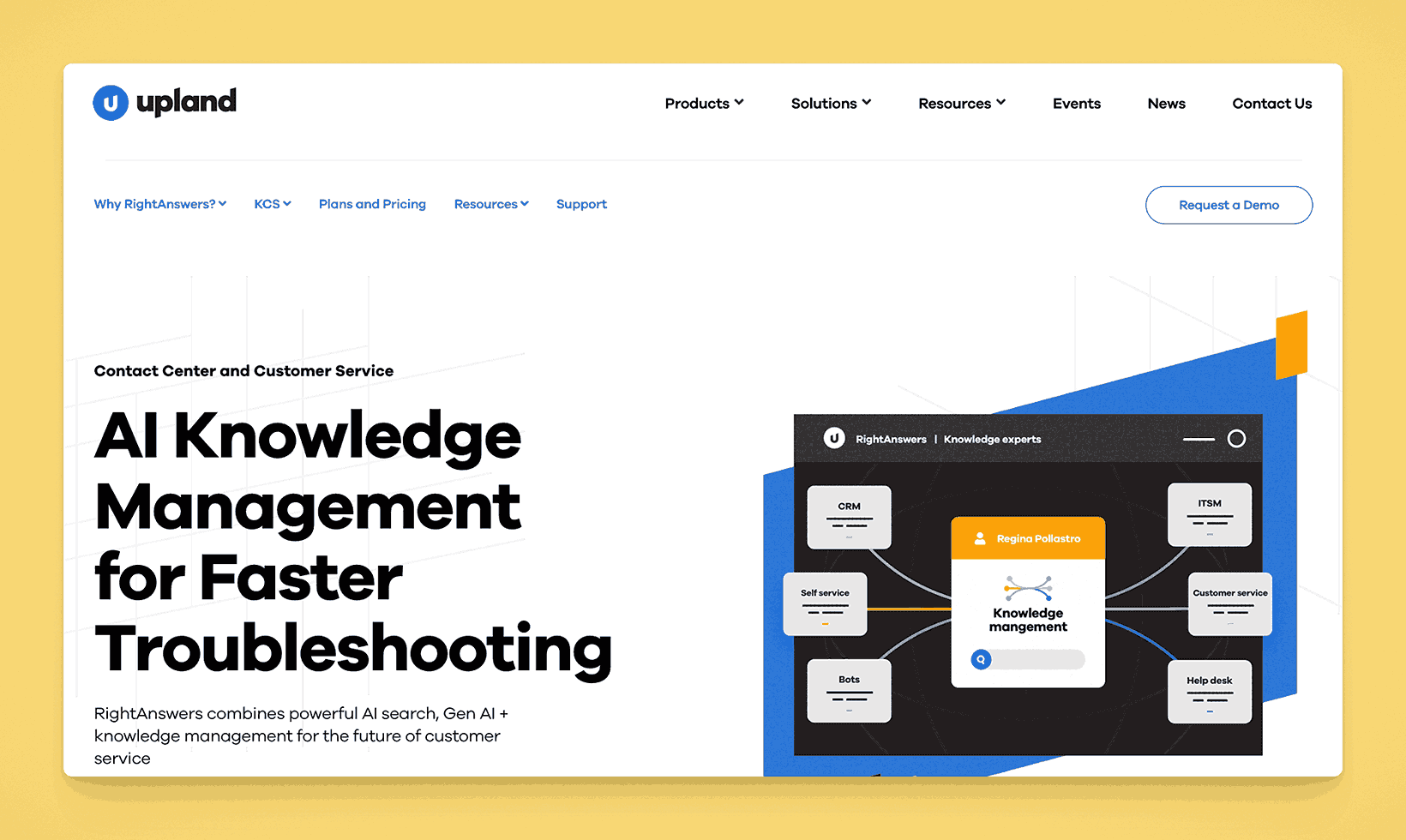
RightAnswers by Upland is a knowledge management solution for customer support and IT service management. It integrates with various ticketing systems and uses an AI-enabled search engine to help agents find the right solutions.
Key information
- Open Source? No, Upland products are proprietary.
- Standalone KB Tool? Yes, though often paired with help desk systems.
Why you might like it
- Ticketing integration with tools like ServiceNow, Salesforce, or Zendesk
- AI-enabled content that suggests relevant solutions during ticket creation
- Robust analytics to track article usage and resolution rates
- Multiple content types: documents, FAQs, videos, and more
Potential considerations
- Enterprise focus typically comes with higher pricing tiers
- Implementation can require professional services for optimal setup
- Overkill if you just need a basic internal wiki without service desk integration
- Pricing is not public
Knowledge Center by USU

Knowledge Center by the USU Group is a knowledge management platform tailored for contact centers, IT support, and self-service portals. It provides a structured approach to authoring, reviewing, and delivering consistent information across channels.
Key information
- Open Source? No, it’s a proprietary solution.
- Standalone KB Tool? Yes, with specialized features for support environments.
Why you might like it
- Content lifecycle management with approvals, feedback loops, and version control
- Intelligent search and guided troubleshooting for call center agents
- Multichannel publishing (web, chatbots, portals) for unified information delivery
- Analytics to identify content gaps and optimize knowledge usage
Potential considerations
- Specialized for contact center and IT use cases
- Costs can be significant for full enterprise deployments
- Less suitable for simple or informal internal documentation needs
Teamwork Spaces

Teamwork Spaces is an add-on to the Teamwork project management suite. It focuses on creating and organizing internal wikis and documentation so teams can collaborate within the same environment where they track tasks and projects.
Key information
- Open Source? No, Teamwork is proprietary.
- Standalone KB Tool? Part of the Teamwork ecosystem, but can function as a wiki/KB module.
Why you might like it
- Seamless integration with Teamwork projects, tasks, and timelines
- Structured page hierarchy for storing and organizing information
- Inline commenting for contextual feedback on documents
- Access permissions can be synced with project teams and roles
Potential considerations
- Not ideal if you don’t use Teamwork for project management
- Pricing requires at least a Teamwork subscription plus add-ons. Plans start at $10.00, $19.99, $54.99 per user per month. Free and Enterprise plans available
- Less specialized than dedicated KB platforms with advanced doc features
Kayako
Kayako is a customer service and help desk platform that includes a knowledge base module. It supports external help centers or internal wikis, offering article templates and a unified interface for both customers and support agents.
Key information
- Open Source? No, Kayako is proprietary.
- Standalone KB Tool? Not purely; part of a help desk suite, though the KB can be used on its own.
Why you might like it
- Unified help desk with tickets, live chat, and knowledge base in one platform
- Article templates to speed up documentation creation
- Customer-facing portal plus internal documentation features
- Real-time search to surface articles during ticket creation or agent replies
Potential considerations
- Primarily customer support-focused; may have more features than you need for simple internal docs
- Pricing can add up if you need multiple agent seats or advanced support features. Starts at $49 per agent per month. Enterprise plans available
- Less robust for broader collaboration or complex internal knowledge structures
Intercom Articles
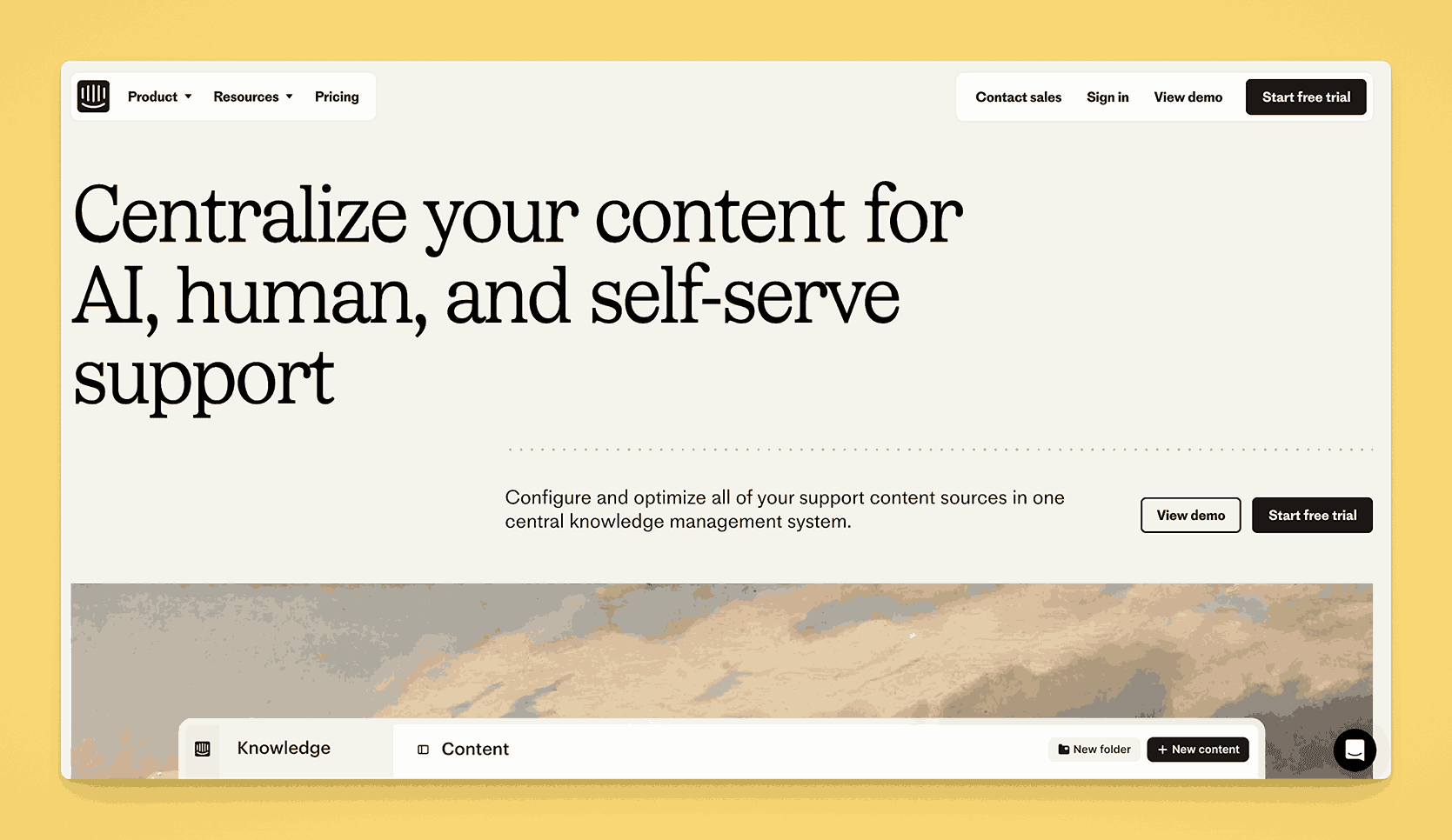
Intercom Articles is part of the broader Intercom customer messaging platform. It allows you to create a knowledge base of help articles that can be embedded within live chat conversations, providing self-service support for customers or internal teams.
Key information
- Open Source? No, Intercom is proprietary.
- Standalone KB Tool? Not purely; it’s part of Intercom’s suite, but the Articles feature can serve as a KB solution.
Why you might like it
- Contextual knowledge: Surface relevant articles during chat sessions
- Simple editor for quick content creation and updates
- Analytics to measure article performance and identify gaps
- Integration with Intercom’s other communication tools for a unified support experience
Potential considerations
- Pricing can grow quickly with advanced Intercom features. Offers discounts for startups.
- Primarily customer-facing rather than strictly for internal docs
- Less robust as a full-scale internal wiki for broad organizational knowledge
MangoApps
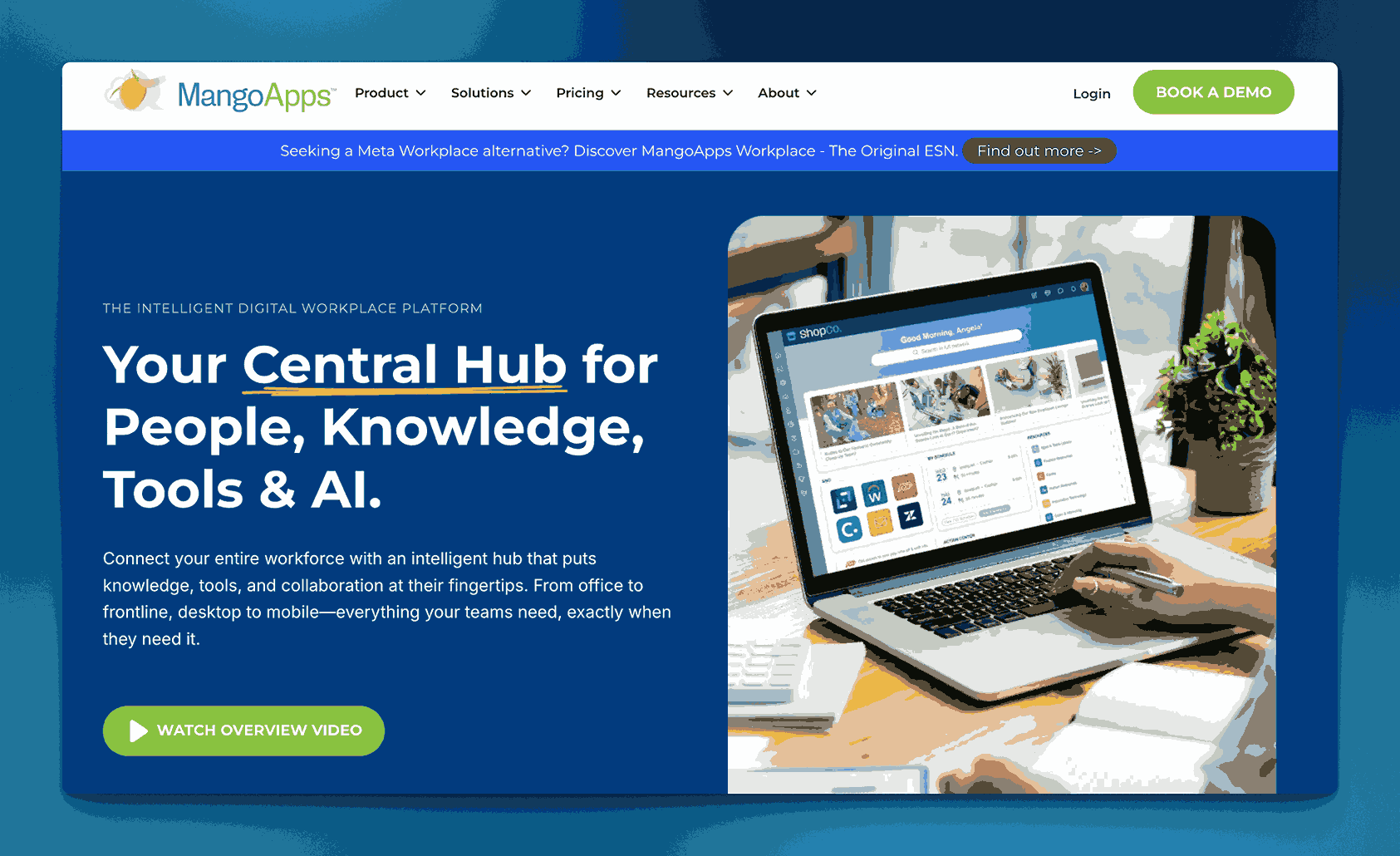
MangoApps is a digital workplace suite combining intranet, team collaboration, and knowledge management. Its knowledge base module lets teams create wikis, share documents, and centralize resources in a structured way, complete with social features for engagement.
Key information
- Open Source? No, MangoApps is proprietary.
- Standalone KB Tool? Not purely; a broader platform, but it can serve as a KB hub.
Why you might like it
- All-in-one intranet plus knowledge base and collaboration tools
- Social features like feeds, comments, and likes to engage employees
- Granular access controls and version tracking for documents
- Mobile-friendly so users can access content on the go
Potential considerations
- Potentially overwhelming if you only want a simple KB
- Pricing can be higher than single-function tools. Minimum of 200 user licensing required.
- Learning curve for non-technical staff unfamiliar with integrated suites
Evernote Teams
Evernote Teams (formerly Evernote Business) extends the popular note-taking platform for team-based collaboration. It allows shared notebooks, tags, and a global search function that can serve as a lightweight organizational knowledge base.
Key information
- Open Source? No, Evernote is proprietary.
- Standalone KB Tool? Primarily a note-taking platform, but can be repurposed as a KB.
Why you might like it
- Familiar interface for users already acquainted with Evernote
- Cross-platform syncing across web, mobile, and desktop
- Powerful search that can parse text in images and PDFs
- Shared notebooks for group collaboration and referencing
Potential considerations
- Limited structure for large-scale or highly complex documentation
- Paid tiers required for advanced collaboration and storage. Personal and Professional plans are designed for individual use. Team plans start at $24.99 per user per month. Enterprise plans available.
- Not built with formal approval workflows or version control in mind
Joomla
Joomla is a popular open-source content management system (CMS) that can be configured to act as a knowledge base or wiki-like site. Through extensions, you can add documentation structures, article management, and advanced access controls.
Key information
- Open Source? Yes, Joomla is open source.
- Standalone KB Tool? Yes, if configured with documentation or wiki extensions.
Why you might like it
- Flexible CMS with thousands of extensions for added functionality
- User management built-in for assigning different roles and permissions
- Large community offering free support, tutorials, and theme options
- Self-hosted for full control over data and customization
Potential considerations
- Setup and maintenance require web hosting and some technical knowledge
- Might need multiple plugins or extensions to replicate a classic KB experience
- Less streamlined than dedicated SaaS KB solutions
Drupal

Drupal is a highly flexible, open-source CMS used to build complex sites and applications. With the right modules, you can create robust knowledge bases featuring advanced taxonomy, user permissions, and search capabilities.
Key information
- Open Source? Yes, Drupal is open source.
- Standalone KB Tool? Yes, though typically requires modules and configuration to act as a KB.
Why you might like it
- Highly customizable with a powerful module system
- Strong community for support, updates, and contributed extensions
- Granular taxonomy for organizing large, complex sets of content
- Scalability for enterprise-level sites and high traffic
Potential considerations
- Steep learning curve for new administrators or content builders
- Requires hosting, installation, and ongoing maintenance
- Overkill if you only need a simple, out-of-the-box knowledge solution
Happeo
Happeo is an intranet and collaboration platform with features designed to consolidate company news, documents, and knowledge into a single hub. It supports structured pages, channels, and integrations with Google Workspace, making it useful for knowledge sharing.
Key information
- Open Source? No, Happeo is proprietary.
- Standalone KB Tool? Primarily an intranet solution, but can be adapted for a KB.
Why you might like it
- User-friendly pages to publish and organize company information
- Integration with Google Drive for file and document embedding
- Social features: channels, feeds, comments, and likes
- Analytics to see which content is most viewed or engaged with
Potential considerations
- May be more than you need if you want only a lightweight KB
- Pricing is not public but aimed at mid-to-large organizations
- Limited advanced wiki features for detailed document versioning or approvals
Stonly
Stonly is a platform for creating interactive guides, tutorials, and step-by-step documentation. It aims to simplify user onboarding and troubleshooting, and can also serve as a knowledge base by organizing these guides into a searchable library.
Key information
- Open Source? No, Stonly is proprietary.
- Standalone KB Tool? Yes, though it specializes in interactive, step-by-step guides.
Why you might like it
- Interactive, branching guides for clear user journeys
- Embeddable widgets so you can place help content within apps or websites
- Analytics on guide completion and drop-off points
- Customization with branding and step layouts
Potential considerations
- Not a traditional text-based KB, focuses on guided experiences
- Pricing is not publicly available although they have separate plans for small businesses and enterprises
- Less suited for large sets of static documentation or policy manuals
ClickHelp
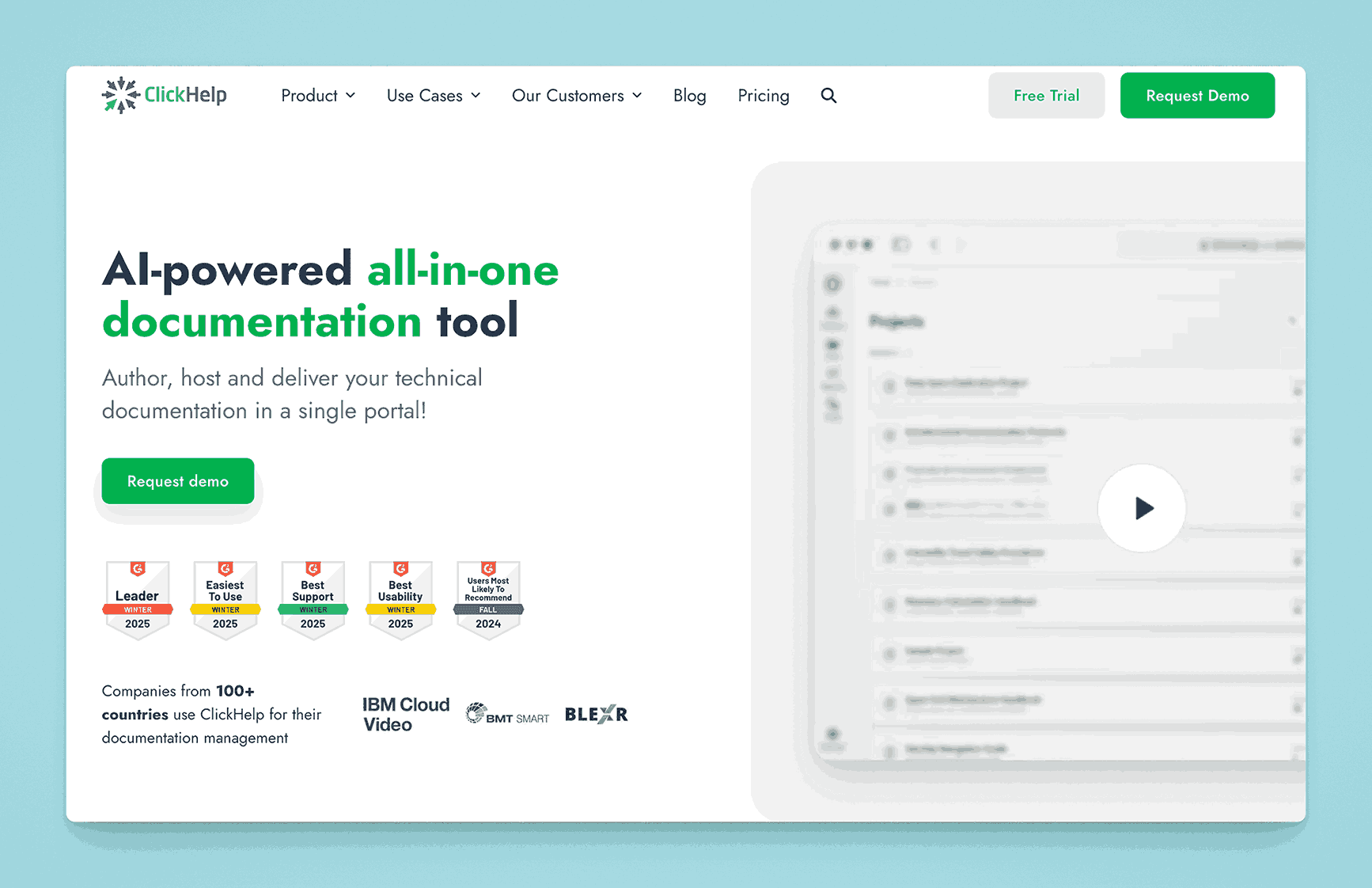
ClickHelp is a documentation platform geared toward creating technical documentation, user manuals, and online help centers. It allows multiple authors to collaborate, with features like version control, variables, conditional content, and branding options.
Key information
- Open Source? No, ClickHelp is proprietary.
- Standalone KB Tool? Yes, built specifically for software documentation and manuals.
Why you might like it
- Multi-author collaboration with review workflows
- Version control for tracking changes between documentation releases
- Conditional content and variables for creating different document variations
- Branding and customization to match your product or corporate identity
Potential considerations
- Primarily technical docs, might be overkill for simple wikis or internal knowledge sharing
- Learning curve for features like conditional text or single-sourcing
- Pricing scales with user seats and advanced authoring capabilities. Starts at $175 for starter, $285 for Growth and $580 for Professional based on 2 contributors. Per contributor charge are applied for additional contributors based on the plan chosen
HelpNDoc
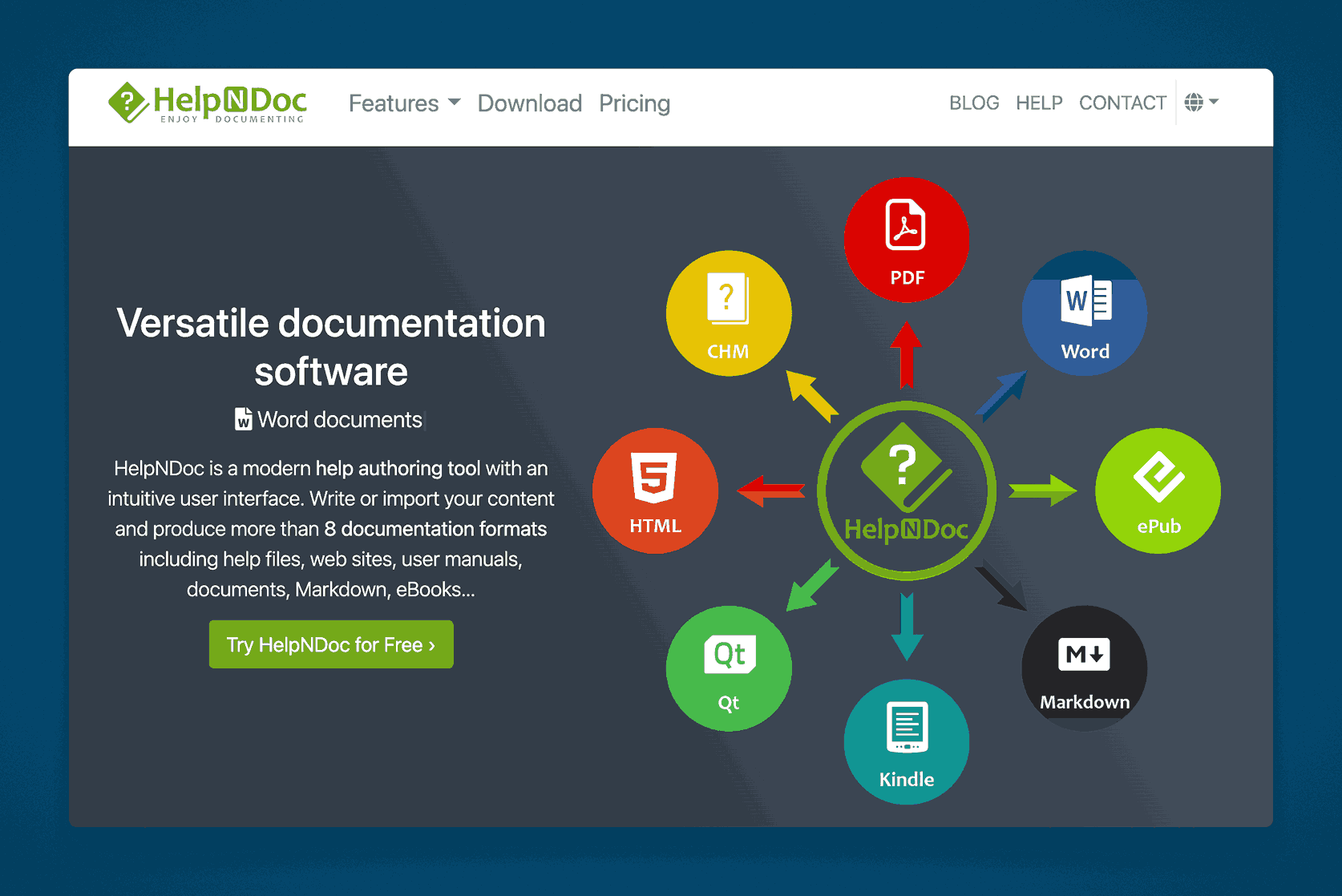
HelpNDoc is a help authoring tool (HAT) allowing teams to create CHM, HTML, PDF, and Word documentation from a single source. While it’s typically used to produce software documentation or manuals, it can double as a knowledge base solution when hosted online.
Key information
- Open Source? No, HelpNDoc is proprietary.
- Standalone KB Tool? Typically a help authoring tool, but can generate a knowledge base portal.
Why you might like it
- Single-source authoring to produce multiple output formats
- WYSIWYG editor with easy-to-use interface
- Template-based approach to keep documentation consistent
- Media library to manage images, videos, and attachments
Potential considerations
- Windows-only desktop application (for authoring)
- Lacks collaborative real-time editing, usually a solo author approach
- Not designed as a live, always-online wiki unless you host output yourself
- Pricing – Has plans for $102, $311 and $511 for the Standard, Professional and Ultimate editions. Has separate floating licenses as well.
BMC Helix Knowledge Management
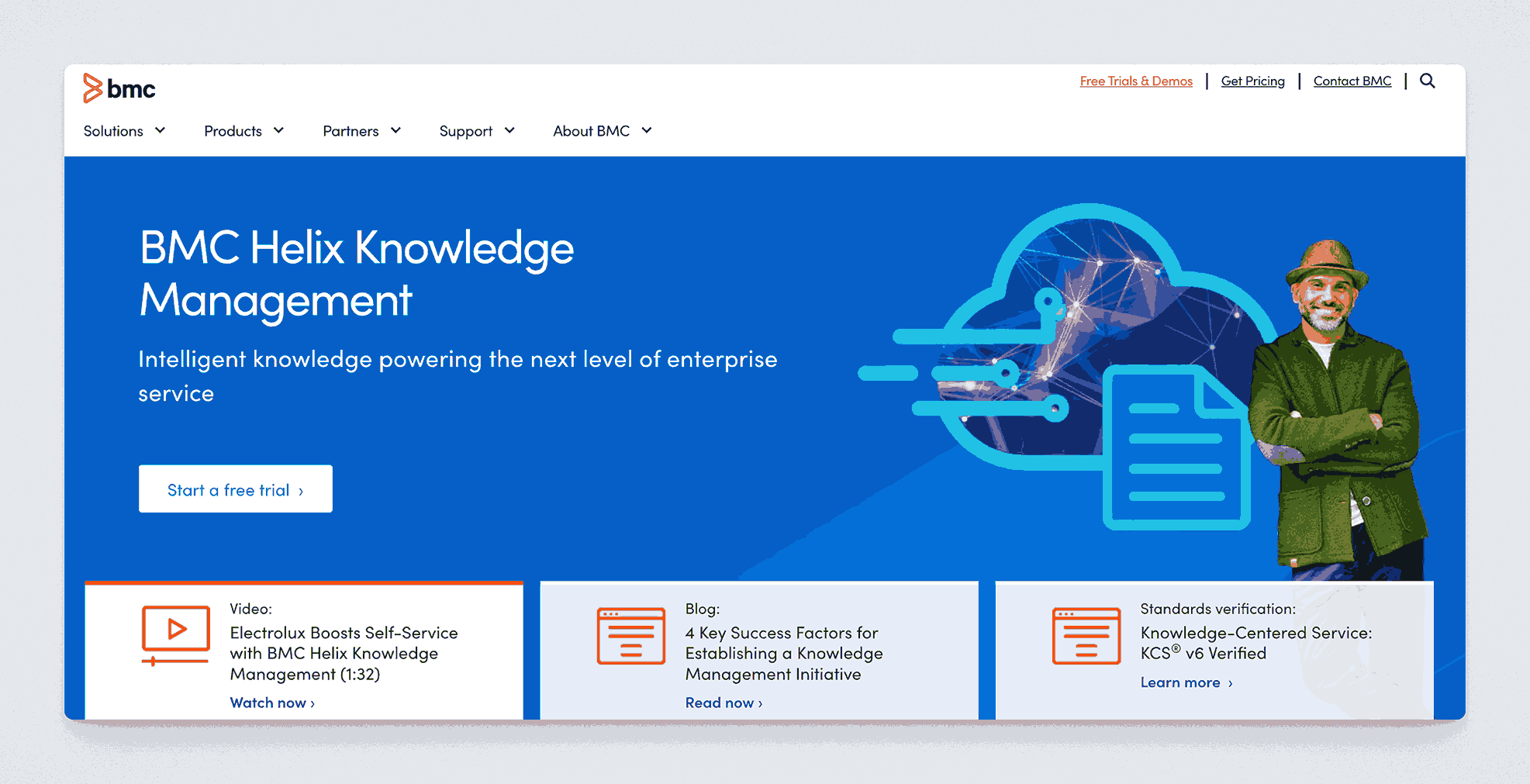
BMC Helix is an IT service management suite, and its Knowledge Management module provides an integrated KB system for resolving support tickets and sharing solutions across teams. It’s oriented toward large enterprises needing robust ITIL processes.
Key information
- Open Source? No, BMC Helix is proprietary.
- Standalone KB Tool? Part of the BMC Helix ITSM suite, but can function for knowledge management alone.
Why you might like it
- ITIL-aligned for organizations with formal ITSM processes
- Advanced workflow for article creation, review, and publishing
- Integration with incident and problem management modules
- Analytics to measure knowledge usage and resolution rates
Potential considerations
- Enterprise-level solution with corresponding costs
- Complex setup typically requiring BMC specialist knowledge
- Less suitable if you’re not running an ITSM environment
inSided by Gainsight
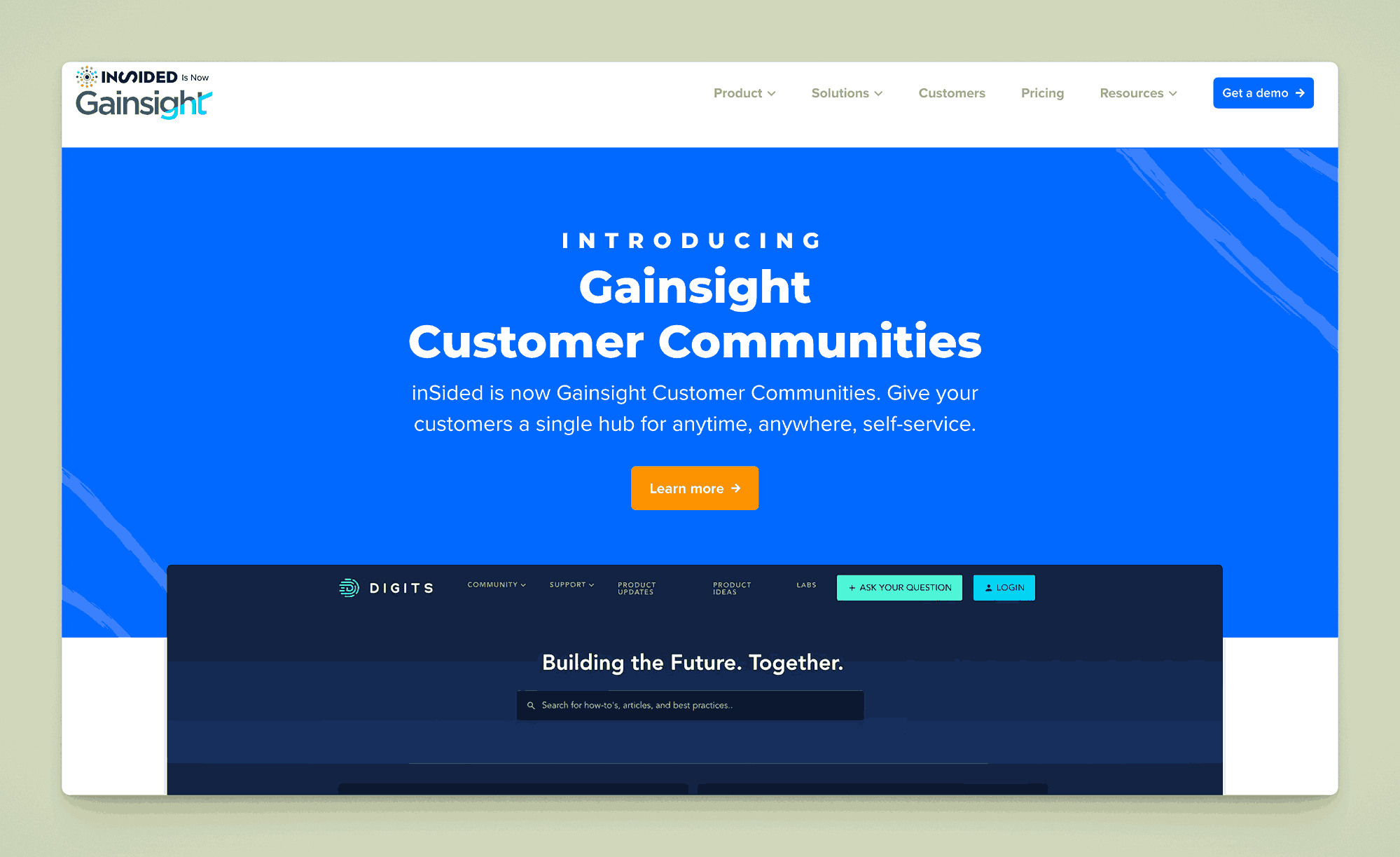
inSided by Gainsight is a community and knowledge management platform allowing companies to combine self-service support, user forums, and a knowledge base in one place. It targets SaaS and subscription businesses that want to build active user communities.
Key information
- Open Source? No, inSided is proprietary.
- Standalone KB Tool? Yes, although community forums are a core part of the solution.
Why you might like it
- Community-driven approach with user-generated knowledge
- Q&A and discussions that feed into reusable KB articles
- Integration with Gainsight’s customer success platform
- Analytics to monitor community engagement and article effectiveness
Potential considerations
- Focus on external, customer-facing communities rather than purely internal docs
- Pricing tailored for mid-to-large SaaS organizations. On request.
- Requires a strategy for community moderation and engagement
Monday.com Docs
Monday.com, known for project management, also offers Docs as part of its platform. Teams can create collaborative documents, embed boards or tasks, and link to other Monday.com items, potentially using Docs as a knowledge repository.
Key information
- Open Source? No, Monday.com is proprietary.
- Standalone KB Tool? Not purely, it’s part of Monday.com’s broader work management suite.
Why you might like it
- Unified platform for tasks, docs, and workflows
- Real-time collaboration with mentions and comments
- Easy linking to Monday.com boards, tasks, or dashboards
- Templates to standardize recurring document types
Potential considerations
- Primarily project-focused, docs might lack advanced KB features (e.g., robust search, versioning)
- Cost can escalate if you add many users or advanced features. Starts with a free version, then advanced paid plans at $9 to $19 per user per month. Enterprise plans available. That’s for the entire ecosystem though.
- Learning curve if you’re unfamiliar with the entire Monday.com ecosystem
Docsie
Docsie is a cloud-based documentation tool that helps teams write, manage, and publish technical or product documentation. It focuses on structured content, with collaboration features that allow multiple contributors to work on shared docs.
Key information
- Open Source? No, Docsie is proprietary.
- Standalone KB Tool? Yes, it can be used as a standalone knowledge base or help center.
Why you might like it
- Version control: Keep track of doc iterations and roll back if needed
- Collaboration: Multiple authors can edit and comment in real time
- Embedding & publishing: Easily embed docs on your website or export them
- Content reuse: Reuse snippets across multiple documents to save time
Potential considerations
- Pricing scales with the number of docs or users. Starts at $143 per month and goes up to $449 per month excluding the enterprise plan.
- Less robust than some enterprise-grade platforms if you need extensive workflow approvals
- Limited integrations compared to more established documentation suites
Shelf

Shelf is a knowledge management platform geared toward eliminating bad data across your documentation and data sources. The way this tool perceives ‘knowledge management’ is different from the others. It offers AI-powered search, content organization, and analytics to optimize article usage.
Key information
- Open Source? No, Shelf is proprietary.
- Standalone KB Tool? Yes and No. Shelf has a centralized knowledge hub at its core though.
Why you might like it
- AI-driven search: Surfaces the most relevant documents for agents
- Automated content curation: Identifies outdated info and suggests updates
- Collaboration features: Allows team members to share feedback and improve docs
- Analytics: Track which articles are most (or least) used and measure agent performance
Potential considerations
- Focus on customer support rather than broad internal documentation
- Enterprise-level pricing can be high for smaller organizations although pricing is not publicly available
- Learning curve for teams new to AI-based knowledge tools
Spekit
Spekit is a digital enablement and knowledge platform that integrates with popular tools like Salesforce, Slack, and Microsoft Teams. It provides context-sensitive help “speks” (bite-sized content) that appear when and where users need them.
Key information
- Open Source? No, Spekit is proprietary.
- Standalone KB Tool? Yes, though it focuses on in-app guidance rather than traditional wiki pages.
Why you might like it
- Contextual training: Delivers targeted knowledge within the apps your team already uses
- Real-time updates: Speks can be edited on the fly and instantly pushed to users
- Integrations: Seamlessly works with Salesforce, Slack, and more
- Analytics: Measure engagement and knowledge retention through usage metrics
Potential considerations
- Not a classic documentation repository, it’s more of an in-app help system
- Pricing scales with usage and the number of connected integrations. Pricing is also not available publicly
- May require user buy-in to adopt a new “speks” format
LivePro
LivePro is a knowledge management platform aimed at customer-facing teams, especially in contact centers. It focuses on delivering quick, consistent answers and tracking user engagement to continuously improve support content.
Key information
- Open Source? No, LivePro is proprietary.
- Standalone KB Tool? Yes, it’s a dedicated platform for knowledge management.
Why you might like it
- Decision trees and guided workflows for consistent agent responses
- User feedback integrated into articles for continuous improvement
- Multichannel support (web, phone, chat) so the same knowledge is accessible everywhere
- Analytics to track usage and uncover gaps in documentation
Potential considerations
- Primarily contact center focused, could be more than you need for simple internal docs
- Pricing typically fits enterprise or midsize businesses but pricing is not available publicly. Offer ‘Flex’, ‘Premium’ and enterprise plans though.
- Limited project collaboration features outside of the knowledge base context
BetterMode
BetterMode (formerly “Tribe”) is a community platform that can also serve as a Q&A or discussion-based knowledge base. It supports community-driven knowledge creation where users can ask, answer, and organize information.
Key information
- Open Source? No, BetterMode is proprietary.
- Standalone KB Tool? Not purely, it’s a community platform with KB-like features (Q&A, discussions).
Why you might like it
- Community-driven content creation and curation
- Modular architecture allowing custom apps, widgets, and integrations
- Gamification with badges, points, and leaderboards for increased engagement
- Custom branding to align the community with your organization’s identity
Potential considerations
- Less structured for traditional documentation, primarily Q&A and forums
- Requires moderation to keep content organized and accurate
- Pricing is dependent on the number of ‘collaborators’. Between $19 to $99 per month for 3 to 10 collaborators respectively. Free plan and Enterprise plans available.
Mintlify
Mintlify is a documentation platform specifically aimed at developers. It provides a clean interface, code blocks, search, and integrations with popular tools, making it easy to write, deploy, and maintain technical documentation.
Key information
- Open Source? No, Mintlify is proprietary.
- Standalone KB Tool? Yes, it’s designed for developer-focused docs.
Why you might like it
- Developer-centric with syntax highlighting, code samples, and CLI tools
- Version control integration (e.g., GitHub) for workflow automation
- Responsive, modern templates suitable for API and software docs
- Search optimized for technical content
Potential considerations
- Narrow focus on developer documentation, not general wiki usage
- Limited advanced features like interactive tutorials or branching logic
- Pricing may become costly for large engineering teams. Pricing is dependent on the number of editors, offer two plans – $150 and $500 per month for 5 and 20 editors each. Has a free ‘Hobby’ plan and offers an Enterprisre plan.
HelpDocs
HelpDocs is a documentation platform designed for public help centers and internal wikis. It offers a clean, minimal interface with features like categories, tagging, and a powerful search function.
Key information
- Open Source? No, HelpDocs is proprietary.
- Standalone KB Tool? Yes, dedicated to building knowledge bases.
Why you might like it
- Instant deployment with customizable themes and domain mapping
- Category-based organization for intuitive navigation
- Analytics and feedback to understand how users interact with content
- Multilingual support for global audiences
Potential considerations
- Primarily text-based, less suited for complex internal processes or SOPs
- No built-in advanced workflow beyond basic publishing
- Pricing is $69, $139 and $279 per month. Discounts for paying annually upfront.
bit.ai
bit.ai is a modern document collaboration platform that can be used as a knowledge base. It supports rich media embedding, real-time editing, and organization via workspaces and folders.
Key information
- Open Source? No, bit.ai is proprietary.
- Standalone KB Tool? Yes, it can serve as a standalone knowledge base.
Why you might like it
- Embeds for videos, Google Docs, spreadsheets, and more
- Real-time collaboration with inline comments and mentions
- Smart workspaces to separate teams or projects
- Templates for quick creation of docs like project briefs, SOPs, etc.
Potential considerations
- Limited advanced features like version branching or complex approvals
- Pricing has a free plan, a Pro Plan and a Business Plan for $8 and $15 per member per month.
- Less suitable for large enterprises needing extensive customization
Read the Docs
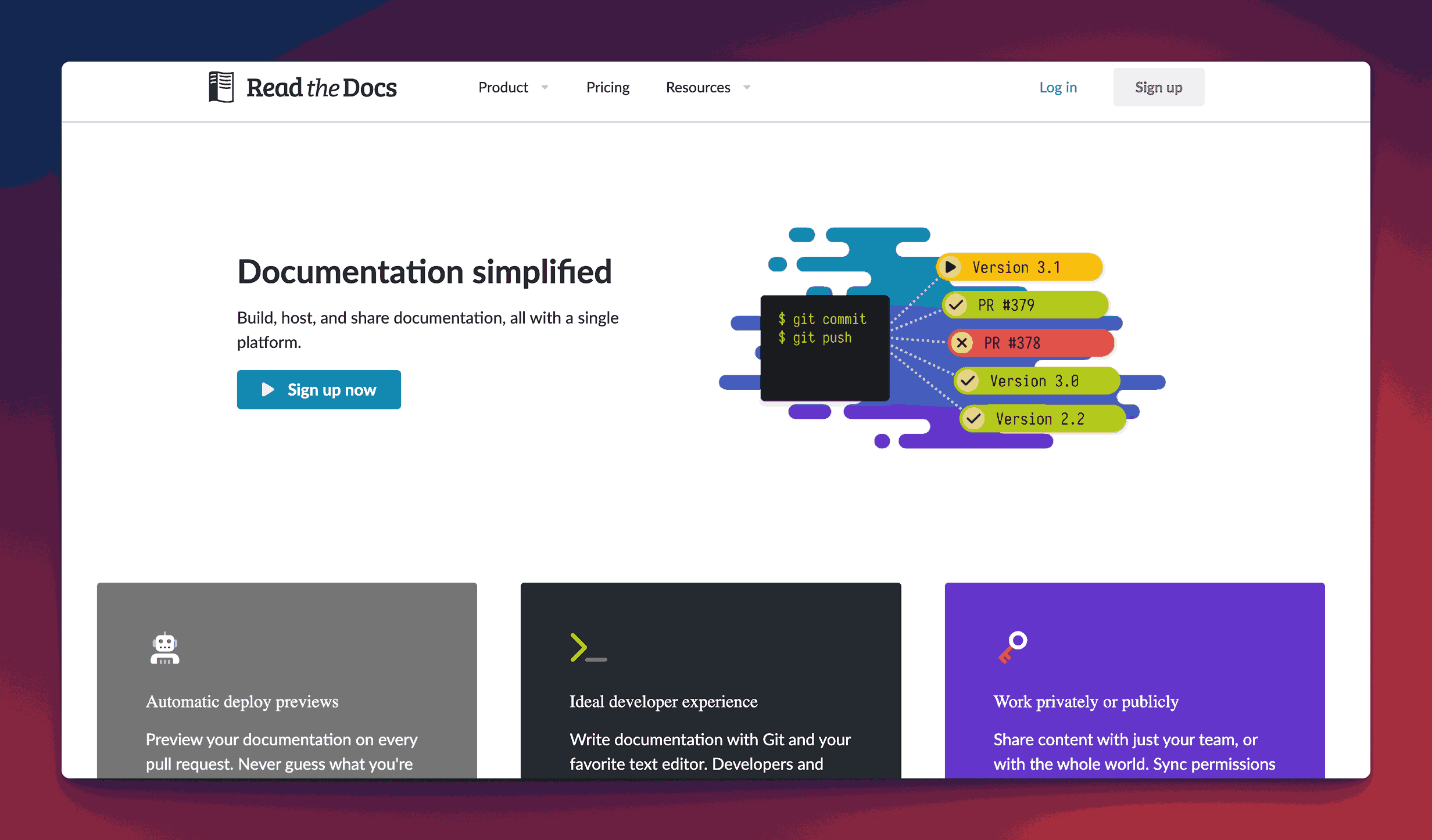
Read the Docs is a popular documentation hosting service, primarily used by open-source communities and developers. You can automatically build and host docs from a Git repository, making it ideal for code-related or developer-focused documentation.
It also has a great user community at Write The Docs
Key information
- Open Source? The hosting service is proprietary, but the underlying software (Sphinx) is open source.
- Standalone KB Tool? Yes, but specifically geared toward technical documentation.
Why you might like it
- Automated builds from GitHub, GitLab, or Bitbucket
- Versioning tied to your code branches
- Built using Sphinx/Markdown for powerful doc formatting
- Free hosting for open-source projects
Potential considerations
- Primarily developer-oriented rather than a general KB solution
- Less intuitive for non-technical users but highly feature rich
- Limited custom UI, the main style is the classic Sphinx doc theme
- Pricing – $150 per month for Advanced Plan and $250 per month for Pro Plan. Enterprise Plan available
Docusaurus
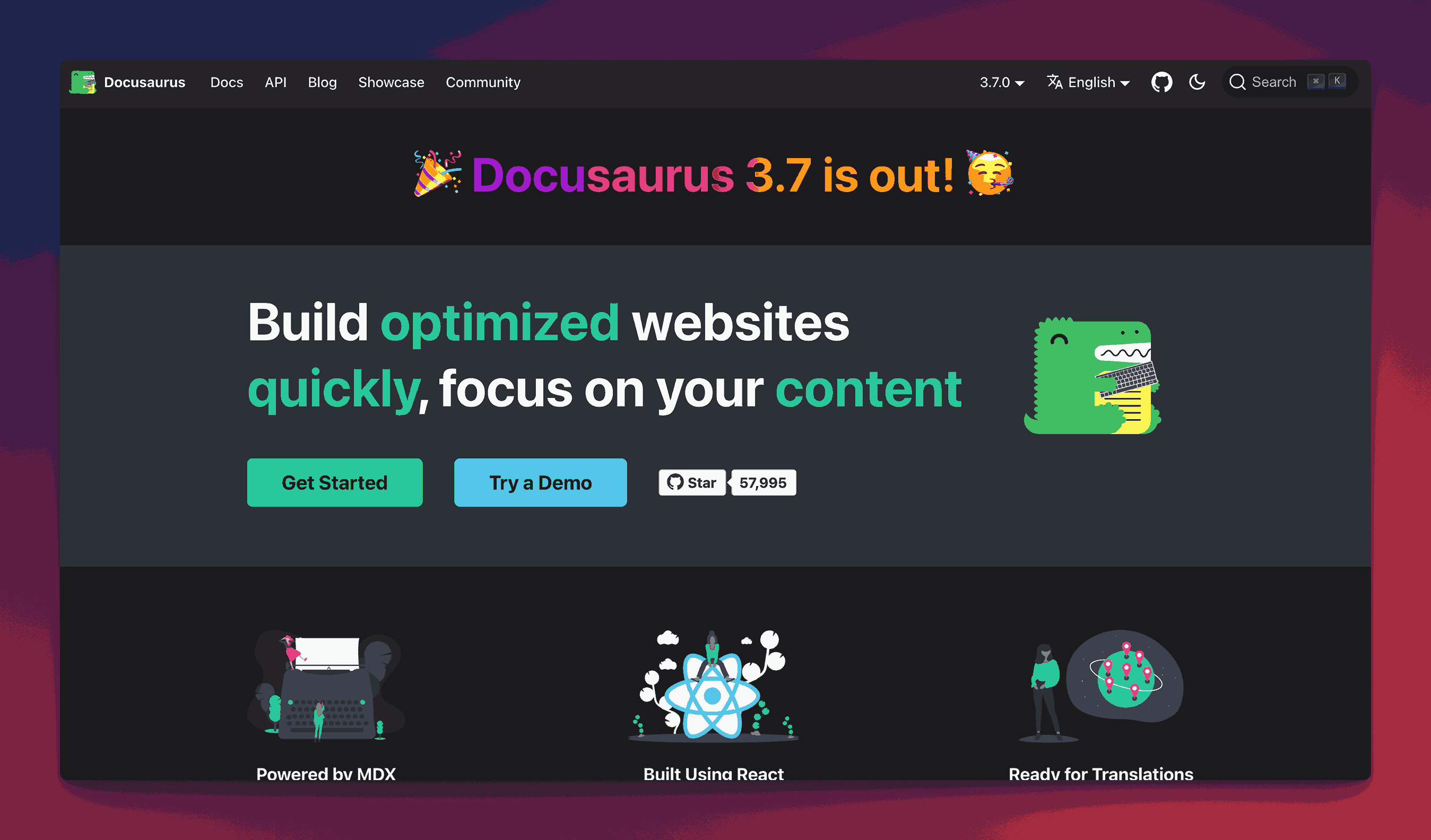
Docusaurus is an open-source static site generator focused on building documentation websites quickly. It offers Markdown-based doc creation, versioning, and a React-based theming system.
Key information
- Open Source? Yes, Docusaurus is open source. Uses a Creative Commons Attribution 4.0 license.
- Standalone KB Tool? Yes, but you need to host or deploy the generated site.
Why you might like it
- Markdown-based content creation for simplicity
- Versioning system that aligns with software releases
- React-based theming for customizable UI
- Large community and strong documentation
Potential considerations
- Requires some technical setup (Node.js, command-line tools)
- No built-in collaboration, docs are typically in a Git repo
- Focus on developer docs might not be as user-friendly for non-technical teams
MkDocs
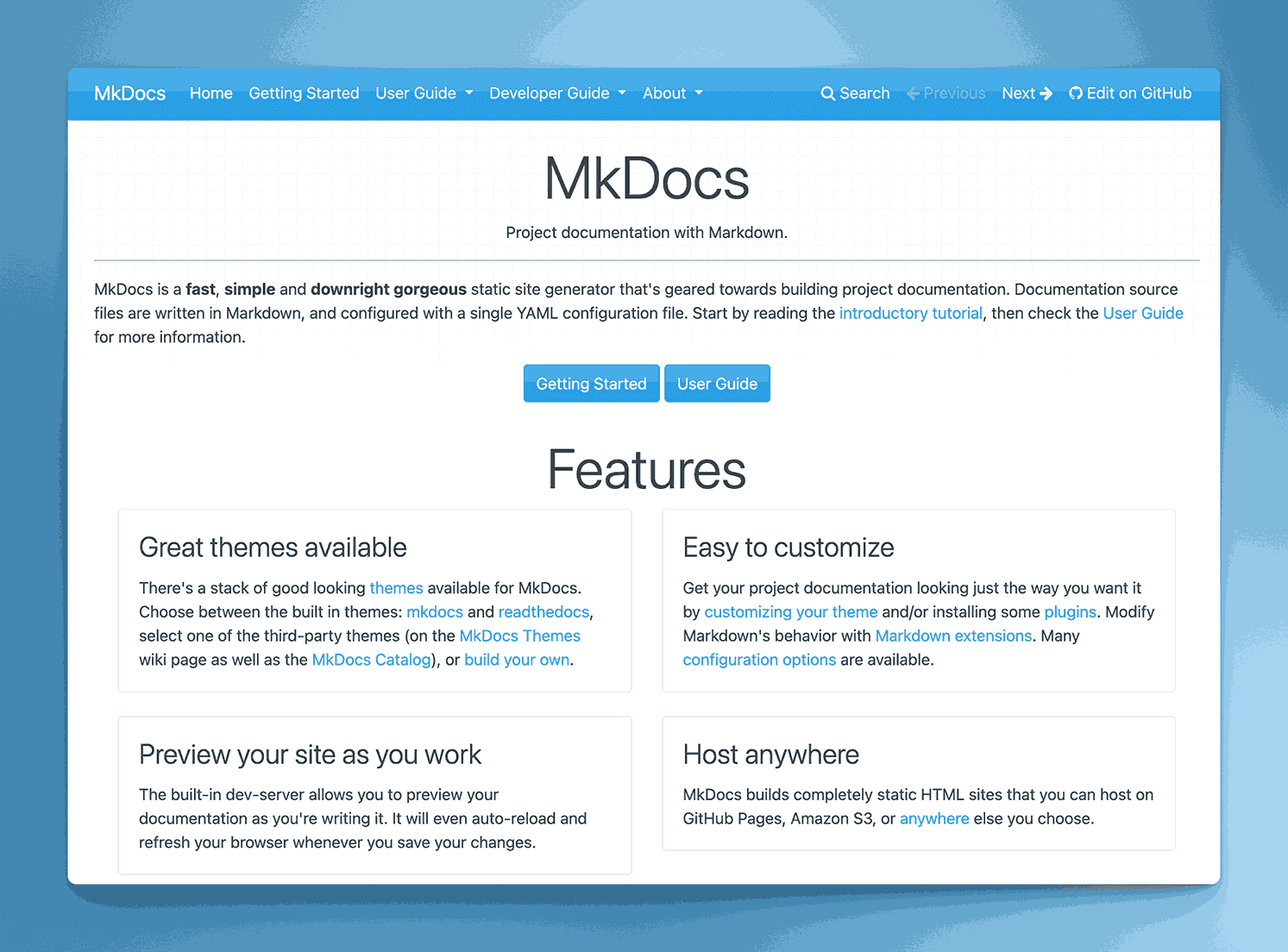
MkDocs is an open-source static site generator written in Python, designed for creating project documentation from Markdown. It’s known for simplicity and fast builds, with a range of custom themes available.
Key information
- Open Source? Yes, MkDocs is open source. Do read the license before you start using it though.
- Standalone KB Tool? Yes, you can build and host a KB site, but it’s static.
Why you might like it
- Markdown-based for quick, straightforward doc writing
- Fast, simple builds that generate lightweight static sites
- Theme support including the popular “Material for MkDocs”
- Git integration to track doc changes over time
Potential considerations
- Static site approach means no built-in database or dynamic editing features
- Requires technical setup (Python, CLI) to build and deploy
- Not ideal for large teams needing real-time collaboration or editorial workflows
KnowledgeBase.com
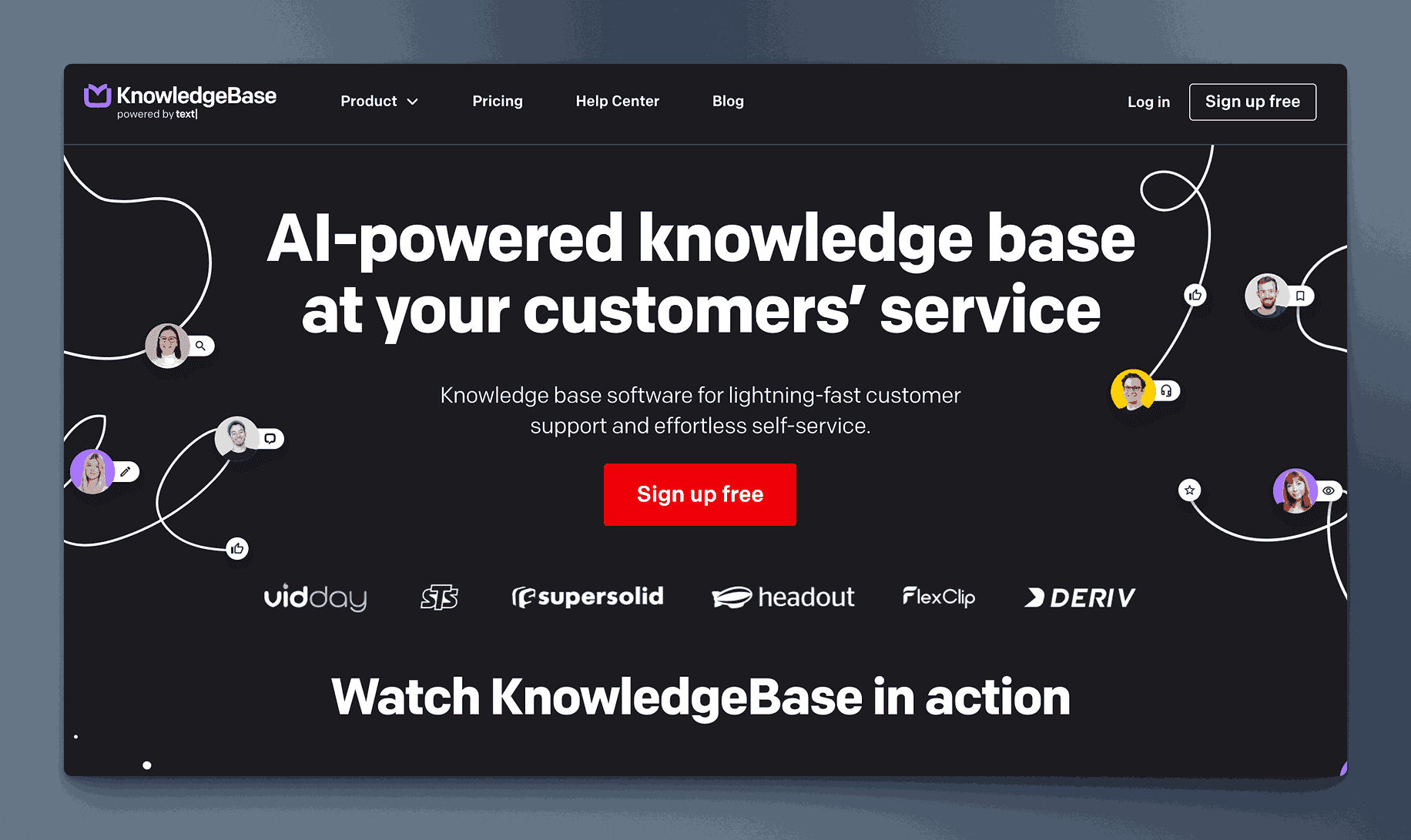
KnowledgeBase.com is a SaaS platform focused on delivering customer-facing help centers or internal wikis. It offers a simple editor, categorization, and analytics to measure article performance.
Key information
- Open Source? No, KnowledgeBase.com is proprietary.
- Standalone KB Tool? Yes, it’s built for knowledge base creation.
Why you might like it
- Easy to set up with minimal technical overhead
- Category management for organizing articles
- Built-in analytics to see popular content and search queries
- Customization for branding and domain usage
Potential considerations
- Limited advanced features like workflow automation or version control
- Pricing is simple. $49 per month when paid annually or $59 when paid monthly.
- Less suitable for large enterprises with complex documentation needs
Doctave
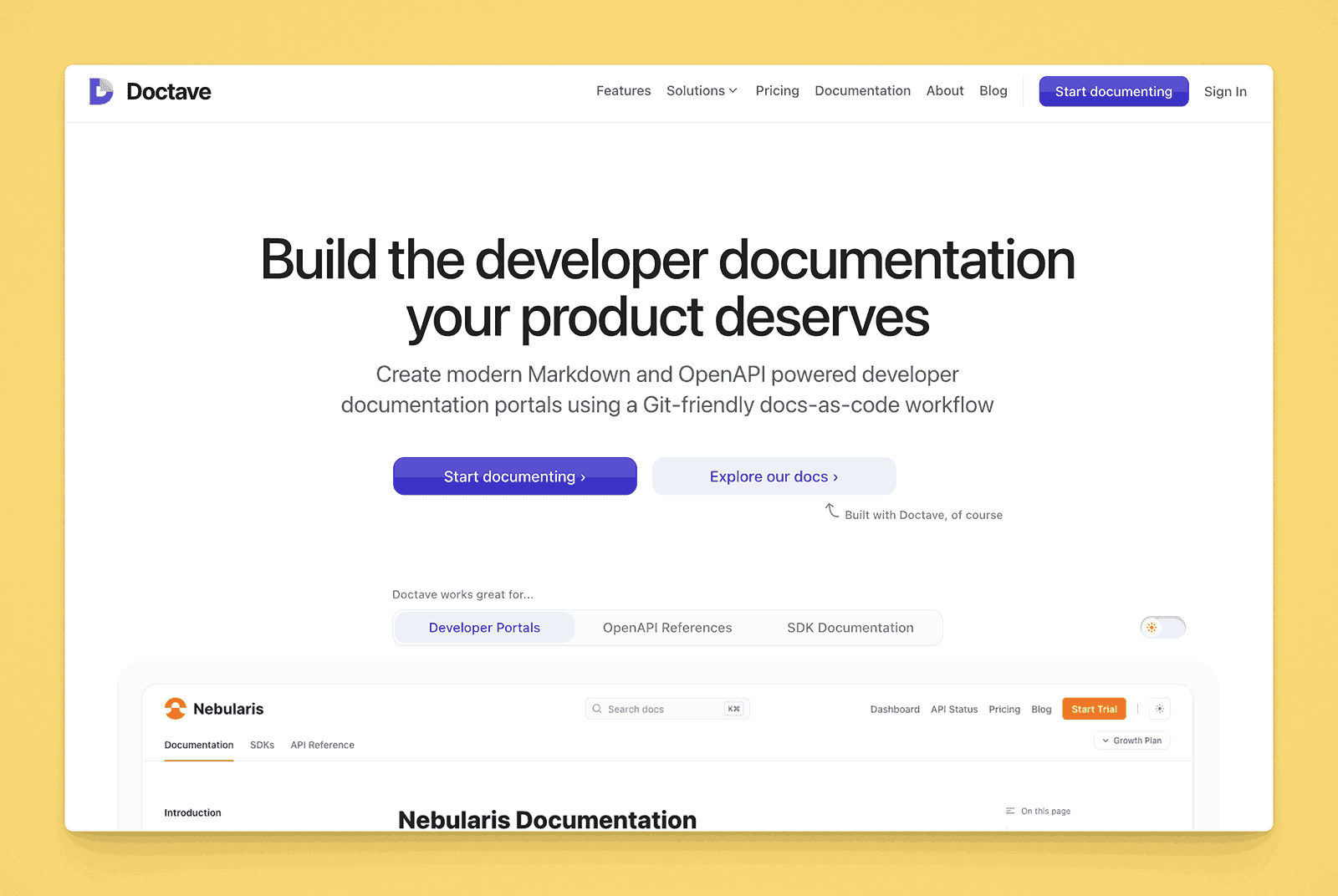
Doctave is a documentation platform that integrates with Git. It’s designed to help teams write, review, and publish technical docs, offering automated builds, search, and a user-friendly interface over a Git repo.
Key information
- Open Source? No, Doctave is proprietary
- Standalone KB Tool? Yes, it’s primarily for creating and hosting docs or KB content.
Why you might like it
- Git-based workflow for version control and collaboration
- Automatic builds and hosting for docs with minimal setup
- Search and organization features that scale with your repo
- Clean, minimal design focusing on readability
Potential considerations
- Technical knowledge needed to manage Git-based doc pipelines
- Limited non-technical user features for editing or WYSIWYG formatting
- Pricing might grow with team size or advanced usage with a wide variance – $99, $399 and $1000 per month.
Glean
Glean is an AI-powered workplace search and knowledge management platform. It connects to multiple apps (Google Workspace, Slack, Confluence, etc.) and unifies them under a single search interface, helping users quickly find relevant information.
Key information
- Open Source? No, Glean is proprietary.
- Standalone KB Tool? Not exactly, it’s more of a unified search and knowledge discovery layer.
Why you might like it
- Universal search across various third-party services
- AI-driven recommendations surface relevant content proactively
- User-friendly interface that consolidates scattered info
- Administration controls for access and permissions
Potential considerations
- Not a content-creation tool, relies on existing docs from integrated sources
- Pricing not public
- Requires robust integrations for maximum effectiveness
Atlas (by ClearPeople)
Atlas is a digital workspace and knowledge management platform built on Microsoft 365. It enhances SharePoint functionalities with additional features for content governance, collaboration, and enterprise search.
Key information
- Open Source? No, Atlas is proprietary.
- Standalone KB Tool? Not purely, it’s an add-on/overlay for Microsoft 365 and SharePoint.
Why you might like it
- Extended SharePoint capabilities for advanced knowledge management
- Easy to navigate project workspaces and organizational resources
- Integrated with Microsoft 365 for seamless authentication and file handling
- Governance and compliance features that exceed out-of-the-box SharePoint
Potential considerations
- Requires Microsoft 365 & SharePoint environment already in place
- Enterprise-level pricing may be overkill for smaller teams. Starts at $2500 per month
- Complex setup that might need partner or consultant support
Axero Solutions
Axero Solutions offers a platform called “Communifire,” which is an intranet and collaboration suite that includes knowledge base functionality. It aims to unify company news, documents, discussions, and Q&A into a central hub.
Key information
- Open Source? No, Axero is proprietary.
- Standalone KB Tool? Part of a broader intranet suite, but can be used for KB purposes.
Why you might like it
- Intranet + KB combination for holistic internal communications
- Built-in collaboration features like blogs, wikis, forums, and Q&A
- Permissions and content moderation for secure, organized sharing
- Branding and design customization to match corporate identity
Potential considerations
- Might be too extensive if you only need a basic wiki
- Higher-tier pricing for enterprise features but not public.
- Learning curve for administrators and end users
TWiki
TWiki is a structured wiki application written in Perl, designed for enterprise collaboration. It has strong plugin support, user access controls, and a flexible framework for building custom wiki applications.
Key information
- Open Source? Yes, TWiki is open source. Uses as GNU GPLv3 License.
- Standalone KB Tool? Yes, it functions as a self-hosted wiki solution.
Why you might like it
- Structured data approach allows for form-based pages and custom fields
- Extensible plugin ecosystem to add features
- Fine-grained access control for enterprise security needs
- Proven track record used by organizations for many years
Potential considerations
- Perl-based, less common environment compared to PHP or Node
- Older UI might feel dated without customization
- Setup can be complex, requiring command-line and server knowledge
Knowmax
Knowmax is a knowledge management platform tailored for contact centers and support teams. It offers features like decision trees, articles, and visual guides for quick and consistent customer service.
Key information
- Open Source? No, Knowmax is proprietary.
- Standalone KB Tool? Yes, designed to be a dedicated knowledge management system.
Why you might like it
- Decision trees for troubleshooting and guided resolutions
- Visual guides enhance step-by-step support instructions
- Analytics to identify usage patterns and performance improvements
- Omnichannel; content accessible via chatbots, web, mobile
Potential considerations
- Focus on contact center might be more specialized than general KB needs
- Pricing can be enterprise-focused but is not publicly available
- Limited project management or extensive wiki features
HappyFox

HappyFox is a help desk and customer support platform that includes a knowledge base feature to provide self-service support. Articles can be organized by category, and the platform integrates with ticketing for context-based resolutions.
Key information
- Open Source? No, HappyFox is proprietary.
- Standalone KB Tool? Not purely; part of a help desk suite but can be used to host a KB.
Why you might like it
- Unified ticketing + KB for consistent support experiences
- User-friendly editor and drag-and-drop organization
- Analytics to see which articles help deflect tickets
- Branding options for a customized knowledge center
Potential considerations
- Focused on external customer support; limited purely internal features
- Cost can escalate with help desk seat licensing. Pricing is based on a per agent basis.
- Less suitable for complex internal documentation or large wikis
Docmost
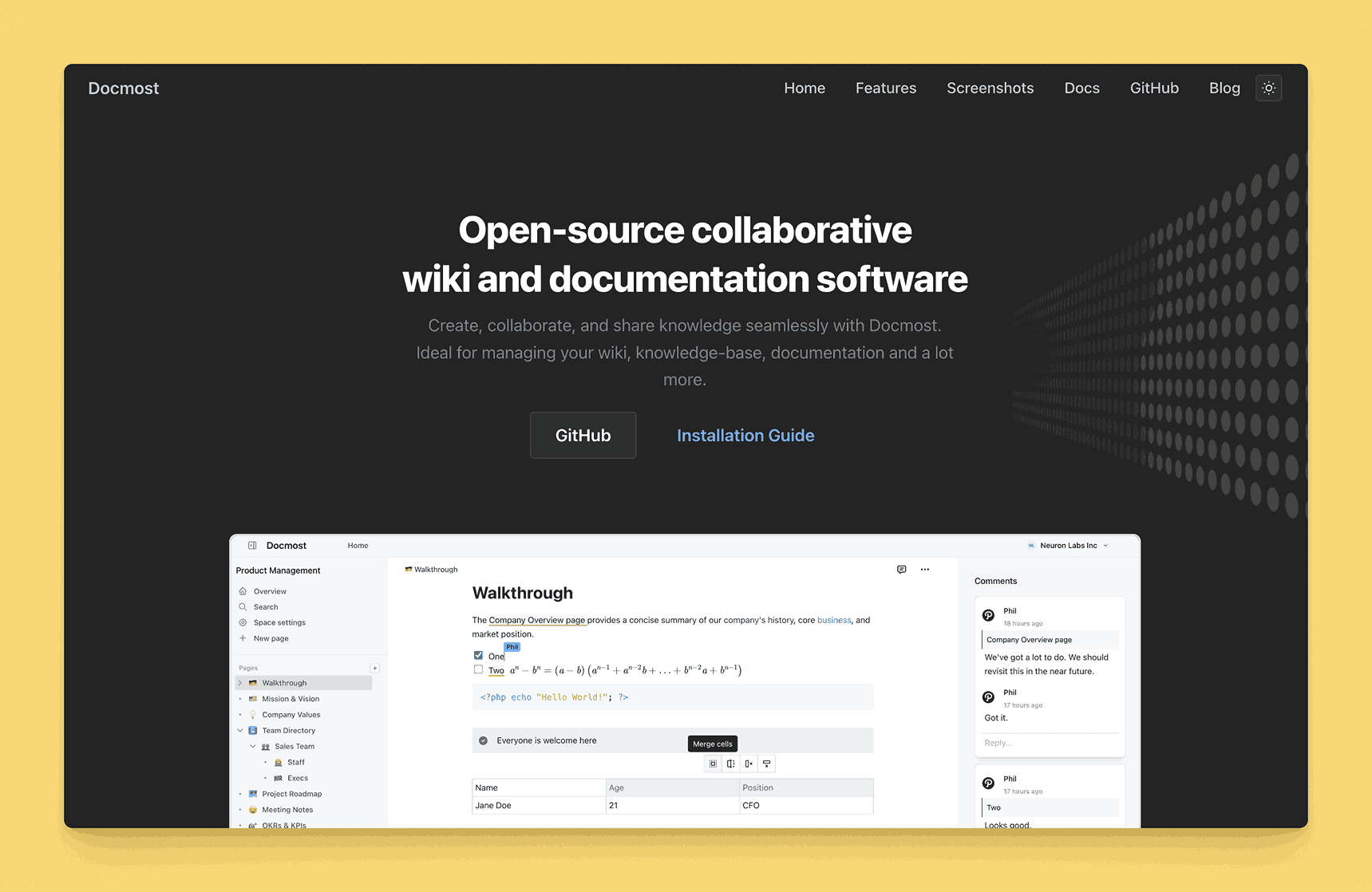
Docmost is a documentation and knowledge sharing tool that focuses on a clean, minimal interface and easy organization of topics. It offers real-time collaboration, tagging, and version control to maintain a dynamic repository.
Key information
- Open Source? Docmost is open source and is offered under a GNU Affero General Public License.
- Standalone KB Tool? Yes, it’s designed as a knowledge base/documentation platform.
Why you might like it
- Minimal, clean UI for distraction-free writing
- Collaboration with inline comments and shared editing
- Tag-based organization to help users find content quickly
- Version history to track changes over time
Potential considerations
- Less known than major KB vendors, fewer integrations might be available
- Pricing – Free to use.
- Lacks specialized features (like workflow approvals or advanced analytics)
MadCap Software
MadCap Software specializes in technical communication and content development tools. Its flagship product, MadCap Flare, is used to create online help, manuals, and knowledge bases with single-sourcing and multi-channel publishing capabilities.
Key information
- Open Source? No, MadCap is proprietary.
- Standalone KB Tool? Yes, MadCap Flare can produce comprehensive documentation portals.
Why you might like it
- Single-sourcing: Author content once, publish to multiple formats (HTML, PDF, etc.)
- Robust authoring environment with conditional content and variables
- Advanced features like topic-based authoring, snippets, and CSS styling
- Integration with source control (Git, Subversion) for team workflows
Potential considerations
- Steep learning curve for new authors and advanced features
- Desktop-based software; collaborative editing requires additional setup
- Pricier compared to simple web-based KB solutions. Starts at $234 per user per month when billed annually but that is for Authors.
Typemill
Typemill is a lightweight, flat-file CMS designed for documentation and websites. It uses Markdown files and offers a clean UI for editing and organizing content, making it suitable for small-to-mid-sized knowledge bases.
Key information
- Open Source? Yes, Typemill is open source but do read the license before implementing.
- Standalone KB Tool? Yes, but you must self-host the generated site.
Why you might like it
- No database required; flat-file storage simplifies hosting
- Minimalist editor for Markdown content
- Customizable themes for a polished look
- Version management through Git or manual file backups
Potential considerations
- Setup requires hosting and some technical skill
- Fewer plugins/extensions compared to larger open-source CMSs
- Less suited for enterprise or multi-team collaboration
- Additional plugins are charged. The ‘Maker’ and ‘Business’ Licenses are 22 and 122 Euros per year.
Apryse
Apryse (formerly PDFTron) provides document processing and collaboration solutions, focusing on PDF editing, annotation, and digital workflows. While it’s not a traditional KB platform, organizations can store documentation and collaborate on documents within Apryse’s environment.
Key information
- Open Source? No, Apryse is proprietary.
- Standalone KB Tool? Not really; primarily a document processing/SDK platform, but can host docs.
Why you might like it
- Advanced PDF manipulation for forms, annotations, conversions
- Collaboration features like real-time marking and commenting
- Cross-platform SDKs for integrating doc workflows into apps
- Security features (redaction, encryption) for sensitive docs
Potential considerations
- Not built for a typical knowledge base structure
- Pricing and licensing complexities for SDK usage
- Requires development if you want custom integrations or workflows
Heretto
Heretto is a content management system for structured authoring, particularly using DITA (Darwin Information Typing Architecture). It’s popular in technical writing teams needing advanced capabilities for structured documentation.
Key information
- Open Source? No, Heretto is proprietary.
- Standalone KB Tool? Yes, though specialized for structured (DITA) documentation.
Why you might like it
- DITA-based structured content for consistency and reuse
- Single-sourcing across multiple outputs and channels
- Collaboration features for teams of technical writers
- Workflow with content reviews, approvals, and versioning
Potential considerations
- Requires knowledge of DITA and structured authoring practices
- Overkill if you just need simple KB pages or articles
- Higher cost typically targeting enterprise-level documentation teams
Elium
Elium is a knowledge-sharing platform for teams and organizations, offering a central library of documents, wikis, and discussions. It supports rich media content, tags, and permission controls, aiming to foster collaborative knowledge building.
Key information
- Open Source? No, Elium is proprietary.
- Standalone KB Tool? Yes, it’s designed as a dedicated knowledge-sharing solution.
Why you might like it
- Modern, intuitive UI to encourage user engagement
- Tagging and filtering for quick content discovery
- Version history and editorial features for team collaboration
- Integration with tools like Slack, Microsoft 365, and Google Workspace
Potential considerations
- Less known than major players, so fewer third-party integrations
- Pricing depends on team size and feature requirements. Starts at 18 Euros per user per month for a minimum of 10 users. Offers a corporate and enterprise plan as well.
- Not specialized for developer docs or complex workflows
LabiKnow
LabiKnow is a platform focused on delivering in-app guides, tooltips, and a knowledge base for SaaS products. It aims to reduce support tickets by providing just-in-time help to users within the application interface.
Key information
- Open Source? No, LabiKnow is proprietary.
- Standalone KB Tool? Yes, it can serve as a KB, especially for customer-facing SaaS support.
Why you might like it
- In-app guidance for onboarding and feature discovery
- Knowledge base integration with tooltips and widgets
- Analytics on user engagement with help content
- Non-technical setup with a visual editor for tooltips and guides
Potential considerations
- Primarily external, SaaS user focus; less for internal usage
- Pricing starts at $39 per month. Has $159 and $399 per month plans available
- Limited advanced documentation capabilities outside in-app help
LayupLabs.ai
LayupLabs.ai (also referred to as “Layup Labs”) appears to be a platform offering AI-driven solutions for content and knowledge management. (Note: Public info is limited, so please verify details.)
Key information
- Open Source? No.
- Standalone KB Tool? Possibly, depending on how their AI-based knowledge management is structured.
Why you might like it
- AI-driven approach to organize or generate documentation
- Potential integrations with existing knowledge repositories
- Focus on automation could reduce manual content creation overhead
- Could be specialized for certain industries or content types
Potential considerations
- Limited public details; requires direct contact or trials for clarity
- Might be new or in early-stage development
- Pricing and feature set unclear without more vendor info
IT Glue
IT Glue is a documentation platform designed for Managed Service Providers (MSPs). It organizes client data, procedures, passwords, and other assets in a structured, secure manner.
Key information
- Open Source? No, IT Glue is proprietary.
- Standalone KB Tool? Yes, but heavily specialized for IT and MSP scenarios.
Why you might like it
- Centralized asset management: track networks, credentials, software licenses
- Automation: integration with RMM and PSA tools for real-time updates
- Security: granular access controls and version history
- MSP-oriented for quick onboarding of client data
Potential considerations
- Niche focus; less relevant outside IT service contexts
- Pricing can be premium in the MSP market segment. $29, $36 and $42 for Basic, Select and Enterprise versions respectively.
- Learning curve for teams unfamiliar with MSP workflows
ConvergePoint
ConvergePoint offers compliance and policy management software built on Microsoft 365 and SharePoint. While not strictly a KB tool, it helps companies manage policies, procedures, and related documents in a centralized repository.
Key information
- Open Source? No, ConvergePoint is proprietary.
- Standalone KB Tool? Partially; focused on policy management within Microsoft 365.
Why you might like it
- Compliance tracking: ensures policies are reviewed and acknowledged
- Automated workflows for policy creation, approvals, and revisions
- SharePoint integration leverages existing Microsoft ecosystem
- Audit trails to track changes and user acknowledgments
Potential considerations
- Policy management approach may be too specialized for general KB needs
- Requires SharePoint; not suitable if you don’t use Microsoft 365
- Complex for simple documentation or non-regulated environments
BetterDocs
BetterDocs is a platform (or service) that helps create and manage documentation on WordPress and Shopify.
Key information
- Open Source? No.
- Standalone KB Tool? Potentially, if it offers a full doc management solution.
Why you might like it
- Could offer a structured approach to organizing and publishing docs
- Focus on ease-of-use could shorten setup time
- Possible templating for consistent formatting
Potential considerations
- Pricing starts at $52 for a single license. Has a $112 and a $224 plan as well for additional sites.
Dualo
Dualo (or “Dualo.io”) is described as a platform for digital adoption, offering in-app guides and training. It may also provide a knowledge portal for product instructions or onboarding materials.
Key information
- Open Source? No, Dualo is proprietary.
- Standalone KB Tool? Primarily digital adoption/in-app guides, but can have KB functions.
Why you might like it
- In-app training and step-by-step guidance
- Knowledge repository for users to find detailed instructions
- Provides onboarding and launch strategy support
- Analytics to see user engagement with guides
- Potential integrations with existing web apps
Potential considerations
- Not a classic KB; focuses on user onboarding and training
- Pricing might scale with usage or seat count
- Requires user buy-in to utilize embedded guides effectively
HelpKit
HelpKit is a tool that transforms Notion pages into a help center or knowledge base. It syncs content from Notion automatically, so updates in Notion reflect on the live help site.
Key information
- Open Source? No, HelpKit is proprietary.
- Standalone KB Tool? Operates as a layer on top of Notion, so somewhat dependent on Notion.
Why you might like it
- No extra editing interface; just use Notion, which many teams already do
- Automatic syncing keeps published docs updated in real time
- Custom branding options to match your site’s look and feel
- Search function that indexes Notion content
Potential considerations
- Must have Notion; not ideal if you don’t already use it
- Limited advanced features (like version history, approvals) beyond Notion’s native capabilities
- Pricing adds to any existing Notion subscription costs. Starts at $15 per site per month. Also has a $31 and $63 pe site per month for additional team seats and articles and features.
Tango
Tango is a browser extension and desktop application that automatically generates step-by-step guides by recording users’ on-screen actions. It’s designed to simplify the documentation of processes and procedures, turning workflows into clear tutorials without manual screenshots or text descriptions.
Key information
- Open Source? No, Tango is proprietary.
- Standalone KB Tool? Yes, you can use Tango’s generated guides as standalone documentation, though you may integrate them into an existing knowledge base or wiki.
Why you might like it
- Automated documentation: Instantly captures workflows as you perform them
- Step-by-step guides with annotated screenshots and instructions
- Editing tools allow you to refine or remove steps, add notes, and customize visuals
- Easy sharing: Export guides as PDFs, links, or embed them in other platforms
Potential considerations
- Limited “traditional” KB features (e.g., advanced search, hierarchical organization)
- Primarily process-focused rather than an all-encompassing knowledge repository
- Pricing may vary based on team size and advanced feature requirements. Has a free version, otherwise $20 per pro user per month for more than 15 workflows and desktop capture.
Antora
Antora is a static site generator designed specifically for creating multi-repository docs sites using AsciiDoc. It’s popular in technical circles for producing well-structured documentation and versioned component sites.
Key information
- Open Source? Yes, Antora is open source.
- Standalone KB Tool? Yes, you self-host the generated site, typically from Git repos.
Why you might like it
- AsciiDoc-based for rich, semantic documentation
- Multi-repository approach letting you organize large doc sets by component
- Versioning built in to handle docs for multiple product versions
- Theme customization for branding and layout
Potential considerations
- Developer-centric with a learning curve for AsciiDoc and build pipelines
- No built-in real-time collaboration, docs stored in Git or other VCS
- Overkill for small teams or non-technical doc needs
ReadMe
Key information
- Open Source? No, ReadMe is proprietary
- Standalone KB Tool? Yes, it can function as a comprehensive documentation platform beyond just API references
Why you might like it
- Interactive API documentation that lets users test endpoints directly from the docs with personalized authentication
- Automated sync with OpenAPI specifications keeps documentation current without manual updates
- Rich analytics show exactly which documentation sections users engage with most, helping identify optimization opportunities
- Customizable user experiences where different audiences see relevant content and API keys based on their authentication status
- Professional appearance with extensive branding options that maintain consistency across your developer portal
Potential considerations
- Developer-focused approach may feel overwhelming for teams primarily needing simple internal documentation
- Pricing can become expensive as team size grows beyond the initial user tiers included in base plans
- Feature set may be overkill for organizations focused primarily on non-technical content like HR policies or operational procedures
- Requires some technical knowledge to fully leverage advanced customization and integration capabilities
Redocly
Key information
- Open Source? The core Redoc tool is open source, while the platform offers additional commercial features
- Standalone KB Tool? Yes, particularly strong for API documentation that can expand into broader technical knowledge bases
Why you might like it
- Docs-as-code workflow integrates documentation directly into development processes through version control and pull requests
- Automated documentation generation from OpenAPI specifications with collaborative editing for additional content
- Consistent quality across multiple APIs through shared style guides and automated linting rules
- Seamless integration with existing development workflows for teams already using modern version control practices
- Strong focus on maintaining documentation accuracy through automated builds and continuous integration
Potential considerations
- Technical requirements may create barriers for non-technical team members who need to contribute content
- Learning curve for teams not familiar with Git-based workflows or markdown editing
- May require additional tools for non-technical documentation needs beyond API and developer content
- Setup and maintenance require more technical involvement compared to hosted knowledge base solutions
Scalar
Key information
- Open Source? Yes, Scalar’s core is fully open source
- Standalone KB Tool? Yes, particularly effective for API-focused knowledge bases with broader documentation needs
Why you might like it
- Modern, visually appealing interface that creates documentation developers actually want to use and explore
- Real-time API testing directly from documentation without switching between tools or applications
- Extensive customization options allow teams to match brand identity while maintaining professional appearance
- Both hosted solutions and self-hosting options provide deployment flexibility for different organizational needs
- Open source foundation ensures transparency and community-driven development with enterprise options available
Potential considerations
- Primarily focused on API documentation, which may limit usefulness for broader organizational knowledge management
- Self-hosting options require technical setup and ongoing maintenance responsibilities
- Advanced features and support may require paid plans despite the open source core
- May not provide the structured content management features needed for complex, interconnected documentation
Knowbase.ai
Key information
- Open Source? No, Knowbase.ai is proprietary
- Standalone KB Tool? Yes, designed specifically for AI-enhanced knowledge management
Why you might like it
- AI-powered conversational interface allows natural language queries instead of manual document searching
- Automatic transcription of video calls and audio recordings makes multimedia content searchable and accessible
- Handles diverse file types from PDFs and presentations to video content in a unified searchable system
- Context-aware responses can span multiple documents to answer complex questions comprehensively
- Shareable knowledge bases with flexible access controls for collaboration or public documentation
Potential considerations
- Effectiveness depends heavily on the quality and organization of uploaded content requiring thoughtful information architecture
- AI response accuracy may vary based on content complexity and query specificity
- Limited storage and query allowances in free tiers may require paid plans for active team use
- Less traditional document editing capabilities compared to conventional knowledge base platforms
Paligo
Key information
- Open Source? No, Paligo is proprietary
- Standalone KB Tool? Yes, designed as a comprehensive content management system for technical documentation and knowledge bases
Why you might like it
- Component-based content architecture enables sophisticated reuse across multiple publications and audiences
- Advanced workflow management supports complex review, approval, and translation processes for regulated industries
- Single source of truth approach allows creating multiple output formats from the same content components
- Sophisticated translation management works seamlessly with professional translation services and memory systems
- Enterprise-grade features including detailed audit trails, version control, and compliance support
Potential considerations
- Significant learning curve requires investment in understanding structured authoring concepts and content architecture
- Higher complexity may be overkill for organizations with straightforward documentation needs
- Pricing reflects enterprise capabilities and may be substantial for smaller teams or simple use cases
- Initial setup requires careful planning of content structure and workflow processes
Starlight

Key information
- Open Source? Yes, Starlight is fully open source
- Standalone KB Tool? Yes, designed specifically for creating documentation websites
Why you might like it
- Exceptional performance through static site generation optimized for speed and accessibility
- Built-in internationalization support makes creating multilingual documentation straightforward and efficient
- Modern web framework foundation provides extensive customization possibilities through component system
- Flexible hosting options work with any static hosting service, providing deployment independence
- Markdown-based content creation familiar to technical teams with powerful theming and navigation features
Potential considerations
- Requires technical setup and ongoing maintenance unlike hosted knowledge base solutions
- Non-technical team members may need training or support to contribute content effectively
- Limited real-time collaboration features compared to cloud-based documentation platforms
- Best suited for teams comfortable with web development workflows and static site deployment
Bump.sh
Key information
- Open Source? Core tools are available open source, with the platform offering commercial features
- Standalone KB Tool? Yes, particularly for API-centered documentation with expansion possibilities
Why you might like it
- Automated change detection and notification keeps stakeholders informed about API modifications without manual tracking
- Developer hub functionality organizes multiple APIs and services in unified, navigable interface
- Direct CI/CD pipeline integration makes documentation updates part of standard development workflow
- Clear visibility into API evolution over time with automated changelog generation and diff tracking
- Focuses specifically on API contract management, ensuring documentation accuracy matches actual implementation
Potential considerations
- Primary focus on API documentation may limit usefulness for broader organizational knowledge base needs
- Team plans pricing starts at higher tier, making it potentially expensive for smaller development teams
- Feature set designed for technical audiences may not serve non-developer stakeholders effectively
- Limited capabilities for general documentation needs beyond API and technical content
HelpCrunch
Key information
- Open Source? No, HelpCrunch is proprietary
- Standalone KB Tool? Not purely standalone – it’s part of a broader customer service suite, but can function as a knowledge base
Why you might like it
- Integrated customer service platform creates seamless transitions between self-service documentation and live support
- Analytics track article effectiveness and identify content gaps based on actual support interactions
- Support agents can easily share relevant knowledge base articles during conversations, improving response quality
- Feedback loop between support tickets and documentation helps keep content aligned with real customer needs
- Comprehensive customer communication tools alongside knowledge base functionality in single platform
Potential considerations
- Customer service focus may make it less suitable for internal knowledge management or purely internal documentation
- Pricing typically bundled with customer service features may be expensive for teams only needing knowledge base capabilities
- Feature set optimized for customer-facing use cases rather than internal team collaboration or process documentation
- May be overkill for organizations that don’t need the full customer support suite alongside documentation
Dashworks.ai
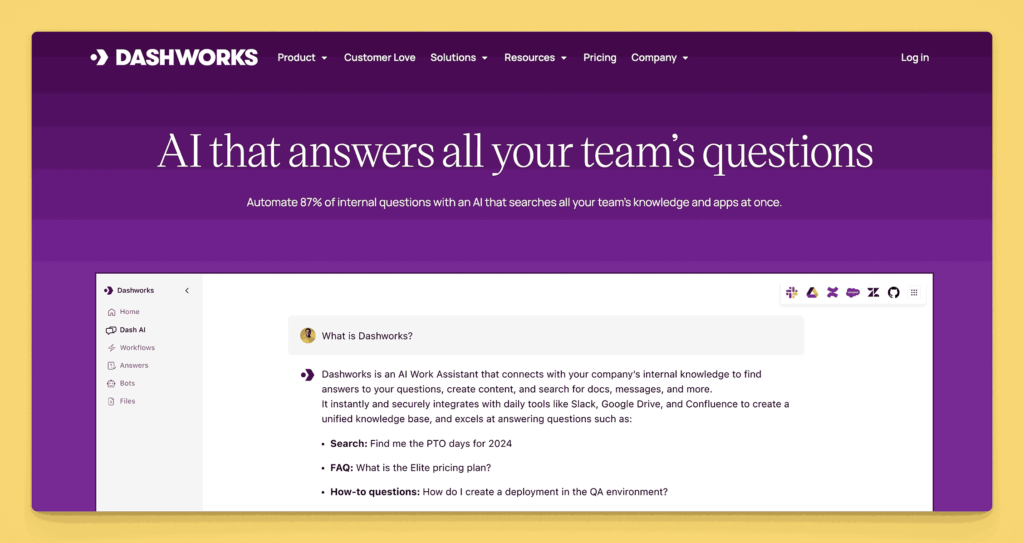
Key information
- Open Source? No, Dashworks.ai is proprietary
- Standalone KB Tool? Not traditional standalone – it’s more of an AI-powered knowledge discovery layer that works across multiple systems
- Soon to be a part of HubSpot
Why you might like it
- Unified knowledge interface searches across entire tool ecosystem without requiring content migration or consolidation
- AI-powered natural language processing helps surface relevant information even with imprecise or exploratory queries
- Connects to multiple workplace tools creating single search experience across Google Workspace, Slack, project management, and other platforms
- Particularly powerful for organizations with information scattered across multiple systems and databases
- Contextual results help users find information they didn’t know existed or couldn’t locate through traditional search
Potential considerations
- Effectiveness depends heavily on breadth and quality of integrations with existing organizational tools
- Implementation requires time investment in connecting and configuring various data sources for optimal results
- Pricing based on connected users and data sources can become expensive for larger organizations
- May not replace need for structured knowledge base if teams require organized, purposeful content creation and management
Next steps
- Identify your core needs
Before diving into any platform, map out your organization’s most pressing documentation needs. Consider growth projections, department-specific requirements, and any compliance or security concerns. - Evaluate feature sets
Compare your needs against the capabilities of each tool. If simple documentation is your primary goal, you might opt for a focused platform. If you require broader project management or collaboration features, a more comprehensive suite like Confluence may be a better fit. - Plan for scale
Avoid selecting a tool that meets today’s needs but will be cumbersome or too small-scale in a year. Look for flexible pricing models and feature sets that can grow with your company. - Develop clear governance
No matter which tool you pick, implement guidelines for content creation, review, and updates. A strong governance structure ensures your knowledge base remains current and avoids sprawling into chaos.
By choosing a knowledge base solution that balances structure with flexibility, and by planning for both immediate and future growth, you’ll set up a system that can evolve alongside your organization. As you continue exploring the platforms featured in this global guide, keep your unique workflows and culture in mind. A well-implemented knowledge base does more than store information; it becomes a living resource that supports and scales with your company’s success.
AllyMatter: The right knowledge base platform
The platforms covered in this analysis each serve different organizational needs and technical requirements. While some excel in specific areas – Confluence for technical teams, Slab for simplicity, or BookStack for open-source flexibility – AllyMatter bridges the gap between ease of use and enterprise functionality.
AllyMatter eliminates the common trade-offs between powerful features and user adoption. Our platform provides the collaborative simplicity of tools like Notion with the governance controls of enterprise solutions like Confluence, ensuring your team can start immediately while building toward sophisticated knowledge management as you grow.
Frequently asked questions about knowledge base platforms
How do I choose between Confluence and simpler alternatives like Slab?
Confluence works best for teams already using Atlassian tools or needing complex project integration. Slab excels for straightforward documentation with minimal setup. Consider Confluence if you have technical teams managing complex workflows, or Slab if you prioritize ease of adoption and clean interfaces.
Are open-source knowledge bases like BookStack worth the technical overhead?
BookStack and MediaWiki offer cost savings and complete control but require ongoing technical maintenance. They work well for tech-savvy teams or organizations with dedicated IT support. Choose commercial solutions if you lack technical resources or need immediate implementation.
What’s the difference between knowledge bases and document management systems?
Knowledge bases focus on searchable, interconnected information sharing, while document management systems emphasize file storage and version control. Platforms like Notion blur these lines, offering both approaches. Choose based on whether you prioritize collaborative knowledge sharing or structured document workflows.
Should I start with a free platform and upgrade later?
Free tiers from Notion, Outline, or Slab work well for small teams testing knowledge base concepts. However, migrating content and retraining users costs time and effort. If you’re committed to knowledge management, investing in a scalable solution from the start often proves more efficient.
How do I know if my team needs a specialized knowledge base or if general tools suffice?
If your team already collaborates effectively in Google Drive or SharePoint, you might not need a dedicated platform immediately. However, as content volume grows beyond 100 documents or when you need structured permissions and search, specialized knowledge bases become essential for maintaining organization and accessibility.
How technical do I need to be to set up platforms like Wiki.js or XWiki?
Wiki.js requires Node.js hosting and basic server management, while XWiki needs Java application server setup. Both demand ongoing maintenance for updates and backups. Unless you have dedicated IT support, cloud-based solutions like Archbee or Tettra offer similar functionality without technical overhead.
What’s the real difference between Coda and traditional knowledge bases?
Coda blends documents with database functionality, making it powerful for teams needing dynamic content like dashboards or interactive guides. However, this flexibility can overwhelm users wanting straightforward documentation. Choose Coda if your knowledge needs involve data manipulation; stick to focused platforms like Guru for pure information sharing.
Should I consider customer support tools like Zendesk Guide for internal documentation?
Zendesk Guide and similar customer support platforms work for basic internal docs but lack features like granular permissions or advanced search that internal teams need. These tools excel at customer-facing help centers but often feel limiting for comprehensive internal knowledge management.
How do I evaluate integration capabilities in platforms like Slack-focused Tettra?
Tettra’s deep Slack integration works excellently for teams living in Slack but creates dependency on that ecosystem. Evaluate whether your team’s workflow centers around one primary tool or spans multiple platforms. Broader integration options provide more flexibility as your tool stack evolves.
What ongoing maintenance should I expect with self-hosted options like eXo Platform?
Self-hosted platforms require regular security updates, backup management, and performance monitoring. Budget 5-10 hours monthly for maintenance tasks, plus initial setup time. Cloud alternatives eliminate this overhead but reduce customization control – choose based on your technical capacity and customization needs.
What makes structured authoring tools like Heretto different from general platforms?
Heretto uses DITA (structured authoring) to ensure content consistency and enable single-sourcing across multiple outputs. This approach works excellently for technical documentation teams but adds complexity for general knowledge sharing. Choose structured authoring if you need rigorous content standards; use flexible platforms like Notion for varied content types.
How do specialized solutions like Trainual compare to general knowledge bases?
Trainual excels at process documentation with built-in quizzes and structured training modules, making it ideal for onboarding and SOP management. General knowledge bases offer broader content flexibility but lack specialized training features. Consider your primary use case: process training versus general information sharing.
Are community-focused platforms like BetterMode suitable for internal knowledge?
BetterMode’s Q&A and discussion format encourages knowledge sharing through conversation but provides less structured documentation than traditional knowledge bases. This approach works well for collaborative teams but may create organization challenges as content volume grows. Evaluate whether your culture favors discussion-based or document-centric knowledge sharing.
What advanced search capabilities should I expect from AI-powered platforms?
Modern platforms offer semantic search that understands context, not just keywords. Tools like some enterprise solutions provide intelligent content suggestions and automated tagging. However, AI features often require significant content volume to be effective – consider these capabilities if you manage hundreds of documents, not dozens.
How do workflow and approval features in platforms like ServiceNow impact daily usage?
Advanced workflow systems ensure content quality and compliance but can slow down information sharing if overused. ServiceNow’s enterprise workflows suit regulated environments requiring strict approval processes. For most teams, simpler review processes maintain quality without creating bottlenecks in knowledge sharing.
How do enterprise pricing models like BMC Helix compare to simple per-user plans?
Enterprise solutions often use complex pricing based on modules, integrations, and support levels, potentially costing thousands monthly. Simple per-user models offer predictable costs but may lack enterprise features. Calculate total cost including implementation, training, and ongoing support when comparing enterprise versus straightforward pricing models.
What makes developer-focused tools like Mintlify worth their premium pricing?
Developer documentation platforms provide specialized features like syntax highlighting, code examples, and GitHub integration that general knowledge bases lack. This specialization justifies higher costs for technical teams but represents overpayment for general documentation needs. Match tool specialization to your primary content types.
Are document authoring tools like MadCap Flare cost-effective for knowledge bases?
Professional authoring tools excel at producing polished, multi-format documentation but require significant licensing and training investment. They work well for teams producing customer-facing documentation or complex technical manuals but may be overkill for internal knowledge sharing. Consider simpler alternatives unless you need professional publishing capabilities.
How do I evaluate ROI for specialized platforms like IT Glue versus general solutions?
Specialized platforms like IT Glue provide industry-specific features that can dramatically improve efficiency for their target users but offer little value outside those scenarios. Calculate ROI based on time saved on industry-specific tasks versus the premium cost compared to general platforms that might meet most needs.
What hidden costs should I watch for in enterprise solutions like Atlas?
Enterprise platforms often require additional licensing for Microsoft 365, consultant fees for implementation, and ongoing support contracts. These costs can double or triple the apparent platform price. Factor in total ownership costs including training, customization, and maintenance when evaluating enterprise solutions.
How do platforms like Glean change traditional knowledge base approaches?
Glean represents a shift toward unified search across existing tools rather than centralizing content in one platform. This approach works well for organizations with established tool ecosystems but requires robust integrations to be effective. Consider unified search if you have strong existing repositories; choose centralized platforms for better content control.
What makes documentation generators like Antora suitable for technical teams?
Static site generators like Antora and Docusaurus excel for developer documentation by integrating with code repositories and supporting technical formats like AsciiDoc. They require technical expertise but provide excellent version control and collaboration for engineering teams. Non-technical teams typically benefit more from user-friendly platforms.
How do automation tools like Tango fit into knowledge base strategies?
Tango automates process documentation by recording user actions, reducing manual documentation effort. This approach works excellently for step-by-step procedures but doesn’t replace comprehensive knowledge bases for policies, decisions, or conceptual information. Use automation tools to complement, not replace, traditional knowledge management.
Should I integrate compliance tools like ConvergePoint with general knowledge bases?
Specialized compliance platforms provide features like automated policy reviews and acknowledgment tracking that general knowledge bases lack. However, this specialization can create silos between compliance and operational documentation. Evaluate whether integrated compliance features outweigh the benefits of centralized knowledge management.
What future trends should influence my knowledge base platform choice?
AI-powered content generation, voice interfaces, and automated organization are emerging trends. However, focus on current needs rather than speculative features – solid search, reliable access controls, and good integration capabilities remain more important than cutting-edge features for most organizations.
How do I choose between AI-powered platforms like Knowbase.ai and traditional solutions?
AI-powered platforms excel at making existing content searchable through natural language queries and can handle multimedia content effectively. Traditional platforms offer more structured editing and organization features. Choose AI-powered solutions if you have substantial existing content to make searchable, or traditional platforms if you need collaborative editing and structured content creation.
Are developer-focused tools like ReadMe and Scalar suitable for non-technical teams?
Developer-focused platforms offer exceptional API documentation capabilities but may feel overwhelming for non-technical content. They work well for technical teams or companies where documentation needs center around APIs and technical processes. For broader organizational needs, consider platforms that balance technical capabilities with general usability.
What’s the difference between component-based systems like Paligo and simpler alternatives?
Component-based systems allow sophisticated content reuse across multiple publications and audiences but require significant setup and training. Simpler alternatives offer faster implementation and easier adoption. Choose component-based systems if you have complex documentation needs, multiple product lines, or regulatory requirements. Select simpler tools if you prioritize quick deployment and team adoption.
Should I consider static site generators like Starlight for business documentation?
Static site generators provide excellent performance and complete customization control but require technical setup and maintenance. They work well for technical teams comfortable with development workflows or when you need specific performance requirements. Choose hosted solutions if you lack technical resources or need immediate deployment without ongoing maintenance.
How do platforms like Dashworks.ai fit into existing knowledge management strategies?
AI-powered discovery platforms work alongside existing tools rather than replacing them, creating unified search experiences across multiple systems. They’re valuable for organizations with information scattered across many platforms who want to improve findability without migrating content. Consider these solutions if you have valuable content across multiple tools and want to enhance discoverability without consolidation..