

Knowledge Base · 11 min read
Building an Internal Knowledge Base for Marketing: Solo Teams Scale Up
Your marketing department of one doesn’t need to look or operate like one. The setup below gives you the impact of a much larger team and prepares you for the moment you stop being a department of one.
Four signals you should build this now:
- You’re about to hire your first marketing teammate or freelancer
- An agency partner is coming in to run a specific campaign
- You’re being promoted and someone is being recruited to replace you
- The CEO has asked why the latest email used different messaging than the social campaign
If any of these are true, the work below is overdue. The KB you build today is the runway for everything you do next.
The reality of one-person marketing teams
Being a marketing department of one means wearing every hat in the stack. You’re the content writer, the social manager, the email marketer, the analyst, the designer, the strategist, and the campaign manager, often inside the same hour.
The constant context-switching creates a specific failure mode. Brand voice drifts between channels. Approval steps get skipped because there’s no one to approve to. A successful campaign from Q1 can’t be repeated in Q2 because the process lived only in your head.
A common scenario: your CEO wants to know why the latest email used different messaging than the social campaign. The sales team is waiting on updated product sheets that were due yesterday. You’re trying to finalize next month’s content calendar while half-remembering how you set up the campaign that worked last quarter.
Without a centralized place where your marketing knowledge lives, you’re running a knowledge silo of one.
The power of marketing SOPs and templates
Standard operating procedures (SOPs) and templates are how solo marketing teams stop running on memory. They turn implicit knowledge into explicit systems that:
- Hold consistency across every channel and campaign
- Reduce the mental load of remembering every process detail
- Make it possible to delegate work without weeks of training
- Create the appearance and operation of a larger, more organized team
According to research from CoSchedule, organized marketers are 397% more likely to report success than their disorganized counterparts. The organization is not about being naturally tidy. It’s about having systems that survive your bad weeks.
A checklist for which marketing processes need SOPs first:
- Processes you perform at least twice a month
- Tasks with multiple handoffs or approval stages
- Activities with brand compliance requirements
- Processes that frequently bottleneck the week
- Tasks you would delegate first if you could
SOPs document the exact steps for recurring tasks:
- Publishing blog posts (SEO checklist, formatting, promotion steps)
- Creating and scheduling social content
- Setting up email campaigns
- Running monthly analytics reports
- Updating website content
- Managing content calendars
- Launching new campaigns
Templates complement SOPs by giving standardized starting points for:
- Email designs and copy structures
- Social posts for different platforms
- Blog post formats
- Press releases
- Product one-pagers
- Landing pages
- Campaign briefs
Together, they free up cognitive bandwidth for the creative and strategic work that actually moves the business.
Building your marketing internal knowledge base
Creating a knowledge base sounds like another task on an already overwhelming list. It’s an investment that pays off in the same quarter you do it.
Following internal knowledge base best practices keeps the build manageable.
Identify your highest-value processes
Start with the marketing activities that:
- You perform at least monthly
- Have multiple steps where mistakes commonly happen
- Would be difficult for someone else to take over without guidance
- Have real consequences if done wrong
For most solo marketers, this is the content publication process, the campaign launch sequence, and the reporting routines.
Document while doing
Instead of setting aside dedicated time to write documentation (which rarely happens), document while you’re doing the work:
- Open a doc or recording tool before you start.
- Narrate what you’re doing as you complete the task.
- Note decision points and the reasoning.
- Take screenshots of the key steps.
- Clean up the documentation immediately after.
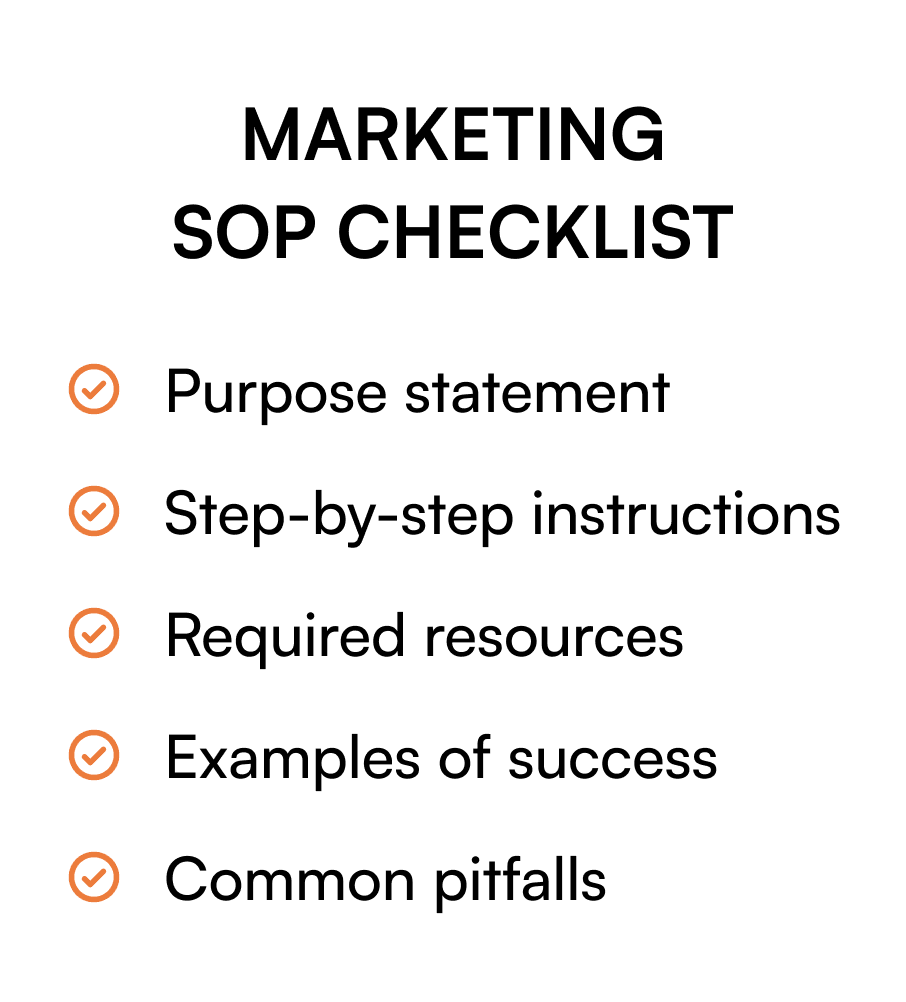
A well-structured marketing SOP should include:
- Purpose of the procedure
- Who performs it and when
- Step-by-step instructions (with screenshots where helpful)
- Links to the tools and resources needed
- Examples of successful completion
- Common pitfalls to avoid
As a solo marketer, the person you’re waiting on for information is yourself. The SOP is how you stop being the bottleneck on your own work.
Create a logical organization system
Your KB needs an intuitive structure. Common organizing principles:
- By channel (Social, Email, Website, Events)
- By process type (Content Creation, Distribution, Analysis)
- By frequency (Daily, Weekly, Monthly, Quarterly)
Whichever you pick, make sure the system includes:
- Clear naming conventions for every doc
- Version control to track updates
- Fast search to find anything in seconds
- Easy access from wherever you actually work
Making it look professional (without the extra headcount)
With the foundation in place, you can use the KB to create the impact of a much bigger marketing operation.
Maintain rigorous consistency
When everything from email signatures to social graphics follows the same templates and style guidelines, your marketing looks coordinated. McKinsey research shows that consistent customer journeys across channels lift customer satisfaction by 20% and revenue by up to 15%.
Create modular processes that scale
Break marketing activities into distinct components that can be:
- Executed in parallel (by you, freelancers, or agencies)
- Repurposed across multiple campaigns
- Scheduled in advance during low-demand periods
For example, divide content creation into research, drafting, design, publishing, and promotion, which can be batched together.
A decision path for any new task:
- If it takes under 10 minutes → do it now
- If it’s creative → batch with similar creative tasks
- If it’s repetitive → make a template or automate it
- If it requires specialized skill → delegate with an SOP
Use your documentation when bringing in freelancers
When you do have budget for extra help, your KB makes onboarding nearly effortless:
- Share the relevant SOP.
- Provide access to the associated templates.
- Set clear deliverable expectations.
- Review work against your documented standards.
According to Upwork, nearly 50% of CEOs are planning to boost freelancer hiring to fill skill gaps. Your documentation is what turns a one-off freelance engagement into a repeatable relationship.
Automate the predictable
Identify repetitive tasks in your SOPs that can be automated:
- Email sequences
- Social media posting
- Performance reporting
- Content distribution
Zapier reports that automation saves knowledge workers an average of 17.3 hours per week, almost half a work week you can reclaim for strategic thinking.
Why a Drive folder breaks the moment you bring in help
A lot of solo marketers run on Google Drive or a personal Notion workspace. It works while you’re alone. Three failure modes show up the day you bring in a freelancer or your first hire.
The freelancer can’t find anything. Your folder structure makes sense to you because you built it. Anyone else opens it and sees a tree of folders labeled in your shorthand. The first half-day of every freelance engagement disappears into “where do I find the brand voice doc.”
There’s no real access control. Drive’s sharing model is binary: this person has access, this person doesn’t. You can’t say “this freelancer sees brand guidelines and the campaign brief, but not the unannounced launch plan.” So you end up either oversharing or making three duplicate folders. Both fail.
There’s no way to know what got read. When you ship a refreshed brand voice doc or new messaging framework, you have no idea if the freelancer or agency partner actually saw it. They go on producing work in the old voice and you find out two weeks later when the campaign goes live.
These don’t matter when you’re solo. They matter the moment you stop being solo. The KB you build before that moment is the one that survives it.
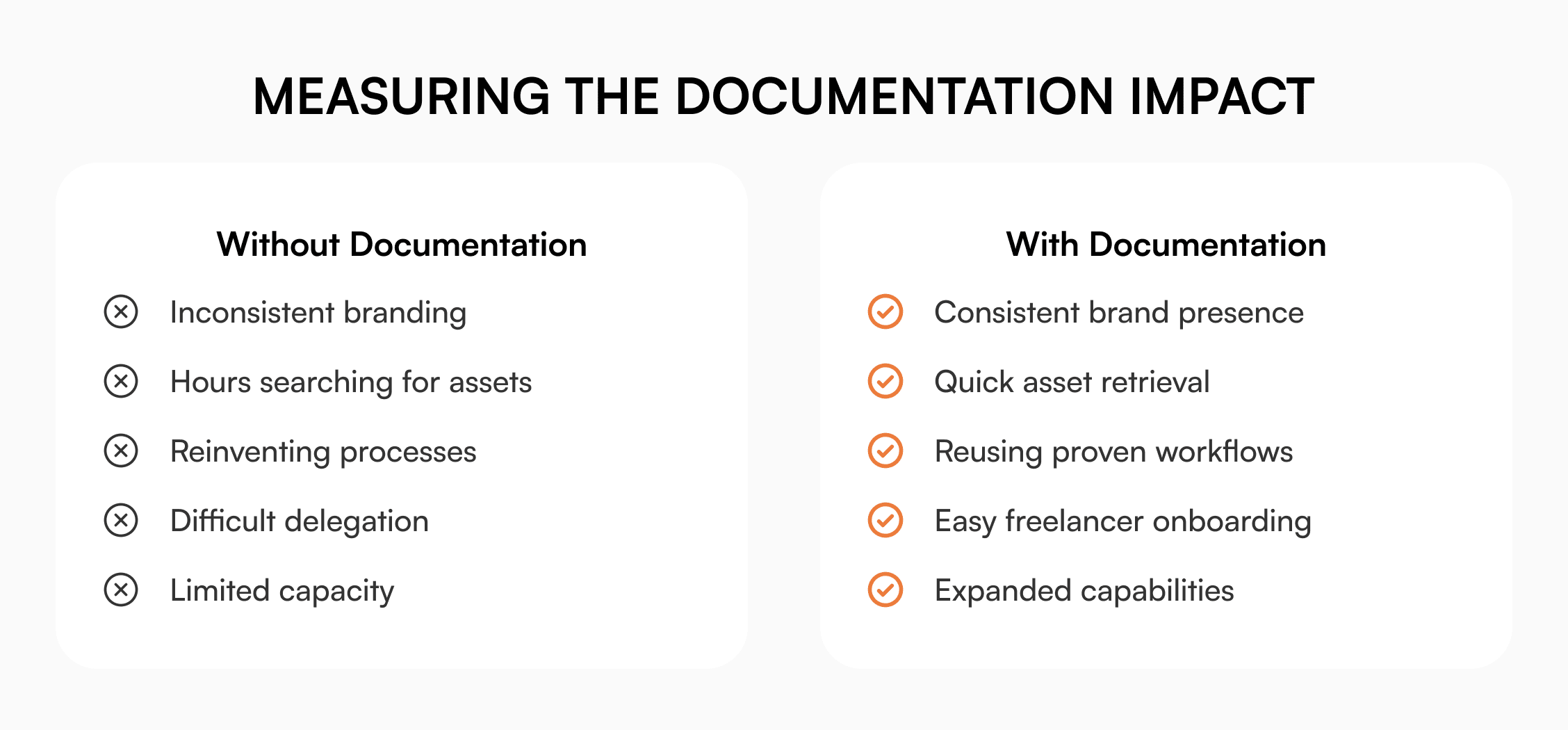
Measuring the impact
How do you know if your documentation is paying off? Track these.
Time savings
Track how long routine tasks take before and after documentation. The numbers show up fast on the high-frequency stuff.
Error reduction
Watch the frequency of mistakes or brand inconsistencies in your outputs. Standardized processes produce fewer of both.
Stakeholder perception
Pay attention to how internal stakeholders talk about marketing. “I don’t know how you do it all” and “The marketing looks so professional” are signals your systems are working.
Scaling capacity
The most important one: are you taking on more marketing responsibilities without proportional increases in hours? That’s leverage, which is the whole point.
Three scenarios
An honest read on whether to put this in place:
If you’re a solo marketer and you don’t expect to bring in help or grow the team this year, a clean Drive folder with strict naming rules will hold. Skip the KB build until something changes.
If you’re solo and you’re about to hire your first marketing teammate, take on your first freelancer, or hand off a campaign to an agency, this is the moment. The KB you build before they arrive is what makes their first month productive instead of confusing.
If you’re solo and already running with multiple agency partners or freelancers on parallel campaigns, you needed this six months ago. A purpose-built knowledge base tool makes sense here.
From solo operator to marketing powerhouse
Building a comprehensive internal knowledge base turns you from a constantly reactive individual contributor into a strategic marketing lead with the systems to operate beyond your headcount.
Start small. Document the three most frequent or most problematic processes this week. Build from there. The solo marketer who operates like a team of ten starts with a single SOP, then layers on the rest as the work continues.
The summary, if you only remember a few things:
- Document your most frequent and high-value marketing processes first
- Create templates for the content types you produce most
- Use clear naming conventions and tagging from day one
- The KB is what makes freelancer and new-hire onboarding fast
- Measure success in time saved, errors reduced, and capacity increased
Frequently asked questions
Which marketing processes should solo teams document first?
Start with content creation and publication, since it touches multiple channels and involves the most handoffs. Then document the campaign launch sequence and the reporting routine. These three usually pay the highest return on the documentation investment.
How much time should I invest in creating marketing documentation?
Follow the 10/10/10 rule: if a task takes 10 minutes or more and you do it at least 10 times a year, spend up to 10 times the task duration documenting it. A 30-minute task done monthly is worth up to 5 hours of SOP work. You’ll recoup that within the year.
What’s the difference between marketing templates and SOPs?
A template is a standardized starting document (an email design, a blog post structure, a campaign brief format). An SOP is the step-by-step process for completing a task. Templates are often referenced inside SOPs as the resources to use at specific steps.
How do I keep my marketing knowledge base current as tactics evolve?
Schedule quarterly reviews of your most-used SOPs and templates. After major campaigns, spend 15 minutes updating the relevant docs with what you learned. Use version control to track changes so you can see how things evolved.
Related reading
- Internal Knowledge Base 101
- Freelancer Onboarding: A Solo Founder’s Knowledge Base Guide
- How to Build a Knowledge Base for Marketing Teams
- Building a Future-Proof Internal Knowledge Base