- Modern policy & compliance management
Write, approve, acknowledge, track, prove. The whole policy lifecycle in one place.
- Allymatter PLATFORM
Every document you have to stand behind (policies, SOPs, the handbook) runs one governed lifecycle here, and every step writes to the same permanent record. That is what makes the proof exportable at the end: nothing lives in a side spreadsheet.
- WRITE
Author documents that are built to be governed
A real editor underneath, and a record-keeping system around it. Every document gets an owner, a type, and a version history from its first save.
Editor
A real editor with an owner and a type chosen at creation. The type drives everything downstream: what the audience must do, and what the record captures.
Versions
Every version is kept with timestamps and author attribution. Restore any previous version in one click. Version Compare shows any two versions word by word, down to a counter of how many words changed, so a reviewer sees exactly what moved between v4 and v5 instead of rereading thirty pages.
Organization
Folders with drag-and-drop reorganization. When a parent folder moves, child documents move with it and inherit the destination's permissions, so a reorg never silently strands access. Flat, role-based tags keep the structure from turning into a maze.
Access
Access is tag-based: admins create tags for departments, locations, roles, or any combination, and both documents and people carry them. Match the tags and you see the document; miss them and it does not exist for you. Tags can be applied per document or cascade through folders. Search respects the same permissions, so people find what they are allowed to find.
Embeds
SOPs work better when the diagram, the walkthrough, and the tracker live inside the document. AllyMatter embeds: YouTube, Vimeo, Loom, Google Docs, Google Sheets, Google Slides, Excel Online, Figma, Canva, Lucidchart, Draw.io, Google Forms, Typeform, Calendly, CodePen. One scope rule, stated plainly: embeds are for SOPs and working documents. A document that collects acknowledgment or e-signature stays self-contained, because live embedded content can change after people sign.
- APPROVE
Approvals with real rules, not a thumbs-up emoji
Route any document through the sign-off it deserves: one approver for the parking memo, four structured steps for the information security policy.
Workflows
Build an approval workflow from one step up to four. Each step holds up to six approvers, and a single workflow can involve up to twelve people in total. Or keep it simple: one person, one click. Sending a document into approval takes one action from the document itself.
Step Rules
Each step carries its own rule: everyone in the step must approve, or any one person in the step approves and the document advances. Mix rules across steps in the same workflow: step one might need any one legal reviewer, step two all three department heads. Approvers can approve with comments attached, or reject with comments, which sends the document back with the reasoning on the record.
While In Review
The document auto-locks during active approval: no mid-review edits, so what the final step approves is exactly what step one saw. And only approved versions can be distributed for acknowledgment or signature. Nobody ever signs a draft.
Reusable
Name and save any approval workflow and apply it across documents. The quality team's 3-step review, the HR policy chain, the fast one-person path for low-stakes updates: build each once.
On the Record
Every approval decision is captured permanently: who approved, when, under which rule, including shapes like "sent to three, any could approve, this person did." When an auditor asks who signed off on the version in force, it is a lookup, not an investigation.
- Distribute & Acknowledge
The right people, the right obligation, and a record that holds
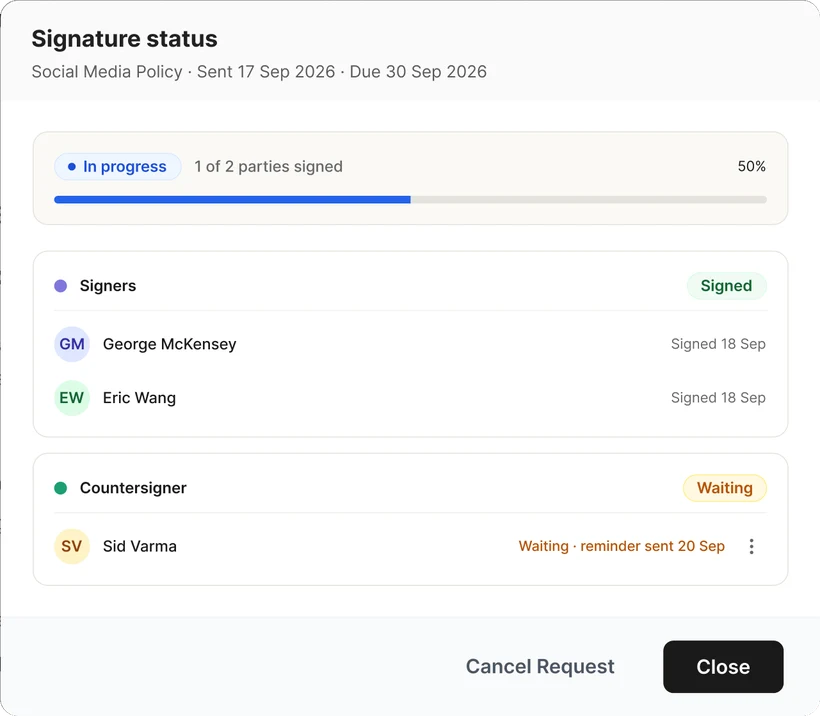
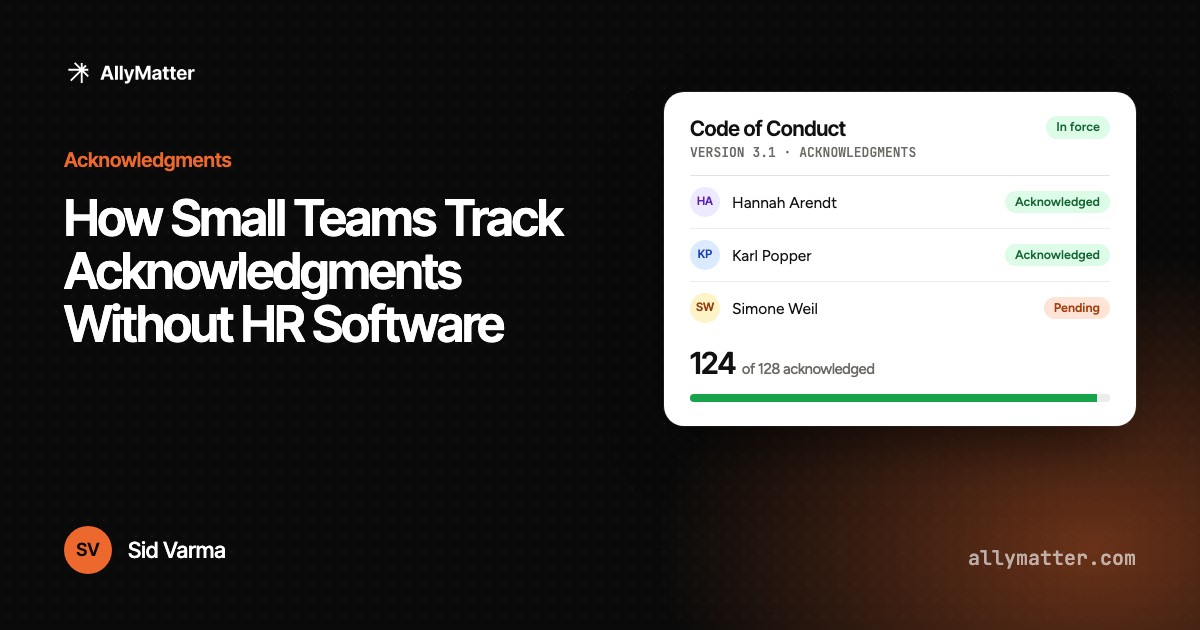
An acknowledgment here is an evidence record, not a read receipt. Every one binds a person to an exact version and the exact statement they agreed to.
- Keep Current
Policies age. The system notices before your auditor does
Two mutually exclusive freshness mechanisms per document, chosen by the owner, plus one rule with no exceptions.


- PROVE
The audit ends with an export, not a scramble
Everything the other sections do lands on one per-document record. This section is where it comes back out.
- Publish & Share
The audit ends with an export, not a scramble
Everything the other sections do lands on one per-document record. This section is where it comes back out.
- Administer
Run it for the whole company without running an IT project
- Everything
Everything in AllyMatter
The full toolkit, grouped the way the lifecycle runs.
01
Real editor
Rich text with an owner and a type from the first save.
02
Version history
Every version kept, with timestamps and attribution.
03
Version compare
Word-level diff between any two versions.
04
Document types
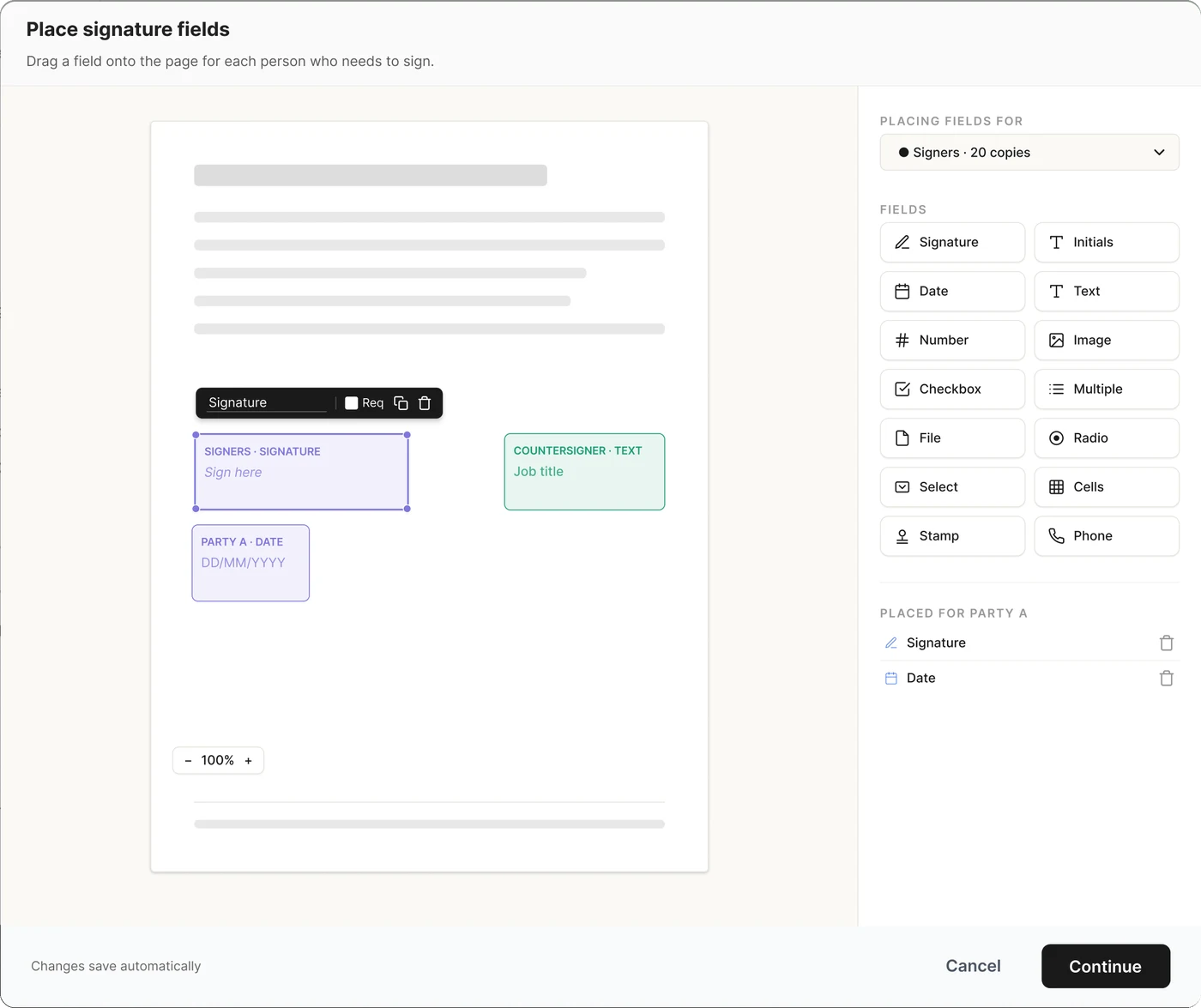
Notify, acknowledgment, or e-signature — set at creation.
05
Tag-based access
People see only what their tags allow.
06
Organization
Move freely; child documents inherit permissions.
07
Embeds
15 providers render inside SOPs.
01
Multi-step workflows
Route reviews through 1 to 4 structured approval steps
02
Flexible approvers
Add up to 6 approvers per step and 12 per workflow.
03
All-or-any rules
Require every approver or any one approver at each step.
04
Decisions with context
Approve or reject with comments; every decision stays captured.
05
Review lock
Documents lock automatically while an approval is in progress.
06
Approved-only distribution
Only the approved version can reach the document’s audience.
07
Reusable workflows
Save named approval flows and apply them across documents.
01
Distribution types
Choose notification, acknowledgment, or e-signature for each document.
02
Tag-based audiences
Send policies to the right roles, teams, sites, or groups.
03
Automatic assignment
New hires inherit every document associated with their tags.
04
Deadlines and reminders
Set due dates and automate reminders through email, Slack, and Teams
05
Nudges and exceptions
Manually nudge people or record declines and exclusions with reasons.
06
Permanent acknowledgment records
Keep identity, version, attestation text, and timestamp—even after user deletion.
07
E-signatures
Use DocuSign, Adobe Sign, SignNow, or built-in signing with identity verification.
08
Packaged guides
Bundle documents into ordered reading and acknowledgment experiences.
01
In-force dashboard
See which documents are active, due for review, or lapsed.
02
Complete audit trail
Track document activity, access changes, and append-only admin events.
03
Point-in-time snapshots
Reconstruct the policy record exactly as it existed on a selected date.
04
Audit evidence packs
Package policies, records, and requirement references for review.
05
Document analytics
See 30-day activity, visible reading time, and access attempts.
06
Tamper-evident exports
Export verifiable PDF records, CSV files, or logs in bulk.
07
One-click document PDF
Download a clean PDF of any document whenever it is needed.
01
User console
Manage every user, invitation, status, and workspace relationship.
02
Roles and SSO
Control permissions and sign-in through Azure AD or Google Workspace.
03
Retention policies
Define how long documents and records must remain available.
04
Legal hold
Preserve required records without normal deletion or retention changes.
05
Logged lifecycle actions
Keep deletion and archiving activity visible in the administrative record.
06
Full data export
Take your documents and records with you whenever required.
07
Controlled publishing
Create public pages or share documents through controlled external links.
- Coming soon
Standards & controls mapping
Map your policies to any standard's requirements, and see coverage at a glance.
- Use Cases
The mechanisms are the parts. Your job is the reason.
Pick the job you came to solve and see the mechanisms run it end to end.
Policy management
Every policy in one place, with the proof attached.
See the job →
Policy acknowledgment
Proof that the right people read the right version.
See the job →
SOP management
The SOP everyone runs from the same version of.
See the job →
Audit & compliance
Walk into the audit with the proof already gathered.
See the job →
Start your 30-day trial
Set up your policy management center this week. Pricing is public, and your data exports whenever you want it.
30-day money-back guarantee · Free migration