Knowledge sharing often starts informally. You might rely on shared folders, spreadsheets, or random Slack threads. But as your company grows from five to fifty employees, that informal knowledge quickly becomes difficult to manage. Teams begin to repeat questions. Onboarding slows down. Key processes live in people’s heads instead of in shared systems.
A scalable knowledge base becomes essential here. The right tool helps your team document processes, share insights, store company policies, and make answers easily discoverable. Whether you’re just getting started or already scaling fast, choosing a knowledge base that grows with you is one of the smartest investments you can make.
A scalable knowledge base becomes essential here. The right tool helps your team document processes, share insights, store company policies, and make answers easily discoverable. Whether you’re just getting started or already scaling fast, choosing knowledge base tools that grow with you is one of the smartest investments you can make.
In this blog, we’ll explore ten knowledge base tools that are well suited for small but growing teams. These platforms are user friendly for early adopters, but also flexible enough to support larger teams as they mature.
What to look for in a knowledge base for a growing team
Before diving into the tools, here are a few criteria that matter when your team is between five and fifty people:
- Ease of use: The tool should be simple enough that anyone on the team can contribute without formal training. If it feels too complex or clunky, team members will avoid using it.
- Flexible permissions: As your team grows, you’ll need to control who can view and edit certain types of content. Look for tools with flexible role-based access.
- Search functionality: Search is one of the most important features of a knowledge base. The platform should make it easy to find relevant content quickly, even as your content library expands.
- Collaboration support: The best knowledge bases allow multiple contributors to work together, leave comments, suggest changes, and maintain version history.
- Integrations: Look for tools that work well with Slack, Microsoft Teams, Google Workspace, or other tools your team already uses.
- Affordability: Pricing should make sense for small teams but also scale without huge jumps in cost as you grow.
When to evaluate knowledge base tools
The timing of knowledge base implementation matters as much as the platform choice. Understanding when your team has outgrown informal documentation helps ensure successful adoption and immediate value.
Look into knowledge base tools if:
- Team members ask the same procedural questions weekly
- New hires require more than two weeks to access basic information
- Critical processes exist only in specific people’s heads
- Compliance audits reveal documentation gaps
- Remote team members struggle to find company policies
Decision path for implementation: If policy affects multiple teams, then centralize the knowledge base. Policies affecting multiple teams need centralized access. Documents requiring approvals benefit from workflow management, while frequently updated information demands version control. Compliance-focused organizations should prioritize audit trail capabilities.
Top knowledge base tools for growing teams
Here are ten platforms that balance ease of adoption with the power to scale alongside your growing organization.
AllyMatter
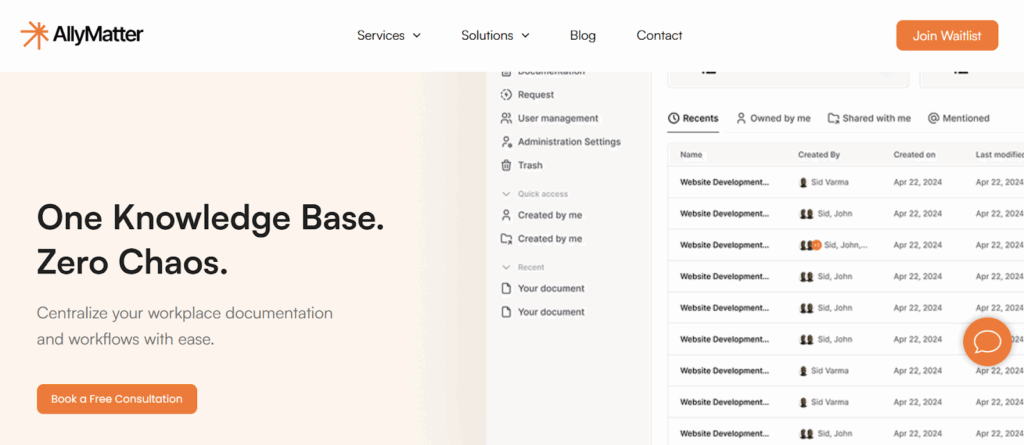
AllyMatter specializes in documentation workflows and approval processes for companies building formal governance systems. The platform is designed specifically for growing teams that want to build a strong knowledge culture early, focusing on structured content, smart search, and user accountability.
Why it is ideal for scaling teams:
- Smart approval flows and built-in signatures streamline document governance without additional tools
- Granular access control and complete audit trails prepare teams for compliance requirements
- Intelligent organization with smart tags and metadata search scales as content libraries grow
- Real-time collaboration with Slack and Microsoft Teams integration fits existing workflows
Companies in regulated industries or those preparing for compliance requirements will find the governance features particularly useful for establishing structured documentation practices early.
Notion
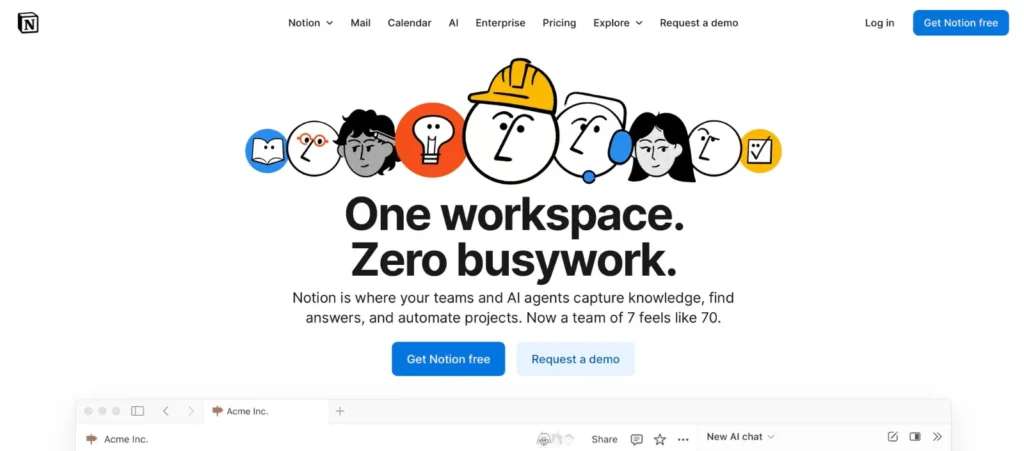
Notion combines knowledge management with project management and note-taking in one flexible workspace. The platform is a favorite among startups and remote teams because it combines note taking, project management, and a wiki-style knowledge base in one clean interface.
Why growing teams choose Notion:
- Free to start with low-cost plans that grow with team size
- Drag and drop editing with content templates makes creation intuitive for any skill level
- All-in-one workspace eliminates the need for multiple tools
- Powerful search and collaborative editing keep distributed teams aligned
Creative teams and startups often choose Notion for its versatility, allowing teams to create everything from onboarding guides to project dashboards using the same platform.
Slite

Slite is a lightweight knowledge base tool built for clarity and especially popular with teams that are fully remote or work asynchronously. The platform focuses specifically on team knowledge management with clean organization and fast collaborative editing.
Why growing teams choose Slite:
- Clean interface reduces friction so team members actually contribute documentation
- AI-powered search delivers instant answers from verified documents
- Smart templates for recurring use cases accelerate content creation
- Built for remote teams with real-time collaboration and quick access
Remote and asynchronous teams particularly benefit from Slite’s streamlined approach that encourages regular documentation without overwhelming users with complex features.
Confluence by Atlassian
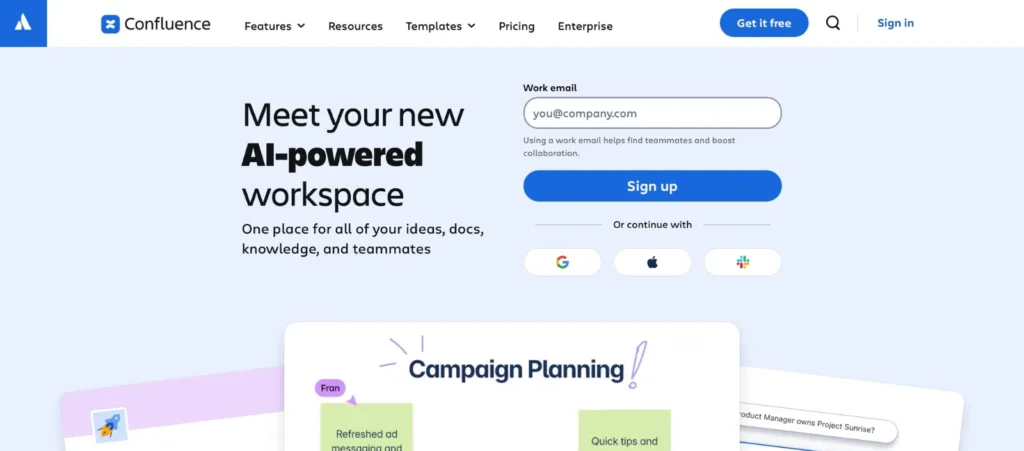
Confluence is a well-established platform that works best when paired with other Atlassian tools like Jira and Trello. The platform provides enterprise-grade knowledge management with extensive integration capabilities.
Why growing teams choose Confluence:
- Seamless integration with Jira and other Atlassian tools creates unified workflows
- Advanced content structure and hierarchy handle complex documentation needs
- Enterprise-grade permissions and security meet organizational compliance requirements
- Long-term content lifecycle features like archiving scale with organizational growth
Technical teams and companies already using Atlassian products often extend their ecosystem with Confluence for its robust organizational capabilities and advanced permission controls.
Tettra

Tettra is a focused knowledge base tool that integrates tightly with Slack. It’s ideal for teams who need a lightweight internal wiki and want to reduce repetitive questions by surfacing answers directly inside Slack.
Why growing teams choose Tettra:
- Slack integration brings answers where people already work, eliminating context switching
- Lightweight setup gets teams documenting quickly without complex configuration
- Content ownership features assign responsibility for keeping information current
- Reduces repetitive questions in channels, saving time for the entire team
Slack-heavy organizations find Tettra particularly valuable for preventing interruptions while maintaining team knowledge without requiring a separate platform.
Guru

Guru uses browser extensions and integrations to bring verified knowledge directly into your workflow. The platform emphasizes contextual information delivery rather than traditional knowledge base browsing.
Why growing teams choose Guru:
- Browser extension delivers knowledge within existing tools like Salesforce and Zendesk
- Verification workflows ensure information accuracy and freshness
- AI-based suggestions surface relevant knowledge in context automatically
- Reduces time spent searching by bringing answers to where work happens
Customer-facing teams like sales and support benefit most from Guru’s approach of delivering trusted information without leaving their primary work environment.
Helpjuice

Helpjuice focuses on internal and external knowledge management with fast search and clean organization. The platform provides detailed analytics so you can understand how knowledge is being consumed and identify gaps.
Why growing teams choose Helpjuice:
- Dual-purpose platform serves both internal teams and customer support needs
- Strong analytics reveal content performance and identify knowledge gaps
- Easy categorization and tagging keep growing content libraries organized
- Collaboration features enable co-authoring and approval workflows
Companies that need both internal documentation and customer-facing help centers often choose Helpjuice for its comprehensive dual-purpose capabilities and insights into content effectiveness.
Document360
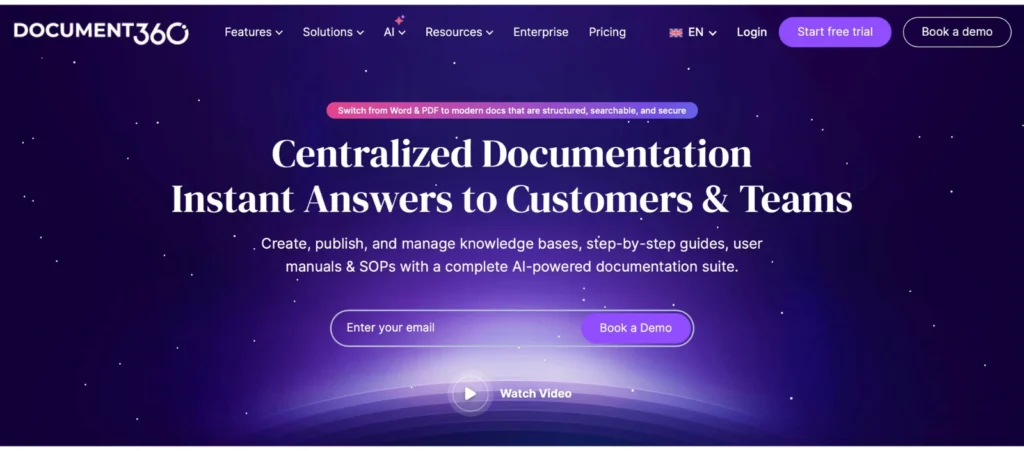
Document360 is built to support technical writing as well as internal wikis, including version control, markdown support, and structured workflows. The platform offers the depth technical teams need for complex documentation.
Why growing teams choose Document360:
- Markdown and WYSIWYG editing options appeal to technical writers
- Article review workflows and version control ensure content quality
- Advanced categorization handles complex technical documentation
- API documentation tools serve developer and technical team needs
Software companies and technical teams creating API documentation, user guides, or complex procedural content benefit from Document360’s specialized approach to technical writing.
Nuclino
Nuclino offers a minimalist approach to team knowledge sharing with visual features like graph views that show relationships between documents. The platform emphasizes speed and simplicity for teams wanting to avoid complexity.
Why growing teams choose Nuclino:
- Graph view visualizes how information connects as knowledge base grows
- Instant collaborative editing enables real-time teamwork without delays
- Minimal interface eliminates learning curve for immediate adoption
- Fast performance keeps teams focused on content rather than waiting for pages to load
Teams that want immediate collaboration without complex setup often prefer Nuclino’s straightforward approach to building interconnected documentation.
Coda
Coda goes beyond traditional documentation by allowing teams to build interactive docs that include tables, buttons, forms and logic. This makes it a great fit for teams who want their knowledge base to function as a process management tool.
Why growing teams choose Coda:
- Interactive documents combine information with functionality and automation
- Customizable building blocks adapt to changing team needs over time
- Integrates documentation with live data updates for operational workflows
- Eliminates need for separate process management tools
Teams that want their documentation to integrate with data management and process automation find Coda valuable for creating knowledge bases that serve as operational tools.
Choosing the right fit for your team
Different tools serve different team needs and working styles. Teams that prioritize quick setup and immediate adoption often thrive with simpler platforms like Nuclino or Slite. Organizations with formal requirements or complex permission needs typically benefit from more structured solutions like AllyMatter or Confluence.
The most successful knowledge base is the one your team actually uses consistently. Consider your team’s current workflows, technical comfort level, and collaboration preferences when making a decision.
Focus on matching platform capabilities with your actual needs rather than feature counts. Consider how your team currently shares information and choose a tool that enhances rather than disrupts those patterns.
Ready to scale your knowledge management? Join our waitlist for early access to AllyMatter and see how structured documentation transforms growing teams.
Frequently asked questions
What’s the difference between a knowledge base and shared file storage?
Knowledge bases structure information for discovery and collaboration, while file storage simply houses documents. A proper knowledge base includes search functionality, access controls, version tracking, and workflow management that shared drives can’t provide.
How long does knowledge base implementation typically take?
Implementation ranges from one week for simple setups to several months for complex organizational structures. It depends more on content migration planning and team adoption strategies than technical configuration.
Can small teams afford enterprise knowledge base features?
Many platforms offer scalable pricing that grows with team size. The cost of lost productivity from scattered information often exceeds knowledge base subscription costs within the first quarter of implementation.
What happens to existing documents during platform migration?
Most knowledge base tools provide import capabilities for common file formats. However, migration requires content audit, restructuring, and access permission mapping to maximize the new platform’s organizational benefits.
How do you ensure team adoption of knowledge base tools?
Adoption happens through leadership modeling, integration with existing workflows, and demonstrating immediate value through reduced repetitive questions. Training should focus on contribution processes, not just consumption.