The first sign usually shows up in a filter. An operations manager tries to sort their SOP library by “Last Modified” and gets an error message about list view thresholds. They refresh. Try a different browser. Ask IT.
That’s when someone mentions the number: 5,000 items.
Nothing dramatic happened. No system outage. No warning from Microsoft. But somewhere between 4,800 and 5,100 documents, SharePoint for internal documentation quietly stopped behaving the way it used to.
I’ve walked companies through this moment dozens of times. The conversation always starts the same way: “We thought SharePoint could handle this.”
It can. And it can’t.
The performance wall nobody warns you about
What actually breaks at 5,000 items:
SharePoint stores all list data in a single SQL table. When a query tries to retrieve more than 5,000 rows at once, SQL Server locks the entire table while processing the request. Not just that view. Not just that library. The entire table that holds all document data for that content database.
This threshold exists to prevent resource-intensive database operations from degrading system performance. The 5,000-item limit isn’t arbitrary. It’s the point where SQL Server switches from row-level locking to table-level locking.
For SharePoint for internal documentation, this means views stop loading, filters break, search becomes unpredictable, and metadata that worked perfectly at 3,000 documents suddenly can’t retrieve anything at 6,000.
The system still functions. Files are still there. Permissions haven’t changed.
But trust erodes fast when people can’t find what they know exists.
What growing companies actually experience
Most organizations don’t hit the threshold cleanly. You’ll see intermittent failures first. A view that worked yesterday throws an error today. Someone refreshes and it works. Ten minutes later, it doesn’t. IT starts getting tickets. “Can’t access the policy library.” “Where did the HR documents go?” “Search isn’t returning anything.” The operations team creates workarounds: More folders, more libraries, more “temporary” solutions that become permanent structure; each layer adds friction.
Why metadata isn’t the silver bullet everyone claims
When I mention the 5,000-item threshold, someone always suggests metadata and indexed columns. They’re right. Technically. Indexed columns do help SharePoint query large lists more efficiently. Filter on an indexed column and you can work around some threshold issues.
But look at what happens in practice. Your HR manager updates the leave policy. She needs to apply the right department tag, the correct policy type, the current status, and the approval stage. If she forgets one tag or misspells a value, that document becomes unfindable.
Your new operations coordinator is trying to locate the vendor onboarding process. He doesn’t know if it’s tagged “Operations” or “Procurement”, and if the document type is “Process” or “SOP.”
He asks someone instead.
Metadata works when everyone applies it consistently and knows how to retrieve information later. In growth-stage companies where internal documentation changes frequently and ownership is distributed, that consistency breaks down fast.
The moment internal documentation becomes storage
There’s a shift most executives miss. At some point, SharePoint for internal documentation stops being something people rely on and becomes something people store files in.
Teams start circulating PDFs by email because “it’s faster than searching.” Three versions of the same policy exist because no one is confident which one is current. New hires ask colleagues for links instead of searching themselves.
These behaviors signal that internal documentation has moved from a knowledge system to a file repository. You’re paying for collaboration and knowledge management. You’re getting a complicated filing cabinet.
The operational costs that don’t show up in dashboards
CFOs see the SharePoint license cost. They don’t see the hidden expenses.
Onboarding takes longer because new hires can’t navigate scattered documentation. HR teams answer the same policy questions repeatedly because employees can’t find current information. Operations leaders see inconsistent execution because process documents aren’t being followed the same way across teams.
These costs accumulate quietly. Repeated interruptions. Dependency on a few long-tenured employees who “know where everything is.” Tribal knowledge replacing documented processes.
When SharePoint still makes sense
I’m not here to tell you SharePoint is wrong for everyone. It works well in specific environments. Organizations with relatively static documentation, formal governance structures, and dedicated IT ownership can manage these constraints effectively.
SharePoint excels when:
- Documentation is compliance-driven and tightly controlled
- A small administrative group owns content creation and updates
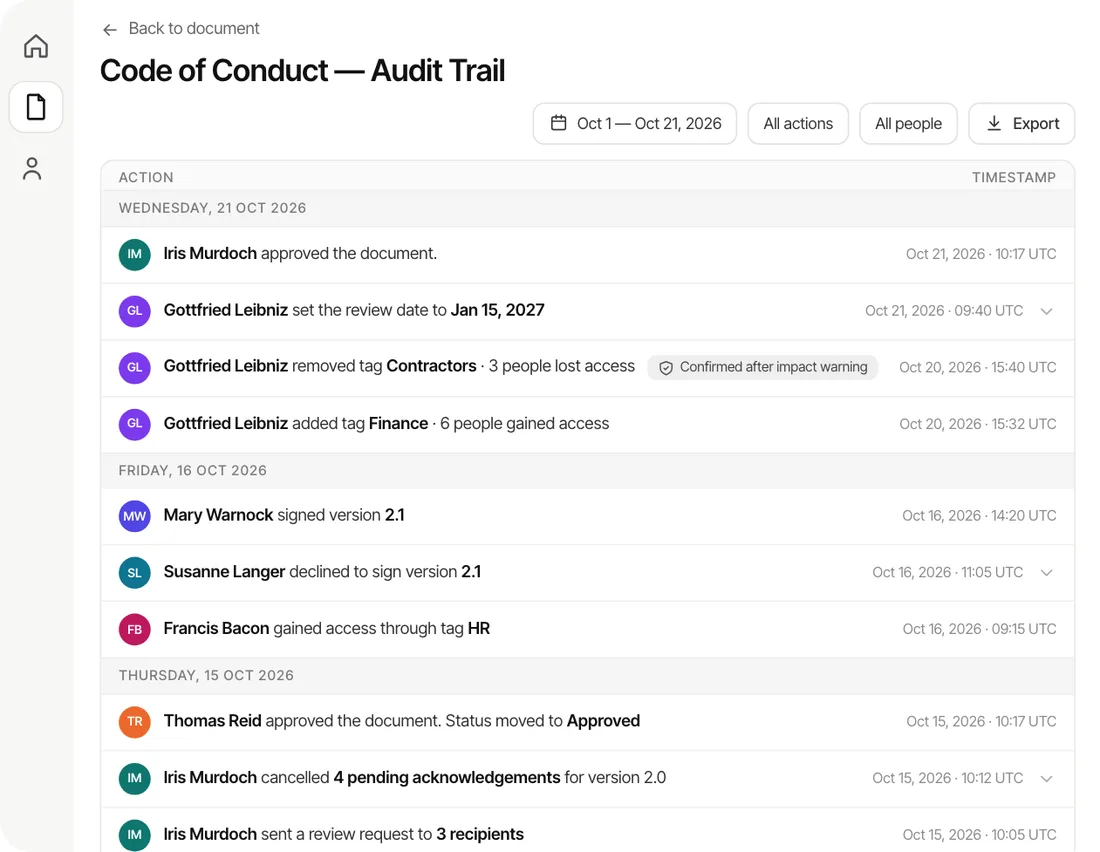
- Audit trails and formal approval cycles are more important than speed
- Your IT team has capacity to manage metadata schemas, indexed columns, and view optimization
If your environment looks like that, SharePoint for internal documentation may still be the right choice.
But if your documentation changes frequently, affects multiple departments, and needs to be trusted day to day without IT intervention, the underlying model starts to matter more than the tool.
Why AllyMatter fits this transition
The question I hear most often: “What do we move to?” The better question: “What model do we need?”
If internal documentation is meant to store files for compliance purposes, SharePoint can continue serving that role. Add more libraries. Optimize views. Train people on metadata. But if internal documentation is meant to help employees do their jobs without asking for help, you need a different approach.
AllyMatter was built for this specific transition point. It provides version control, approval workflows, and granular access control without requiring IT involvement for routine updates. Documentation stays centralized and searchable as teams scale.
The difference isn’t features. It’s architecture. Purpose-built internal knowledge bases organize content around topics and ownership rather than libraries and folders. They’re designed for environments where documentation changes frequently, multiple teams contribute, and access needs to be reliable.
For organizations reassessing SharePoint for internal documentation, AllyMatter represents a move toward clarity rather than another layer of complexity.
Related reading: Why Fast Growing Companies Need a Standalone Internal Knowledge Base Solution
The self-assessment checklist
You’ve likely outgrown SharePoint for internal documentation if several of these are true:
- Internal documentation is scattered across multiple libraries or sites.
- Employees ask colleagues instead of searching when they need information.
- Routine documentation updates require IT involvement or approvals.
- Multiple versions of the same policy circulate because people don’t trust the repository.
New hires rely on tribal knowledge and verbal guidance to get oriented. Your IT team spends significant time troubleshooting views, managing metadata, or explaining why search isn’t working. If three or more apply, the issue usually isn’t configuration. It’s fit.
For organizations at this crossroads, understanding how internal knowledge bases differ structurally from document repositories helps clarify next steps.
Related reading: Internal Knowledge Base Guide
Moving forward without breaking what works
The tipping point isn’t a crisis. It’s a gradual recognition that your knowledge system no longer supports how your organization operates.
SharePoint for internal documentation works until it doesn’t. The 5,000-item threshold is just the most visible symptom of a deeper architectural mismatch between how SharePoint stores information and how growing companies need to access it.
Growing companies don’t struggle because they lack documentation. They struggle because their knowledge systems stop supporting how work actually gets done.
The organizations that recognize this early are the ones that make the transition without disruption. They don’t wait until frustration becomes the primary driver. They assess fit proactively.
If you’re reassessing SharePoint for internal documentation and exploring what comes next, understanding when SharePoint specifically fails as an internal knowledge base helps frame the decision. Related reading: Why SharePoint Fails as an Internal Knowledge Base
If your team is reassessing SharePoint for internal documentation, try AllyMatter’s live demo to see the difference.
Frequently asked questions
What does SharePoint’s 5,000-item list view threshold actually mean for internal documentation?
It’s a performance limit, not a storage limit. When SharePoint queries a list that would return more than 5,000 rows, SQL Server locks the entire table to prevent database strain. This means views stop loading, filters break, and search becomes unreliable. The documents still exist and permissions haven’t changed, but employees can’t access them reliably. It’s why you’ll see intermittent errors where a view works one minute and fails the next.
Can metadata and indexed columns solve SharePoint performance issues?
They help, but only when everyone applies tags consistently and knows how to search. In practice, that breaks down fast. Your HR manager might tag a policy as “Operations” while someone else uses “Ops.” New hires don’t know which filters to use. Metadata improves performance technically, but it doesn’t solve the usability problem when document volumes grow and ownership is distributed across teams.
When should a company consider moving away from SharePoint for internal documentation?
When employees stop trusting the system. Look for these signals: people ask colleagues instead of searching, multiple versions of policies circulate, IT gets pulled into routine updates, and new hires rely on verbal guidance. If your documentation system creates friction instead of reducing it, that’s when to reassess fit.
How is an internal knowledge base different from a SharePoint document library?
A document library stores files in folders and libraries. A knowledge base organizes information by topic and ownership. SharePoint follows a records management model built for governance and compliance. Purpose-built knowledge bases prioritize fast retrieval and self-service access. The difference matters when documentation changes frequently and teams need answers without IT support.
Is SharePoint still a good option for internal documentation in growing companies?
Yes, when documentation is static, compliance-driven, and managed by a small group with IT support. SharePoint excels at formal approval cycles and audit trails. The challenge hits when documentation changes often, ownership spreads across departments, and people need reliable access without IT help. Then the architectural model starts to matter more than features.