Three months into her CFO role at a 40-person SaaS startup, Elena faced an unexpected problem. The finance team spent 15 hours each week answering the same expense policy questions. HR forwarded PTO inquiries that should have been self-service. The ops team couldn’t find the client onboarding checklist the founder swore lived “somewhere in Google Drive.”
Elena’s predecessor had tried Notion. Before that, Confluence. Neither stuck. The team kept reverting to Slack threads and email chains because “the wiki was too complicated” or “nobody could find anything.”
The issue wasn’t the tools themselves. The company had chosen solutions based on feature lists rather than actual needs. They’d overlooked hidden costs like DIY read receipts and external e-signature tools. Most critically, they’d skipped the decision framework that maps tool capabilities to growth stage.
If you’re evaluating knowledge base platforms for a startup under 100 employees, you need selection criteria before product names. This guide walks through the purchase decision systematically, then provides transparent comparisons of 10 solutions with pricing models, hidden costs, and an evaluation framework.
Selection criteria before tool comparison
Feature checklists miss the point. What matters is how a tool performs against your operational reality.
Setup speed versus governance needs. Pre-seed companies need documentation running this week. Series A companies preparing for SOC2 need approval workflows and audit trails. Tools that excel at one typically underperform at the other.
Here’s what this means. A pre-seed company with 8 people needs their wiki running by Friday so the new hire can onboard Monday. They’ll choose based on “can I get this done in 2 hours?” A Series A company preparing for SOC2 needs approval workflows configured correctly from day one, even if setup takes a week, because retrofitting governance after building bad habits costs months.
Collaboration patterns. According to a study by Qatalog, workers spend nearly one hour daily searching for information between collaboration, storage, and messaging apps, with 45% reporting that context-switching hampers productivity. Async-first remote teams need different search and notification capabilities than co-located teams. Slack-heavy organizations benefit from native integrations that office-first companies can skip.
Compliance timeline. If you’re 18 months from your first security audit, native approval workflows and acknowledgment tracking save significant time and cost compared to piecing together integrations later.
Budget reality. Starting prices tell half the story. Calculate the full cost including user licenses, required integrations, migration assistance, and admin time. A tool with lower per-user pricing but requiring external services for e-signatures and acknowledgment tracking often costs more than a platform with these capabilities built in.
The costs nobody mentions until you’re three months in
Watch for these gaps that derail budgets:
DIY acknowledgments: Many platforms lack native read receipt or policy acceptance tracking. You’ll build workarounds with forms and spreadsheets, consuming hours that native features eliminate.The knowledge transfer gap often extends far longer when you’re manually tracking who’s read what.
External e-signatures: If your industry requires signed policy acknowledgments, a tool without native e-signature capability forces you into a separate DocuSign or PandaDoc subscription. For HR teams managing policy compliance or finance teams documenting approval processes, this isn’t optional but a recurring cost that adds up quickly.
Export limitations: Some platforms make it difficult to extract your data in usable formats. Migration becomes expensive if you need professional services to move content out.
Per-user versus per-viewer pricing: Understand whether you pay for contributors only or for everyone who reads content. This distinction dramatically affects costs as you scale.
Admin overhead: Calculate maintenance time. Simple platforms might need 2-3 hours monthly. Complex systems requiring IT involvement can consume 20+ hours, turning your subscription into actual costs far exceeding the advertised price when you factor in admin salaries.
How to prioritize: If you’re pre-seed, focus on setup speed and straightforward pricing. Remote-first teams prioritize search power and integrations. SOC2-bound companies need approval workflows and audit trails now, not later. Scaling teams should evaluate migration ease and admin overhead more heavily than monthly per-user pricing.
10 knowledge base solutions for startups under 100 employees
Purpose-built governance platforms
AllyMatter
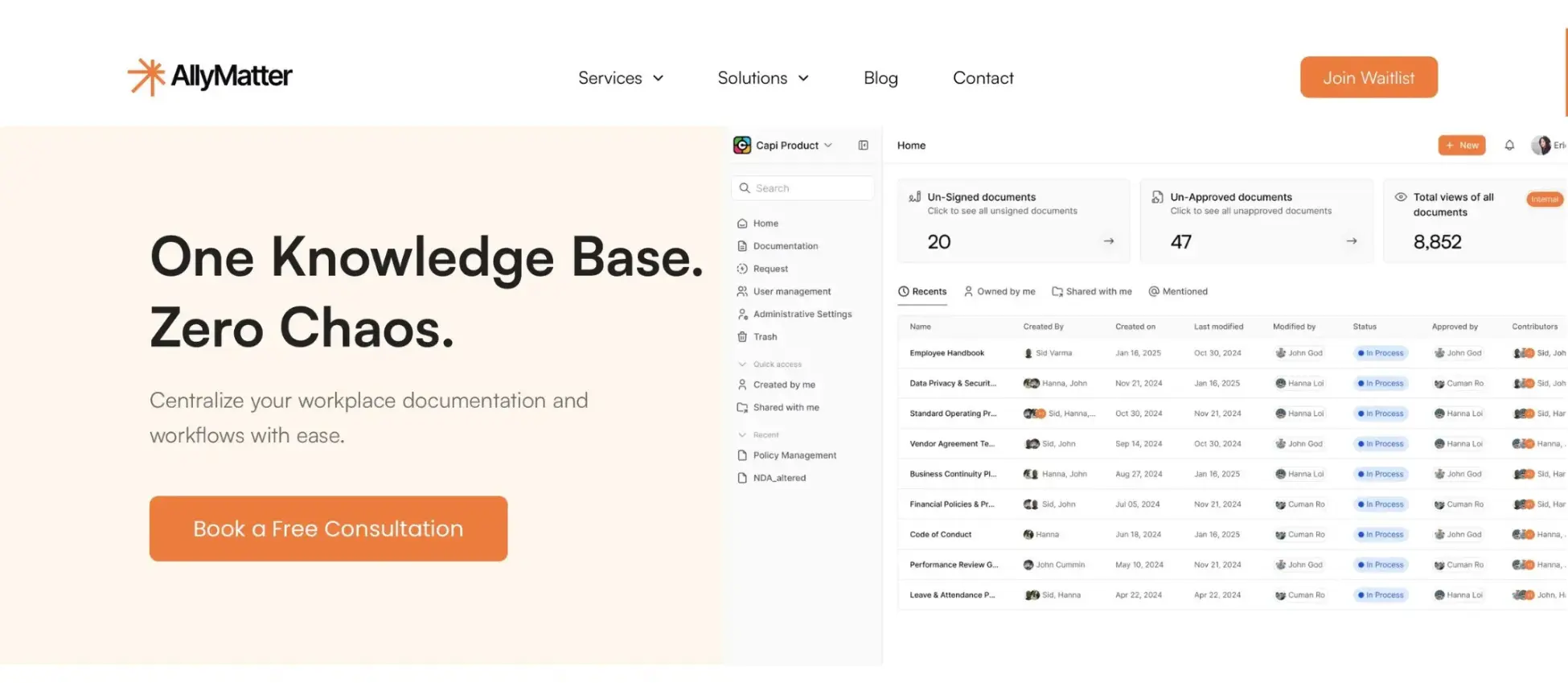
A knowledge management platform that centralizes documentation with built-in governance features for growing organizations. AllyMatter addresses a specific gap: companies that have outgrown basic file sharing but don’t need full enterprise complexity.
Core capabilities:
- Multi-level approval workflows for policy management
- Built-in acknowledgment tracking with enforcement mechanisms
- Native e-signature* capabilities for document approvals
- Complete audit trails for compliance requirements
- Granular role-based access control by roles, departments, or projects
- Metadata-driven search that scales as content libraries grow
- Version control with detailed change history
- Integration with Slack and Microsoft Teams
(*This feature is under development.)
Scenarios where this works:
HR compliance management: Your HR team needs to distribute updated policies, track which employees have acknowledged them, and maintain records for audits. Instead of managing spreadsheets and email confirmations, acknowledgment tracking and e-signatures handle this natively.
Finance documentation and approval: Your finance team documents vendor payment processes and expense policies. Multi-level approval workflows ensure the CFO and department heads review critical financial documentation before it goes live, with complete audit trails of who approved what and when.
Operations knowledge preservation: Your ops team is scaling rapidly and losing institutional knowledge every time someone leaves. Centralized documentation with role-based permissions ensures the right people can access operational procedures while protecting sensitive information.
Consider this when: You’re in healthcare, fintech, legal services, or another regulated industry. You’re 12-18 months from SOC2 certification. Your investors asked about documentation governance. You’re tracking policy acknowledgments manually. Your internal documentation needs extend beyond basic file sharing.
This probably isn’t for you if you just need somewhere to write stuff down and share it without governance requirements. AllyMatter’s strength is compliance and approval workflows, which matter most when audit and regulatory requirements emerge.
All-in-one workspaces
Notion
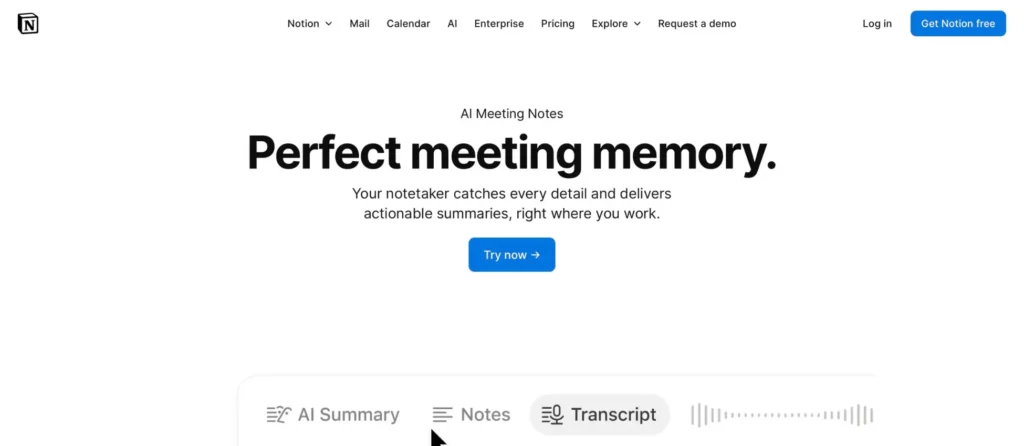
An all-in-one workspace combining note-taking, project management, databases, and knowledge bases in a flexible blocks-based system.
Core capabilities:
- Flexible content creation with blocks and templates
- Databases with relational capabilities
- Real-time collaboration
- Mobile applications
- Integrations with productivity tools
Scenarios where this works:
Small creative teams needing flexibility: Your 15-person design agency wants one tool for client project tracking, internal documentation, and meeting notes. Notion’s flexibility lets you customize everything without rigid structure.
This probably isn’t for you if: You’ve struggled with Google Docs as a knowledge base, Notion without governance and dedicated ownership can recreate similar chaos. Not built for granular permissions on sensitive content or customer-facing documentation.
Coda
A doc-centric workspace combining documents, databases, and automations with strong template support for building custom knowledge systems.
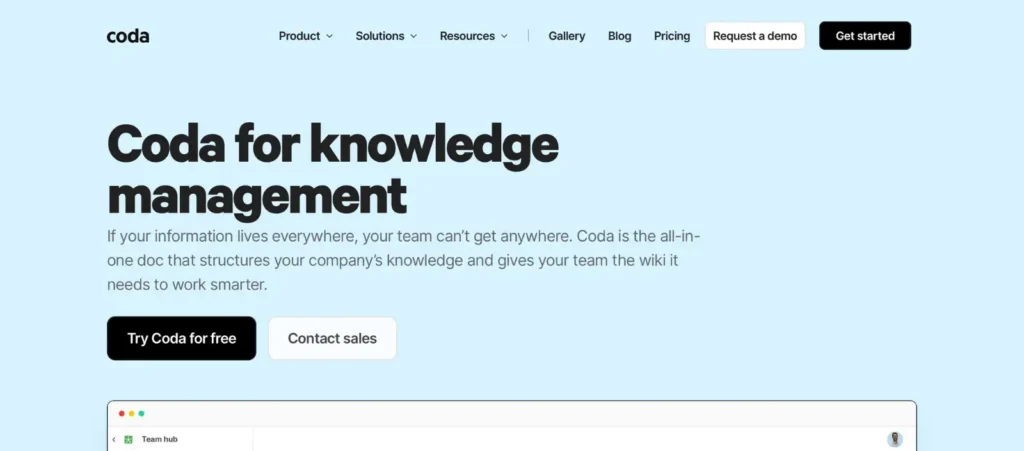
Core capabilities:
- Interactive documents with buttons and automations
- Database functionality embedded in documents
- Formulas and calculations
- Integration packs
- Version history
Scenarios where this works:
Product teams needing interactive documentation: Your product team documents feature specifications that pull data from your roadmap database, automatically updating release dates and ownership.
This probably isn’t for you if: You need traditional knowledge base functionality for policies and onboarding. Coda excels at interactive, data-driven documentation but has a steeper learning curve for basic knowledge sharing.
Modern knowledge bases
Slab
A modern knowledge base emphasizing clean editing, unified search across tools, and topic-based organization.
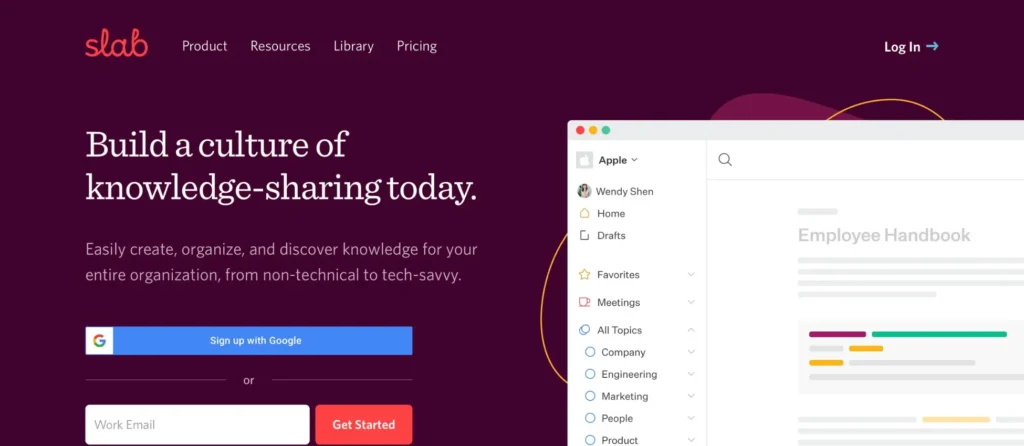
Core capabilities:
- Distraction-free editor
- Unified search across Slab, Slack, GitHub, and Google Drive
- Topic-based organization with permissions
- Real-time collaboration
- Version history
- SOC2 compliance on Business tier
Scenarios where this works:
Technical teams scaling quickly: Your engineering team uses Slack, GitHub, and Google Drive. Unified search lets developers find answers across all three without switching contexts.
This probably isn’t for you if: You need detailed approval workflows or customer-facing documentation. Slab focuses on internal knowledge with limited governance features.
Slite
An AI-driven knowledge base designed for remote teams, featuring AI-powered search and collaborative editing.

Core capabilities:
- AI-powered search and instant answers
- Templates for meetings, onboarding, processes
- Real-time collaborative editing
- Clean, minimal interface
- Slack integration
Scenarios where this works:
Remote-first teams across time zones: Your 40-person fully remote company needs centralized onboarding materials that work asynchronously. Templates and AI search help new hires find answers without waiting for colleagues to wake up.
Teams focused on knowledge sharing for remote work appreciate the async-first design.
This probably isn’t for you if: You need advanced permissions or compliance features. Slite optimizes for ease of use over governance capabilities.
Nuclino
A lightweight, fast wiki with real-time collaboration and visual organization options.
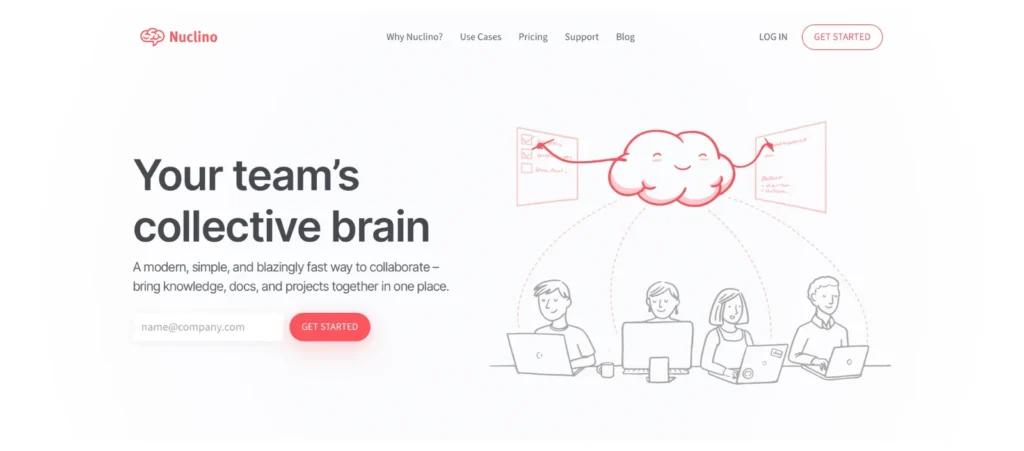
Core capabilities:
- Instant collaborative editing
- Graph view showing content relationships
- Canvas mode for visual organization
- Fast search
- Mobile applications
Scenarios where this works:
Small teams prioritizing speed: Your 12-person startup needs documentation running today, not next week. Nuclino’s minimal interface gets you operational in hours.
This probably isn’t for you if: You need granular permissions or compliance features. The free tier’s item limit arrives quickly for growing teams.
Specialized solutions
Tettra
A Slack-first knowledge base focusing on reducing repeated questions through native Slack integration.

Core capabilities:
- Native Slack bot for answering questions
- Question analytics showing knowledge gaps
- Content ownership assignments
- Category-based organization
- Content suggestion workflow
Scenarios where this works:
Slack-heavy organizations: Your team lives in Slack and repeatedly asks the same questions in channels. Tettra’s bot surfaces answers directly in Slack threads.
This probably isn’t for you if: You use Microsoft Teams or plan to reduce Slack dependence. Tettra’s value is tightly coupled to Slack usage, making migration to other platforms difficult.
Guru
An AI-powered knowledge platform using a card-based organization model with verification workflows.
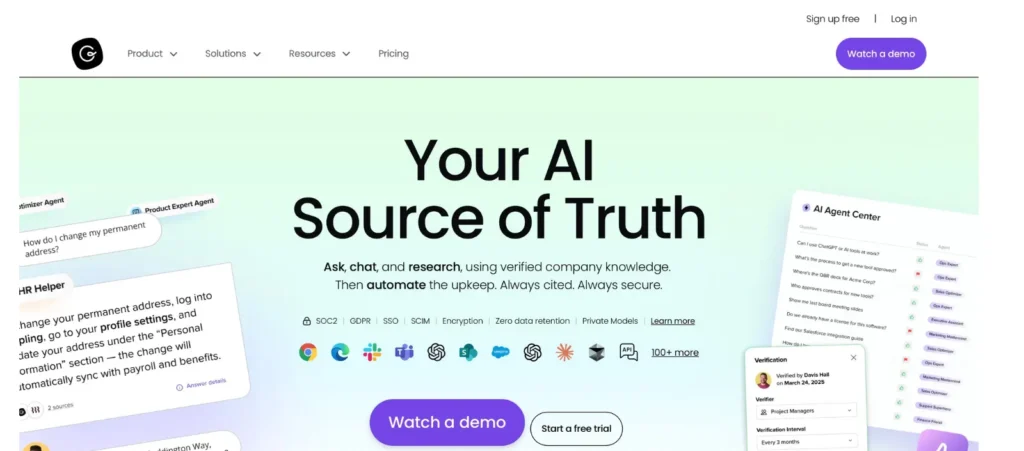
Core capabilities:
- Browser extension delivering knowledge in-context
- Verification workflows for accuracy
- Card-based knowledge organization
- AI suggestions
- Analytics on content usage
- Integrations with CRM and support tools
Scenarios where this works:
Customer support teams needing verified answers: Your support team handles complex product questions. Verification workflows ensure outdated information gets flagged before agents use it with customers.
This probably isn’t for you if: You need traditional wiki organization. Guru’s card model works differently than most knowledge bases, making migration challenging.
Archbee
A developer-focused knowledge platform for technical documentation, APIs, and product docs.
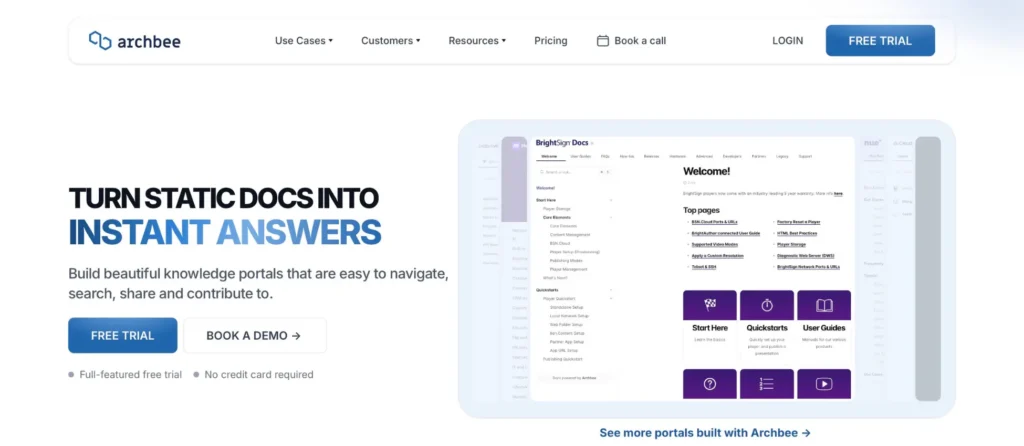
Core capabilities:
- Git synchronization
- API documentation generation
- Code blocks with syntax highlighting
- Public and private portals
- Diagramming tools
- Technical writing optimizations
Scenarios where this works:
Developer teams documenting APIs: Your SaaS startup needs both internal technical documentation and external API docs. Git sync keeps documentation aligned with code changes.
This probably isn’t for you if: You need general company knowledge like HR policies. Archbee optimizes for technical content, not organizational documentation.
Document360
A knowledge base platform designed for both customer-facing and internal documentation with analytics focus.
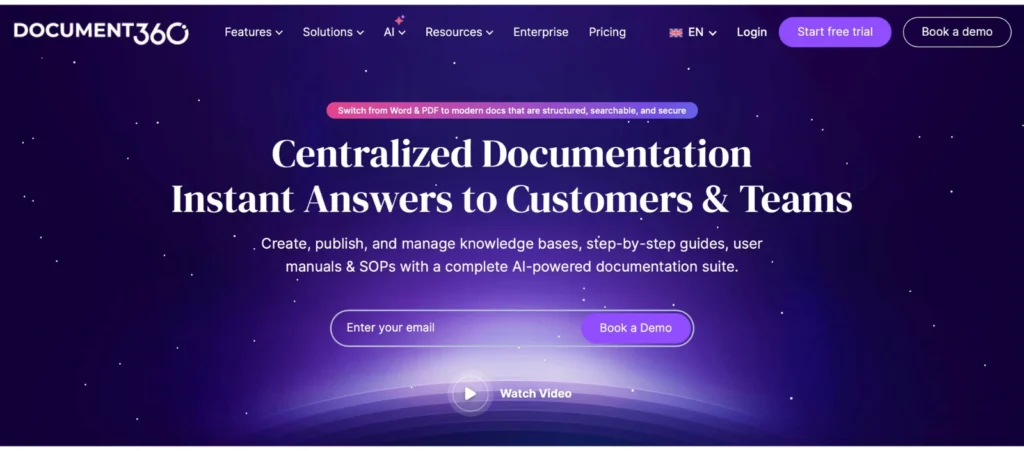
Core capabilities:
- Advanced search with autocomplete
- Multi-language support
- Analytics on article performance
- Category management
- Multiple editor options
- Version control
Scenarios where this works:
Support-heavy companies: Your 60-person company fields hundreds of support tickets monthly. Analytics show which articles solve problems and which need improvement.
This probably isn’t for you if: You need quick setup without complexity. Document360 works best with dedicated documentation ownership and time to configure properly.
How to test in one week
Run systematic trials before committing. Here’s a framework that works:
Day 1: Setup and configuration. Time the initial setup. Can one person configure it in under 3 hours without IT help? Create basic structure: teams, permissions, test pages.
Day 2: Content migration test. Import 10 representative documents covering different types (policies, procedures, FAQs). Note what works smoothly and what requires workarounds.
Day 3: Team adoption test. Invite 5 users representing different roles. Ask them to create content without training. Observe how naturally they adopt it.
Day 4: Search and retrieval test. Simulate real scenarios. According to Gartner survey data, 47% of digital workers struggle to find the information needed to effectively perform their jobs. Ask team members to find answers to actual questions people ask repeatedly. Time how long searches take.
Day 5: Admin and governance test. Configure approval workflows if relevant. Set up different permission levels. Verify the admin interface makes sense. Test data export to see what format you get.
Acceptance checklist:
- Setup completed in under 4 hours without IT assistance
- Team members contributed content without training sessions
- Test searches found correct answers in under 30 seconds
- Permissions configured correctly on first attempt
- Admin feels confident maintaining independently
- Total cost including integrations fits budget
- Data export produces usable format
- Clear migration path exists if you need to change later
Red flags to walk away: Setup requires developer assistance. Team resists using it during trial. Data export requires support tickets. Hidden costs exceed 30% of base price. Support is unresponsive during trial.
Choosing tools that grow with you
The knowledge base you implement today determines whether you’re scrambling during fundraising or breezing through due diligence. I’ve watched startups choose the wrong tool three times in two years, each migration costing weeks of productivity during critical growth phases.
Your decision framework matters more than the tool name. Understand whether you need governance now or in 18 months. Know your true costs including the hidden ones. Test with real users, not just yourself. Verify you can get your data out if things change.
The right knowledge base doesn’t just store information. It shapes how your company scales, how quickly new hires contribute, and how confidently you navigate compliance requirements as they emerge.
Map your needs against the decision framework. Need governance features now or within 18 months? Prioritize platforms with native compliance capabilities. Need operational capability this week? Choose simple tools with fast setup. Slack-heavy organization? Consider Slack-integrated options. Engineering-heavy team? Look at developer-focused platforms.
Test systematically using the 5-day trial plan. Involve actual users, not just budget holders. Verify export capabilities before committing. Calculate total cost including hidden factors. Choose based on where you’ll be in 18 months, not where you are today.
For additional guidance on implementing your chosen solution, see our complete guide to building a startup knowledge base. Teams scaling from 5 to 50 employees will also benefit from our comparison of knowledge base tools for growing teams. If you’re specifically focused on internal documentation best practices, that guide covers implementation strategies in depth.
Ready to build governance into your knowledge base from day one? Join the AllyMatter waitlist to see how native compliance features simplify documentation workflows for growing startups.
Frequently asked questions
What’s the difference between a knowledge base and shared file storage for startups?
File storage organizes by files and folders. Knowledge bases organize by topics with powerful search, version control, collaboration workflows, and access controls beyond basic folder sharing. You need a knowledge base when finding information becomes harder than creating it.
Should startups under 50 employees invest in approval workflows?
It depends on your industry and compliance timeline. Regulated industries like healthcare, fintech, and legal services need workflows immediately to meet compliance requirements. If you’re 12-18 months from SOC2 or similar certifications, implement now to avoid migrating platforms later when you’re under audit pressure. Otherwise, defer until Series A when investor requirements typically emerge. The trigger is usually either regulatory requirements or the first time an investor asks “how do you manage policy updates?”
What’s the real cost of switching knowledge base tools later?
Budget 2-4 weeks for proper migration including content export, reformatting, permission mapping, and user training. For a 50-person startup, the total costs including lost productivity, potential consulting services, and duplicate subscriptions during transition can be substantial. The real cost isn’t just money. It’s the institutional knowledge that gets lost when people stop updating the old system but haven’t fully adopted the new one. Test export capabilities during your trial to understand what migration would actually look like.
Which free tools have the best paths to paid plans?
The smoothest transitions happen when free and paid tiers use the same organizational model. Tools with similar structures make it easier to scale without rethinking your entire approach. The roughest transitions involve tools with unique organizational models. Moving away from Slack-first or card-based systems requires rethinking how you structure content. Before choosing a free tool, export a test page and see what the output looks like. That tells you how painful migration will be.
How do approval workflows differ from version history?
Version history tracks changes and allows restoring previous versions, essential for all collaborative documentation. It’s your safety net for mistakes and helps you understand how content evolved. Approval workflows require designated reviewers before publication, essential for policies, legal documents, or compliance-regulated content. They’re your quality gate for sensitive information. Think of version history as “what changed” and approval workflows as “who authorized this change.” Most platforms offer version history; fewer include native approval workflows.
Do I need a knowledge base if we’re only 15 people?
Depends less on headcount than on these factors: (1) Are you hiring? (2) Are you remote or hybrid? (3) Do multiple people answer the same questions repeatedly? (4) Are you in a regulated industry? A 15-person fintech startup preparing for SOC2 needs a knowledge base more than a 75-person co-located design agency. The trigger is usually either compliance requirements or the third time someone asks “wait, where did we document that?” If you’re spending more time finding information than creating it, headcount doesn’t matter. You need better knowledge management.